
How to Improve the Speed of Your Computer
Simple tips on boosting the performance of a slow computer.
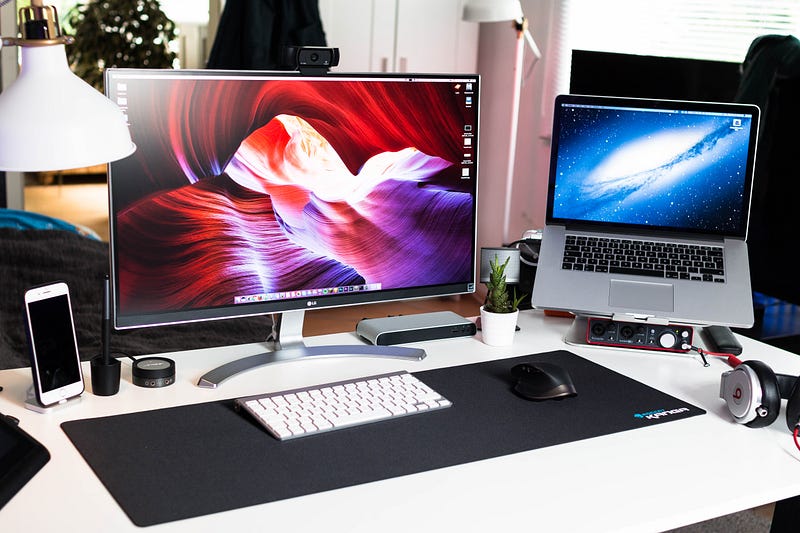
A slow computer is an all too common problem for many people. Typically, a computer will get slower due to age, making it difficult for you to stay productive and perform basic tasks. Reaching out to an IT specialist is a great way to improve the performance of your computer if you are looking for professional assistance. However, you can also follow a few simple tips yourself, which saves yourself a lot of time and money.
Here are a few tips to help you improve the speed of a slow computer.
Scan Your Computer for Malware and Viruses
One of the first steps in improving the performance of your computer is to scan your system for malware or viruses. Typically, it is a good idea to schedule these scans two to three times per week. Always keeping your anti-virus and malware software up to date is critical in protecting your computer. Various types of malware can significantly reduce the performance of your computer while also posing significant privacy risks.
Uninstall Unnecessary Programs
Most new computers are shipped with preinstalled programs that take up valuable space. These programs are often known as “bloatware,” as they are non-essential, and they can often make your computer operate more slowly. Some of these programs run in the background, which significantly impacts the speed of your computer. You can easily uninstall these programs by going to the “Programs and Features” listed in the “Control Panel.” You can review all of the programs installed on your computer and click which programs you want to uninstall to free up additional space.
Prevent Automatic Startups
An often overlooked way to improve the speed of your computer is to stop programs from automatically launching once you start your computer. You can modify these settings by right-clicking on the taskbar and choosing “Task Manager.” Navigating to the Startup tab allows you to choose which programs run on startup. Disabling unnecessary programs can significantly boost the speed of turning on your computer, which saves you a lot of time.
Add More RAM
Running several programs simultaneously can overwhelm your computer, especially if it’s an older model. Adding more RAM is an effective way to boost the performance of your computer, as it can handle multiple tasks much faster. Doing research online or reaching out to an IT professional can help you determine how much more RAM you need to maximize the performance of your computer.
Restart Your Computer
One of the most simple ways to boost the speed of your computer is to restart it at least once per week. You may also want to reset it more frequently if you use your computer on a regular basis. Over time, your PC can eventually get slower due to many different programs running in the background. Simply restarting your computer is a great way to get a fresh start while fixing any performance problems.
Understanding how to optimize the performance of your computer is essential in helping you be more productive. Always scanning your system for malware, uninstalling extra programs, and adding more RAM are just a few examples of the many ways you can improve the speed of your PC. Using a computer is an everyday occurrence for countless people across the world, as looking at ways to improve the speed of your system is a great way to save yourself a lot of time and frustration.