
How To Get Alexa to Speak With an Accent
Making Alexa’s voice easier to understand
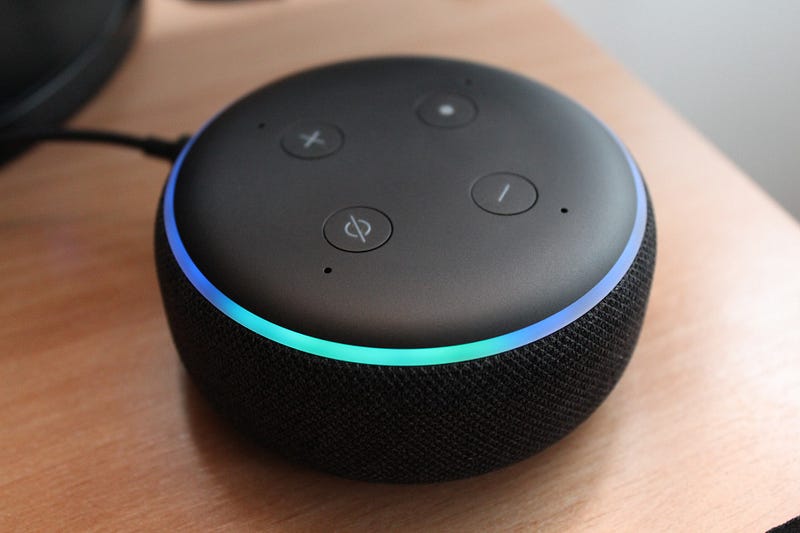
I work from home, so Alexa and I talk quite a bit. I frequently ask her about the time, the weather, and the news.
I have her set timers, play music and podcasts, search for dictionary definitions, and recommend cooking times and temperatures.
I ask her how to say phrases in other languages — a function I rate much higher than Google Translate.
But to be honest, I get tired of her voice. Her mildly robotic, middle-American news anchor English is beginning to get stale.
I thought, wouldn’t it be great if I could change Alexa’s accent? If it’s possible, I should be able to find it in Alexa Preferences under Voice Responses, right? Here are the voice response features:
- Brief Mode
- Whisper Mode (one of my favorite features!)
- Adaptive Volume
- Celebrity Voice (currently only Samuel L. Jackson for $4.99)
That’s all. No accents.
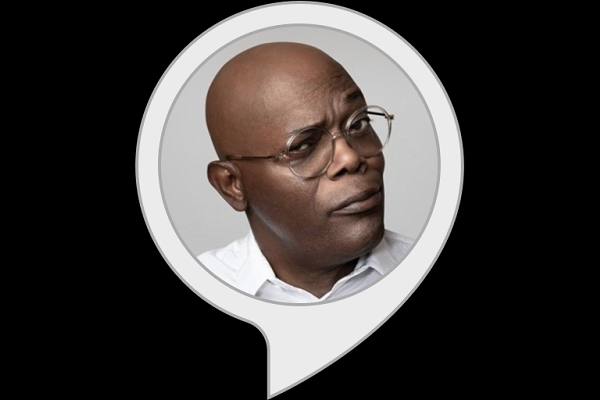
Is Samuel L. Jackson more interesting than Alexa’s current voice? Sure. But his delivery is a bit animated for 24/7 use. And I’m sure he’s an expensive AF voiceover, which I’m guessing is why it’s limited to select responses such as jokes and the weather.
On a completely separate whim, I decided to check out the languages tab in the hopes of practicing my Spanish, German, or Russian with basic Alexa commands.
To my surprise, the available languages include four other dialects of English: United Kingdom, Canadian, Australian, and Indian.
Duh! This is how you change Alexa’s accent!
It had not occurred to me to look in the languages tab for accents. Why? Because I wasn’t considering the function of an accent as a system of pronunciation that contributes to a language variant or dialect.
There are almost 200 hundred dialects of the English language all over the world — Filipino English, Scouse, Danish English, seven Irish varieties, Nigerian English, and the endangered, Boontling, in North America to name a few.
There are regional varieties that may be completely unintelligible to others, which is why you might need subtitles when watching Trainspotting.
Alexa’s 4 accents and how to switch to them
Here are the steps to take in your Alexa app to change Alexa’s language and ultimately, her accent:
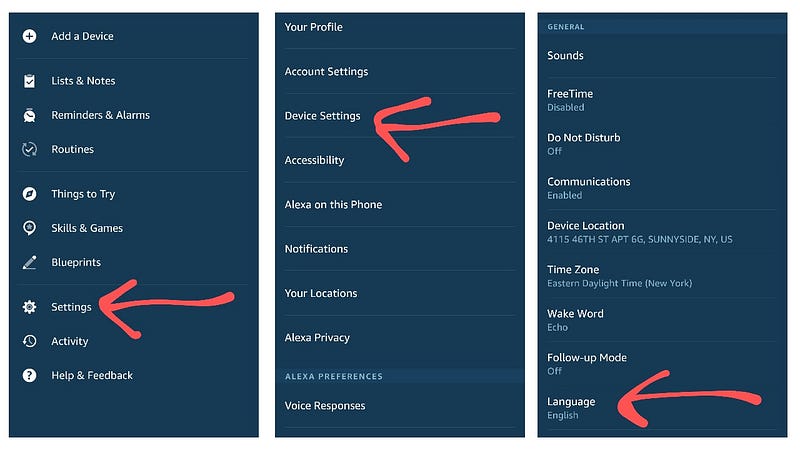
- Choose More in the bottom nav
- Select Settings
- Go to Device Settings
- Choose a Device
- Scroll down to the Language tab
Once you are in the language tab, you will see languages like German, Spanish, French, Italian, Hindi, Portuguese, and Japanese.
Selecting one of these options means you can only speak to Alexa in the given language and receive responses in the same language.
You will also see dual-language options such as German-English, Spanish-English, and French-English — useful if you are bilingual or live in a multilingual household.
For those of you in America, you will want to pay attention to these four additional English language dialects:
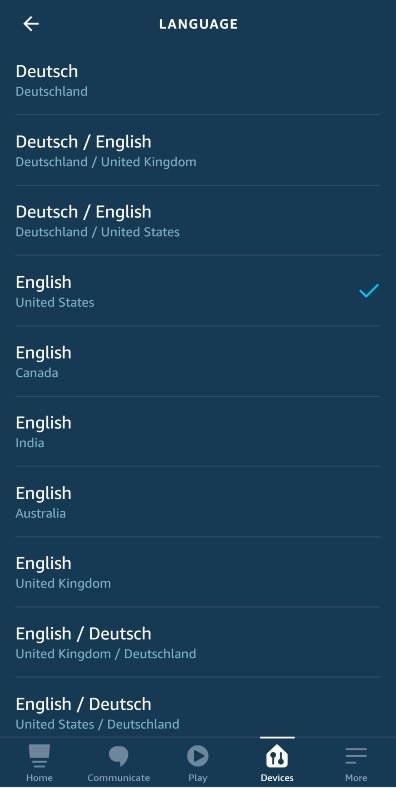
English–United Kingdom
Still way cooler than American, this British accent is pretty dry and bureaucratic. I was hoping for something a little more proper, more Harry Potter or Queen Elizabeth, or even more regional leaning toward Cockney.
Canadian English
I’m not sure what to make of this. Alexa’s Canadian accent is just another AI female voice. Doesn’t sound Canadian at all. Hey Alexa, Can I get an “eh” or “aboot?” Not sure what — if any — benefit there is to switching Alexa’s language to Canadian-English.
You might have to ask a Canadian, don’t ya know.
Australian English
Noice! It’s subtle, though. Her vowels are sing-songey, but her accent is way more rhotic than a real Australian accent should be — the letter Rs are more defined as in an American voice. And she doesn’t use the Australian question inflection.
Indian English
This was music to my ears. There is something really sweet about this female Indian accent. Slightly higher in pitch, positive, and very proper — imagine an Air India flight attendant.
When you select one of these English variants, you will get a pop-up warning:
The selected language does not match your Amazon Account and is not fully supported in your country. If you make this change, some capabilities, skills, music, and content may be unavailable.
I have not seen the change affect any of Alexa’s functionality. Except I asked her to play Janelle Monae and instead she played an Indian instrumental track named “Jana Mana Gana,” which I ended up enjoying. So, she hears in an accent, too. Just be sure to speak clearly.
And if you have multiple devices, you can set them to different languages.
Right now, I have Indian English in the living room, and Australian English in the bedroom. I’m really hoping Amazon adds more English dialects to the library.
It would be really fun to have Alexa read out a lasagna recipe in an Italian accent, to hear my shopping list in Spanglish, or ask Alexa how to change a car tire in Bostonian. I don’t even drive, but I’ll still ask.
As far as celebrity voices go, I’m hoping they strike a deal with Ewan McGregor for a Scottish brogue.


