
How to: Find and Download Your Apple Developer Program Invoice
3 Steps to Go…
Steps: 1. Visit Apple Online Store https://secure2.store.apple.com/shop/order/list
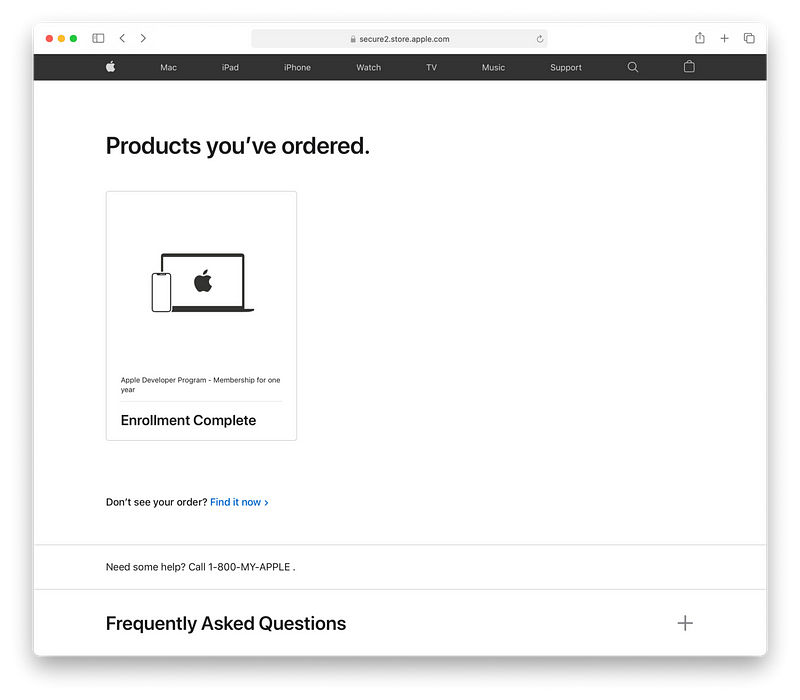
2. Click the box
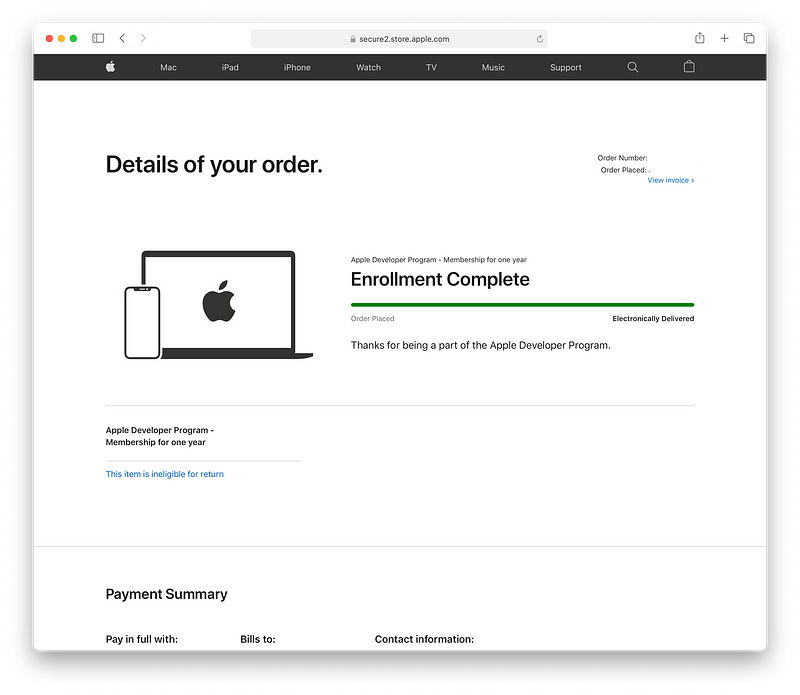
3. Click “View Invoice”

Summary
The web content provides a concise three-step guide on how to find and download an Apple Developer Program invoice from the Apple Online Store.
Abstract
The article titled "How to: Find and Download Your Apple Developer Program Invoice" outlines a straightforward process for retrieving invoices. It instructs users to first visit the Apple Online Store's order list page, then to select the appropriate box in their order history, and finally to click on the "View Invoice" link to access their invoice. The guide is accompanied by visual aids, showcasing screenshots of each step to facilitate understanding. The article concludes with a congratulatory message, indicating the simplicity of the process.
Opinions
Steps: 1. Visit Apple Online Store https://secure2.store.apple.com/shop/order/list
2. Click the box
3. Click “View Invoice”
 Harendra
Get a server with 24 GB RAM + 4 CPU + 200 GB Storage + Always Free
 Jessica Stillman
Jeff Bezos’s morning routine has long included the one-hour rule. New neuroscience says yours probably should too.
 Nikhil Vemu
You will say — “No way, please take my money!”
 Abdur Rahman
5 Reasons Why Python is Losing Its Crown

