How to download Voice messages sent to you on Instagram on your PC?
Unlike Photos and videos, we cannot save the voice message sent on our Instagram. Long press on the audio message or anything doesn’t work; the only thing you can do is record the audio message — which of course won’t be an easy option. But anyway, in this article you will learn how you can download Instagram Voice messages to your PC without using any third-party application. Below are the step-by-step ways to save Instagram audio messages to your computer.
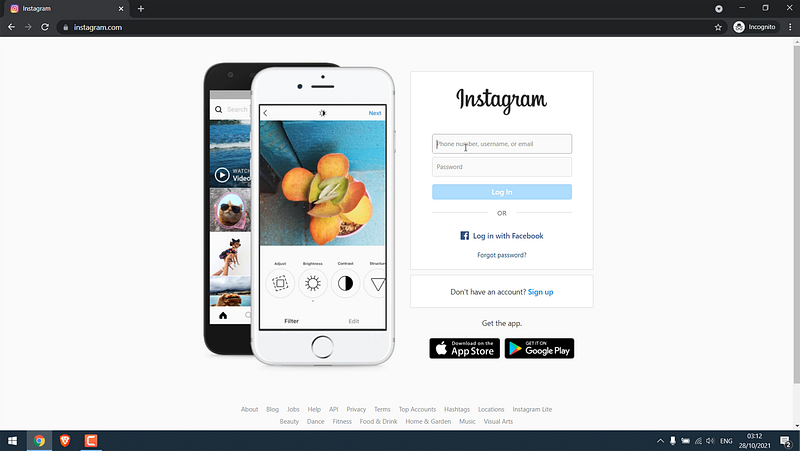
1. Log in to Instagram from a PC First, you need to log in to your Instagram account from your computer. For that simply go to instagram.com and enter the credentials.
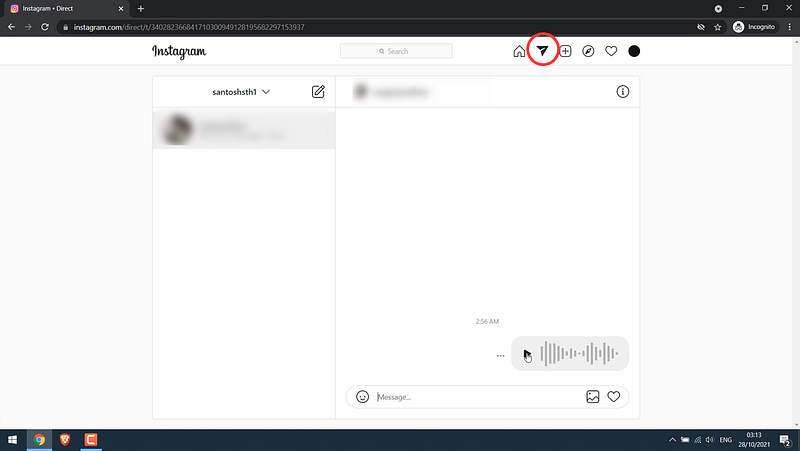
2. Open messages and play the audio Now open the message (inbox) on your Instagram and play the audio (voice message) you want to save to reconfirm.
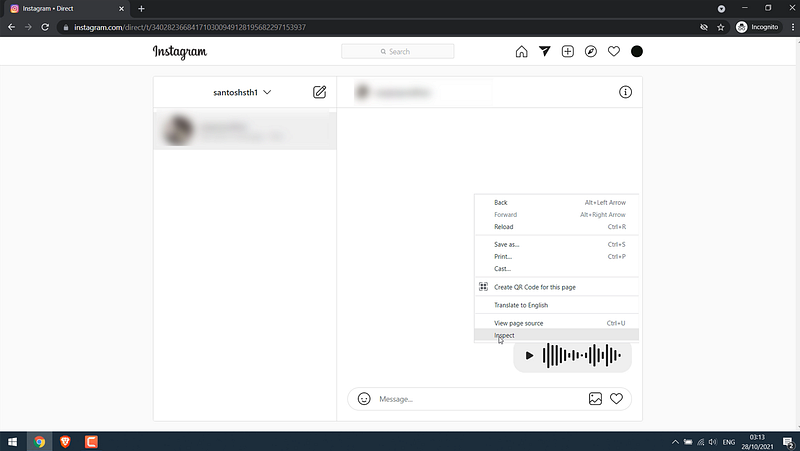
3. Click on Inspect Then right-click and go to Inspect (on Google Chrome), another panel will open at the bottom.
4. Go to Network You will see various tabs on the dev tool, simply go to Network and refresh the page. You will have to wait a few seconds (maybe up to 30s) for everything to load properly. If you do not wait then this process may not work.
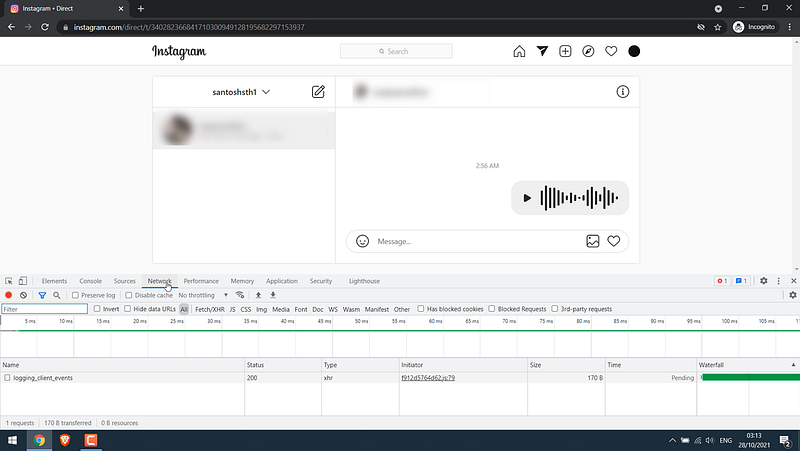
5. Go to Media After that again open the voice message you want to save and play it once. And then go to Media.
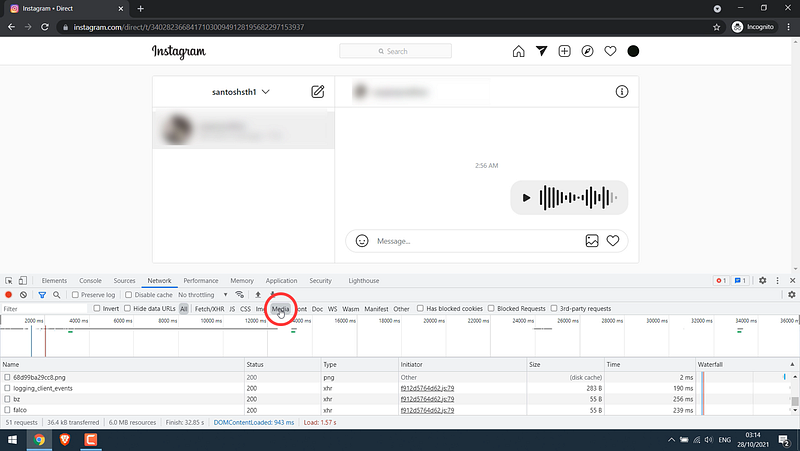
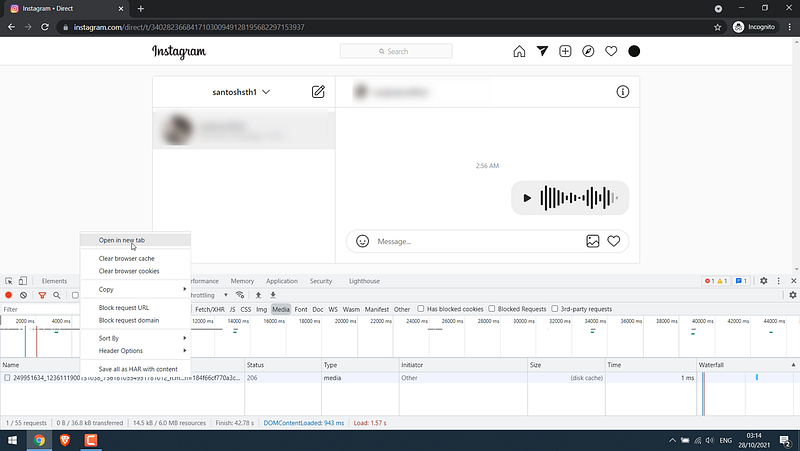
6. Find your Voice Message Audio Now you should see your audio at the bottom. Simply right-click and open the new tab.
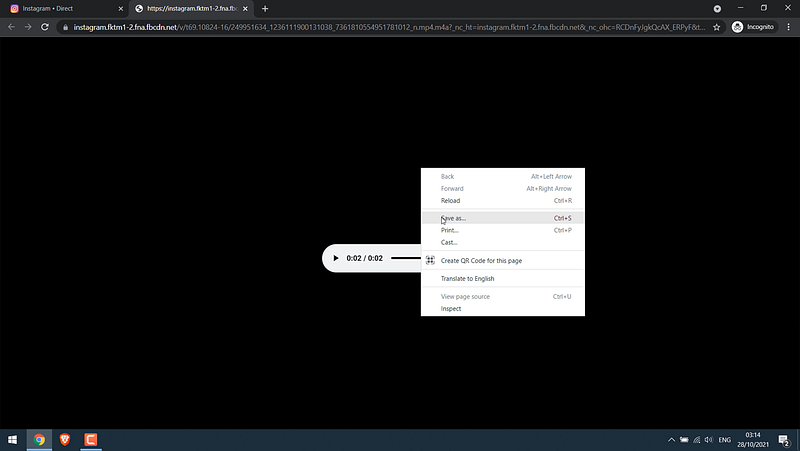
7. Save the Audio The Audio will now open in another window where you can simply right-click and save it to your computer.
So it’s that easy to save Voice messages on Instagram. Likewise, you can also save voice messages on Facebook.
Here’s a quick video tutorial: Click here
Not a member yet? Please support my writing on Medium by joining medium through this link: Click here to Join Medium.


