
How to Download and Learn Tableau for FREE
step by step guide to unlock your data visualization journey

For all those visual creatures who might be short on budget or simply don’t want to spend unnecessary money.
That’s right, Tableau can be FREE! As long as you can be verified as a full-time student. Even though you might have already graduated, give it a go using your uni email address. It might still work ;)
Step 1: Search “Tableau for Student” in Google
Search “Tableau for Students” and you will find this page.
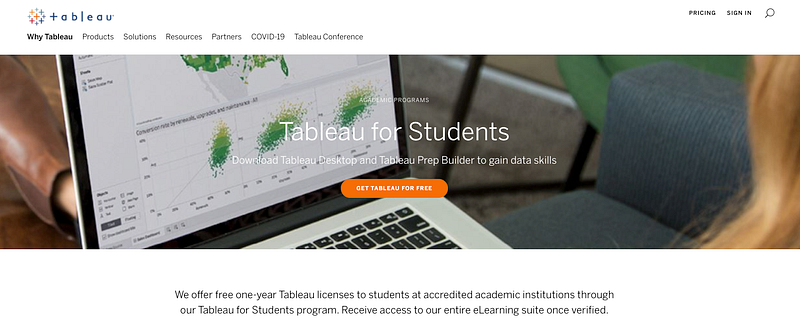
Step 2: Register using your school email
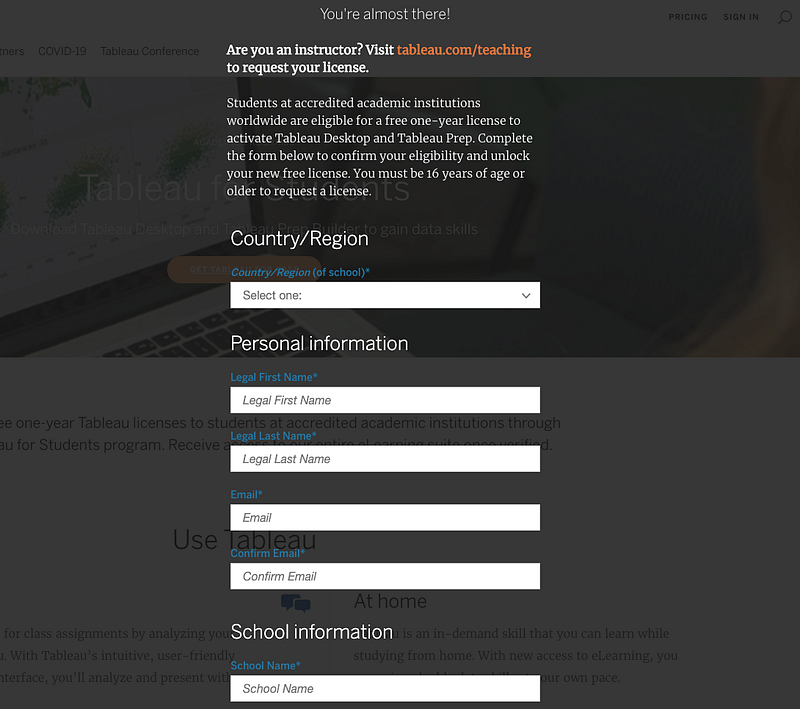
Click the “get tableau for free” button and register. Make sure you use your school email. Then fill in all the information and verify. It may prompt you to upload your student ID or confirmation of enrollment. In this case, it may take a few days to review your information.
Step 3: Download Tableau Desktop and Tableau Prep
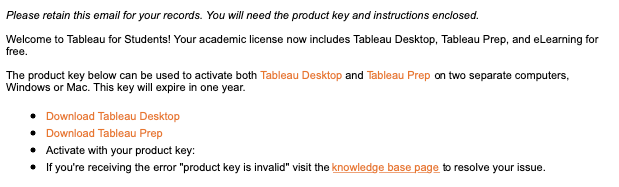
If verified successfully, you will receive an email like this. Both Tableau Desktop and Tableau Prep are free to download. Choose the tool you preferred or both and click the link to download. Here is the main difference between Tableau Desktop and Tableau Prep:
- Tableau Desktop is where you create your fancy dashboards, e.g. create bar charts, maps, or scatter plot etc
here is an article of how to create better dashboard using Tableau Desktop
- Tableau Prep is where the messy “behind the scene” takes place, e.g. data cleansing and data preparation
here is an article of how to address data quality issue using Tableau Prep
Step 4: Activate the software with product key
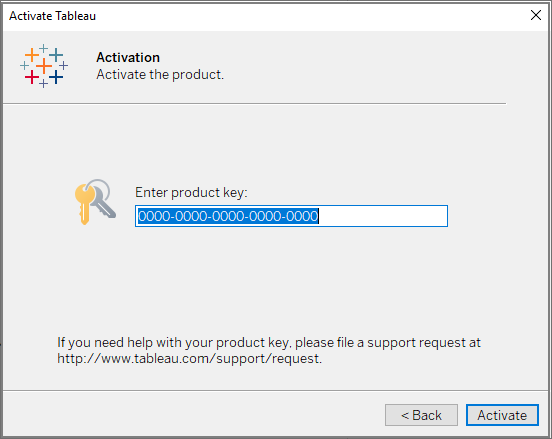
When you open either Tableau Desktop or Tableau Prep for the first time. You will be prompted to activate the product with the product key. Copy the product key from the email and paste it over here. Click “Activate” and now you have free access to both softwares for one year.
Step 5: Start your visual journey with e-learning

Even better news is that with your school account, you can also unlock Tableau e-learning for FREE.
Click the “e-learning” link in the email or search up “Tableau e-learning” in Google. After entering this page, click “login to e-learning” and sign in your school account. Now you will see many learning paths for you to explore.
Step 6: Choose your career path and start learning

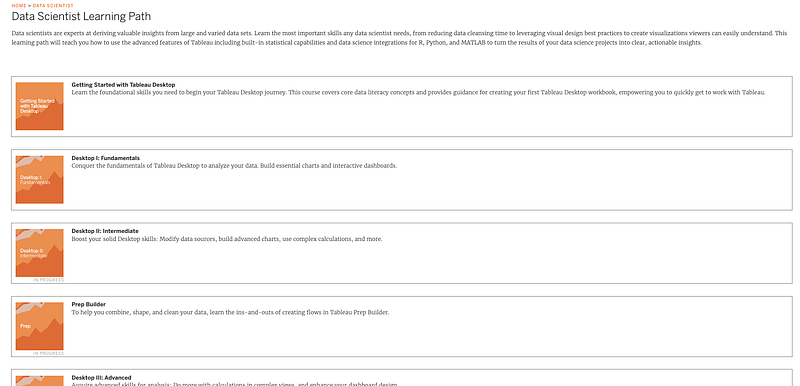
Each learning path includes many modules and each module further breaks down into many courses. The final module will always be a skill assessment where you can earn badges by completing the assessment. Notice that these badges are different from Tableau certificates, but still gives you a sense of achievement at the end.

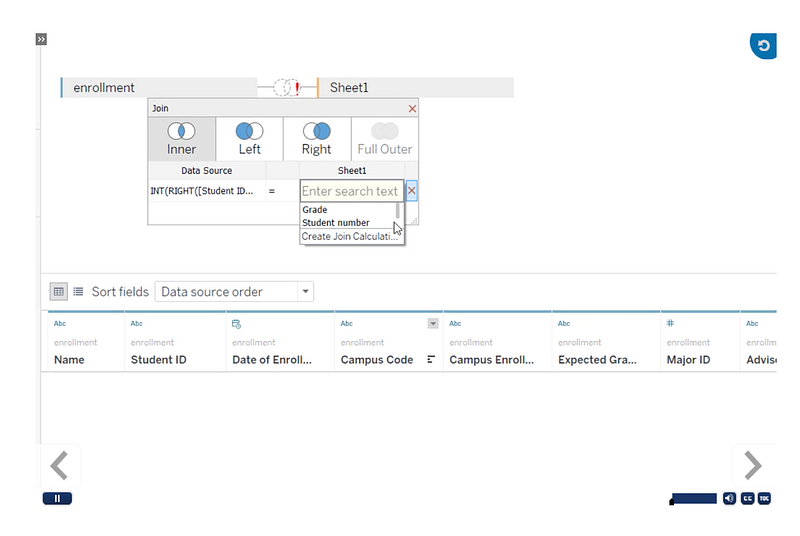
Inside each module, there are video tutorials that teach you concepts, from how to connect data sources to how to create complex calculations etc.
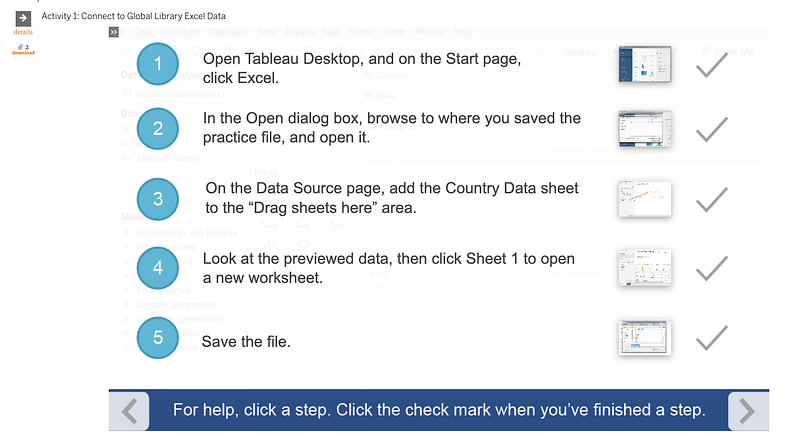
Additionally, activities are provided for you to exercise your knowledge with Tableau software and the data provided.
Finally, Good luck with your visual journey in data visualization!
Originally published at https://www.visual-design.net on September 22, 2020.


