
How to Create Stunning Images with Leonardo.ai
A new stable diffusion platform that surpasses Midjourney
Many Midjourney and Stable Diffusion users have expressed their frustration with the limited options and difficulty of use. However, Leonardo.AI has emerged as a solution for many users.
What is Leonardo.AI ?
Built on Stable Diffusion technology, Leonardo.AI offers a more user-friendly UI than Stable Diffusion WebUI and integrates with a community similar to Civitai. Users simply select a desired image, apply the desired style, and use AI-suggested prompts to easily generate the desired image. While Leonardo.AI is primarily marketed as a tool for game graphics, it can also be used to create realistic human images by remixing appropriate models.
Furthermore, since Leonardo.AI operates in the cloud, it is likely to be faster than your personal computer. Users receive 150 free tokens per day and are subject to some restrictions, with 5–8 tokens required to generate each image, but basic usage is free. Additionally, Leonardo.AI includes two cloud-based free model training capabilities per month, making it an incredibly generous tool.
How to use it?
- Go to Leonardo.AI App https://app.leonardo.ai/
- Login as Gmail
- Setup your username
- Start your AI Art’s journey
Homepage
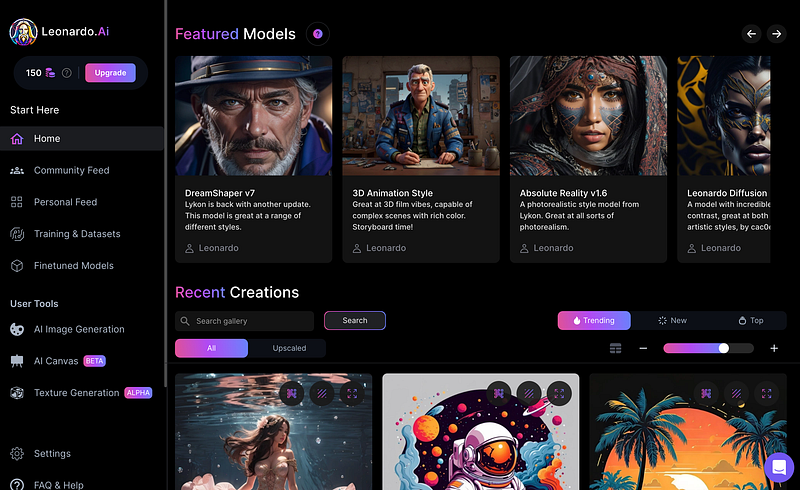
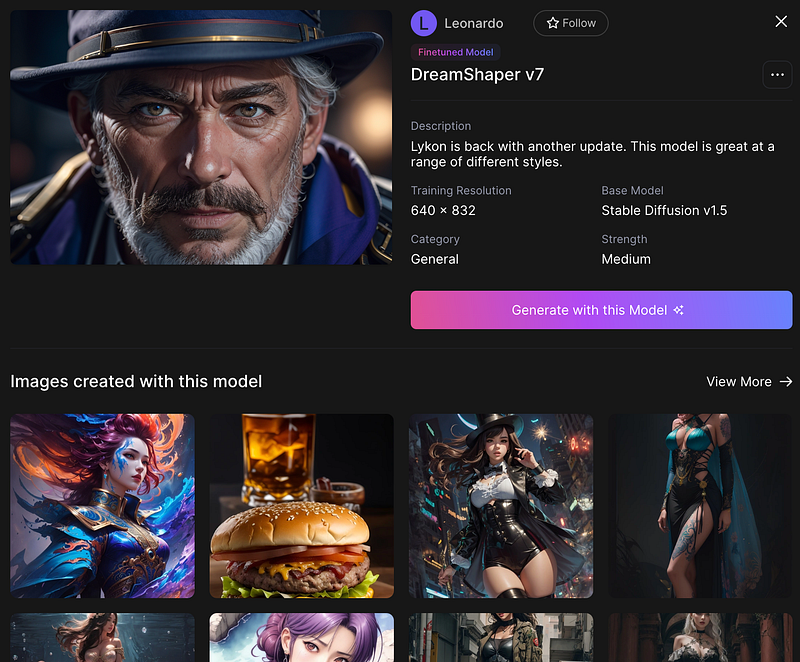
Your can find Featured Models listing on the top of page, you will get more information and images created with this model if you click it.
If you open an image, you will have all information of about this image, under Prompt details have 3 buttons for 3 important functions.
- Copy Prompt: Copy prompts not included negative prompt.
- Image2Image: Use this image for reference to generate a new image.
- Remix: Use same settings as this images to generate a new image, you can modify setting before start generation.
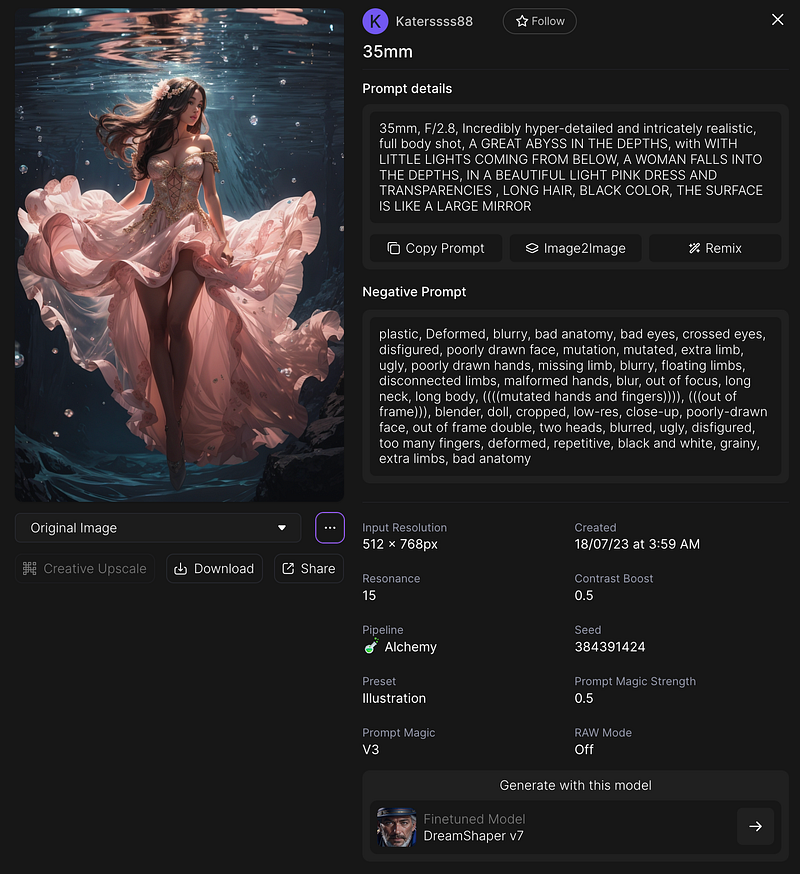
Image will enlarge when you click on it, it have a tools bar under the image.
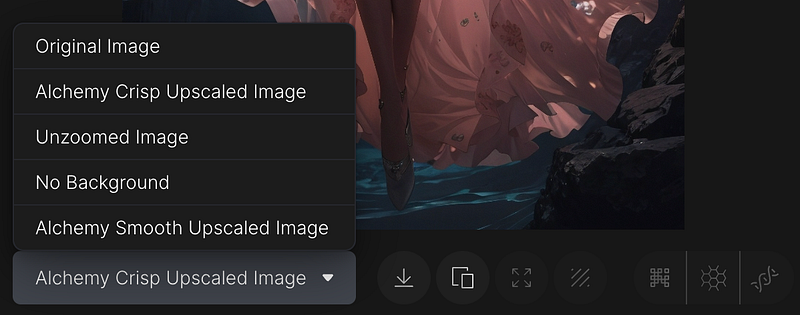
From left to right:
- Preview different image creator already generated.
- Download this image.
- Copy this image.
- Unzoom this image. (5 tokens)
- Remove background. (2 tokens)
- Creative Upscale. (Paid feature)
- Alchemy Smooth Upscale Image. (Cartoon-like upscale, 5 tokens)
- Alchemy Crisp Upscale Image. (3D render upscale, 5 tokens)
Community Feed Page
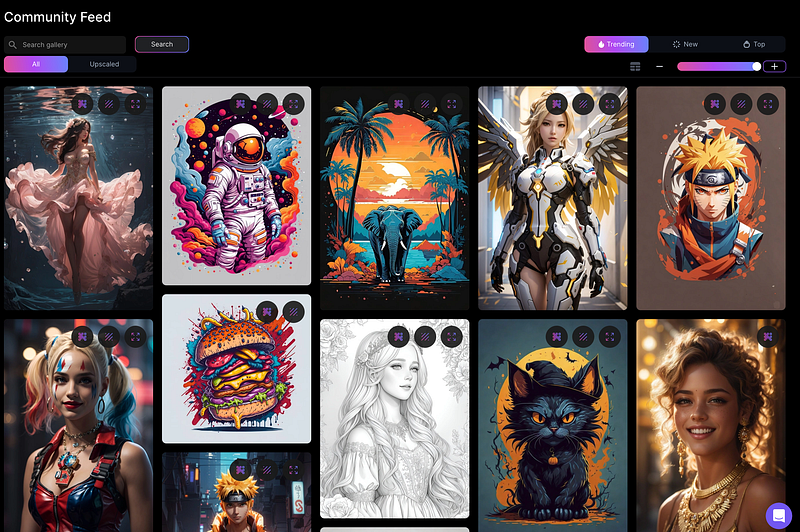
This page is a collection of high-quality images created by the community. Browse through the different works and get inspired!
Personal Feed Page
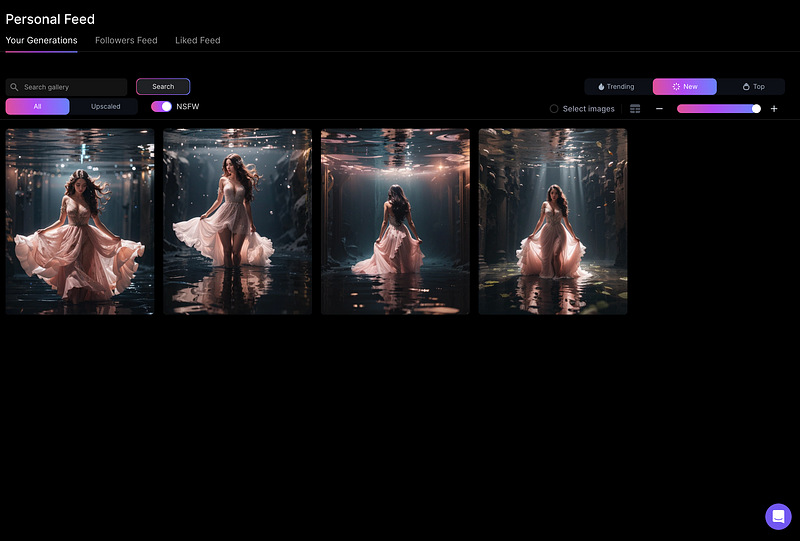
This page allows you to browse and manage your own generated images. You can also make different modifications to them. You can also browse the feeds of your followers and the feeds of images you have liked.

If you open an image that you have generated, you can delete it by clicking the delete button on the left side of the tools bar.
AI Generation Tool
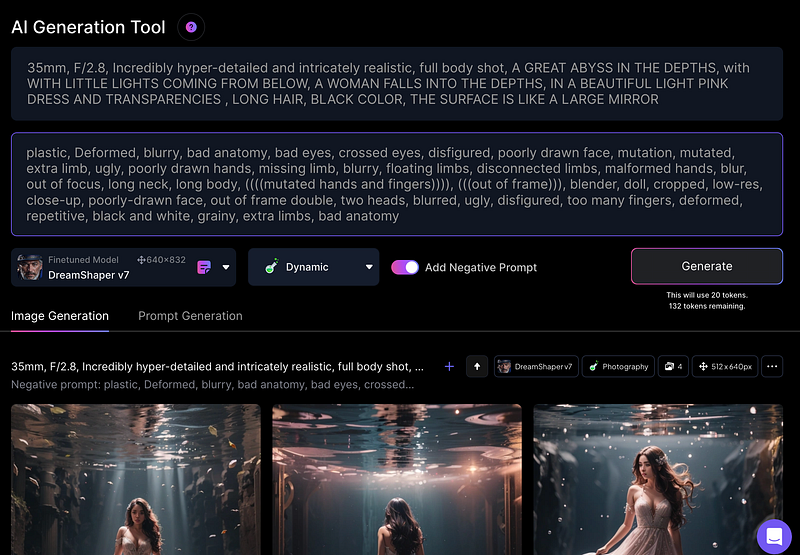
This is the most important page, where you can generate images. Here are the functions from top to bottom:
- Prompt text area: Enter the text prompt that you want to use to generate the image.
- Negative prompt text area: Enter the negative text prompt that you want to use to exclude certain things from the image.
- Model: Select the model that you want to use to generate the image. The size of the model is the size of the training images, and generating images of the same size will have better results.
- Image style: Select the style that you want to use to generate the image.
- Generate: Click the
Generatebutton to generate the image. The number of tokens required and the number of remaining tokens will be displayed under theGeneratebutton.
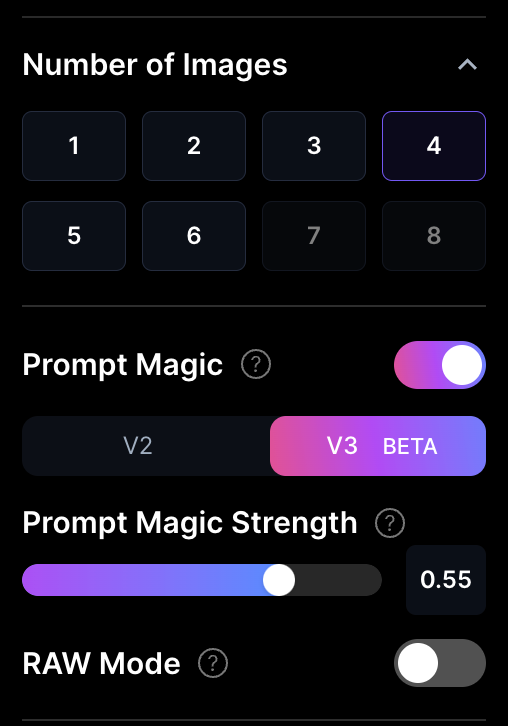
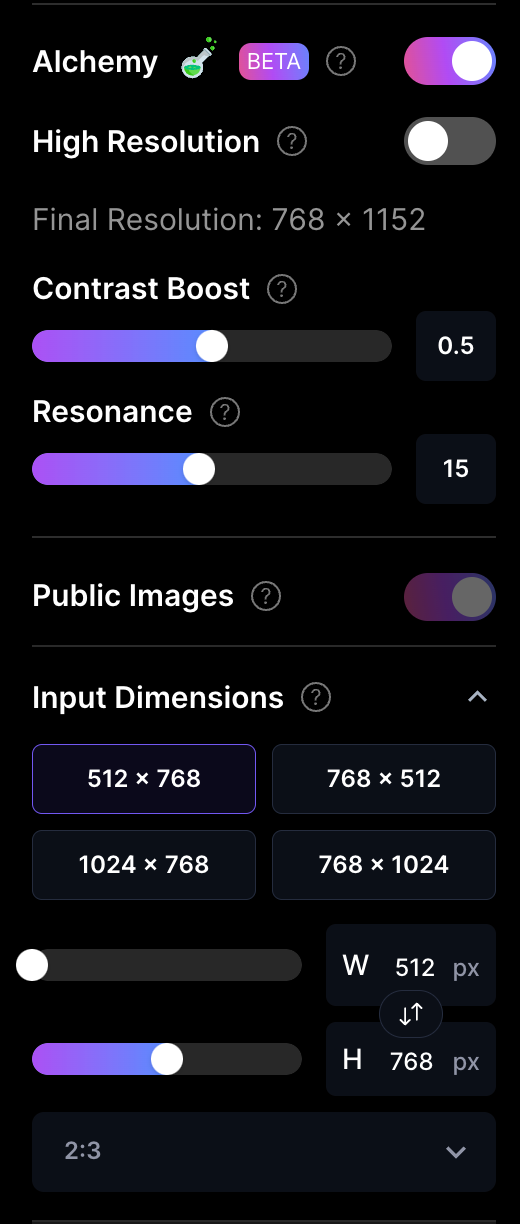
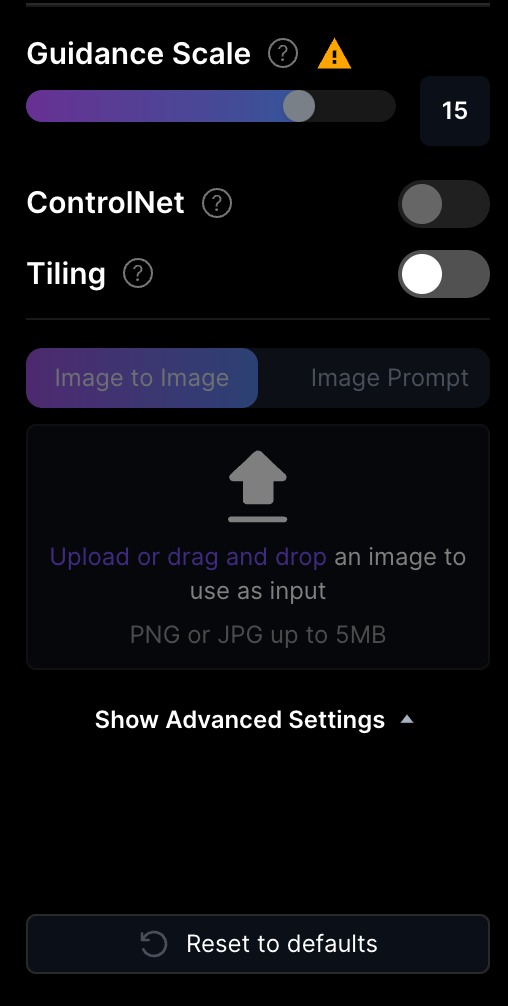
On the right-hand side, you will find a variety of settings:
- Number of Images: You can generate multiple images simultaneously.
- Prompt Magic: This allows you to use simple prompts to generate excellent images, but it requires more tokens. (V2 cost 4 tokens, V3 cost 8 tokens)
- Prompt Magic Strength: Determines how much the prompt magic influences your input.
- Raw Mode: When enabled, the prompt will not be optimized automatically. You may need a longer prompt for better images, but you gain more control over the process.
- Alchemy: Leonardo Alchemy is a beta feature, it will increase image resolutions, improves contrast and adds more details to your image. You also have more image style for selection if it enabled. (Cost 4 tokens)
- High Resolution: Alchemy increase 1.5x size of image, when you enabled High resolution will increase 2.0x size of image.
- Final Resolution: It will show the final resolution if you using Alchemy or High Resolution.
- Contract Boost: Alchemy option. It will adjust dynamic range of your image, default is
1. Reduce will helpful depending on your subject matter. - Resonance: Alchemy option. It will control how many details in your image,
13-15is a good balance. - Public Image: Free user default public image to community.
- Input Dimensions: Basic size of image, use upscale if you need a larger image.
- Guidance Scale: Strength of your prompt. It will disable when you using Alchemy.
- ControlNet: Using with image2image generate image.
- Tiling: If your image dimensions is too large, some object will repeat in your image, enable this option to fix it.
- Image to Image: Upload image for reference to generate image or for ControlNet to control image.
After clicking Generate, new images will appear at the top of the Image Generation tab. You can see the last 10 generations on this page.
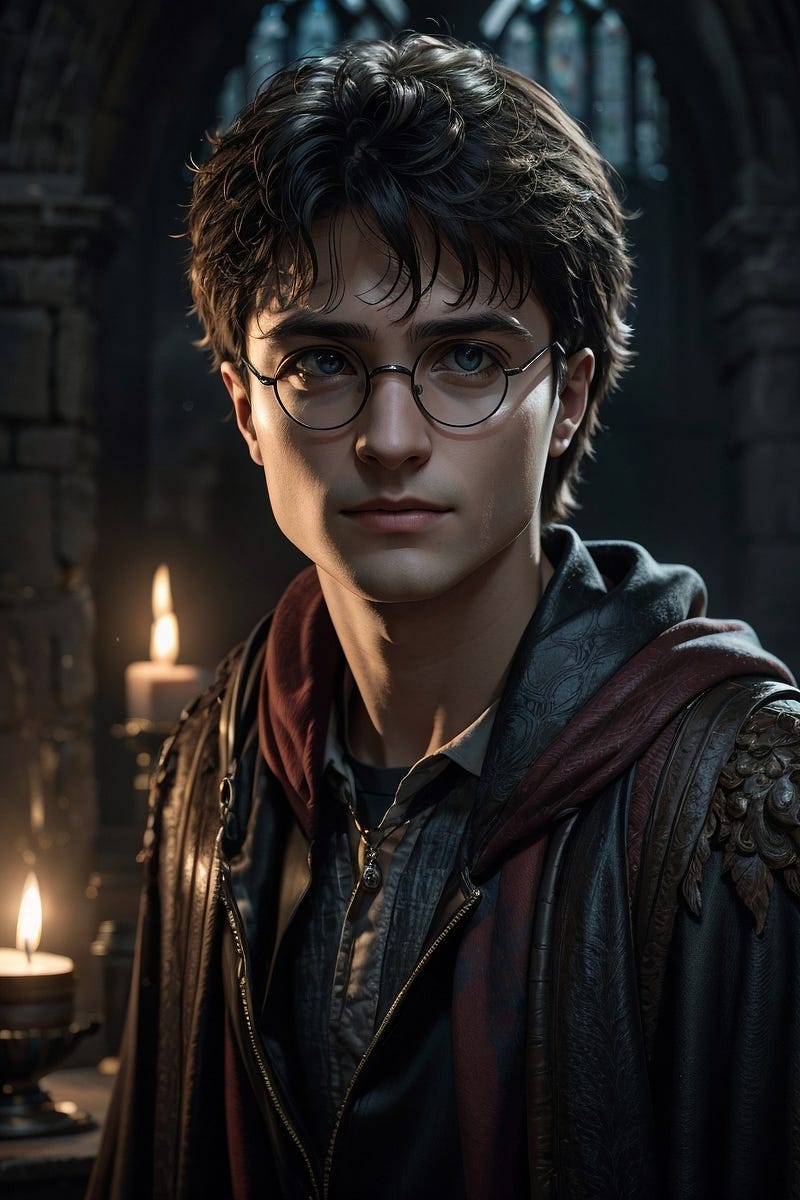
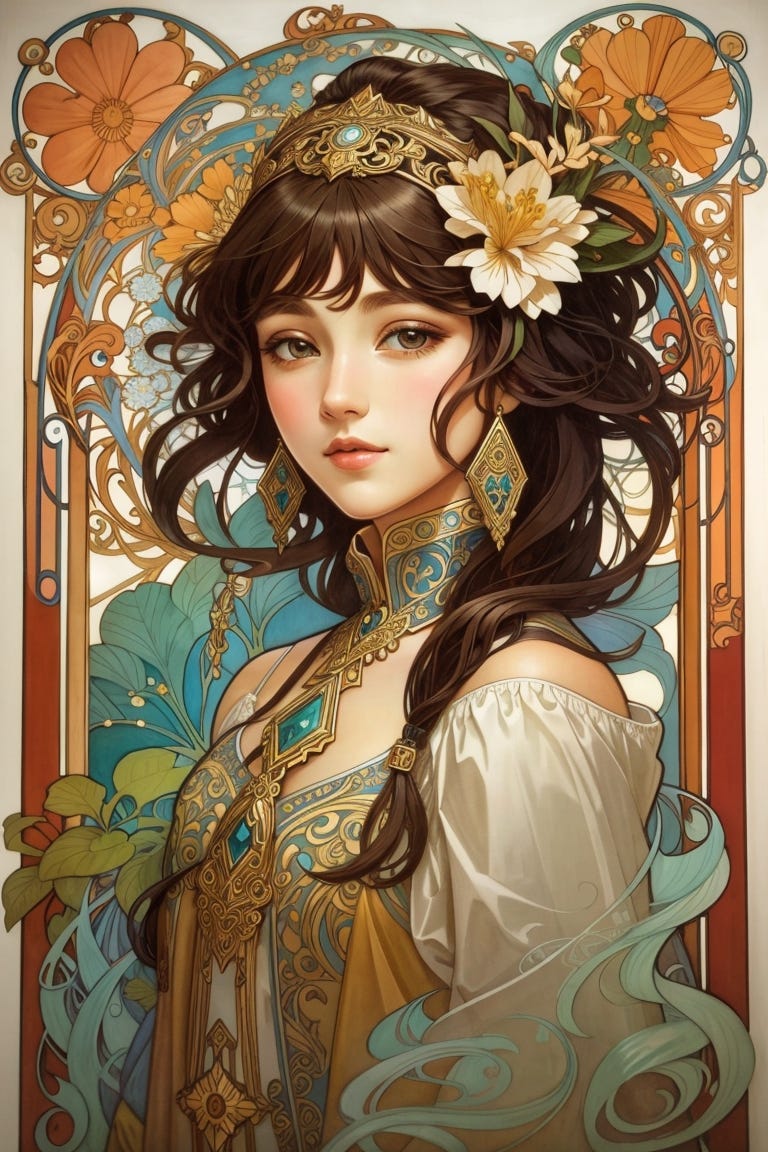
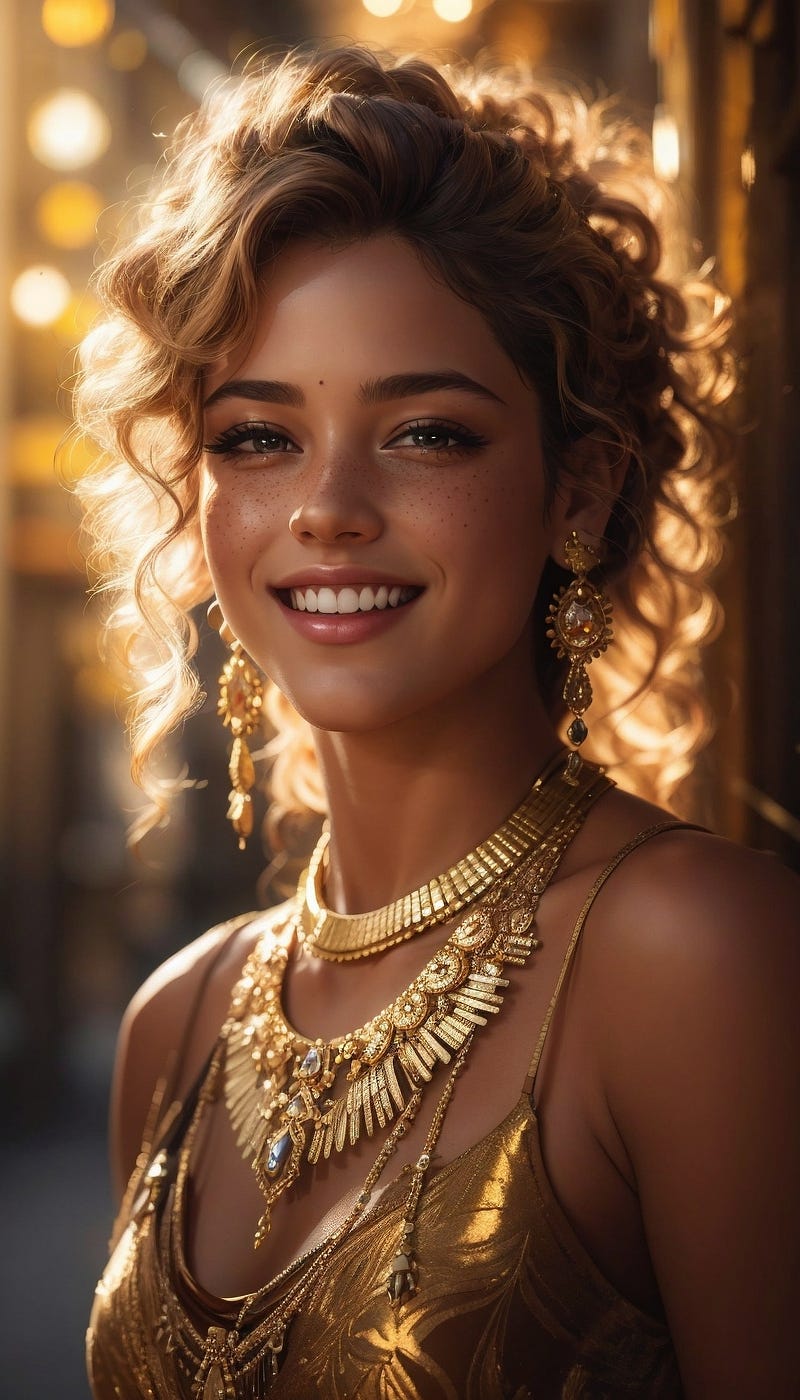
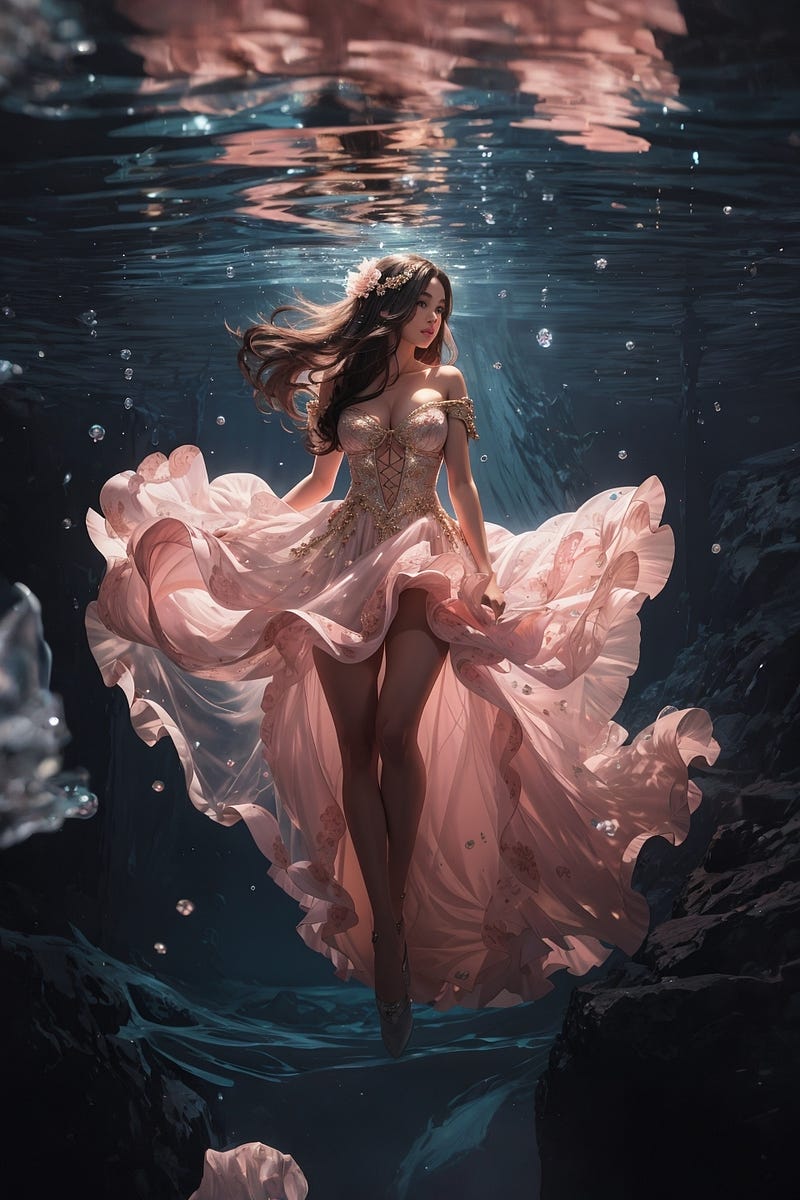
Let’s start your AI Art’s Generate journey now!


