
How to create “Mogrts” with adjustable font
So you’ve created an animation in After Effects that you want to save as a motion graphic template (or “mogrt”) but you want to be able to change the font later inside Premiere Pro.
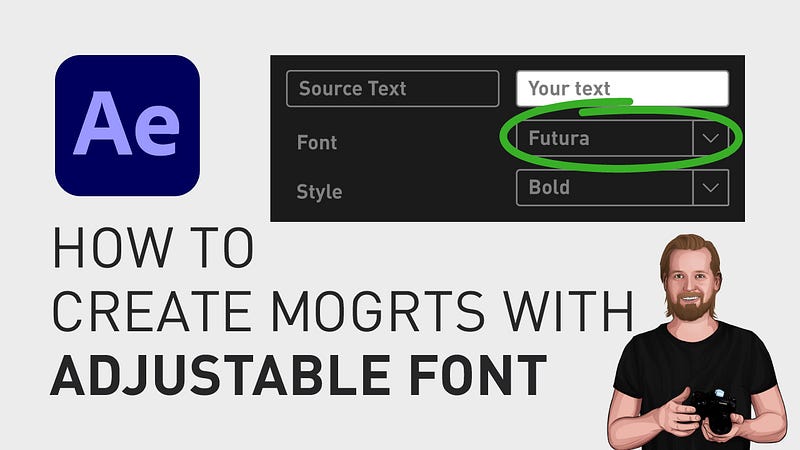
The way you do this is by going to the “Essential Graphics” window, extend the size of the window if you need and next to the “Source text”-layer, click Edit properties.
Here, you select “Enable Custom Font Selection” and click OK. Now you can change the font within your mogrt and if you want to know more about creating mogrts, I have a separate straightforward playlist for that at the End Screen of this video where I go through the process step by step from creating and exporting it in After Effects to importing it into Premiere Pro.
With that said, thanks for watching, keep learning, and have a great day!
🎞 Watch the tutorial (and all my other tutorials) here!
3 other stories that might interest you: ⭐️ I think I just figured out life 🤯 ⭐️ 5 tips for making money on YouTube (How to get started today!) ⭐️ 25 things I learned during my first year as a Video Editor
— — — — — — —
Did you know? You can get full access to every story on Medium for just $5/month here! Becoming a Medium member directly supports me ♥ ️(and other writers on Medium) so that we can keep creating helpful content for you! 🙏