
How to Create Gradient Titles With CSS Like Apple’s iPad Pro Page
Use CSS to build them yourself
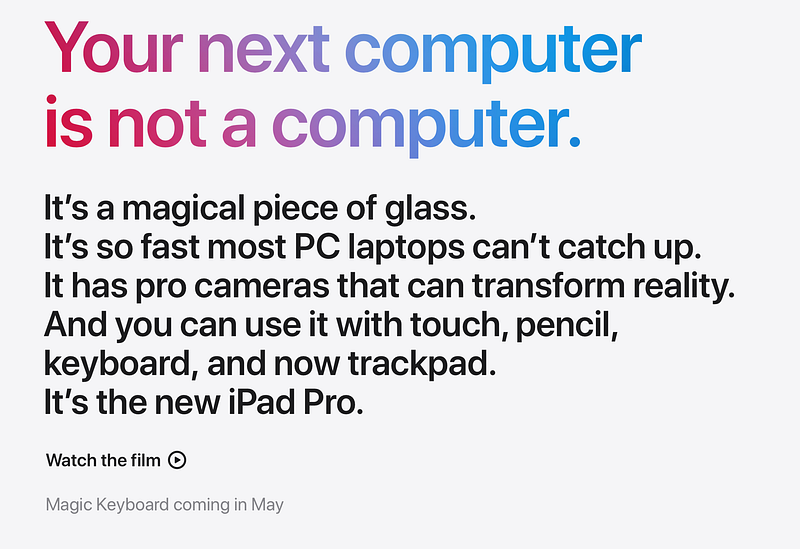
I don’t know if you’ve seen the new iPad Pro — I think it’s awesome! But I want to talk about Apple product pages which, just like the new iPad Pro, I’m a big fan of. I noticed that they have some cool titles with a gradient background…
The first thing I did was try to select the text. In the early days, images were created with JavaScript via the <canvas> tag so the text would not be selectable. But surprisingly enough I could select the text!
I inspected how Apple made the gradient background. In this article, I’m going to teach you to do it too.
Background-clip: text
All you need to do is put a background image or gradient on the tag and a few other properties:
h1 {
    background-clip: text;
  -webkit-background-clip: text;
  color: transparent;
    background-size: cover;
    background-image: url('https://images.unsplash.com/photo-1557682224-5b8590cd9ec5?ixlib=rb-1.2.1&q=80&fm=jpg&crop=entropy&cs=tinysrgb&w=800&fit=max&ixid=eyJhcHBfaWQiOjF9');
}
We have to add a prefix, -webkit-background-clip, for Safari, or it won't work. For Chrome and Firefox, it will work perfectly fine.
Need an easier way? 👇
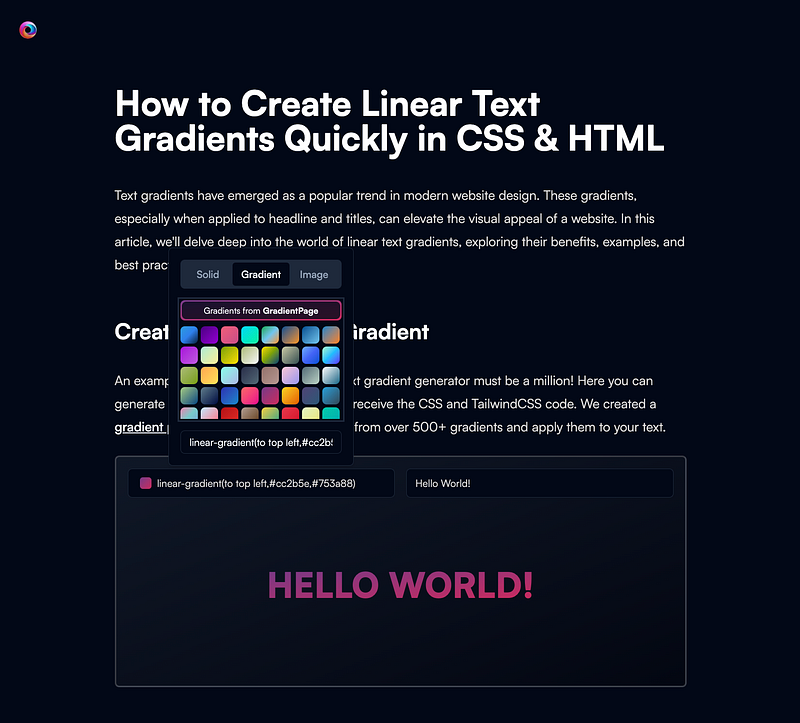
☝️Do you like CSS Text gradients as much as I do? Gradient.page has created a tool to do it quicker and way easier. Just select the gradient and it generates the CSS or Tailwind CSS classes for you 🎨. They have over 500 gradients in their gradient picker, so try it out. If you buy their gradients, use coupon
RAYRAYto get 30% off 💰
Background Gradient
To make it more lightweight we can use a CSS background gradient:
h1 {
    background-clip: text;
  -webkit-background-clip: text;
  color: transparent;
    background-size: cover;
    background: linear-gradient(147deg, rgba(249,15,216,1) 0%, rgba(245,67,119,1) 26%, rgba(252,28,28,1) 50%, rgba(255,195,13,1) 75%, rgba(114,251,89,1) 100%);
}
There are a few generators that can help you make these gradients.
uiGradient
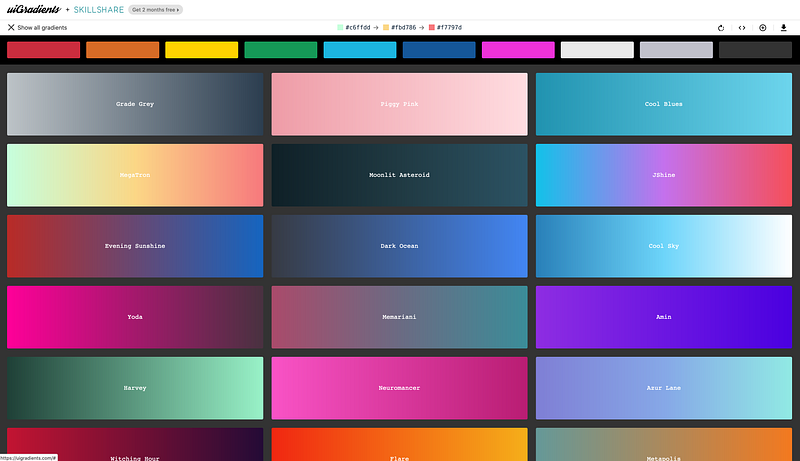
If you need inspiration for awesome gradients, uiGradient.com is a great resource.
CSS Gradient
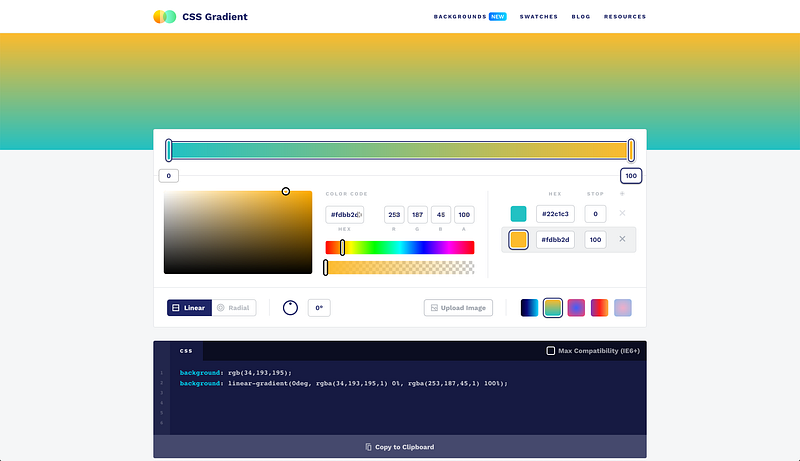
CSS Gradient lets you create complex CSS background gradients with a simple editor. When you’re done you can copy the CSS and paste it into your code.
Example
I’ve created a demo with the CSS background-clip. If you need gradient images, check Unsplash for free images.
I want to include your examples here too! If you make something cool with the background-clip: text;, add the link in the comment so I can include them to inspire others.
Browser Support
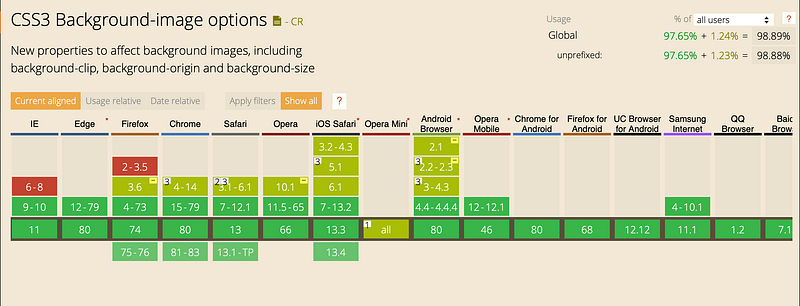
According to caniuse.com, it’s supported in all major browsers, even since IE9.
Safari does not support -webkit-background-clip: text; for <button> elements. But you can put <span>inside <button> to get the same result. (Source: canisue.com).
Happy coding! 🚀
Conclusion
I have discovered that the browser programmers work hard to support all kinds of new CSS features. I hope this will gave you some new possibilities for your CSS toolbox.
I’m looking forwards to seeing all the cool things you build with it!


