
How to Create AI-Generated Prompts Worthy of a Pro Interior Designer
A Step-by-Step Guide to Crafting Effective AI Design Prompts
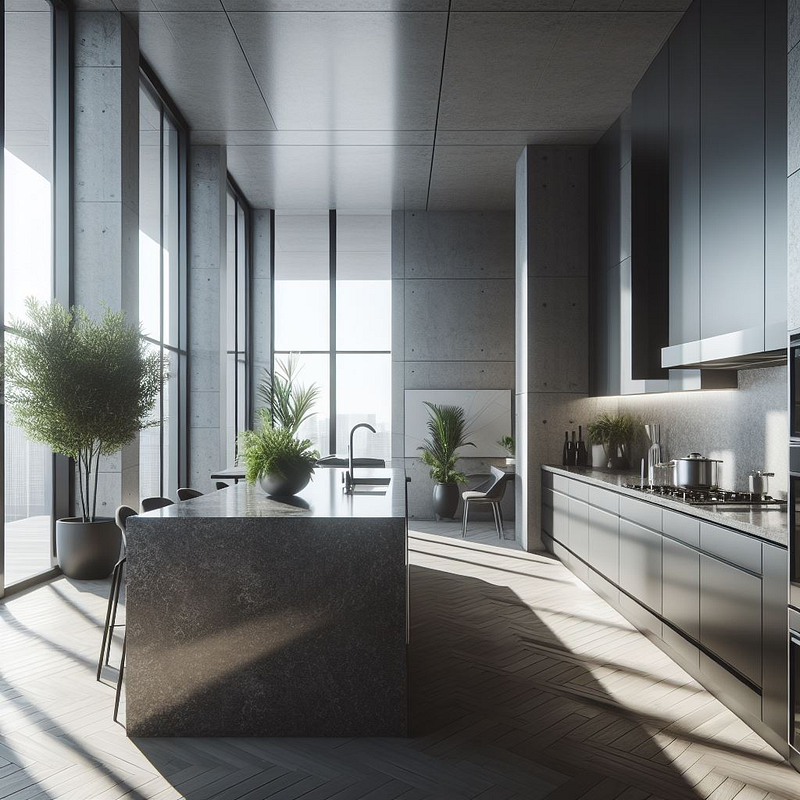
Introduction
I know many interior designers are worried about AI, but that is completely normal human behavior. Throughout history, we can recall times when designers were concerned about computers and relied less on paper sketches. But image having to sketch interior designs today on paper to show a client? Fear not, as AI can be an amazing assistant rather than a threat to your job. I’ll focus on how you can use AI prompts to assist you, whether you’re an interior designer or someone who wants to design like a pro. By utilizing any of the free generative AI tools available such as Google Gemini, Grok, MidJourney, Microsoft Copilot, or OpenAI’s ChatGPT, (DALL-E), or Visual Discovery, you’ll be able to use these prompts effectively.
Step 1: Define Your Design Goals
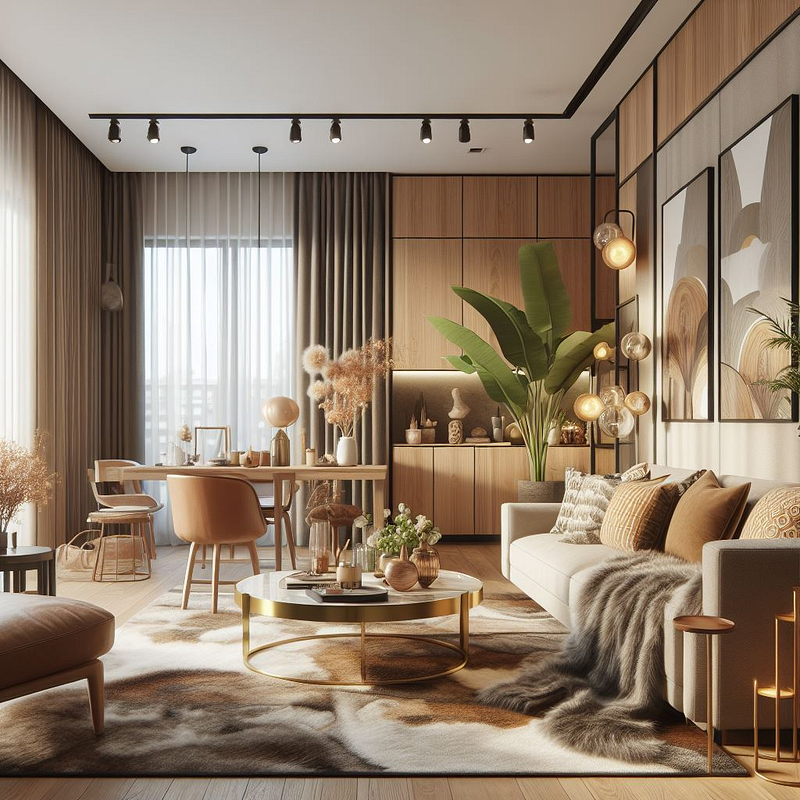
Start by defining your design objectives clearly. For instance, if you’re aiming for a cozy yet modern living space, your goal might be to integrate warm tones with contemporary furniture.
Example Prompt: “Create an image of a Cozy Modern Living Room with Warm Tones and Contemporary Furniture”
Step 2: Choose the Right AI Tool
Select an AI tool specializing in interior design or robust image recognition capabilities. I’ve mentioned Platforms like Google Gemini, or Microsoft Copilot that will get you started in generating design ideas. Explore these before upgrading to a paid or design speciality AI platform.
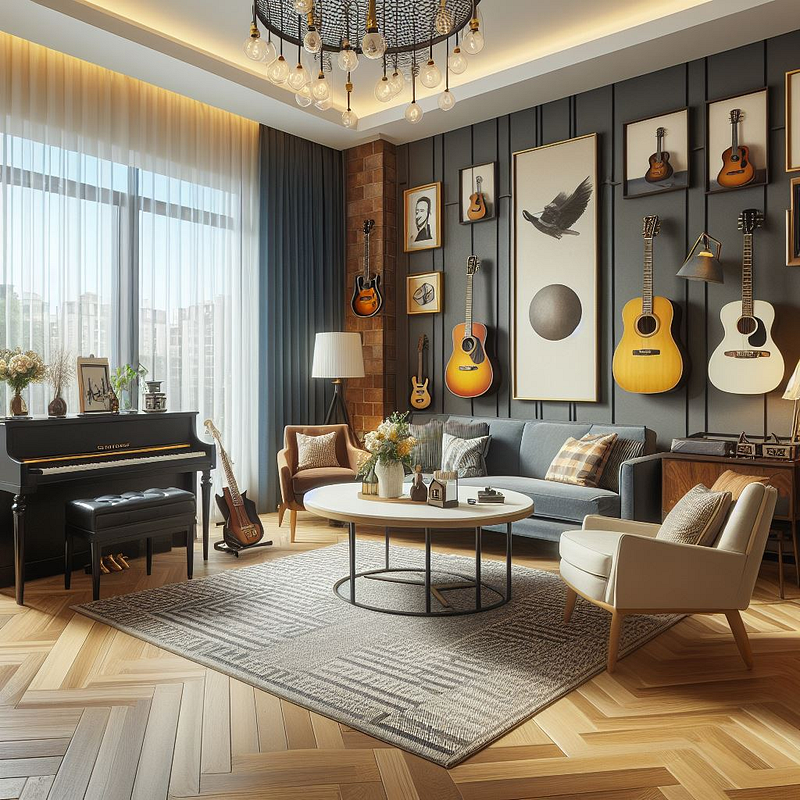
Example Prompt: “Create an image of a Musican-Inspired Living Room with Guitars and a Piano”
Step 3: Refine Your Search Queries
Craft specific search queries tailored to your project.
Example Prompt: “Create an image of a Bedroom for an pre-teen girl with vibrant pink and lush decor”

Step 4: Curate and Customize
Review AI-generated prompts and customize them to fit your needs. Mix and match elements from different prompts to create a unique vision.
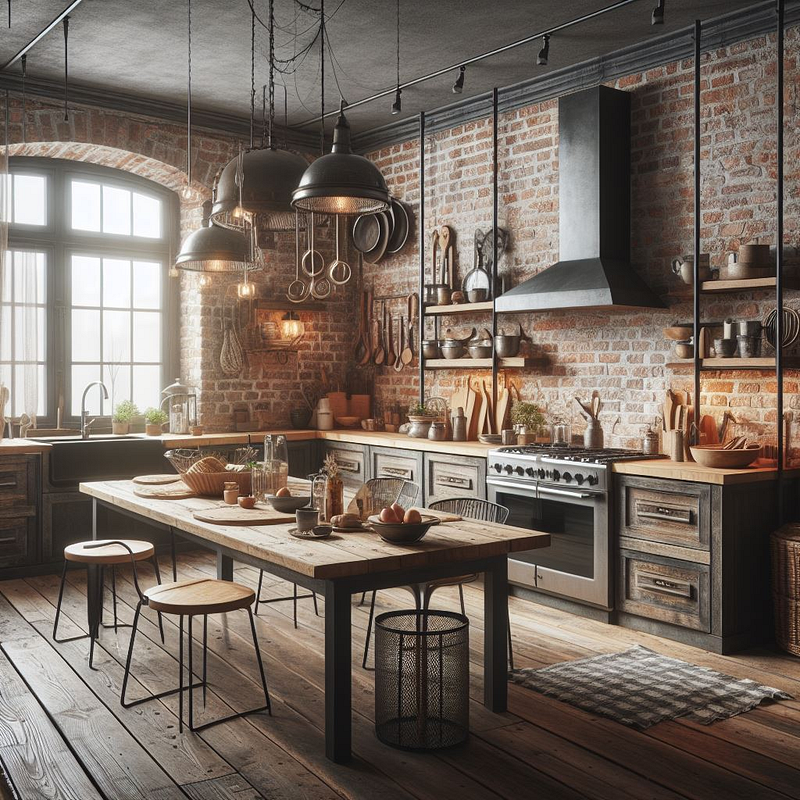
Example Prompt: “Rustic Kitchen with Exposed Brick Walls and Industrial Accents”
Step 5: Iterate and Experiment
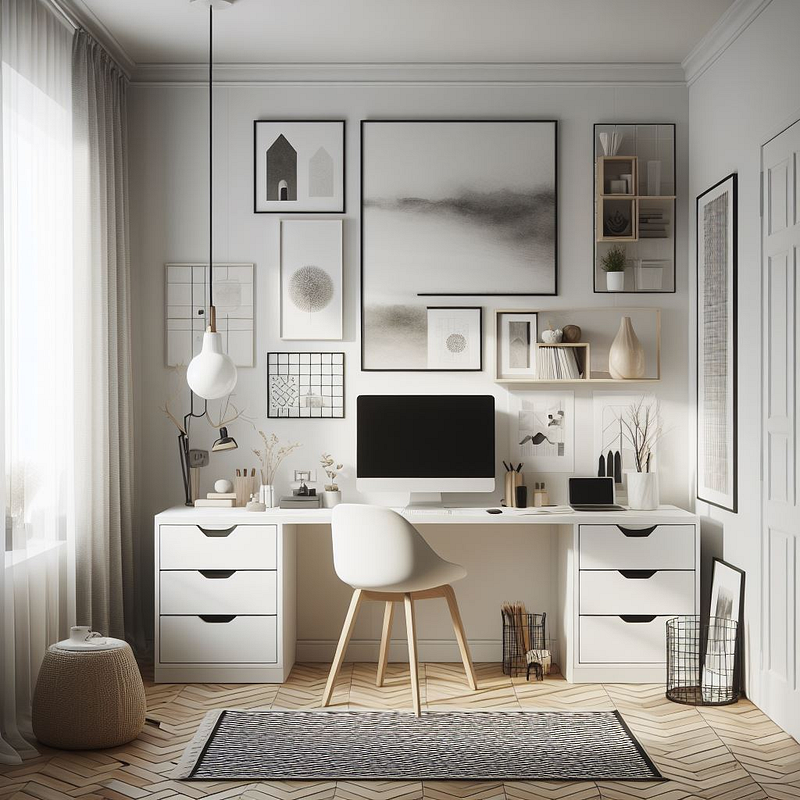
Experiment with different search queries and parameters to discover new inspiration. Don’t hesitate to refine your prompts until they align perfectly with your vision. Example Prompt: “Minimalist Home Office with Scandinavian Design and Monochrome Palette”
Step 6: Incorporate Human Touch
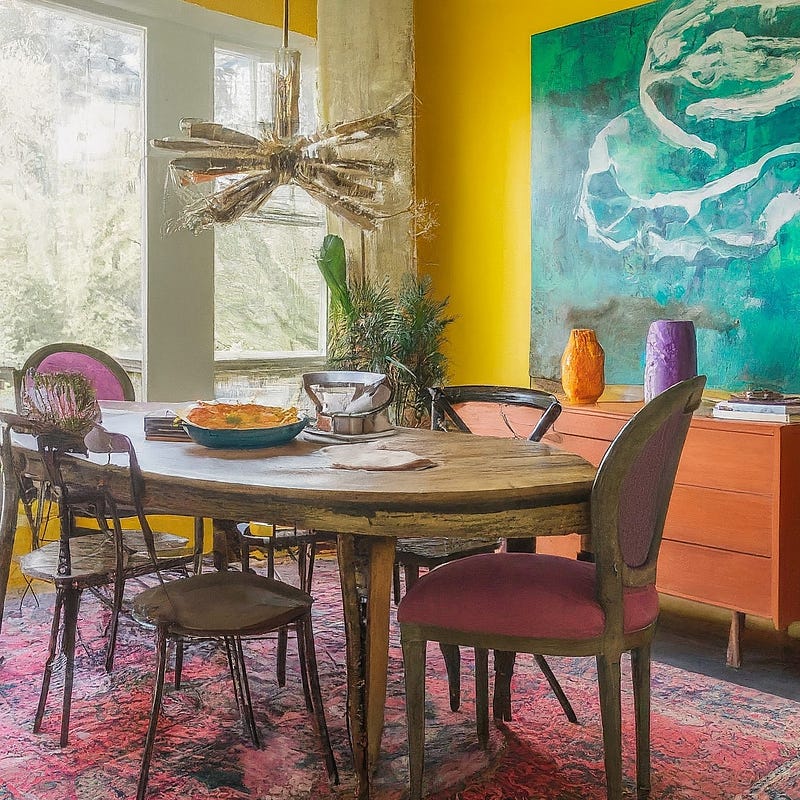
While AI prompts provide valuable inspiration, ensure you infuse your unique perspective and expertise into the final design. Let the AI-generated prompts spark creativity, but add your personal touch to make it truly yours. Example Prompt: “Eclectic Dining Room with Vintage Finds and Vibrant Color Palette”
Conclusion
I hope this has sparked your interest in trying Generative AI platforms to assist you in bringing the designs from your head into a vision. It’s pretty amazing that we live in a world where we can type out an idea we have in our mind’s eye, and then AI creates images that sometimes match exactly as we imagined, or with a few tweaks, get us there. All in all, as you try AI in your design efforts, I’m certain you’ll find inspiration, ideas, and more to not make you fear AI but embrace it as a tool in designing your dream interiors.
Ways to Connect with Me and Offer Support:
1. Consider clapping as it makes a big difference in reaching more readers! Click once or press and hold the 👏 up to 50 claps.
2. I’d love to connect with you! Follow me on Medium, LinkedIn & X.
3. Take a moment to subscribe to my email list. I respect you and will only share my best work.

This story is published on Generative AI. Connect with us on LinkedIn and follow Zeniteq to stay in the loop with the latest AI stories. Let’s shape the future of AI together!



