
How to Create a Successful Udemy Course — Things I Wish I Knew Before!
What I learned as a Udemy instructor. Guidelines and Tips to create a successful Udemy course.

Udemy is an online learning marketplace with courses — both free and paid — on almost every topic you can think of — Technology, hobby, self-improvement, and more..!
For content creators and instructors, Udemy is a free platform — an excellent platform — to sell their expertise on their favorite topics in the form of courses and make money!!
Creating a course requires planning, determination, and effort!
With many instuctors and courses competing for attention, a well made and polished offering is required to stand out from the crowd and to be successful.
The article is based on my experience as a Udemy Instructor, the many learnings I picked up along the way to be more effective and successful.
In the rest of the article, we will go over some tips or guidelines you should know about as aspiring creators while creating a course. It will help you make sure your effort bears fruit.
Planning stage:
1. Course Topic
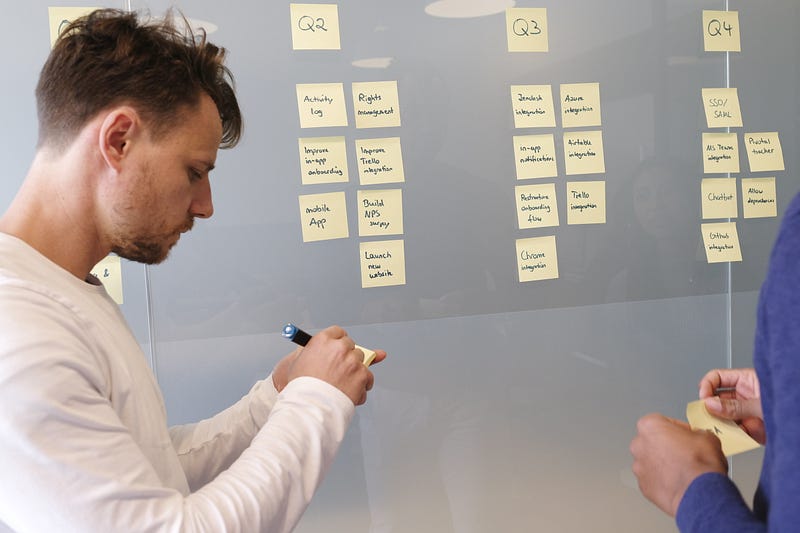
Obviously, you are an expert in some field, and that’s why you have decided to create a course. But before you do, it pays good dividends to research the existing courses and demand for the topic.
While picking a topic and designing your course it helps to go over the following points.
- Try to fill a gap in the market as much as possible, be the sole recourse.
- Differentiate your course by offering something special, if there are existing courses.
- Include hands-on tasks or interesting mini-projects
- Align to an Industry certification or job, if it applies, Certification based courses are in huge demand.
2. Create a written script/storyline
The are multiple reasons for taking the time to write down a script.
For every 1 minute of video produced, you have to invest between 15–20 minutes in production — editing and polishing. Time spent on the script is time saved on editing.
Having a script is a sure-shot way to enhance the overall course quality.
- Already knowing what to say, frees up the mind to focus on your voice and delivery!
- Helps you cut down using fillers by 90%.
- Courses can be recorded much faster.
- Editing time is reduced quite a lot.
- Scripts can be converted to subtitles with little effort.
- Contributes to a better structure for the course.
3. Sections and Lectures
A good course should be structured well and have a nice flow to it.
Arranging each section logically makes it easier to follow and helps with continuation.
Courses are not consumed in one go.
Break the content down into smaller sections and lectures. It makes the course seem more structured, allows them to be more comprehendible and consumable in multiple sessions.
Resist the temptation to overdo it!
Keep lectures short, ideally around 5–7 minutes or a maximum of 10 mins in case of lengthy demos.
4. Course Length
We have often heard “quality is more important than quantity”. Don’t worry, I am not saying anything to dispute this fact!
My own experience and research shows, users perceive longer course length as better value.
However, this doesn’t negate the fact that quality is important.
When given a choice of two courses with similar ratings, students are most likely to choose the course with a longer course length.
5. Own their attention
Learning is a difficult process for many, not everyone takes the initiative or can find the time.
When someone finally finds time and takes the initiative to enroll in a course, it is nothing short of a crime to bore them with useless introductory content.
Most students go through less than 20% of the course and never returns. You have less than 20–30 minutes to grab their attention and earn their trust!
Hence, the course should be designed to deliver peak value in the beginning 30 minutes to evoke their interest and keep them hooked.
6. Practice makes perfect
Most of us are tempted to just take the plunge and start recording videos! Does anyone disagree?
Resist the temptation to create videos without proper planning and practice. Spend time on creating a script and then practicing delivery!
The time invested in writing a script and practicing delivery is 10x the time saved on editing videos.
The videos will be more organized, professional, and sound better.
Trust me!
7. Demos and Engagement
Students learn better and feel more engaged when there are demos and hands-on learning involved.
Nothing beats hands-on learning!
Include labs, hands-on, or demos wherever possible, students hate it when it's all Powerpoints or lectures.
Give small, manageable assignments, it will make students feel confident and instill a sense of accomplishment when they complete it!
Editing and Equipment:
8. Use good audio-video equipment
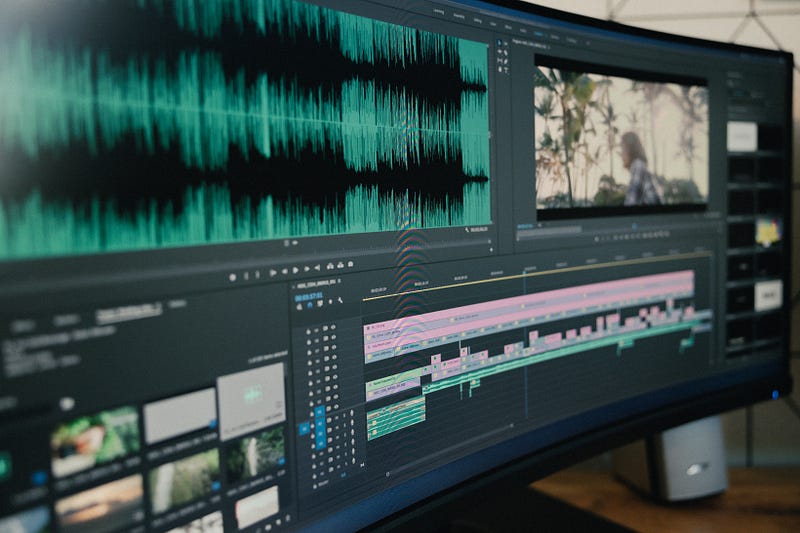
If you have the cash to invest, invest in good audio and video equipment.
Audio quality is non-negotiable!
Your speech and pronunciation need to be as clear as possible. A good audio device helps ensures your message is captured with all its crispiness.
It helps you filter out background noise, pop sounds, etc.
Remember that students usually listen to courses using headphones and noises and scratchy audio can be distracting and can give them a headache!
Read through the Udemy recommendations for audio equipment here.
Poor audio instantly puts off the students and they might never return.
Bad audio not just loses students but also results in bad reviews, irrespective of the course value.
Good video or lighting is also important and creates a more lively atmosphere. Just compare some Youtube videos if you needed proof!
In summary:
- Use a decent condenser mic if you can’t invest in more costly ones.
- Use a pop filter.
- Record in an eerily quiet room, the mic records more than you can imagine!
- Use audio editing software to clean out audio at the end.
- Use bright lights in case you are recording yourself.
- Use 1080p resolution if you are recording the screen.
- Make sure text on the screen is readable, zoom-in wherever required.
9. Audio recording and editing
I can’t stress enough how important audio quality is. Here are some tips to get a better-sounding course.
- Pace — Try to maintain a uniform pace
- Volume Levels — Maintain the same volume level in all your videos. Varying volume levels are annoying!
- Audacity — Use software like Audacity to remove noise, clicks, and enhancing the audio.
I intend to write a detailed article on this topic soon.
10. Video Recording and Editing
Use decent video editing software to record your videos or screen capture.
Popular ones include:
- Corel VideoStudio
- Camtasia
- Cyberlink Power Director
There is also a bunch of free software with varying degrees of learning-curve.
I intend to write a detailed article on video editing software soon.
Polishing the offering:

11. Landing page and course description
Spend some effort in creating an informative and compelling landing page.
This is what most students read before deciding to take your course or not, so invest time and make it right.
- Include a good course overview, description, etc.
- Why is the course subject important, what value does it add?
- Why should students go through ‘your’ course, benefits?
- What are you planning to cover in the course?
- Your credentials on the topic
- Your teaching style and credentials if applicable.
- Highlight labs, demos or value adds.
- List of important topics, sections.
- State requirements and pre-requisites if any.
12. Captions / Subtitles
Subtitles are a great feature to help students understand you better. It doesn’t matter if your English is great — your students are spread throughout the world — your accent might be thought of as great in the USA, but can be difficult to comprehend for students from other countries.
It is recommended to have Captions enabled, but don’t blindly rely on the auto-captioning feature.
Always check the auto-generated captions especially if the content is technical in nature!
- If for some reason, you don’t have the time to create captions, evaluate if the auto-captions are useful at all.
- During my research, I have seen many cases of negative reviews just because of poor captioning!
- Especially for technical content, the auto-captioning doesn’t work very well.
- Sometimes, it is better to disable captions altogether — if you are not a native speaker or if the auto-generated caps are not accurate.
I would recommend investing time in creating subtitles based on my experience and research. Having a written script helps speed up this process.
13. Course Image
When you publish a course, you have an option to create a course image.
A course image can help in establishing a brand and make the course more eye-catchy.
Based on Udemy’s own research…
“A good course image is critical to a course’s success. It should grab the attention of the viewer and help them understand the essence of what the course has to offer. Following these simple guidelines will ensure that your course image is effective and impactful.” — Udemy
Read the standards for a course image here.
Learn how to upload a course image here.
Udemy used to provide a free course image design service, however, I can no longer find that link. If the option doesn’t return any time soon, create your own course images or use one from free image sites like Unsplash.
Along with course-image, there is also scope for a course video/animation. Create a course introduction if possible using some slick animation. Such courses are usually perceived as high quality!
14. Getting your first audience
Just like a business requires seed capital to start, your course requires students to pick-up in the marketplace.
Existing student count and good ratings attract more students to enroll in your course.
- Share on Social networking sites — Linkedin, Facebook, Twitter
- Give away coupons for free — Share on coupon sites
- Email coupons to your friends and family interested in the topic
- Consider making your course free for a few weeks to attract students and gather good reviews. This pays-off later.
Creating courses for topics that are already crowded or has best-selling authors puts you at a disadvantage at least in the beginning.
Don’t let best-selling authors or existing courses put you off, there are enough students out there looking for courses! As long as your course has quality content, it will find its way! Be patient, the course takes time to pick-up pace and sell.
With proper planning and effort, becoming a successful instructor on Udemy is definitely possible!