Free AI web copilot to create summaries, insights and extended knowledge, download it at here
1554
Abstract
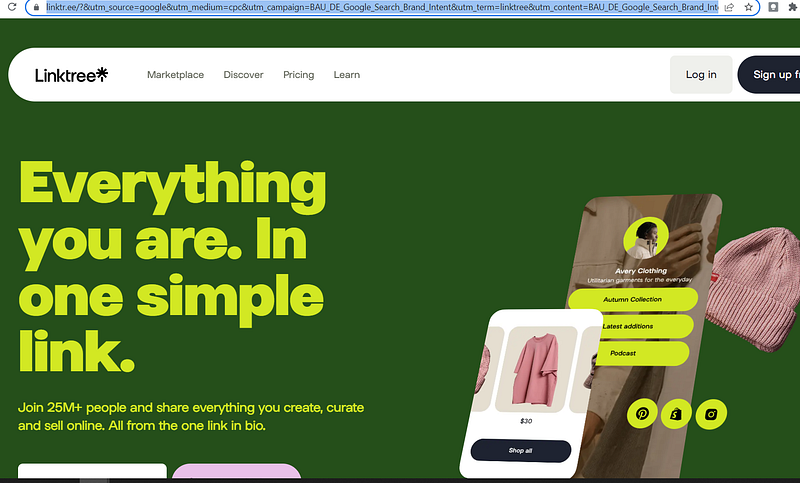
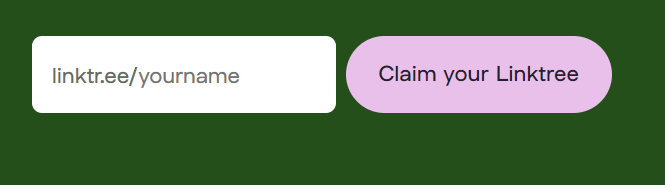
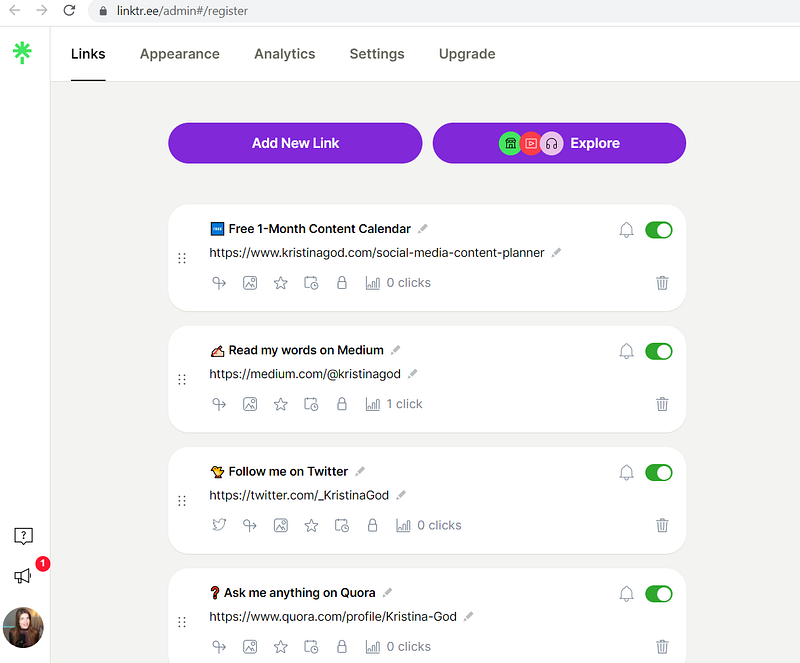
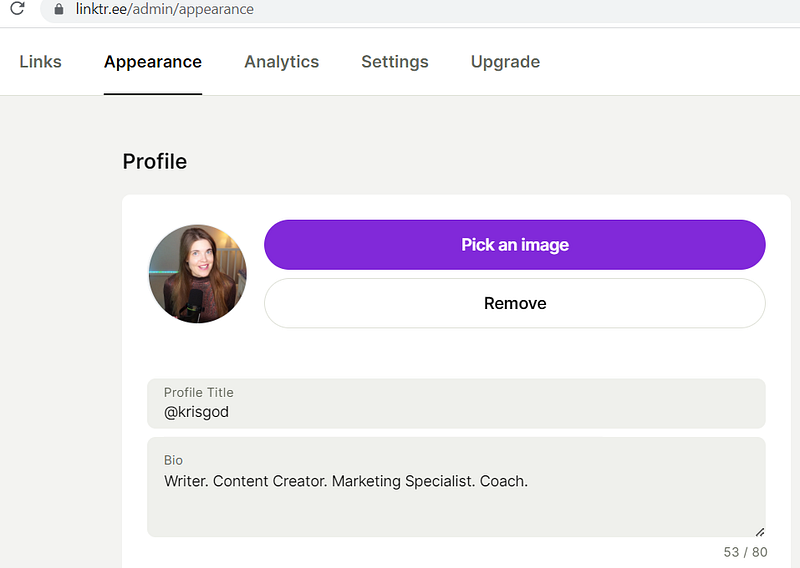
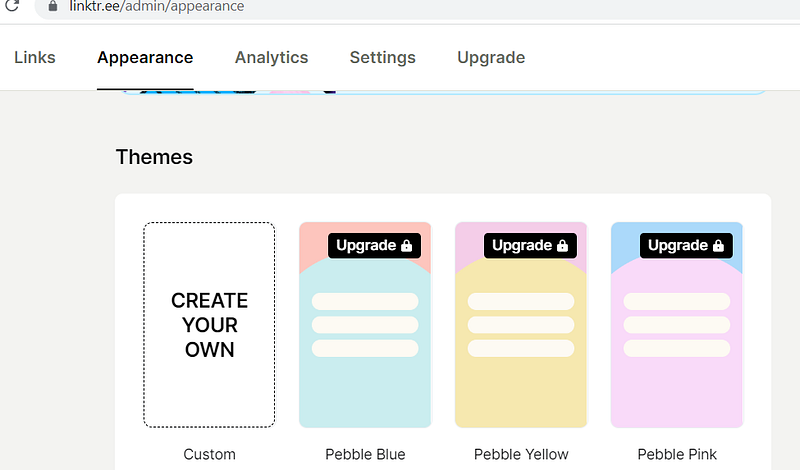
9">Here are the 5 steps to create your Linktree:</h1><p id="5c92">1 — <b>Claim your free micro site</b> on Linktree. Just go on <a href="https://linktr.ee/?&utm_source=google&utm_medium=cpc&utm_campaign=BAU_DE_Google_Search_Brand_Intent&utm_term=linktree&utm_content=BAU_DE_Google_Search_Brand_Intent_Linktree&gclid=Cj0KCQjwy5maBhDdARIsAMxrkw29ukVHccDm_WEVCpbfRKfKJRAJHmLSZ1V_8YBmBaRFDinNMKPjofwaAqS4EALw_wcB&gclsrc=aw.ds">linktr.ee</a> and type in your name:</p><figure id="aba0"><img src="https://cdn-images-1.readmedium.com/v2/resize:fit:800/1*-aR7IZPa-2kiCBwOA1TDrg.png"><figcaption></figcaption></figure><p id="2b28">2 — Insert your <b>email address and share your first link</b>, for instance to your Medium account</p><p id="ddab">3 — <b>Add all links</b> to your socials.</p><figure id="9186"><img src="https://cdn-images-1.readmedium.com/v2/resize:fit:800/1*MjIxN5awf8cCsNKqCysvuA.png"><figcaption></figcaption></figure><p id="1f06">4 — <b>Pick an image (via Canva), profile title and bio.</b></p><figure id="d862"><img src="https://cdn-images-1.readmedium.com/v2/resize:fit:800/1*0Iksqe1mKMpQcTYz--cyHw.png"><figcaption></figcaption></figure><p id="960e">5 — <b>Choose a theme, background color, fonts, and buttons </b>from the free version.</p><figure id="b934"><img src="https://cdn-images-1.readmedium.com/v2/resize:fit:800/1*3pv_wunljA5cyiuXTtFm7A.png"><figcaption></figcaption></figure><p id="d4ac">My Linktree is good for now but it still is “work in progress” :D</p><p id="4ee7">Make sure to follow me on TikT
Options
ok and YouTube for more video content in the future.</p><div id="770e" class="link-block">
<a href="https://linktr.ee/krisgod">
<div>
<div>
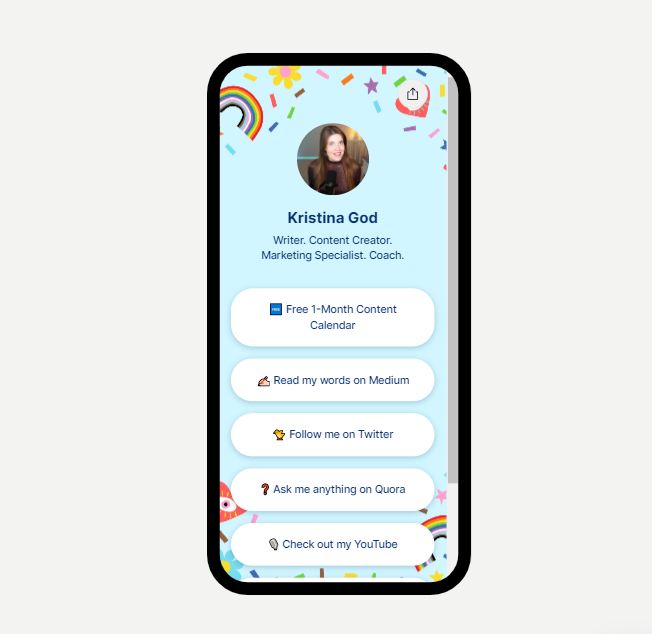
<h2>Kristina God | Twitter, YouTube, TikTok | Linktree</h2>
<div><h3>Writer. Content Creator. Marketing Specialist. Coach.</h3></div>
<div><p>linktr.ee</p></div>
</div>
<div>
<div style="background-image: url(https://miro.readmedium.com/v2/resize:fit:320/0*6JcS7KKKEUC3Ens1)"></div>
</div>
</div>
</a>
</div><h1 id="0a6e">Have fun creating your own Linktree and feel free to share it in the comments!</h1><p id="1900">One more thing… <a href="https://medium.com/online-writing-101">Make sure to follow my publication for more AWESOMENESS!</a></p>
<figure id="14b0">
<div>
<div>
<img class="ratio" src="http://placehold.it/16x9">
<iframe class="" src="https://cdn.embedly.com/widgets/media.html?src=https%3A%2F%2Fwww.youtube.com%2Fembed%2FqdJal_cys2E%3Ffeature%3Doembed&display_name=YouTube&url=https%3A%2F%2Fwww.youtube.com%2Fwatch%3Fv%3DqdJal_cys2E&image=https%3A%2F%2Fi.ytimg.com%2Fvi%2FqdJal_cys2E%2Fhqdefault.jpg&key=a19fcc184b9711e1b4764040d3dc5c07&type=text%2Fhtml&schema=youtube" allowfullscreen="" frameborder="0" height="480" width="854">
</div>
</div>
</figure></iframe></div></div></figure></article></body>