How to connect Nextjs with database by Prisma?
You need to create RDS(Mysql) instance and init prisma in your own nextjs app. That’s it!
This post is in series, How to deploy side project for free!
- Nextjs with Kakaotalk(Oauth 2.0) login
- How to connect Nextjs with database by Prisma?
- Docker with nextjs to deploy on EC2
- Nextjs with NGINX on EC2 by Docker-compose
- Get free domain(at freenom) and Deploy side project

Prerequisites
Before read this post, please clone this git repo https://github.com/david718/nextjs-nextauth-prisma-starter
and create .env file for DATABASE_URL
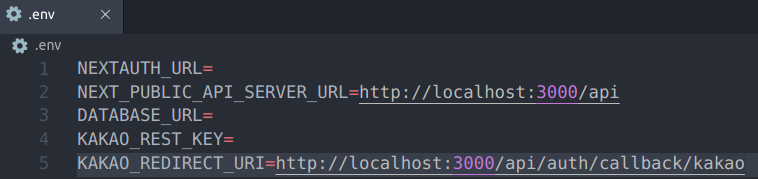
Also, You need RDS(Mysql or Mariadb) instance for DATABASE_URL
(If not have, check How to create RDS instance)
Edit DATASE_URL in .env file

- name : RDS instance user name(default is admin)
- password : RDS instance password
- host : select your RDS instance, you can check Endpoint(bookey.cb~ ) that is host
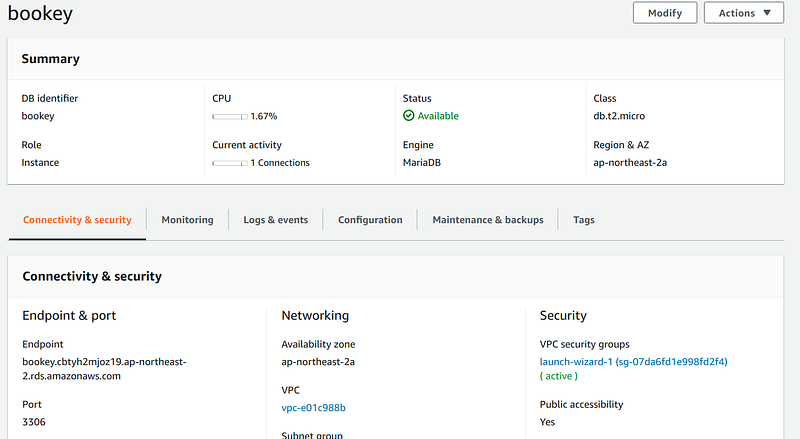
- port : you can also check port(3306 — mysql, default)
- databaseName : when you create your RDS instance, you input your database name. that is databaseName
Prisma init to make schema
If you have another Nextjs app not my repository, This post may help you
But you have cloned my repository, follow me
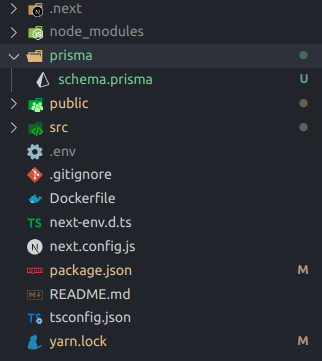
You need to init prisma, yarn install (to add @prisma/cli)
or yarn add @prisma/cli
And then, npx prisma init
Prisma Introspect to integrate your database
After npx prisma init, you have to edit schema.prisma file in prisma directory
db provider = “mysql”
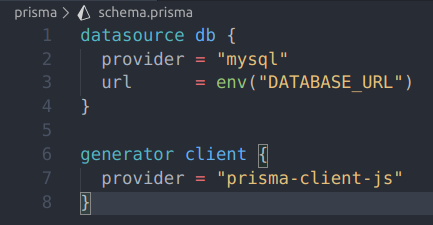
And then, You have to use SQL(Not prisma client) to create table.
So, you connect RDS with mysql client to use SQL

input your password,
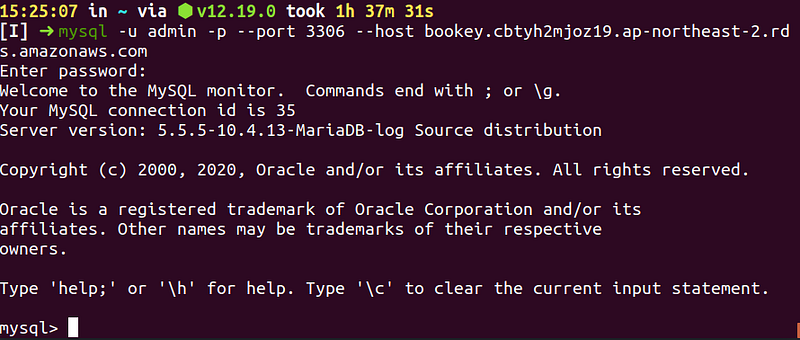
then, use databaseName to change database

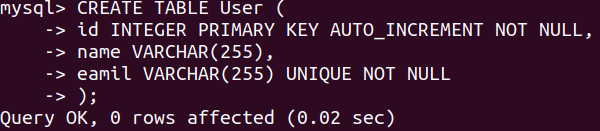
input SQL for creating User table(example)
CREATE TABLE User (
  id INTEGER PRIMARY KEY AUTO_INCREMENT NOT NULL,
  name VARCHAR(255),
  email VARCHAR(255) UNIQUE NOT NULL
);
Finally, You can npx prisma introspect to Add database to your nextjs app
(Before doing it, check .env and schema.prisma edited right)
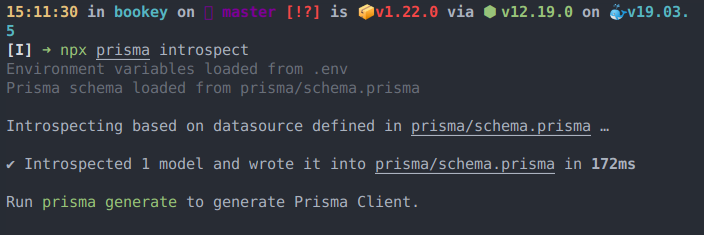
Then, You can check change in schema.prisma file
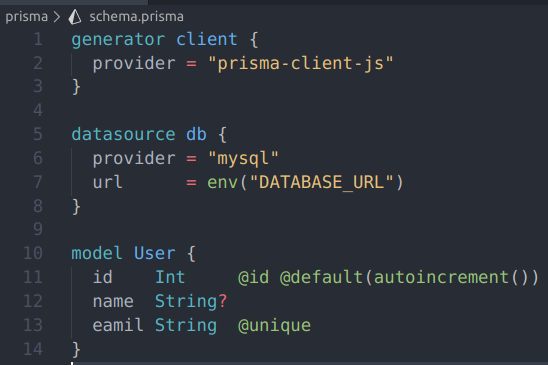
Prisma generate to use prisma client
After npx prisma introspect,
- yarn add @prisma/client
- npx prisma generate
and then, Create index.ts in prisma directory
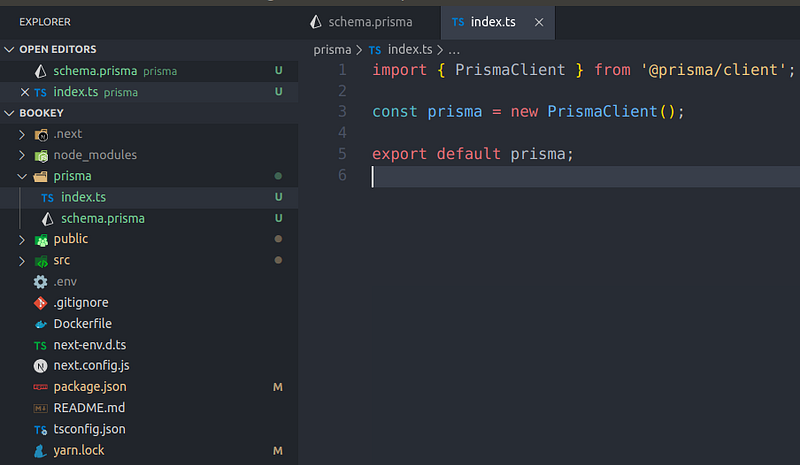
Create User with Prisma client
we create user in [...nextauth].ts , when user signin
so edit callbacks: signIn function like
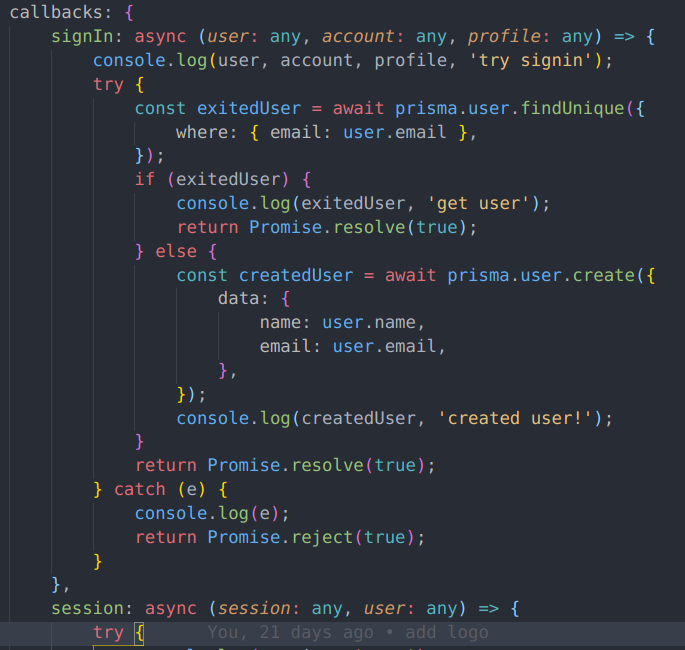
If user already sign up then, just find user.
But if not, you use prisma.user.create method to create user in your database
but what is prisma in this function?

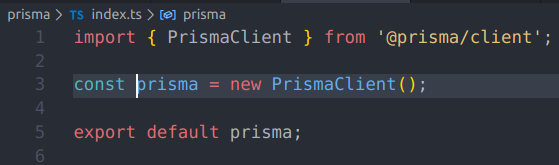
After prisma generate, we create index.ts in prisma directroy.
in index.ts we make prisma instance by PrismaClient
That is prisma!
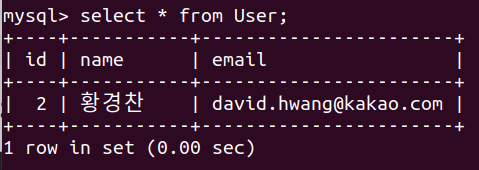
Check Created User in database
Finally, you move http://localhost/signin to create user data
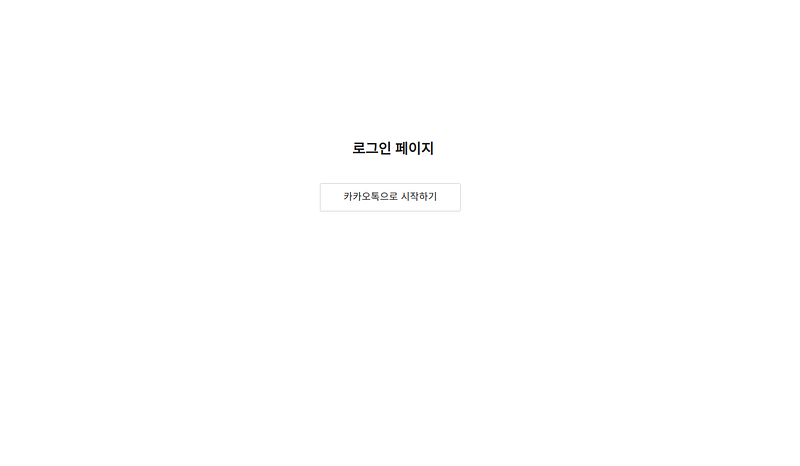
- click
카카오톡으로 시작하기button, request to api[...nextauth].ts - through Oauth2.0 (Kakaotalk login), kakao provider authorizes user and gives us user data
- in
[…nextauth].tscallbacks: signIn function, we can verify user, account, profile data - prisma.user.findUnique method execute to find existed user
- no existed user, so prisma.user.create method execute with user data(name, email)
- You can check new user in your database