
How To Connect a Custom Domain With Substack?
A subtle guide for anyone who wants to connect a custom domain with their Substack newsletter.

Substack is a free newsletter making platform where you can create a community around your writing. Writing on Substack could now help your brand as they have a higher power in getting ranked on search engines. In this article, we will discuss a step-by-step process to connect a custom domain with your Substack newsletter.
Now, having your own custom domain could help you use all the infrastructure of Substack and use it to build a community around your writing.
Benefits of having your custom domain for a newsletter:
Before we share the procedure to set-up a custom domain on Substack newsletter, the following are some of the benefits;
- Passive growth: Substack is a very inclusive platform. You have to find your audience itself, there are no such built-in readers on Substack. If you write a post that is SEO optimized, you could get ranked for a keyword most of your target audience is searching and build an audience there.
- Branding: Is it is easier to remember “xoaffairs.substack.com” or “xoaffair.com”? Definitely, the, later on, is easier to remember and type. This is why having your own custom domain is important. There is a search engine benefit of having your own domain, you can also add your custom logo and publication icon to retain your branding.
The only disadvantage of writing on Substack is that you can’t monetize your substack blog through PPC ads like Google AdSense, other than that, you could monetize it in any way possible.
Step#1: Buy a Domain Name:
This is the very first step to set-up your custom domain is to buy a domain name. There are hundreds of sites where you could buy a domain name from. It costs around $10 to $15 a year. Yes, you just have to pay a yearly fee for retaining your domain name. A domain is anything like “Medium.com” is a domain name.
One of the popular sites to buy a domain name is “Goddady” but I wouldn’t recommend them as they are the domain mafia of the Internet. They bought capture, and find a domain name that is premium and then sell it at higher prices.
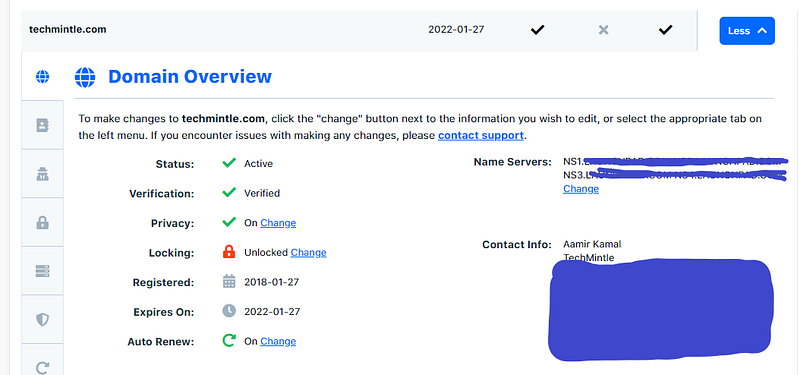
There are two important thing
Step#2: Connect Your Domain Name With Substack:
Now, as you have completed step#1 and you have your own domain name. Go to your Substack publication, and click on the “Settings” drop-down and click on “Custom domain”
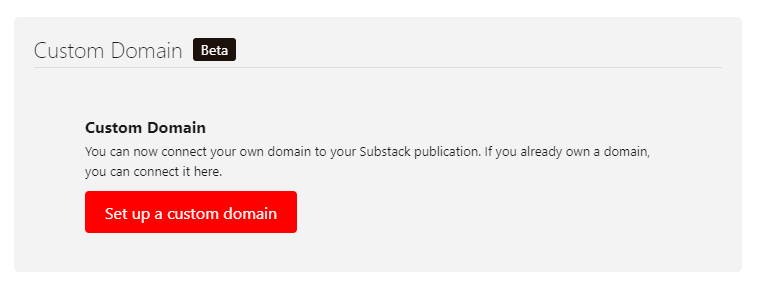
Click on “Set up a custom domain” and it will direct you to the page given below; You have to pay $50 which is a one-time fee for hosting content on Substack infrastructure. It means the initial investment will be $60 which will be followed by $10/year for retaining your domain name.
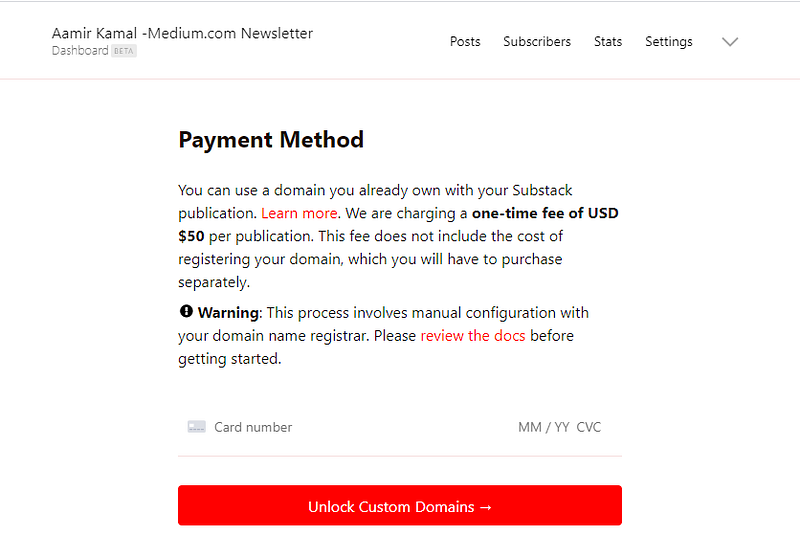
Following are the three things to note down;
- Enter your domain name: Enter your domain name without “HTTPS” and the way you want to write it like do you want a domain that starts with “www” or “without www” like “www.domain.com” or “domain.com” I would suggest that you should start with www.
- Set up your CNAME record: Now, every site where you bought a domain from giving you the opportunity to add a CNAME. You have to manually add a CNAME in the control panel of the domain you have bought. Substack will give you a CNAME record and all you have to do is to just add it to your domain control provider.
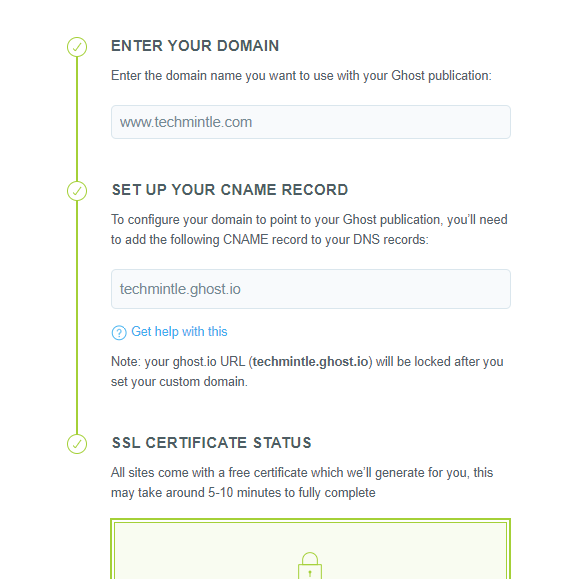
- Wait for some time: It takes half an hour to over 3 hours to connect a custom domain with Substack.
Congratulations! now you have a custom domain on Substack. You are getting this opportunity for just spending $10 a year and could make it a full-time income if you are a consistent writer who writes quality articles.
Step#3: Set-up your Google search console and Google analytics
This is for getting more analytics about your site. Google analytics could measure your total traffic to your site and give you more insights. Also, using a Google search console could help you track your keywords and the traffic you are getting from the Google search engine.
I hope this helps.
Read more:
- Medium Vs Substack: Which writing platform is best?
- Ghost vs Substack: Which newsletter making site is the best?
You can subscribe to my newsletter to receive articles related to writing platforms and other digital stuff.


