How To Code With SoloLearn
Coding with SoloLearn is fun to do.
“A girl can’t code”, people say often to me, but I think this is very presumptuous. People assume all sorts of things that might not be true. For example that men are not good for the fashion industry. Look at black people now, they have been put in corners they don’t want to be, and they don’t need to be. There are always groups that are willing to belittle other groups of people.
Since a few years ago, I have been trying to learn code. Every attempt failed.
So, maybe coding wasn’t for me?
Well, I was totally wrong.
Coding is something I truly like, but it also is hard now and then, just like that is everything in life. You need to pay attention to what you code. Also, you need to sit for it and just do it, and failing is what belongs to it, just to get it right.

SoloLearn is the solution.
Well, I have found the incredible site SoloLearn. It is a site and app that allows you to add your account and code when you have time and when your time suits you. No class to attend when it doesn’t fit in your schedule.
You can sign up with your Google account, Facebook account, or just your email. It is very easy to set up your account.
Courses
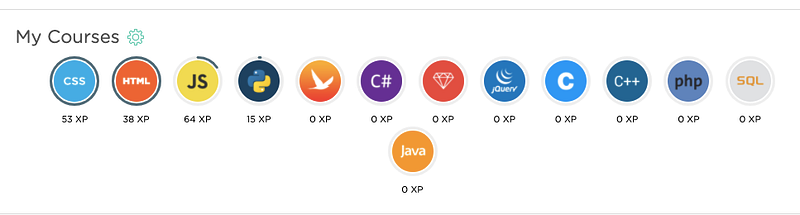
There are so many different courses on SoloLearn. I started with HTML, followed by CSS. Both I loved very much to do. It was a little bit challenging in the beginning. But after a while of following these courses, I made myself familiar with coding.
From the beginning, I loved coding very much. I knew a little bit already as I tried other sites and apps as well.
My Codes
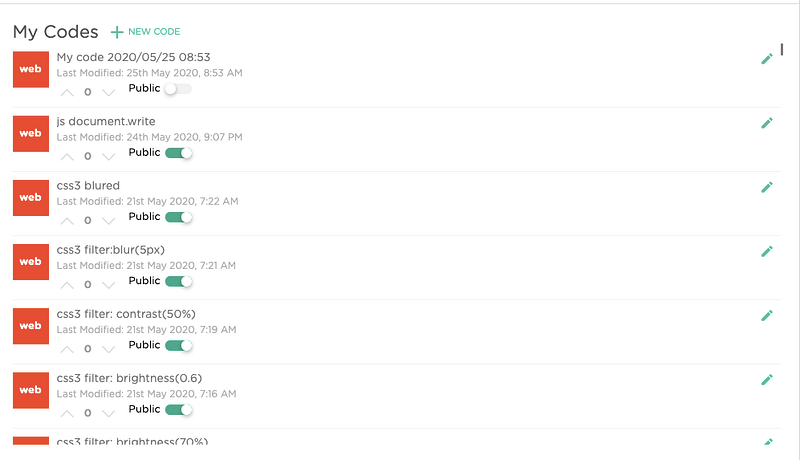
My codes mean you can actually save the codes you made while trying them out. So, you will never forget them and can practice again.
I save everything. You can even earn points or PX as they call it. The more you participate in coding, asking questions, etc.., the more PX’s you get.
Certificates
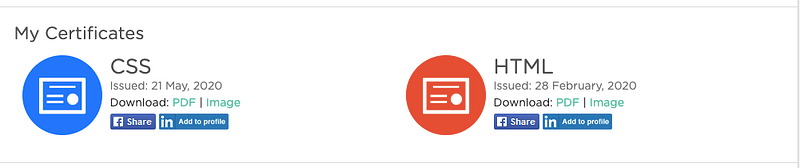
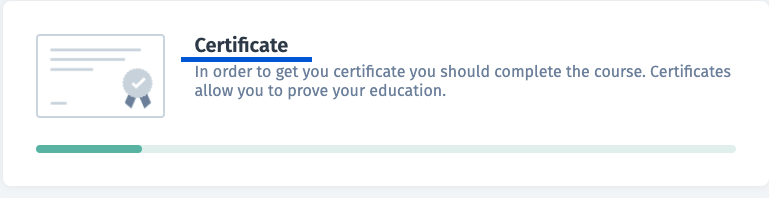
When a course gets to its end, and you have done everything they’ve had asked you’ll get a certificate and you have passed the course. This certificate you can download in pdf, or as an image. I love to get a certificate as a reward for what you have done while learning to code.
Achievements
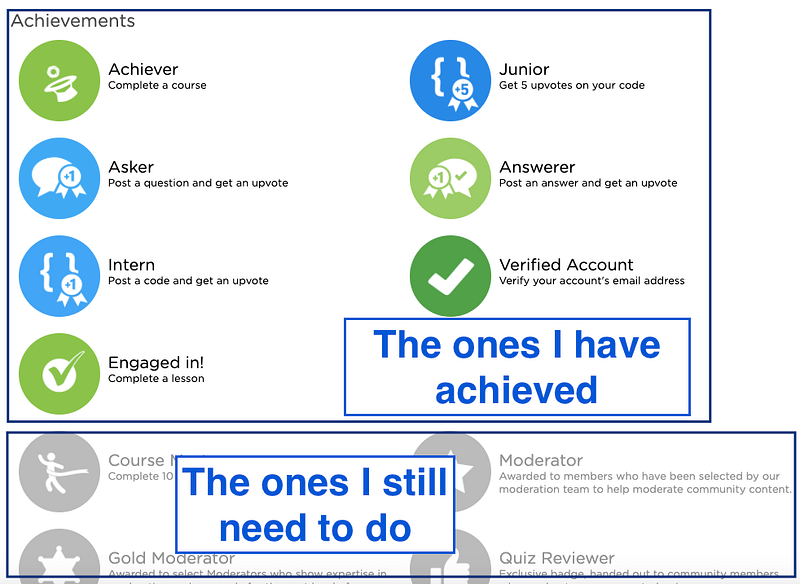
Another great feature is that they give you achievements for what you have done. For even the little things, such as completing your lesson, and engage with the community. This motivates me to continue coding and learning more coding programs.
Modules in lessons
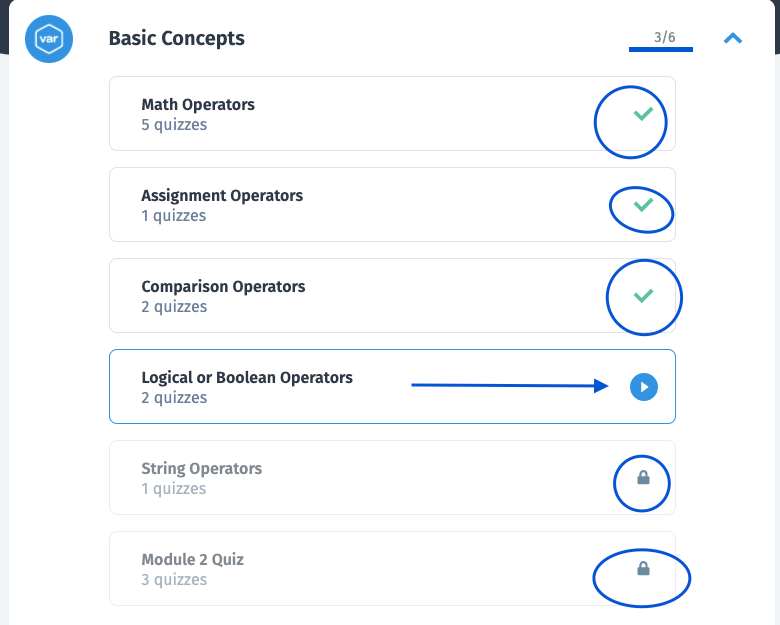
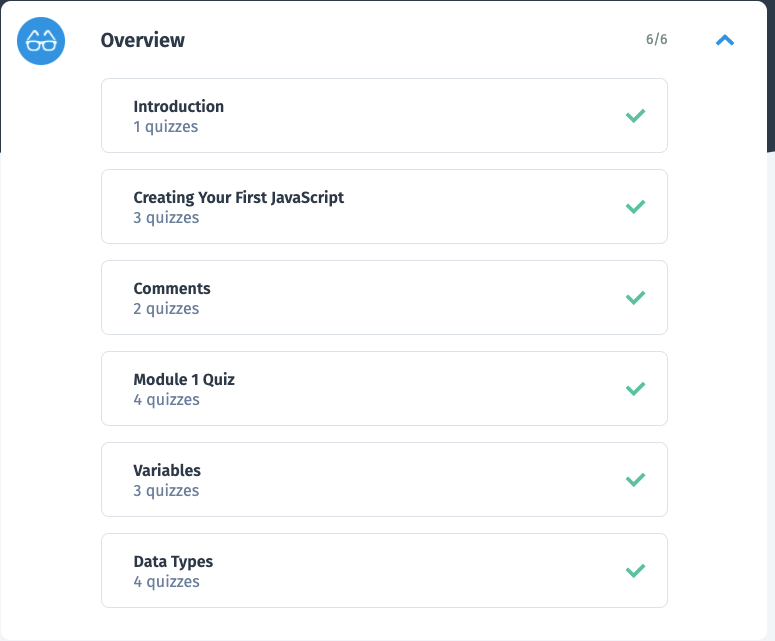
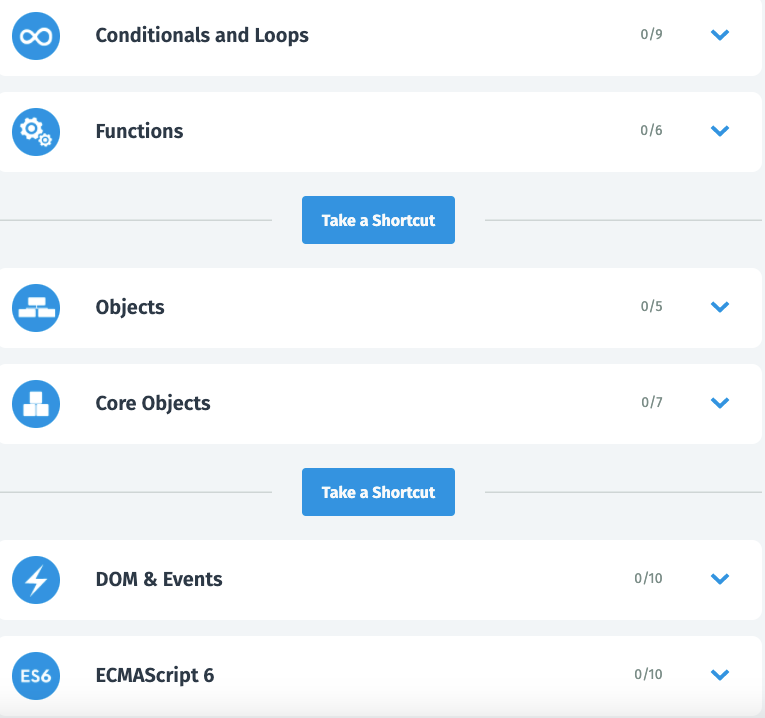
When you are doing a lesson, you have modules where you see what section in a lesson you have to make, and what your progress is.
I like the overview of what you need to make and what you have done already. They have changed the structure of the site, and I like that. There is a better lesson overview in the sections of the module.
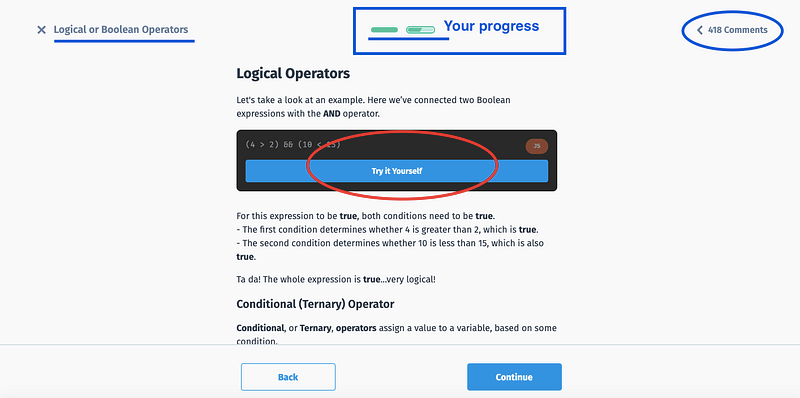
Try yourself
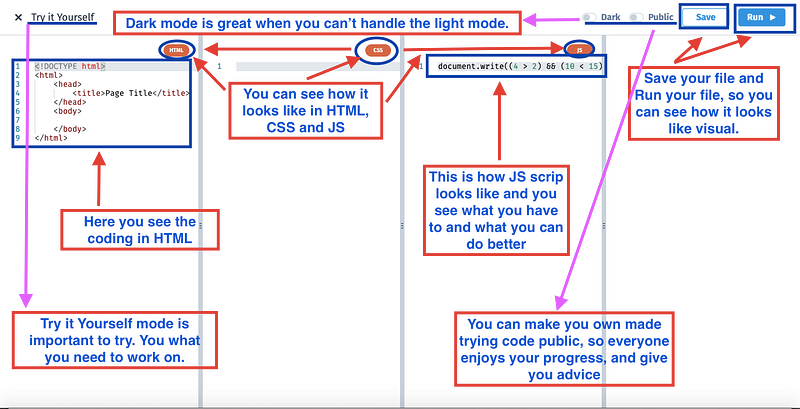
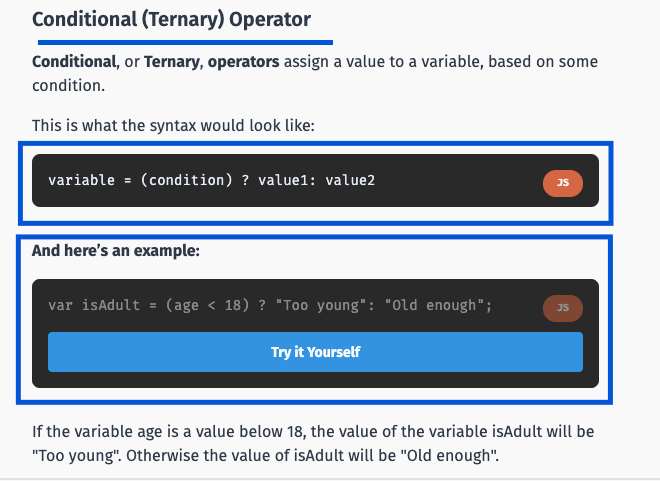
A great feature is the ‘Try it Yourself’ function, so you need to practice the codes you made and they provide the information for you. I love that a lot.
These codes you can save for later. Also, you get those PX points.
Information block
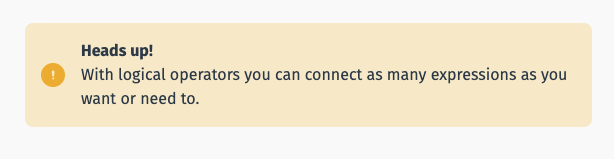
Sometimes you see a yellow information box. That means that they give you hints, tips, and tricks, but also when there are exceptions for codes or something like that.
Practise block
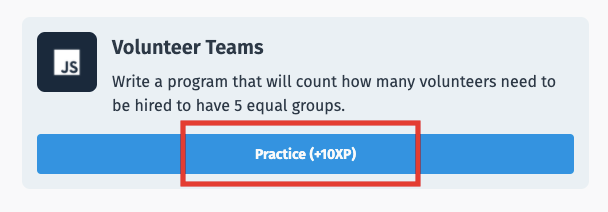
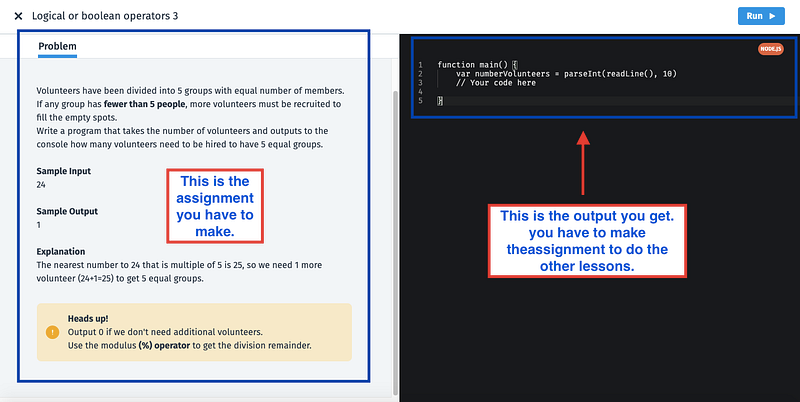
The most important thing is the practice box to practice the codes, with all the information you got during the lessons from the modules. I realized that I need to learn a lot. And that is why I am here for.