
Medium Writing Tips
How to Choose the Perfect Featured Image for Your Medium Article
Medium story featured image
1. Unsplash Vs. Your Own Image
The first step in selecting the cover perfect picture for your Medium article is to consider whether you want to utilize a stock photo from Unsplash or choose a picture took and own the rights to.
Unsplash provides beautiful, free images and photos that you can download and use for any project. I would suggest checking out their images, unless you are writing about an event or some process that cannot be broadly characterized by one of their stock photos.
Remember — if you are using a photo of your own, you should credit the author and provide a direct link to their work in your caption.
2. Make Sure the Image is High Resolution
There are many articles that are overlooked because of a low resolution or low quality cover photo. There are countless articles added each day to Medium so it is key that readers are drawn toward your article. Take the two example images below:
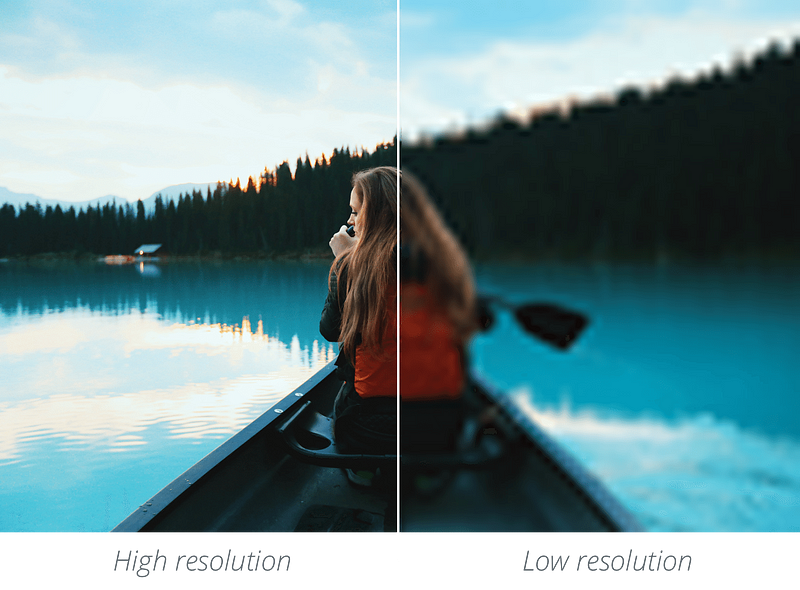
Clearly the high resolution version of the image on the left is more inviting to a reader than the low resolution image on the right. Note that the left image is not by any means perfect — it is somewhat out of focus and the contrast is a bit off. But the high resolution image allows the reader to clearly grasp what is being depicted, after a momentary glance.
It’s also important to remember that your readers may be reading your story on a variety of screen sizes (ranging from a small iPhone screen to an oversized computer monitor or even TV screen). So make sure you do not only check the appearance of your article’s image on your phone or tablet
High-quality images will help convert your online leads by:
- Garnering more views to your article— which means more chances to convert readers to fans.
- Increasing user engagement — which means readers spend more time on your article and are more likely to check out your other content.
- Decreasing bounce rate — which means more article traffic and higher rankings in the Medium search algorithm.
- Forming a link between reader and writer— which means readers are more likely to select your articles in the future when browsing Medium.
3. Know That Your First Image Does Not Need to be the Featured Article Image
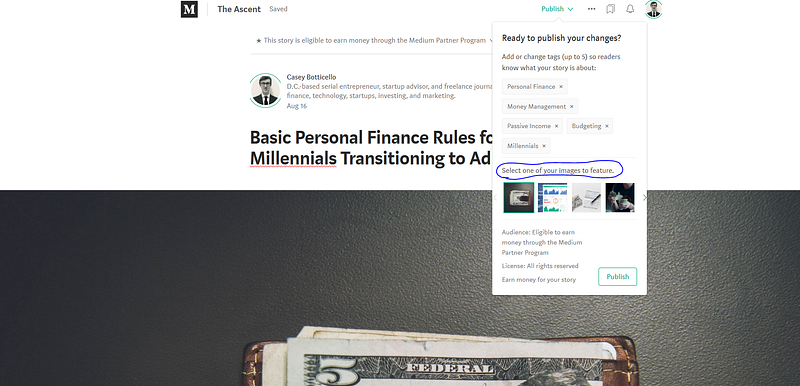
To set an image as featured in your Medium story, use the featured image picker when you publish the post or select the image manually and press Shift + F.
To set a focal point, press Alt / Opt and click. The resulting green circle will serve as a focal point for automatic image cropping that appears in post listings and previews around the site.
4. Bright Colors, People, Snapshots in Time
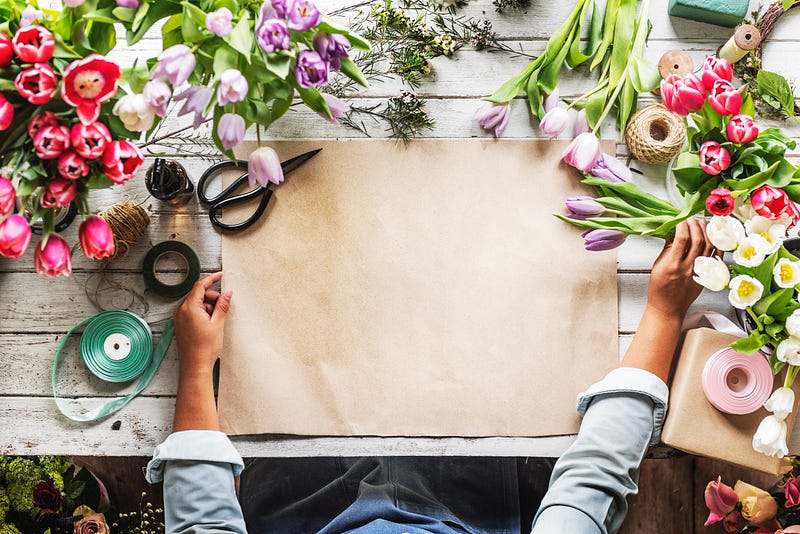
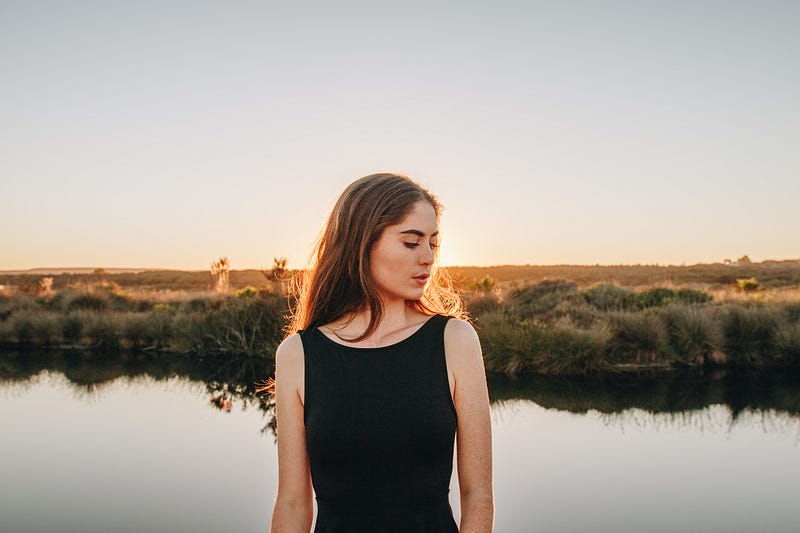
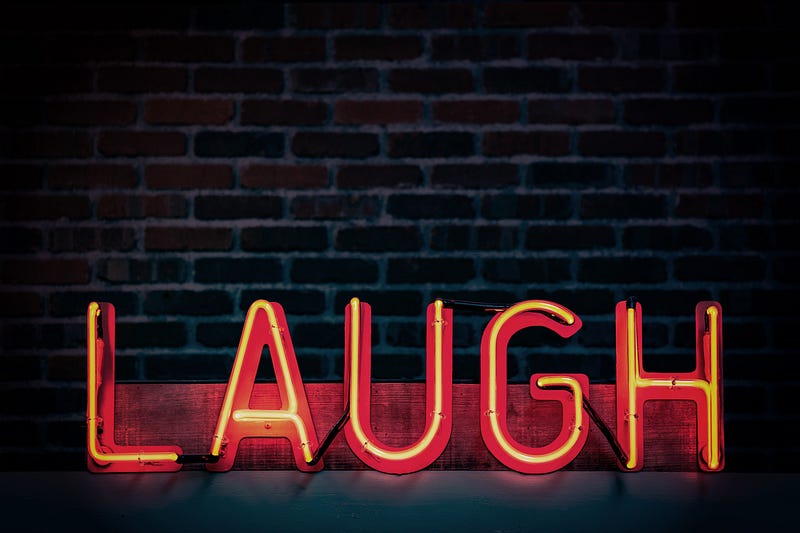
In my experience, featured images of articles that do well, seem to either have bright colors, people, single words, or function as a snapshot in time. See the examples below:
Bright Colors:
People:
Single Words:
Snapshot in Time:
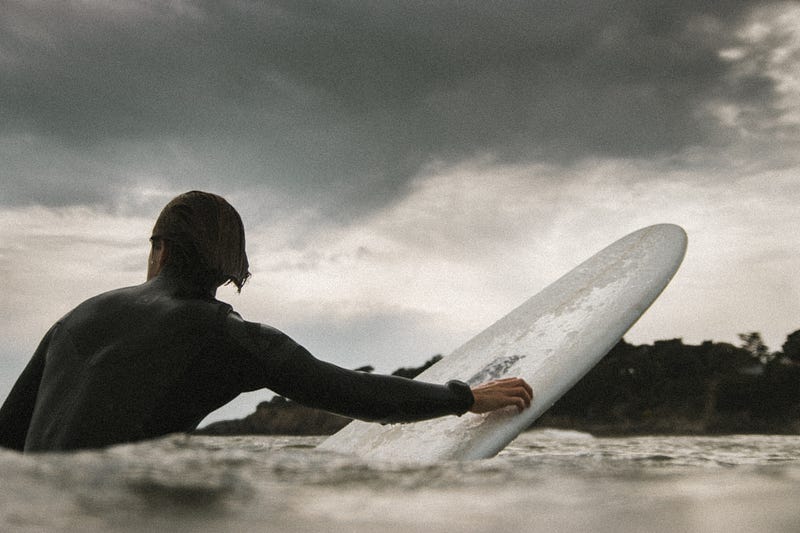
Although you may not feel like you can sum up your article in a single picture, remember that the featured image is used to set the tone of the article. If you are illustrating more complex processes or events those can be laid out clearly within the body of your article — they don’t need to be the featured image.
5. Relevance
People tend to click on stories with captivating featured images, and this is a good strategy to increase views. But ultimately, viewers need to see the value in what you are writing and if your image is totally unrelated to your article they will likely be confused or annoyed and quickly close your article. See example of what not to do below:
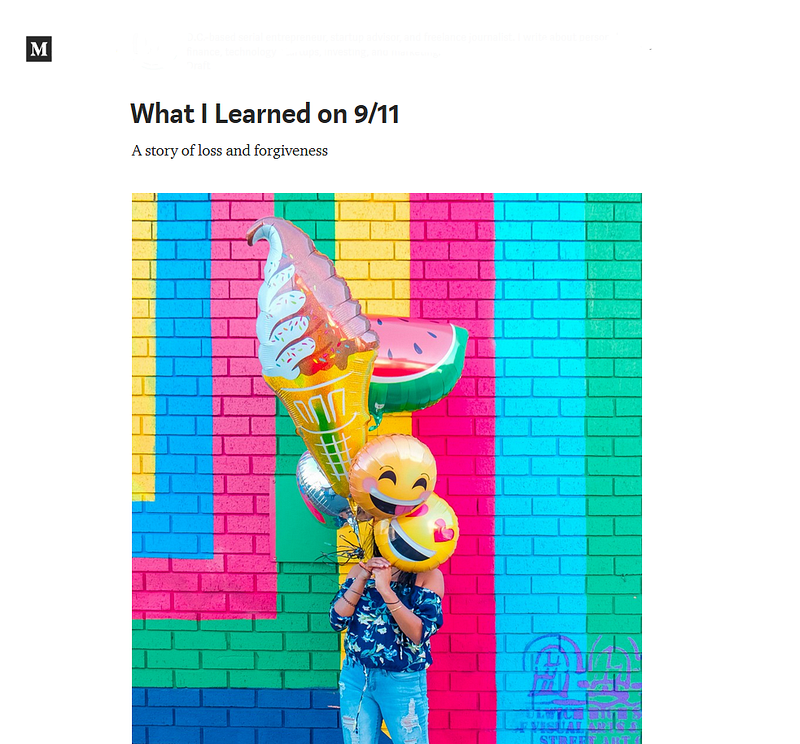
Thanks for reading this article! Leave a comment below if you have any questions, and if you want to learn more about blogging, content marketing, or subscription newsletter strategy, be sure to sign up for the Blogging Guide Newsletter!
If you liked this article, here are some other articles you may enjoy:

Casey Botticello is an internet entrepreneur and the founder of Blogging Guide, an online community of writers with an award-winning newsletter. He is also the creator of the popular Medium Writing Course and the Substack Newsletter Course.
Casey previously worked at several tech startups, a lobbying & strategic communications firm, and has created several businesses of his own. He is a graduate of The University of Pennsylvania, where he received his B.A. in Urban Studies.
You can connect with him on LinkedIn, Twitter, Facebook, follow his Medium publications, Digital Marketing Lab and Medium Blogging Guide, or reach out to him directly on his personal website.


