
How to Check if Number is Negative or Positive Using ES6’s Math.Sign
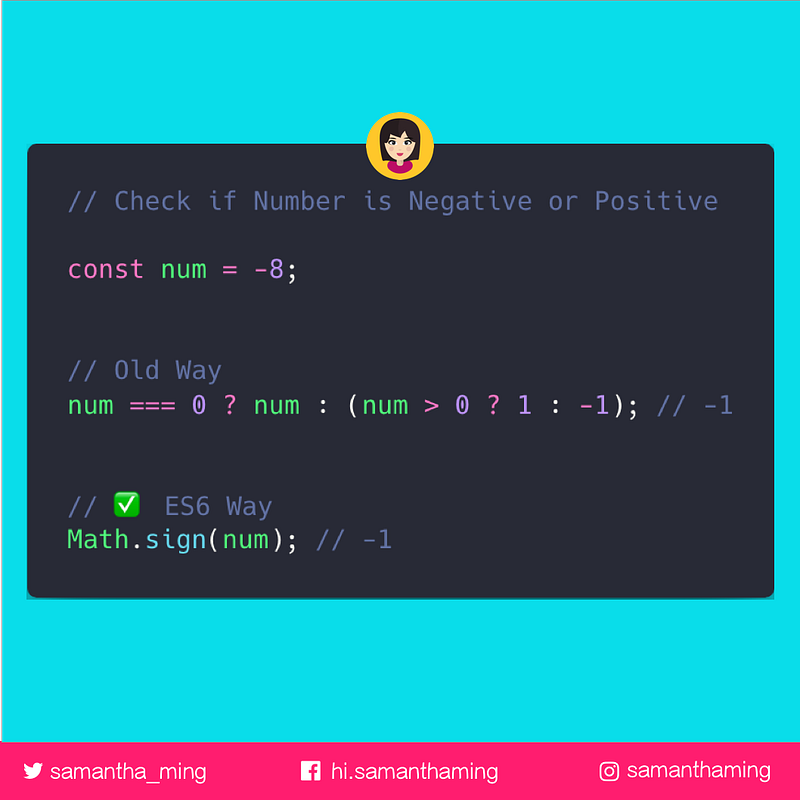
Determining the sign of a number is super easy now with ES6’s Math.sign 👏 It will indicate whether the number is positive, negative or zero.
const num = -8;// Old Way
num === 0 ? num : (num > 0 ? 1 : -1); // -1// ✅ ES6 Way
Math.sign(num); // -1Note, the argument passed to this function will be converted to number type implicitly.
Return Value
Math.sign() has 5 possible return values:
1 // positive number-1 // negative number0 // positive zero-0 // negative zeroNaN // not a numberExamples
Math.sign(8); // 1
Math.sign(-8); // -1Math.sign(0); // 0
Math.sign(-0); // -0Math.sign(NaN); // NaN
Math.sign('hello'); // NaN
Math.sign(); //NaNCommon Gotcha
A common gotcha is thinking that Math.sign return the converted argument value. Math.sign returns only the sign of a number. It doesn't return the value.
Math.sign(-8);
// ✅ return -1
// ❌ It doesn't return -8
Negative Zero
What the heck is this negative zero 🤨. Kyle Simpson of “You Don’t Know JS” explains it the best:
Now, why do we need a negative zero, besides academic trivia?
There are certain applications where developers use the magnitude of a value to represent one piece of information (like speed of movement per animation frame) and the sign of that number to represent another piece of information (like the direction of that movement).
In those applications, as one example, if a variable arrives at zero and it loses its sign, then you would lose the information of what direction it was moving in before it arrived at zero. Preserving the sign of the zero prevents potentially unwanted information loss.
YDKJS — Type & Grammer — Zeros
Resources
Share
- Like this on Twitter
- Like this on Instagram
- Originally published at www.samanthaming.com
Thanks for reading ❤ I post new JavaScript, HTML, CSS tidbits every week 🔥🔥🔥
Say Hello! Instagram | Facebook | Twitter | SamanthaMing.com


