avatarDavid Lindgren

Summary

The web content provides instructions on how to adjust the motion blur effect in Adobe After Effects for more precise control over the visual representation of object movement.

Abstract

The article titled "How to change the amount of motion blur in After Effects" explains the process of customizing motion blur for objects in Adobe After Effects. It begins by noting the standard method of enabling motion blur for layers and the timeline. The author then addresses the challenge of reducing motion blur for an object moving at varying speeds, particularly when the middle of the motion has higher velocity. The solution offered involves navigating to "Composition Settings," accessing the "Advanced" tab, and modifying the "Shutter Angle" under "Motion Blur" settings. The article encourages readers to subscribe for more tips, sign up for a newsletter, and watch a tutorial video for further learning. It also promotes membership to Medium, emphasizing the support it provides to writers.

Opinions

  • The author suggests that readers can enhance their content creation productivity by following the provided tips.
  • Subscribing to the channel and signing up for the newsletter is recommended for ongoing access to quick tips.
  • Watching the tutorial video is encouraged for a visual demonstration of the process.
  • The author believes that the cost of a Medium membership is comparable to that of a coffee, implying it's a reasonable investment for the value received.
  • Supporting writers on Medium by becoming a member is portrayed as a way to ensure

How to change the amount of motion blur in After Effects

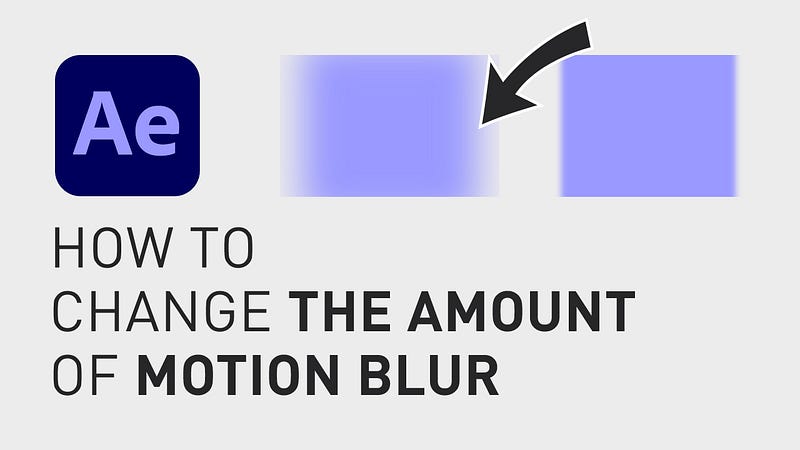
When you move an object in Adobe After Effects you might know that you can add motion blur to the movement by clicking the motion blur button at the top of the timeline window AND the motion blur checkbox on the specific layer.
How to change the amount of motion blur in After Effects

But what if you for example have an object where the speed is higher in the middle of the motion but you want to decrease the amount of motion blur?

This can easily be adjusted for each composition you are working with by going up to the menu, clicking “Composition”, “Composition Settings” and click the tab “Advanced”.

Here, under “Motion Blur”, you simply decrease the number next to “Shutter Angle” and click “Enter” to activate the changes.

For more quick tips like this, subscribe to the channel and sign up for the “Content Creation Productivity” newsletter in the comment section below.

Thanks for reading and have a nice day!

Follow if you liked this and have a great day! ☀️️

🎞 Watch the tutorial (and all my other tutorials) here!

***

3 of my other stories that might interest you: ⭐️ I think I just figured out life 🤯 ⭐️ 5 tips for making money on YouTube (How to get started today!) ⭐️ 25 things I learned during my first year as a Video Editor

— — — — — — —

Did you know? You can get full access to every story on Medium for just $5/month here!

(…Or the cost of one coffee ☕️)

Becoming a Medium member directly supports me ♥ ️(and other writers on Medium) so that we can keep creating helpful content for you! 🙏

After Effects
How To After Effects
Video Editing
Video Editor
Howtoeditvideos
Recommended from ReadMedium