
How to change one side in a mask in Premiere Pro
Have you ever had a mask in your video and just wanted to adjust one side of the mask without making it distorted? It’s actually easier than you think to do that.
The way you can do this is by clicking on one of the corners to select it and then holding down shift while selecting another corner and then you can click and drag any of the selected corners to move both of those anchor points at the same time.
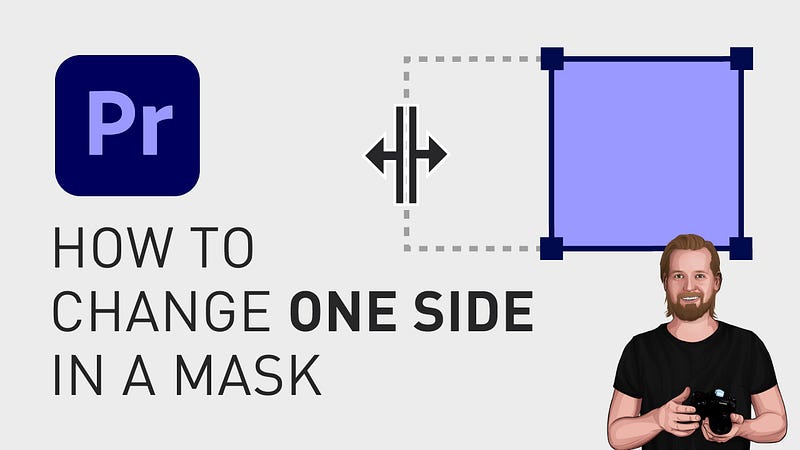
(You can do this with as many anchor points as you want, as long as you hold down shift after selecting the first anchor point.)
If you want to move 2 anchor points in only one direction, either vertically or horizontally, you start the same way by selecting one anchor point, holding down shift, and then you click AND dragging the second anchor point while keeping the shift button pressed and then you let go of the mouse and then the shift button.
That way you’ll only move one side in one direction.
If wanna see more short mask tutorials, you can find them on my YouTube channel.
Thanks for reading and keep learning! ✌️
3 of my other stories that might interest you:
📖️ I think I just figured out life 🤯 📖️ 5 tips for making money on YouTube (How to get started today!) 📖️ 25 things I learned during my first year as a Video Editor
— — — — — — —
Did you know? You can get full access to every story on Medium for just $5/month here!
(…Or the cost of one coffee ☕️)
Becoming a Medium member directly supports me ♥ ️(and other writers on Medium) so that we can keep creating helpful content for you! 🙏