
How To Capture Your Best Ideas
Capture them, organize them, and accomplish more
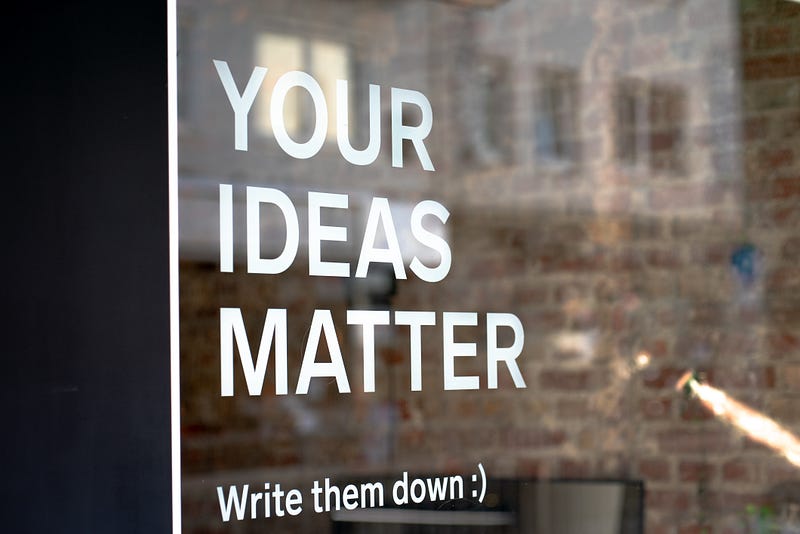
You have a lot of fantastic ideas. Yet, you may be wondering how to keep track of them so that they aren’t forgotten or lost.
In a time when information and ideas could change your life and the lives of others you need to have a way to capture these ideas. Yet, we seem to forget some of the most basic principles of capturing ideas and making them work for you.
Capturing an idea is simple.
We are inundated with notebooks, apps, and different techniques for writing down and capturing ideas. Yet, it doesn't have to be complicated. Capturing an idea is simple.
Yet, you must realize that you cannot and should not be capturing ideas on scraps of paper, napkins, newspaper (if you still read those), or envelopes of junk mail. If you use this method, you are 99.9% sure to lose your next great idea.
So, let's look at capturing first. Then we will look at how to use that system. Lastly, we will look at what to do with the ideas you don’t use. So, what do you say? Let’s dive right in.
№1 — Capture Ideas
Capturing ideas is simple. In fact, we have created so many ways to make it simple it hurts sometimes. Nevertheless, I want to share with you a list of ten ways to capture ideas, most of them are digital because we type our articles, so we should keep these things close together.
- A general or notebook. This is the purest form of idea capturing. It is also a traditional one for writers, entrepreneurs, and just about anyone who doesn’t like technology.
- Notes App on iPhones. I used this one because it is my wife’s favorite. Her Notes app is extensive. It keeps everything in mind. We also share notes so we can stay on the same page.
- Evernote. This is my favorite way. I capture everything into an “inbox notebook” on Evernote. Then, once a day, I send it to its respective shelf. But more on that later.
- Microsoft OneNote. If you are a Microsoft fan or Windows user. This works well like Evernote or Apple’s Notes app. I use this on my work computer, but I don’t enjoy the interface as much.
- Google Keep. It's like a file folder for all the scraps of life you want to keep. It works well if you are a hardcore Google user or you like their simple app design that reminds me of how I kept sticky notes in a folder in college.
- Post-It Notes. There is an app for this too. But I used to keep all my ideas on Post-It Notes that went in different folders or parts of a journal. This was popular until I realized I looked like a crazy person with a billion sticky notes in my journal.
- Word Processing Docs. Whether it is Microsoft Word, Apple Pages, or Google Docs these all can work well. Especially if you are keeping them in a list form to skim through at any given time.
- Spreadsheets. This is another popular one you can use with Microsoft Excel, Google Sheets, or Apple Numbers. I tried this for a time, but the cells really drove me crazy.
- Index Cards. I know a guy who keeps every idea that he has in boxes of index cards. He keeps a stack with him everywhere he goes and writes things down when things come to him. Then he drops them into their respective boxes.
- Text Messages. I also know someone who sends text messages to himself. Well, to a Googe Voice number or something like that. Then he just pops open that app and picks from whatever he likes next. So, it's an effective way of capturing ideas too.
There you have it. Ten ways to capture your ideas. Which is great. But what happens when it comes time to use an idea? Or find one you really want to write about? That’s what we are going to look at next.
№2 — Maintaining Your Idea System

No matter what you do, you need to have a system to keep track of these ideas. The better the system, the better you will be able to access these ideas. And the better you will be able to find the next big thing. Or simply find a thing.
The best system is one you can find things quick.
One thing I have learned about systems is we like to complicate them. Yet, they don’t need to be. The best system is one you can find things quickly. The quicker the better in fact.
That being said, I would ditch all analog systems. This is what I have done this year because I can never find one idea in the middle of a hundred or more. So then, we need to find something that has a search function…
The Best System to Maintain Your Ideas
Now, every system is a preference. You may like your notebook and pen. You may never leave it. That’s fine. But, I want to propose to you today that it could be easier than you think.
First, when it comes to where you keep everything, it needs to be something you can access at your computer, phone, tablet, or online. The ease of access is essential. I would probably choose one of these over anything:
- Evernote
- Apple Notes
- Microsoft OneNote
- Google Keep
All of these have search functions. They also have the ability to be on multiple devices so you never lose anything or have something that isn’t on the other one. My personal choice right now is Evernote. Maybe I will write more about that someday.
Now, I keep everything into five simple folders when it comes to ideas for published articles:
- Inbox: capture everything
- Drafts: where I write my posts
- Edits 1: where I personally edit everything
- Edits 2: where I format and run everything through Grammarly
- Published/Reference: where they go after they are uploaded
This is why I love using a digital system. You can do it all in one place and it keeps you productive. It also allows you to have everything at your fingertips.
Pro Tip: Some of these programs have “tags.” You can keep your ideas in one central place, but you can tag an item so it's easier to find. Or so you can combine ideas if they aren’t great on their own.
№3 — What About The Bad Ideas?
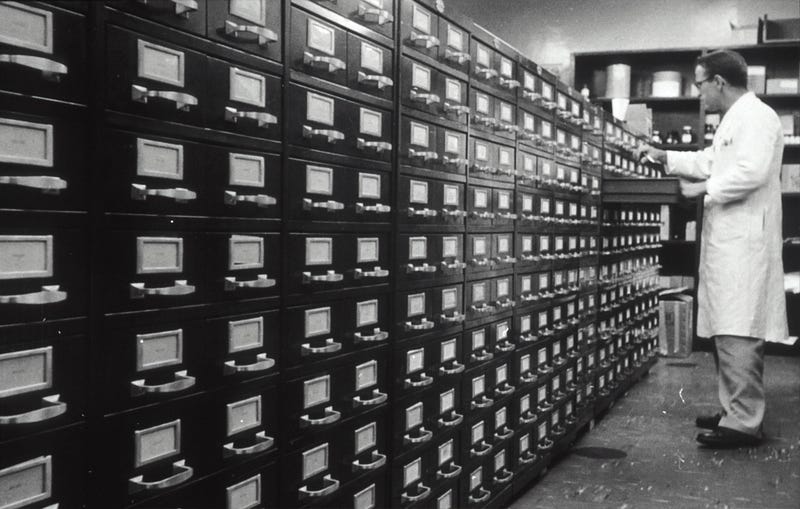
Now, I’m not one to say that there are bad ideas. But some ideas really stink. They may not be good on their own, so what do you do with those? How do you file them away? Or, do you just trash can them?
The best bad idea may need help.
Sometimes, bad ideas are flat bad because we are missing something. Or the timing is off for them. The best bad idea my need help. So, I don’t think you should be tossing out your bad ideas.
In fact, I used to do this thinking it would be fine. But the same bad idea kept coming back to me. So, what did I do? Well, I started filing them away in a special folder: The Tickler.
Yes, that sounds weird, but I got the idea from David Allen’s Getting Things Done. He describes a filing system that keeps a tickler file to go back and look at once a month. This is where I keep things that seem like bad ideas.
Because once in a while, you come back to those bad ideas and they are actually quite useful at a later time. Or, another idea makes that one work. Don’t throw that bad idea out, keep it for later.
Note: If a bad idea is bad for over a year, I do toss them out and they never seem to come back to me. But, I keep them for a really long time.
Final Thoughts

The best ideas are probably right there in front of you. You just need to know where they are, how to find them, and make sure you can put them to work. So, don’t forget how to do this effectively.
Again, I know this is more of a preference than it is a principle. Yet, you can really take ideation and creativity to an entirely new level when you capture ideas efficiently.
So, next time you go to write that idea down on a napkin or random piece of paper, think:
“Will I lose my next best idea?”
Then open up your phone and keep it somewhere digitally and easily accessible. That way you have it when you need it. And you never know, it might just be the idea the changes your life.
How do you capture ideas? What programs or mediums do you use? Share in the responses below.
Want to learn how to turn your articles into books? Check out my latest short read!
Please note: This post does contain affiliate links. If you purchase something through this link I will get a small cut, but not due to any additional charge to you.


