
How to Build an Impressive Writing Portfolio
Ideas for a powerful portfolio to help you bag those gigs

The most crucial step before applying for writing jobs is building a portfolio. Any traditional definition would describe a portfolio as a carefully crafted group of articles that showcase any artist’s specimens.
In this article, I will focus majorly on a writer’s portfolio.
Things that should be present in your portfolio
The pattern in which I mention them, try to keep that. So your bio comes at the beginning, followed by work, etc. It is like writing a resume. Keep this in mind while building your website and Google document.
1. A crisp and compact bio
Your portfolio should start with your introduction. Keep it short and interesting. Do not include your contact details, education, achievements, etc. They are for your resume. The first line should be your full name in Bold and then from the next line things you can add are —
a. Where do you hail from?
b. Why writing and other aims (if any)?
c. Describe yourself at a ground level (A splash of Subtle humor is doable!)
2. Your work Samples
This is the part where you add your samples, links, documents, pictures, etc. If you have published as well unpublished work, classify them so. Try to categorize projects according to different employers you have work (if any and if allowed, please do not break your NDA!). A well-arranged portfolio is always appreciated.
3. Your resume/cv
After your employer has analyzed your work, they will require a little background on your career. Your resume/cv will offer that.
4. Contact details and references
End this with detailed contact information that should include —
a. Your primary email address
b. A minimum of two phone numbers
c. Your mailing address
Provide links to your social media profiles like LinkedIn, Facebook, and Twitter.
Three convenient platforms for your portfolio
These are not the only ways, but I am going to tell you the convenient ones. A lot of times, freshers end up utterly frustrated with WordPress. So, I am going to put it aside and talk about my favorite ones!
1. Build a website using WIX
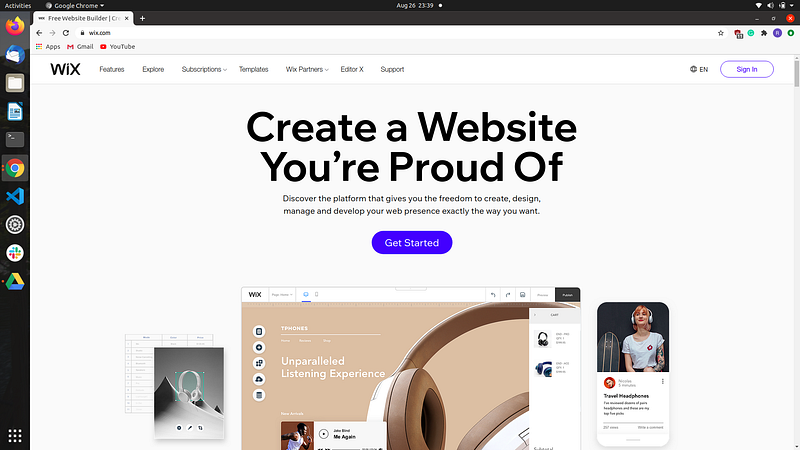
I will start with a labor-intensive one. This is not tough, but surely a few extra steps are what it demands. I will not show every step here (I might do it in another article, but there are plenty of YouTube tutorials, help yourself.) Because I just want to highlight the convenience of this tool. Just create an account and get started.
Specify your choices at a niche level.
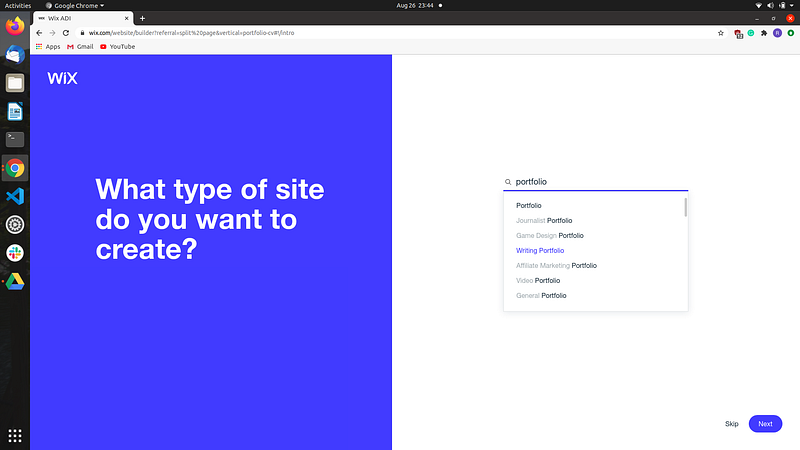
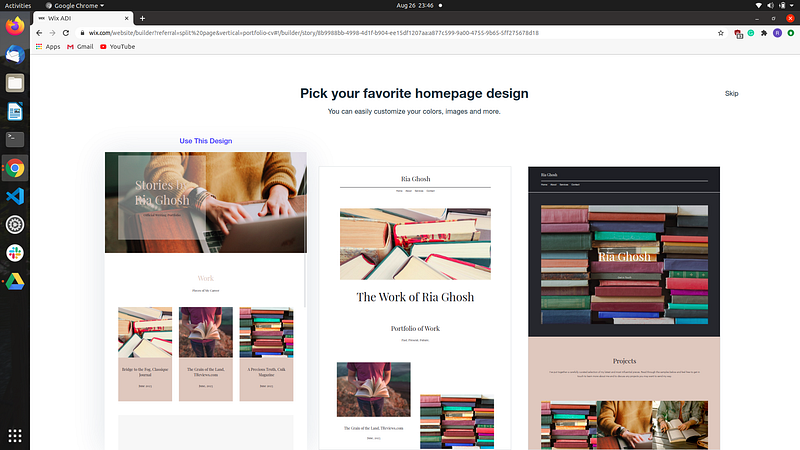
The entire procedure is simple. You have three templates to choose from. There will be two options, either let the ADI create a website, or you customize it from stage 1. The choice is yours, but even if you build it from stage 1, things are not that tough!
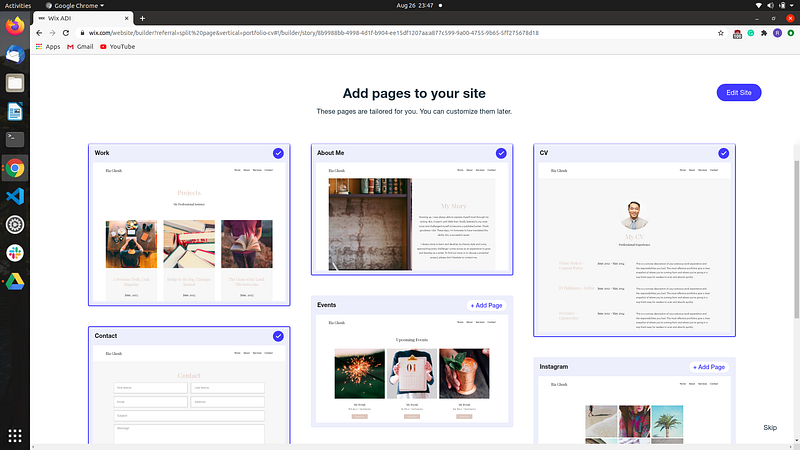
Add the desired pages you wish for and then everything is customizable. The four selected in the picture below are a necessity. Apart from that, you can add a blog section and an appointment section. I do not think a portfolio would require anything else. You can change the font style, font size, the theme, the pictures, the alignments, the objects, etc.
After the ADI completes its customization, it will hand over you a complete website. You can connect it to your purchased domain or just apply the domain provided by Wix.
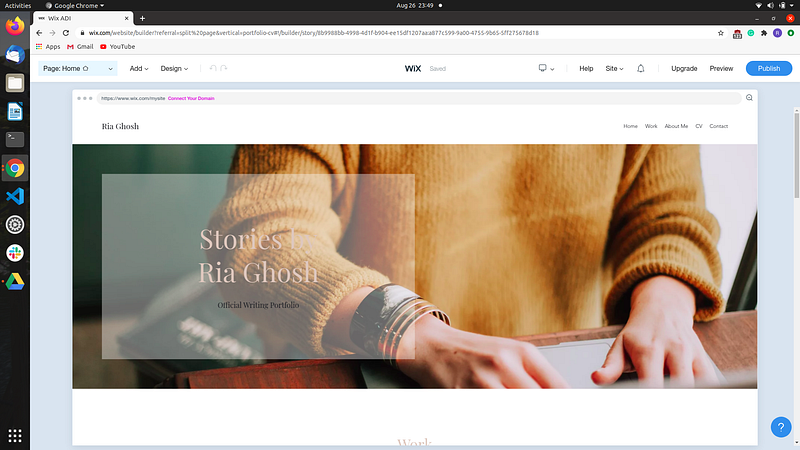
Wix gives you a smooth handling experience. Hence, you can apply it to create the portfolio of your dreams.
There are three benefits of having a website — a. A website looks professional, shows your effort and organizational skills.
b. It is your page, customize it however you want. You will have complete control over the site (Crashes, problems of the site being down, 404 errors, you do not have to panic over those anymore!)
c. An amazing way to show your work to the world. You can be live on Google and be found easily (Make sure you learn SEO to achieve this!)
2. Create and maintain a Medium profile
If you are lazy like me and would require a lot of criticism to spirit up a website, you need to set up an account on Medium. Not that many steps and you need not think too much about the technicalities.
If you are a medium user, well you need no explanation. But, if you are not, here are the advantages of being one — a. Your work is showcased on the internet. You still need to practice your keywords!
b. Medium provides formatting for your publication. You can customize it to your liking.
c. You get to read a bunch of monumental works by amazing writers. There is an ocean of genres on Medium. I look at articles about inspiration from Medium.
d. Share your profile with employers as a portfolio. It is a great means to let the organizations know your nature of creation. Various factors can judge the quality of your work. For example- How many big publications are you creating for? Or the number of claps, etc.
3. Maintain Google Docs
Most probably the least labor some approach to organize your work. Maintain your work in docs. They are easy to share. My pro tip is to maintain a document with links to all your documents (writing samples). You can also keep a Google document with links to your samples on Medium or your website. This is helpful as a lot of job application forms will ask for a portfolio in .doc or .pdf format. A brilliant thing about Google documents, you can distribute a link or download it in whichever format you want.
Miscellaneous tips
- As a writer, your portfolio should include your writing samples (both published and unpublished drafts).
- Add your work samples in reverse chronological order.
- Show all your work! (It shows how your art has grown with time. Do not stay restricted to your best work.)
- If you possess any certificate, recommendation letter, or letter of appreciation for your work, add that to your portfolio after the resume/cv.
I hope these little inputs from my side will make you less apprehensive whenever you hear the word portfolio. I have a cinematographer sibling, and he helped me a lot to build my portfolio. For them, a strong portfolio is a survival, so you can trust these thoughts of mine. These have been fruitful to me so far.
Reach out to me at [email protected] and stay updated with me on Instagram @writeronrails.


