
How To Build a React Static website with AWS S3
A step by step Guide With an example project

There are a number of ways you can build a website with React such as Java with React, NodeJS with React, NGINX serving React, etc. For the single-page applications, all you need to do is to load the initial index.html. Once you load the index.html the React library kicks in and do the rest of the job like loading component, calling API calls, etc. What if there are no backend calls and you want to build a static website with React?
AWS S3 is one of the options which provides low cost and highly reliable static website hosting solution. These static sites have only CCS, HTML, JS files, fonts, etc. In this post, we can see how we can build a static website with React and host that with the AWS S3.
- Example Project
- Enough AWS S3 for this project
- Implementation
- Summary
- Conclusion
Example Project
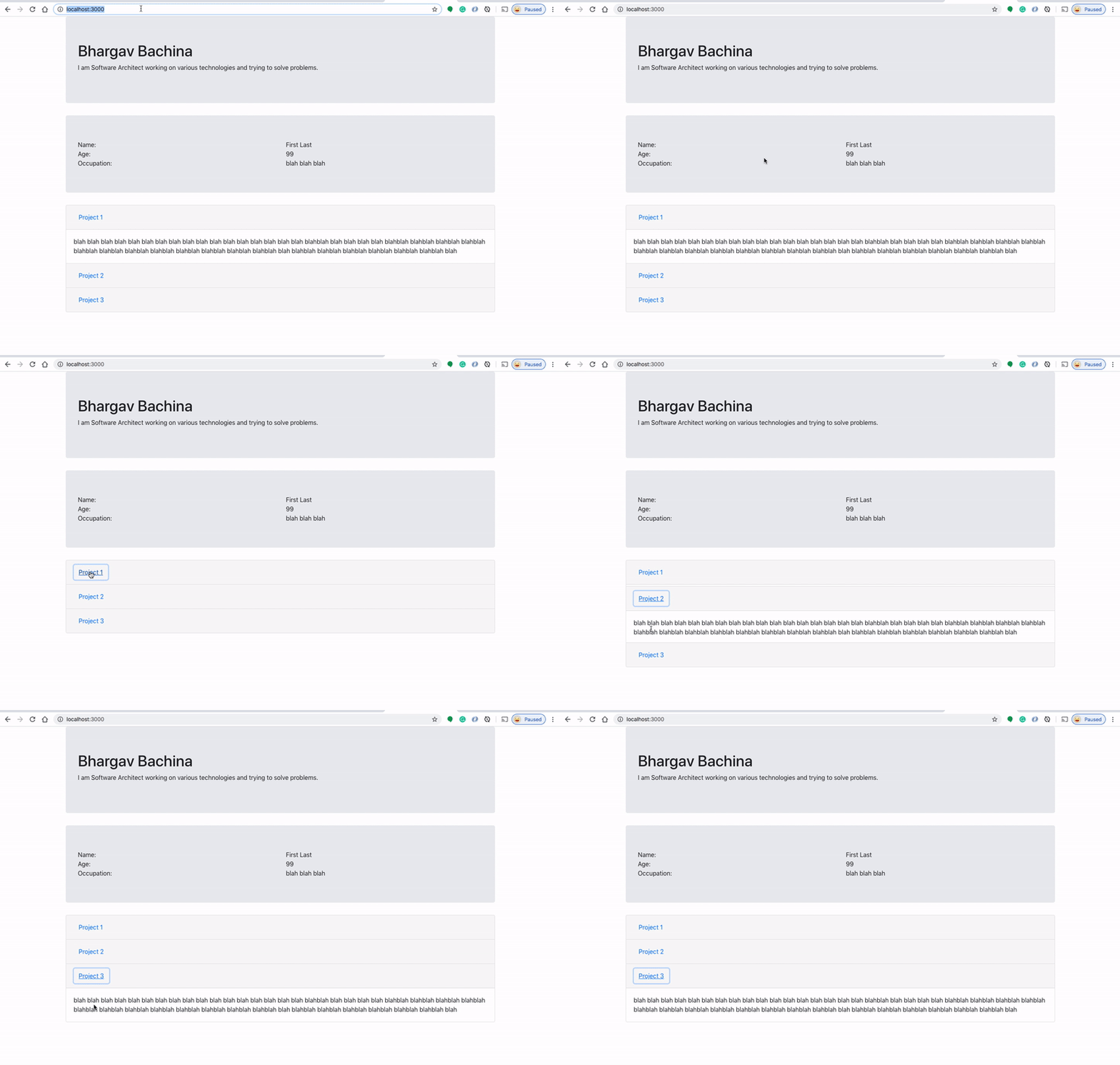
Here is an example project which we can put in the AWS S3 for static website hosting. This is a simple profile page with a header and some sections.
// clone the project
git clone https://github.com/bbachi/my-profile-react.git
// install dependencies and start the project
npm install
npm startYou can clone the project and run it on your machine. Here is the demonstration when you run it on your localhost and the port 3000.
Enough AWS S3 for this project
S3 is a storage solution from the AWS. There are some basic concepts that you need to know before working with AWS S3. There are so many things that you can do with S3 such as Bulk storage, management of objects with lifecycles, Object versioning, static website hosting, etc. We have Buckets, Objects, and folders.
Buckets: Buckets are the main storage container of S3 and it can group folders and files under one name. The bucket name should be unique across all of AWS accounts. You can only create 100 buckets per account and you can store unlimited files or data under each bucket. Once you create the bucket under one account and it can’t be transferred to another account. When we create a bucket you can choose which region we are storing objects to optimize latency.
Objects: Objects are static files and metadata information. User uploads files and metadata is applied to those files such as storage type, etc. All objects are private and can store from 0B to 5TB of data. You can enable versioning, can assign storage type, and change it later as well. Each object can be publicly available via URL. You can encrypt these objects as well.
Folders: Amazon S3 has a flat structure and there is no hierarchy file structure that you would typically see. Folders are only used to group objects.
You can find more information on the AWS documentation here.
Implementation
Let’s build our local project and upload those static files into the bucket.
Build the local project
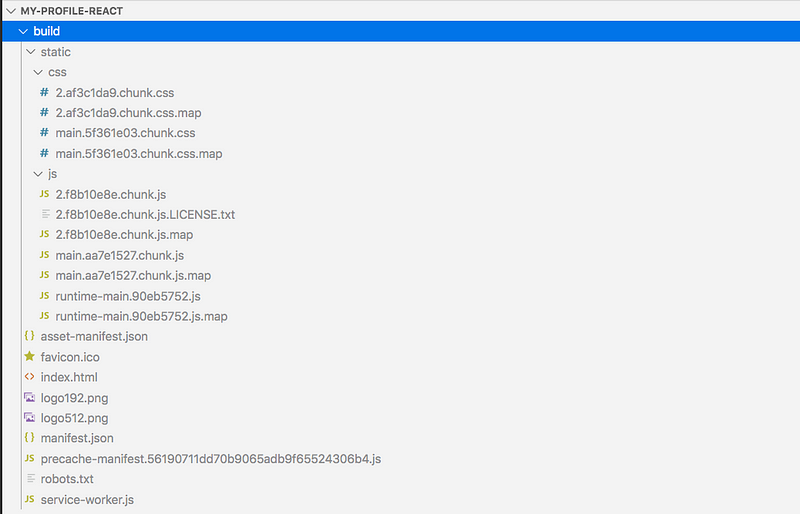
Let’s build the project with this command npm run buildand the resulting built is placed under /build/. In this case, it is /build. All the ccs and js files are placed in CSS and js folders respectively.
Upload files into the bucket
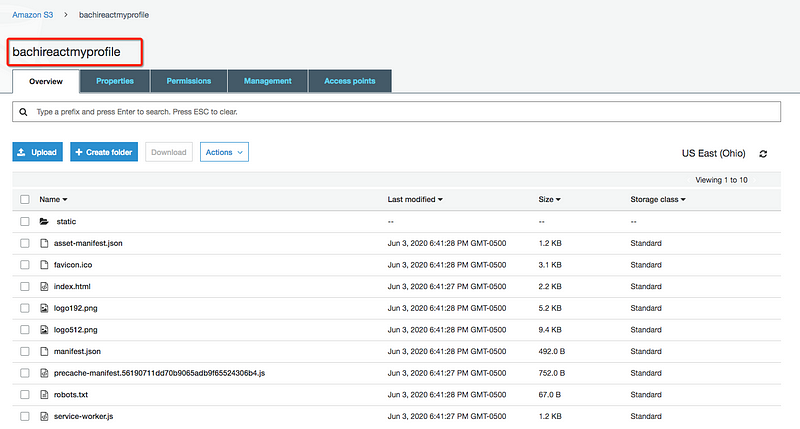
Let’s create a bucket called bachireactmyprofile(you can name any) and upload all these files under /build folder.
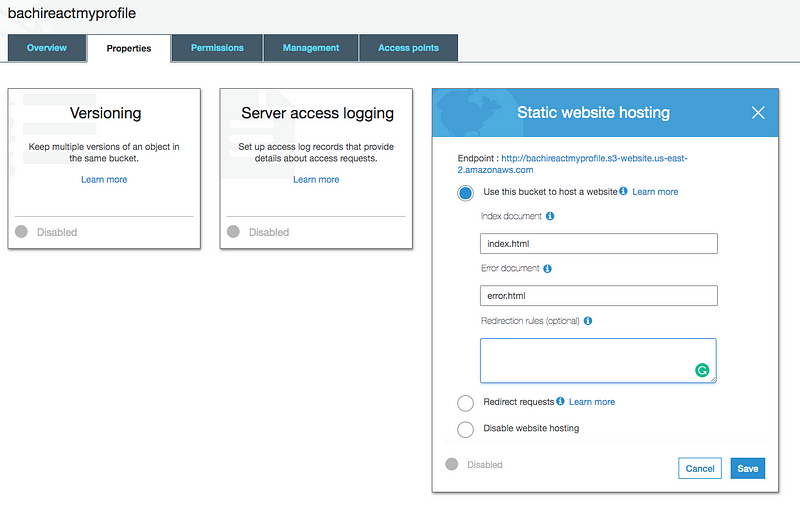
Once you upload all the files, we need to enable static website hosting under properties. Make sure you have index.html as an index document.
Notice that the index.html has all the compiled javascript files from the compiler and you can see <div id="root"></div>in the body. This index.html pulls all the required files for the app to work properly in the browser.
This is the actual index.js file.
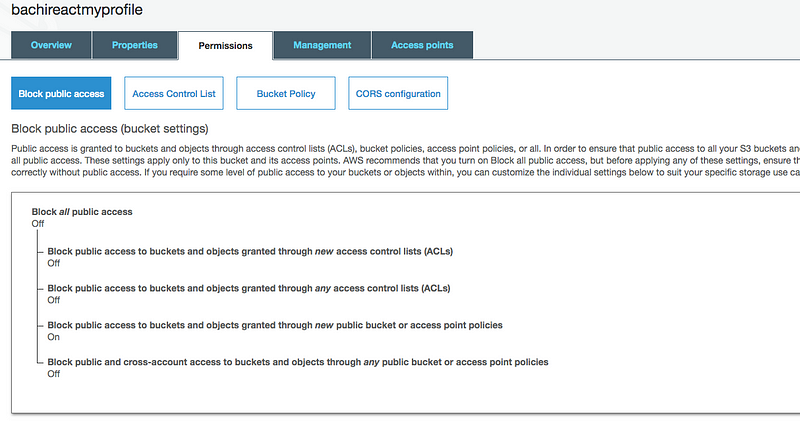
One more thing we need to do is enable public access under the permissions tab. You can do this while uploading files as well.
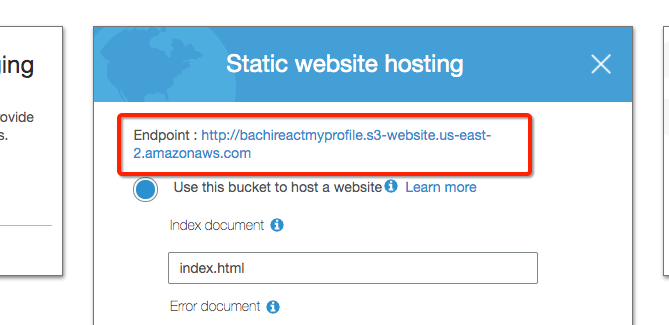
Copy the URL from here and access it on the web. This is the URL http://bachireactmyprofile.s3-website.us-east-2.amazonaws.com
Error Page
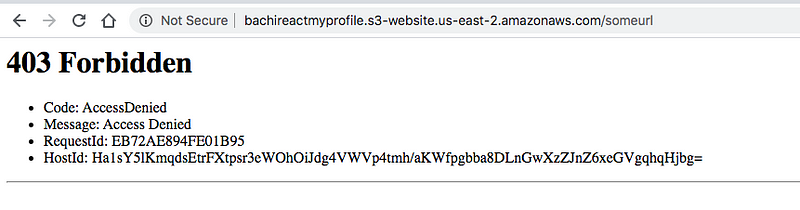
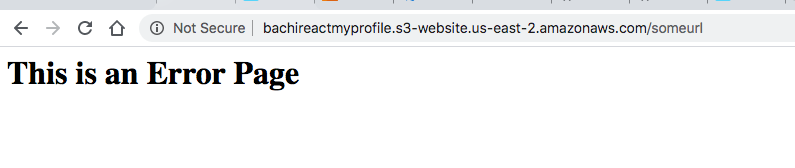
If you enter any other URL other than above you will get 403 Forbidden. For example, Let’s access this URL http://bachimyprofile.s3-website-us-east-1.amazonaws.com/someurl you would get the below page.
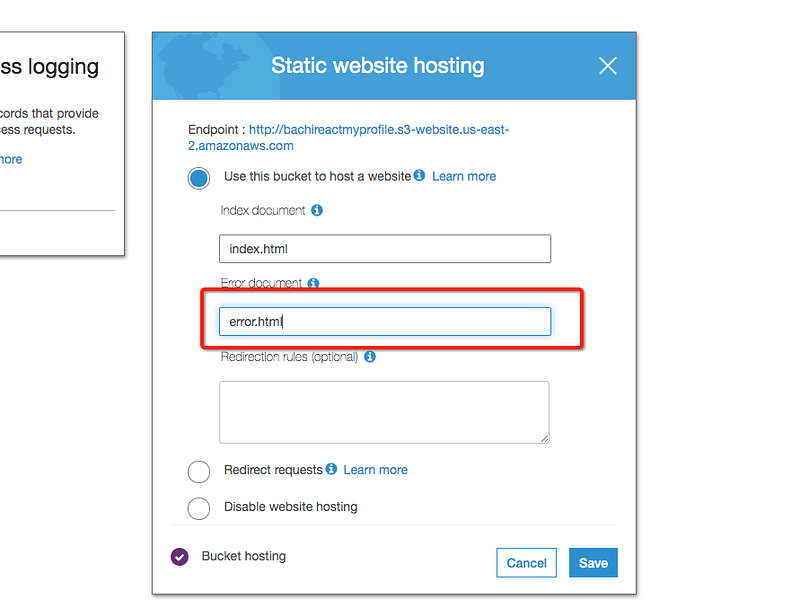
We can configure an error page instead of a default error page from AWS. We should define error.html under a static website hosting for an error document.
Here is an error.html file and should be uploaded as well.
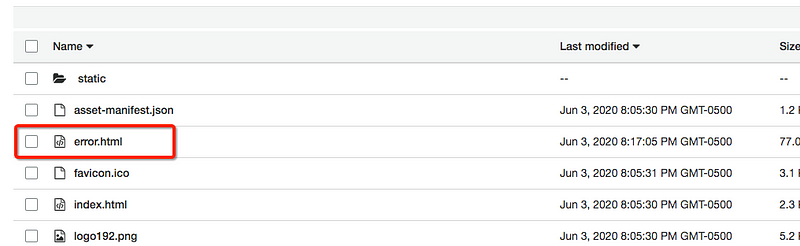
If you access the URL again http://bachimyprofile.s3-website-us-east-1.amazonaws.com/someurl, you would get our customized error page.
Summary
- There are a number of ways you can build a website with React such as Java with React, NodeJS with React, NGINX serving React, etc.
- Amazon S3 is one of the options for static website hosting.
- There are Buckets, Objects, and folders in the S3.
- You can only create 100 buckets per account and you can store unlimited files or data under each bucket.
- You need to build the React app and upload all the files into the bucket.
- Make them publicly accessible.
- You need to define an index document for an index page.
- We can configure an error page for the static website.
Conclusion
AWS S3 is one of the options for static website hosting and we can even plugin API gateway and AWS lambda to get any API data or dynamic data. We will see those in future posts.


