How to build a new project in AEM with React as frontend
We can build projects for AEM with a SPA(Single Page Application) as frontend (can use either Angular or React).
There is a specific folder structure that AEM requires projects to be built. Using an Archetype to build the codebase is the best and recommended option. Adobe has AEM SPA Project Archetype for this.
This may old (Stopped since Nov 2019), the new Archetype 23 (as of this writing) have some critical project build issues (Issues: 371, 366)
1. Run AEM SPA Project Archetype
mvn archetype:generate \
  -DarchetypeCatalog=remote \
  -DarchetypeGroupId=com.adobe.cq.spa.archetypes \
  -DarchetypeArtifactId=aem-spa-project-archetype \
  -DarchetypeVersion=4.0.0
2. Options
Define value for property 'groupId' (should match expression '^[a-zA-Z0-9\.\-_]+$'): com.project.aem Define value for property 'optionFrontend' (should match expression '^(angular|react)$'): reactDefine value for property 'projectName' (should match expression '^[a-zA-Z0-9\_]+$'): project-siteValue does not match the expression, please try again: ProjectSiteDefine value for property 'artifactId' (should match expression '^[a-zA-Z0-9\.\-_]+$') ProjectSite: : project-site[INFO] Using property: version = 1.0.0-SNAPSHOTDefine value for property 'package' com.project.aem.ProjectSite: : com.project.aem
Define value for property 'projectTitle': Project Site
Define value for property 'componentGroup' Project Site: :
Confirm properties configuration:
groupId: com.project.aem
groupId: com.project.aem
optionFrontend: react
projectName: ProjectSite
artifactId: project-site
version: 1.0.0-SNAPSHOT
package: com.project.aem
projectTitle: Project Site
componentGroup: Project Site
Y: : y3. Project codebase
- ./core/: OSGi bundle containing Java classes (e.g. Sling models, servlets, business logic)
- ./ui.apps: AEM components with their scripts and dialog definitions
- ./ui.content/:
  - ./ui.content/src/main/content/jcr_root/conf/: AEM content package with editable templates stored at `/conf`
  - ./ui.content/src/main/content/jcr_root/content/: AEM content package containing sample content (for development purposes)
- ./react-app/: SPA source code
- ./all/: All-in-one package
4. Build / Deploy
AEM Site
- Step 1: Start AEM
- Step 2: Build/deploy project to AEM
mvn clean install -PautoInstallPackage - Step 3: Go to AEM > Sites > Project Site
React Site
Prerequisites
- AEM should be running.
- Main site needs to be built and deployed to AEM (`mvn clean install -PautoInstallPackage`)
- Step 1: From project root folder
$ cd react-app - Step 2: Build all node modules
$ npm i - Step 3: Start the project
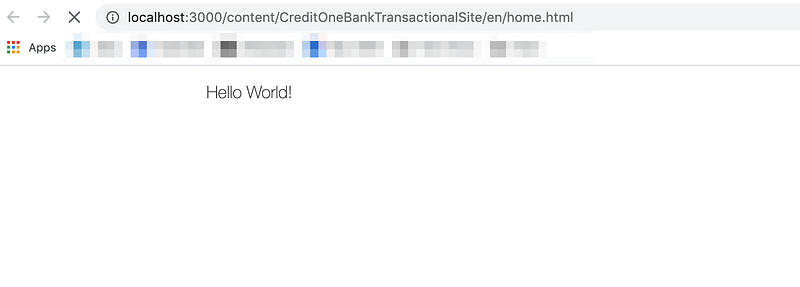
$ npm start - If the above builds and runs successfully, a new browser tab opens with `http://localhost:3000/content/CreditOneBankTransactionalSite/en/home.html`