
How to automatically center anchor points in new shape layers
When you create new shapes or objects in Adobe After Effects, your “Anchor Point” might be outside of that shape.
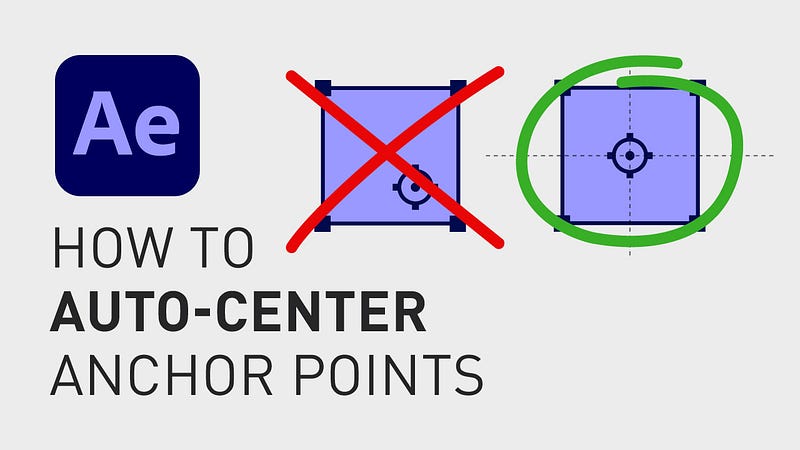
There is a way to center this “Anchor Point” so that it always shows up in the middle of the shape, whenever you create a new shape.
The way you do this is by going up to the menu, click “After Effects”, “Settings” and “General”. Here, you click the checkbox next to “Center Anchor Point in New Shape Layers” and click “Ok”.
If you liked this short tutorial, feel free to follow me here on Medium and sign up for the “content creation productivity” newsletter in my profile.
🎞 Watch the tutorial (and all my other tutorials) here!
***
3 of my other stories that might interest you: ⭐️ I think I just figured out life 🤯 ⭐️ 5 tips for making money on YouTube (How to get started today!) ⭐️ 25 things I learned during my first year as a Video Editor
— — — — — — —
Did you know? You can get full access to every story on Medium for just $5/month here!
(…Or the cost of one coffee ☕️)
Becoming a Medium member directly supports me ♥ ️(and other writers on Medium) so that we can keep creating helpful content for you! 🙏


