
How to automate Medium articles to social Media
Generate Automated Traffic and Increase Revenues for Your Medium Articles

Join Our Online Entrepreneurs Club where you can be part of a growing community of online entrepreneurs that are on a similar journey like yourself.
How do you automate your Medium articles to social media?
Are you trying to get more traffic to your Medium articles?
Are you tired of manually posting your articles to all the major social media platforms?
Before you read this article, I encourage you to check out this article for some high level helpful tips before you get started:
Writing articles on Medium is one thing, but posting them on major social media platforms like Facebook and LinkedIn is another. It can be manually daunting work and honestly isn’t worth your time.
So let’s save you time, and let’s get into it:
Using IFTTT:
When I found out about IFTTT it was literally like the online angels just gave me a gift in heaven, it’s free and simple to use.
Create a free account at IFTTT.com
Go to create an applet:
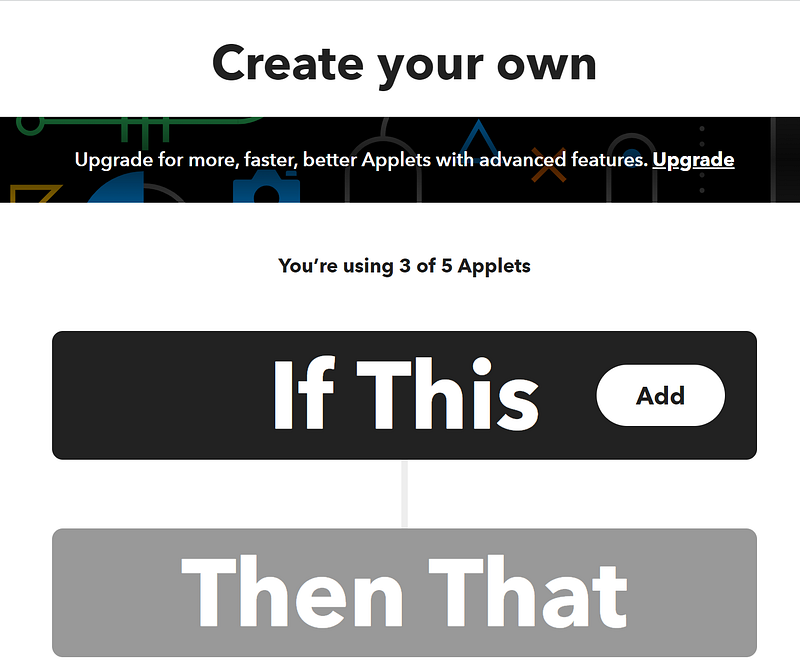
The way it works is that something needs to trigger first in order for an output to happen. Henceforth, “if this, then that”.
We are going to select the add button and then type in Medium into the search bar:
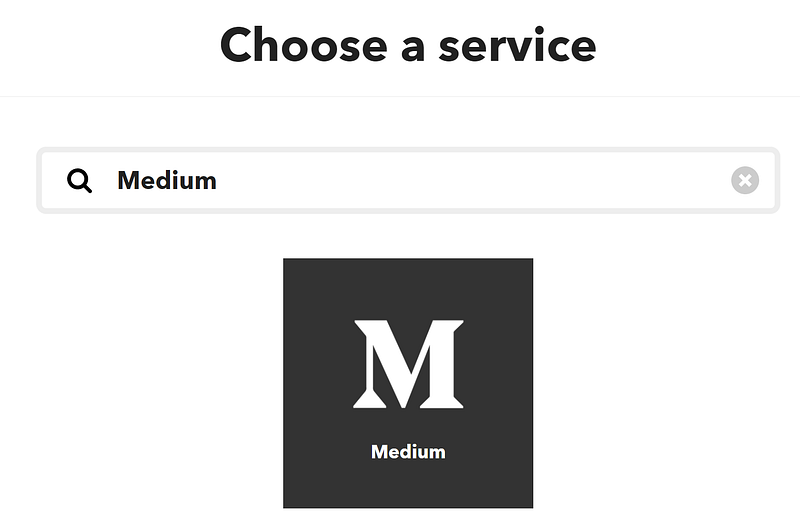
After you’ve connected your account to the platform and have given it permissions then you get the automation set up:
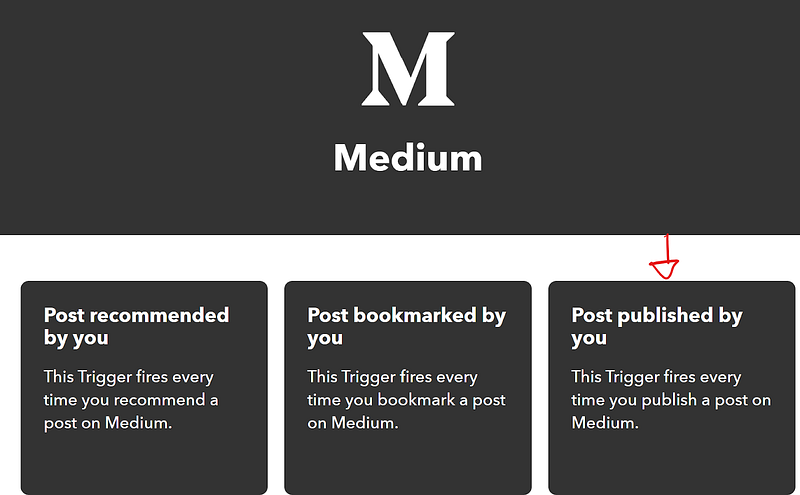
You will select “Post published by you” so that you every time you post a new article it triggers to cross post it to other platforms.
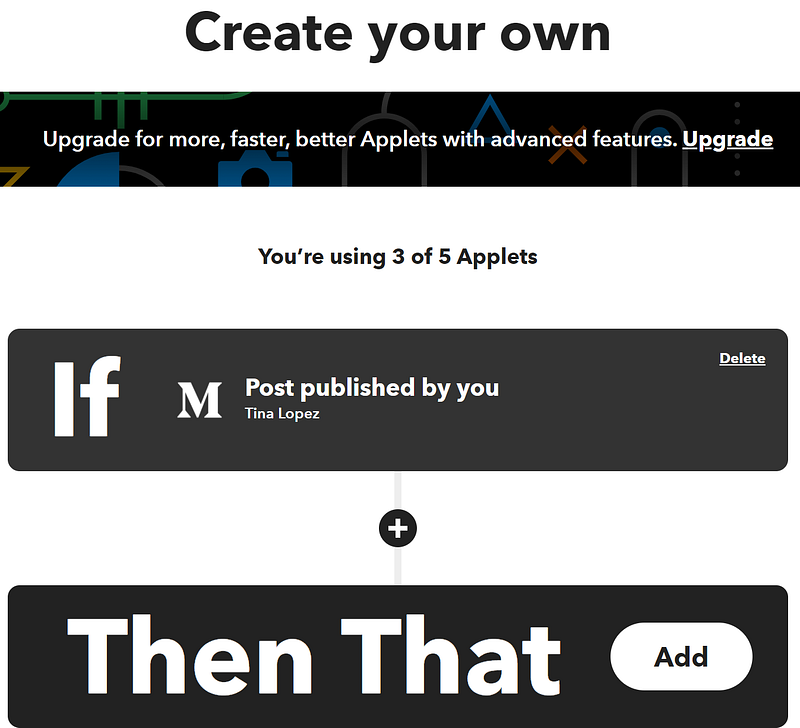
Once you’ve got them connected now you can add the “Then that” part, this allows you to create an action after the trigger is pulled. In this case, we are creating an action after your article has been published.
You can choose to have your post automated to LinkedIn:
You can choose to have your post automated to Facebook Pages:
You can choose to have your post automated to Reddit:
The 3 above examples are social media platforms you can cross prost your content to at the time of writing this article.
Pick one and then move on. If you want to have them go to all 3 social media platforms, then you will need to create separate automations (“applets”) to run them.
For simplicity, we’ll choose LinkedIn:
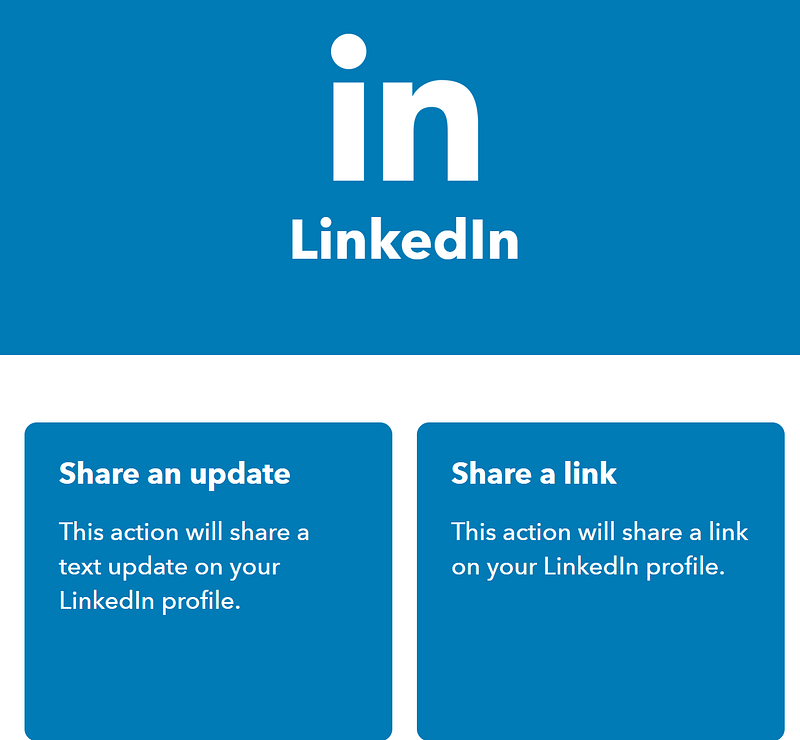
Once we’ve chosen LinkedIn we can either share an update or share a link, I personally have this automation to share an update.
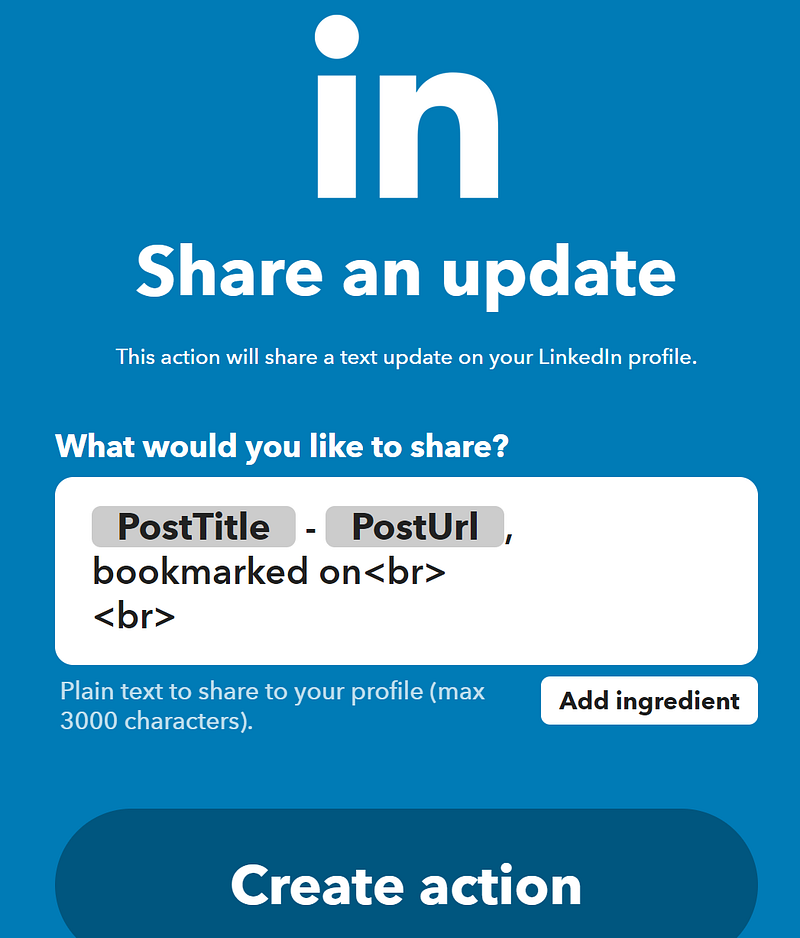
You can tailor your text update to personalize the content. But for simplicity, I like what’s already written and we’ll go with that.
Select “Create Action”
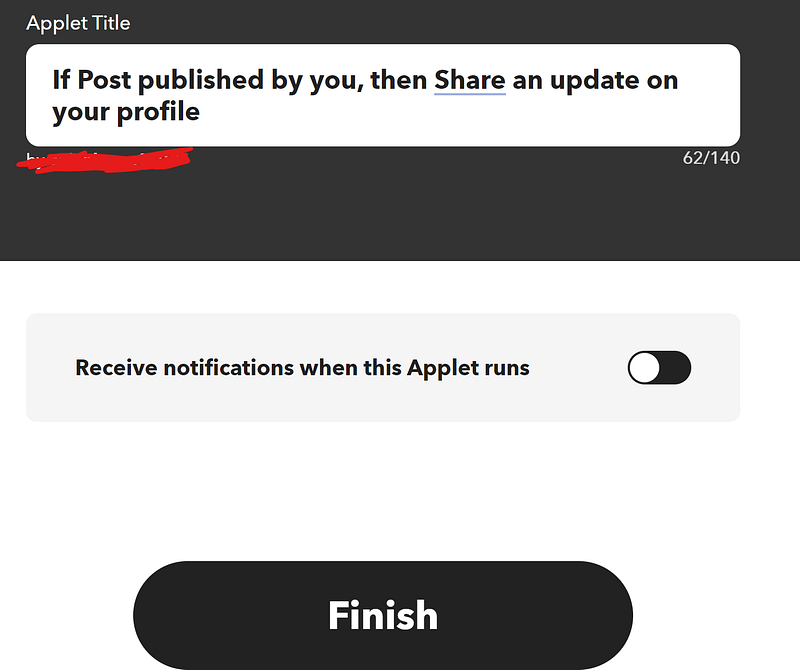
You will be taken back to the home creation page and then select “Continue”
From there you can turn on your applet and have your Medium articles cross posting to social media platforms in the background for you:
If you enjoyed this tutorial give me a clap and a follow, it goes a very long way!
How will automating your Medium articles help you?
Join Our Online Entrepreneurs Club where you can be part of a growing community of online entrepreneurs that are on a similar journey like yourself.
Do you want to get never before seen free romance books in your inbox? Be part of our advanced reader copy team here.
Click that follow button and mail+ icon to get content about all things business, productivity, money, and self improvement. Get a Medium membership to get access to amazing content by amazing writers.


