
How Tabnabbing Could Be Quietly Compromising Your Online Security
If you are the kind of person who typically has numerous tabs open at once, the risk escalates
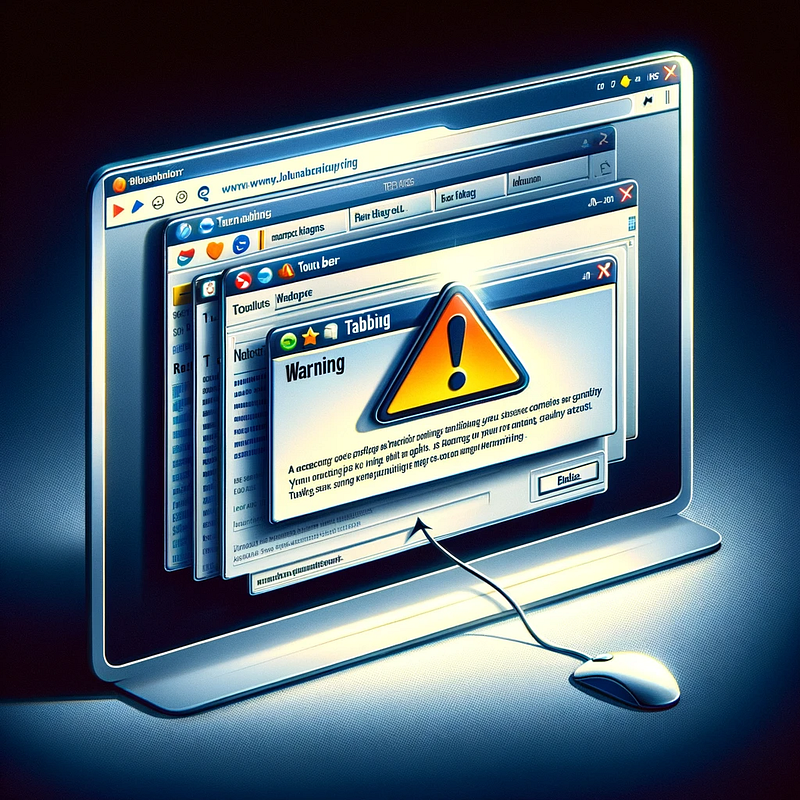
In the ever-evolving landscape of cyber threats, there’s a sneaky player that often flies under the radar: tabnabbing.
It’s a subtle yet effective technique used by cybercriminals to exploit a seemingly harmless feature of web browsers — the ability to open new tabs.
What is Tabnabbing?
Tabnabbing is a form of phishing attack where a malicious website manipulates the content of an inactive tab in your browser.
When you return to this tab, the content has changed to mimic a trusted site (a Gmail account for example), often prompting you to re-enter your login credentials.
The goal?
To steal sensitive information like usernames, passwords, and other personal data.
How Does It Work?
Imagine you’re browsing the web and open a link in a new tab.
The original page, now in the background, executes JavaScript to change its appearance to resemble a login page of a popular site, say, your email provider.
When you switch back to the original tab, it seems like you’ve been logged out and need to log in again.
Unknowingly, you might enter your credentials, which are then captured by the attacker.
Why is it Dangerous?
The insidious nature of tabnabbing is that it exploits the user’s trust in already opened tabs.
Since the malicious action occurs in a tab that was initially legitimate, users are more likely to fall for this trick.
Additionally, if you are the kind of person who typically has numerous tabs open at once, the risk escalates.
Protecting Yourself from Tabnabbing
- Be Vigilant: Always check the URL before entering login details. If something feels off, close the tab and open the website afresh in a new tab.
- Update Your Browser: Modern browsers are continually updated to guard against such exploits. Make sure your browser is up-to-date.
- Use Extensions Wisely: Some browser extensions can help detect phishing attempts. However, be cautious as extensions themselves can be malicious.
- Educate Yourself and Others: Awareness is key. Understanding how tabnabbing works can help you recognize and avoid it.
Code-Level Protection
For web developers, implementing the rel="noopener noreferrer" attribute in your links (especially those opening in a new tab with target="_blank") is a good practice.
This prevents the new page from accessing the window.opener property and ensures it runs in a separate process.
Example:
<a href="https://example.com" target="_blank" rel="noopener noreferrer">External Link</a>Additional Resources
Conclusion
Tabnabbing may not be as notorious as other cyber threats, but its ability to catch users off-guard makes it particularly dangerous.
By staying alert and informed, both users and developers can play a crucial role in mitigating the risks associated with this subtle yet significant security challenge.
Remember, in the digital world, your best defense is often your own awareness and caution.
Enjoyed the read? For more on Web Development, JavaScript, Next.js, Cybersecurity, and Blockchain, check out my other articles here:
If you have questions or feedback, don’t hesitate to reach out at [email protected] or in the comments section.
[Disclosure: Every article I pen is a fusion of my ideas and the supportive capabilities of artificial intelligence. While AI assists in refining and elaborating, the core thoughts and concepts stem from my perspective and knowledge. To know more about my creative process, read this article.]