How to make text-to-image AI Prints in Canva Pro
How to Create Stunning Text-to-Image Prints Using Canva Pro
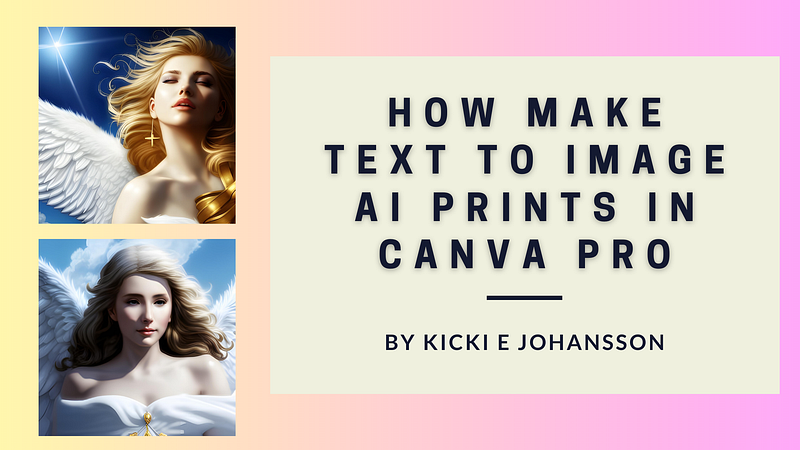
Are you tired of using the same old images for your designs? Are you looking for a way to make your designs stand out from the crowd? Look no further than Canva Pro’s Text-to-Image AI Prints.
With this innovative tool, you can turn any text into a beautiful and unique image in just a few simple steps.
Click here to sign up for Canva Pro Free 30-day trial
In this article, we’ll show you how to use Canva Pro’s Text-to-Image AI Prints to create stunning designs that are sure to capture your audience’s attention.
The Power of Text-to-Image AI Prints
With the rise of social media, the importance of eye-catching visuals has never been greater. However, creating visually appealing designs can be time-consuming and expensive. Canva Pro’s Text-to-Image AI Prints offer a quick and affordable solution for designers of all skill levels.
By simply typing in your text, Canva Pro’s AI technology generates a stunning image that can be customized to your liking.
Getting Started with Canva Pro’s Text-to-Image AI Prints
To get started with Canva Pro’s Text-to-Image AI Prints, simply log in to your Canva Pro account and select the “Create a Design” button. From there, select the “Text-to-Image” option from the drop-down menu.
Next, type in the text you want to use for your design. You can choose from a variety of fonts and styles to customize your text to your liking. Once you’re happy with your text, select the “Generate Image” button.
Click here to Check Out my Canvas Prints
Customizing Your Text-to-Image AI Print
Once your image has been generated, you can customize it to your liking. Canva Pro’s text-to-image AI Prints offer a variety of customization options, including background colors, font colors, and image filters. You can also adjust the size and placement of your text to create the perfect design for your needs.
Tips for Creating Stunning Text-to-Image AI Prints
To create truly stunning Text-to-Image AI Prints, there are a few tips you should keep in mind:
- Use bold, eye-catching fonts to make your text stand out
- Experiment with different background colors and filters to create unique designs
- Keep your text short and to the point to ensure readability
- Use contrasting colors for your text and background to ensure legibility
- Consider using a theme or color scheme to tie your designs together
Click here to sign up for Canva Pro Free 30-day trial

The Benefits of Using Canva Pro’s Text-to-Image AI Prints
Using Canva Pro’s Text-to-Image AI Prints offers a variety of benefits, including:
- Quick and affordable design solutions
- Customize table designs for a variety of needs
- Unique and eye-catching visuals that stand out from the crowd
- Easy-to-use interface for designers of all skill levels
Conclusion
Canva Pro’s text-to-image AI Prints offer an innovative and effective solution for designers looking to create stunning visuals quickly and easily.
By following the steps outlined in this article, you can create beautiful and unique designs that are sure to capture your audience’s attention. So why wait? Log in to your Canva Pro account today and start creating stunning text-to-image AI prints!
Click here to sign up for Canva Pro Free 30-day trial
I hope you enjoyed reading my article, and if you want to support me as a writer, you can sign up to become a Medium member. It’s only $5 a month or $50 a year, and you get unlimited access to all my articles on Medium as well as all articles from the authors mentioned and everyone else!
Feel free to visit me on Medium
(Note: The following article contains affiliate links and offers; if you purchase any of the offers, I may receive a commission.)
(This story was partly created with AI assistance.)
Kicki E Johansson
Hi, I´m Kicki. I write articles about making money, affiliate marketing, mindfulness, and making your life happier. 👉 To have stories sent directly to you, subscribe to my newsletter.
If you liked this article, don’t forget to leave a clap for 👏 and follow! I would also be very happy if you would like to leave a comment.😍