
How I Use the New Function
Audio feature in listening and drafting articles
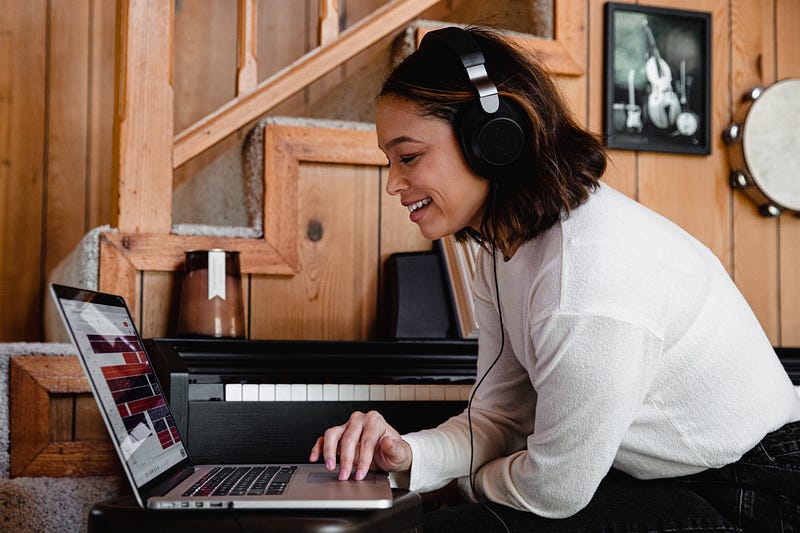
If you have seen the Play button on the top of each article, you may have tried the function, press, select male or female voice, and the speed to listen to it.
It is such a productive feature for me and writers, in my opinion. As I wrote a few months ago, I am a slow reader. So AI voice lets me listen through the article as it says: if it is 10 min read, I listen to the piece for 10 minutes, and if an article is 2-min long, I spend 2 minutes on it. If I like it, I clap, highlight it, or leave a comment. I often do more than one thing.
This audio function is helpful, in my opinion. For writers, they can potentially have readers spend 10 or 2 minutes on the articles they write. So they can earn for what they put effort into if the articles are behind the paywall.
Aside from these, I use this function when I draft my articles. I want to check the flow of my content; whether it’s about my fun activities, writing ideas, or fiction stories, I check it. I often find missing words, punctuations, and the structure of paragraphs — the change of tone in the voice also gives me the idea of making a new paragraph.
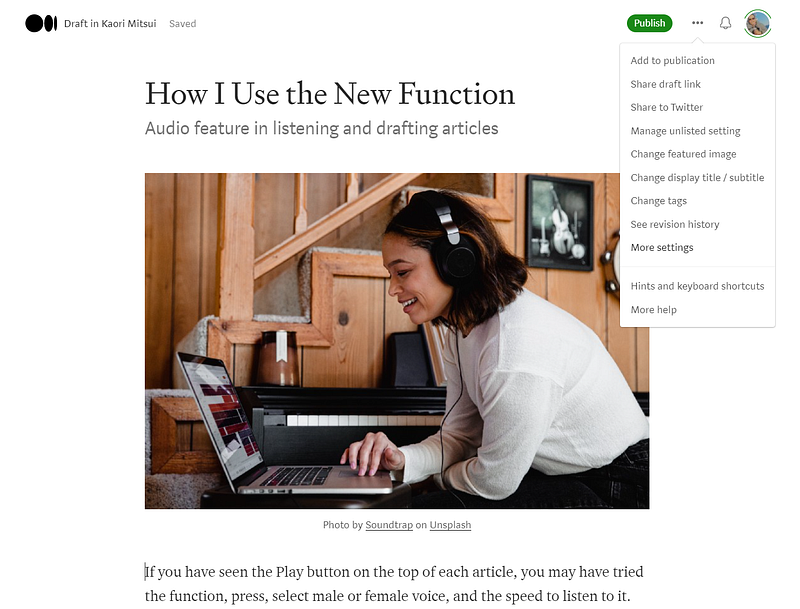
After finishing my first draft, I click MORE SETTINGS, where you can change your titles and summary and the unique address for SEO. I then click the title of the big square to preview the article.
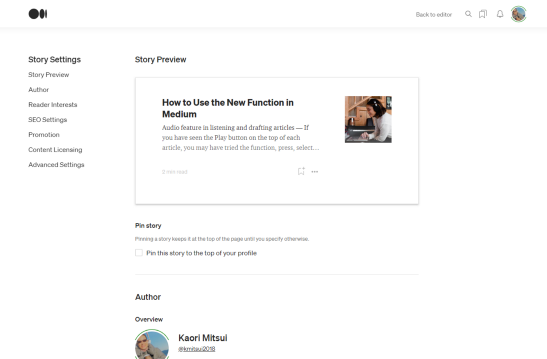
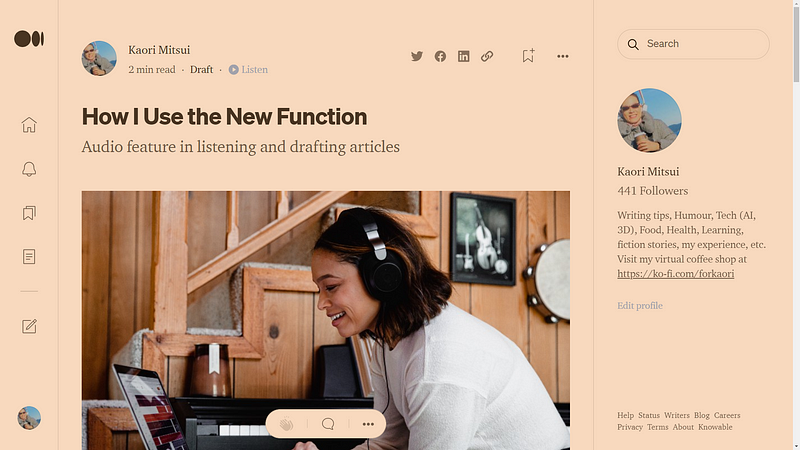
In the preview window, there is a PLAY button (▶Listen). So I click it and listen to my draft.
If there is anything to change (usually, I have some things to change), I go back to the story to edit by clicking a small icon on the left side.
Change those places, and listen to it again.
And I click publish or submit.
Thanks for reading and listening!!
By the way, if you become a Medium member using my referral link here, you will support me with a portion of your membership fee and authors on this platform.
I made and deployed a web application, you may want to try it, Writing Prompts & Tips. It offers Free “Easy” and “Medium” difficulties for both 7-day and 15-day prompts. And you get to see the characters from my fiction stories!