
How I Edit and Publish Your Beautiful Stories 2. Technology is Your Friend.
3 things to help you get published faster and easier
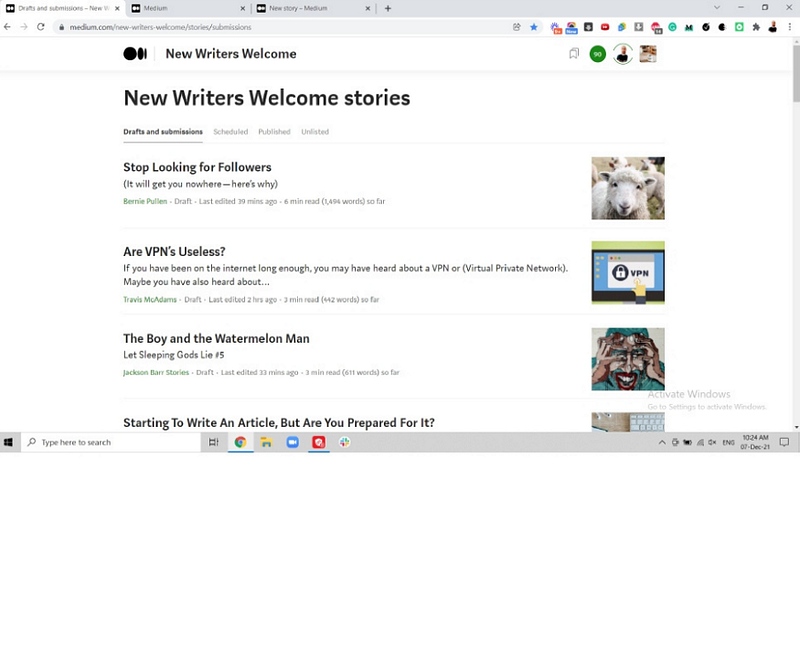
You are a writer. Congratulations! Have you read my first article? Great!
This Part 2 will help you to improve:
- your editing. It’ll make your readers happier
- your publication experience. It’ll get you published faster and easier
- your earnings. That’s what higher quality and more views can do!
3 technology things to use
Thing 1. Laptop or desktop.

Forget about your phone or tablet. What is Medium app good for? Reading. You can use it to write down your ideas on the go. Or use any notes app.
Once your article’s idea is there, switch to a laptop. Or desktop, if you use it.
These features are not supported by Medium app:
- Editing
- Submitting to publication
- Reading private notes
You have zero editing options on your phone. No Grammarly, no Hemingway. You will miss the editor’s private note. A lot of writers self-published on the phone instead of submitting to publication. Ouch!
Please use laptop or desktop.
Thing 2. Grammarly extension on Chrome.
You may like a different browser. Firefox, Edge, Safari, you name it. They’re all great. How about editing your work on Medium? Google Chrome is your friend. Why? Grammarly extension works best on Chrome.
Grammarly extension for Chrome is free and easy to use. It will improve the quality of your writing. You will get published faster. I use Grammarly to work with your articles. So do other editors.
Get Chrome to use Grammarly.
Thing 3. Hemingway app.

Hemingway is a great way to improve your writing. Makes it easier to read. You can download the desktop app for a fee. Or follow this instruction on how to use the free web version:
- Open your Medium draft
- Press Ctrl+A to select your whole text
- Press Ctrl+C to copy it
- Open the Hemingway app
- Press Ctrl+A to select the Hemingway text
- Press Ctrl+V to paste your text into the app
- Hemingway will do the rest for you
Use Hemingway app.
Conclusion.
Technology is your friend. Use it to improve your writing and earn more! Remember:
- Laptop or desktop
- Chrome with Grammarly extension
- Hemingway app
See your articles again!


