
How Featured Images Work on Medium & How to Set the ‘Focal Point’
I was curious how Medium “decides” to crop featured images. So I did some testing. I also learned a super valuable trick on how to set the focal point of your featured image.
First some basics
The content area of a Medium post is 700px wide (px is pixels).
That means any image wider than 700px will get scaled to 700px width and the height will adjust accordingly.
The Medium featured image is a 112x112px square.
What we want to know is how and why that featured image square looks the way it does.
The Experiment
Let’s start with this image below. Originally it’s 1200x600px. Medium scales it to a width of 700px and the height adjusts accordingly to 350px (.58 scale of original image).
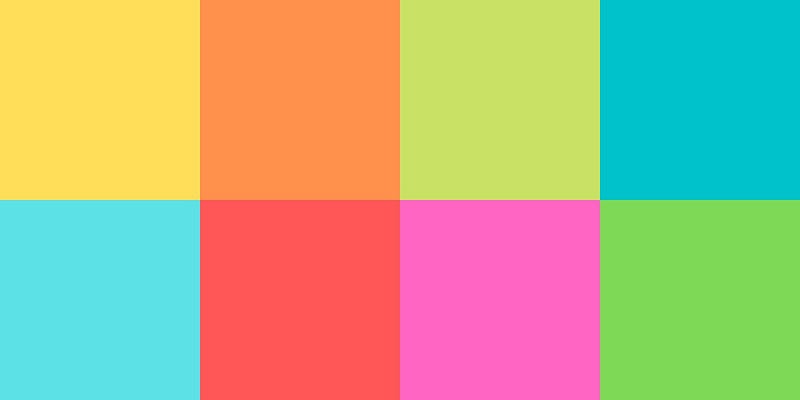
My first hypothesis was that Medium will default to cropping an image in the center. So if we draw a square in the center of the above image, we should be able to guess what our featured image will be.
Here’s my guess:
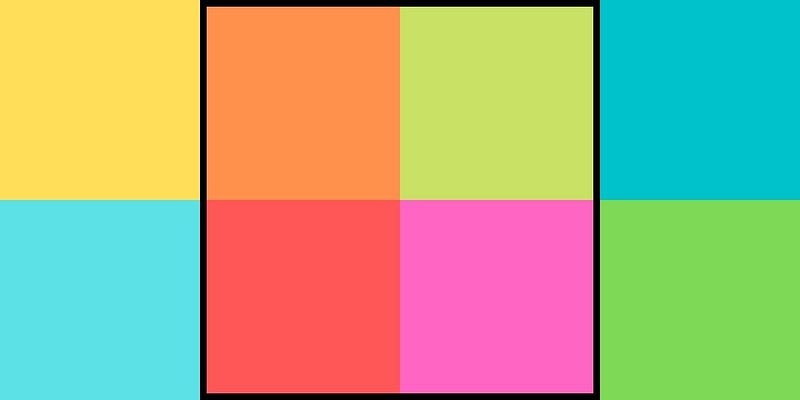
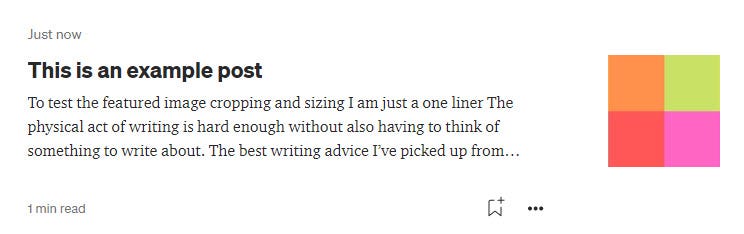
And we’re right! Below is how the above image gets scaled and cropped for the featured image.
What about a perfectly square image like this one?
This image is originally 1200x1200px. When I put it into this Medium post, it scales to 700x700px.

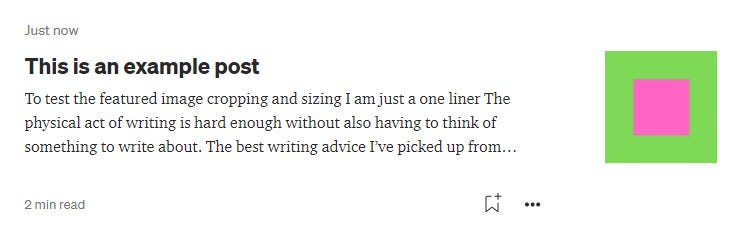
Will Medium crop a square in the center of the image? Or will it scale down this square to the 112px size?
It scales it. The featured image isn’t cropped at all since the original image was a perfect square. It just scaled it down to a width of 112px.
What if we have an image that is taller than it is wider?
The image below is 1200x1800px. I can’t imagine anyone putting an image this size in their posts, but this is for science!

Here’s the result of the above image when it’s cropped for the featured image.
It appears the image is first scaled to a width of 112px and then it’s cropped at a height of 112px at the vertical center.
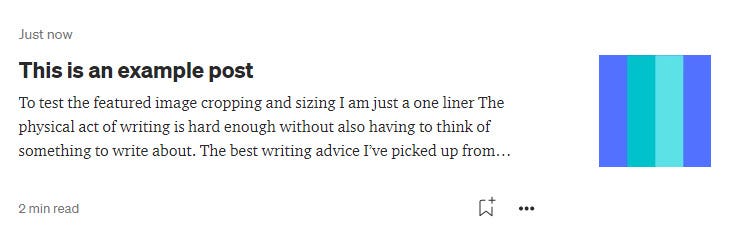
Featured images are first scaled to a width of 112px then they are center cropped at 112px height.
I thought my job was done, but then I came across something odd…
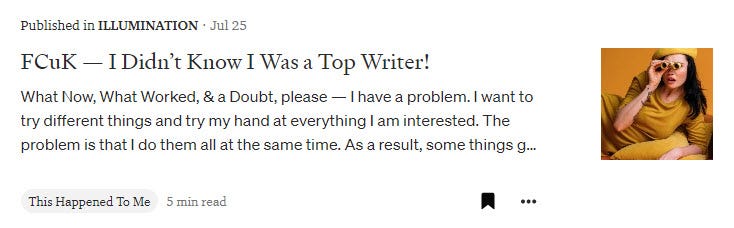
I saw this post below from Medium Creators:
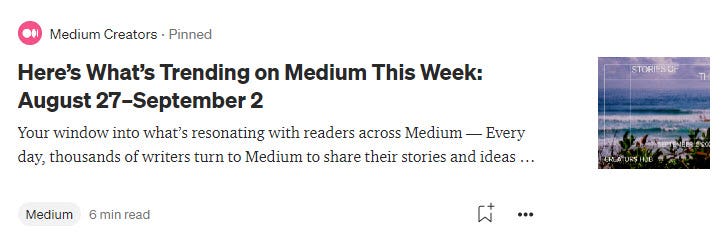
Here’s the image from the post:
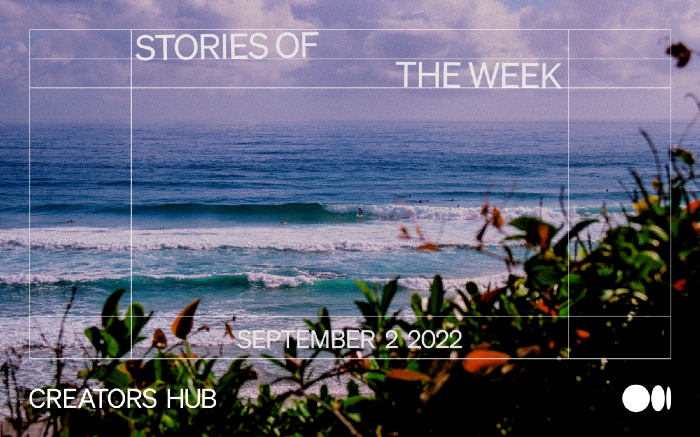
It seemed to me the crop of this image was off-set to the left and not centered like we discovered in the tests above.
I decided to test the image from this Medium Creators post and see what happens when I set it as a featured image in my own post.
When I featured it myself, it looks different than the Medium Creators’ post:
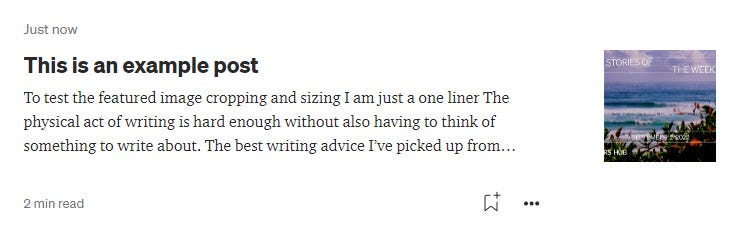
What!? They are different crops. Mine is centered like we would expect from our tests. What gives??
I tested this with another random post. Maybe the image I saved got weirdly resized or something.
I tried it with this post from Lipika. (The image credit is “Photo by KoolShooters (pexels)”).
Original:
My version:
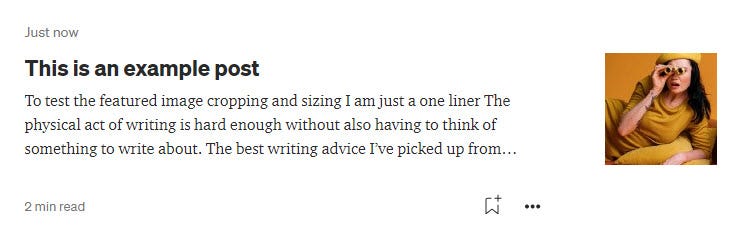
They are the same crop! What gives again!
Well I figured Medium probably has a special permission they’ve granted themselves where they can edit how a featured image is cropped.
But before I gave up I decided I should google “medium featured images” and see if anyone has shared a secret about featured images.
Lo and behold on a Medium support page (whodathunk) I found that you can set the focal point for a featured image.
How to set the focal point for a featured image:
- While editing your post, hold the “Alt” or “option” key
- Click an image in your post where you want the “focal point” to be
- A green circle will appear in that location
I tested this of course:
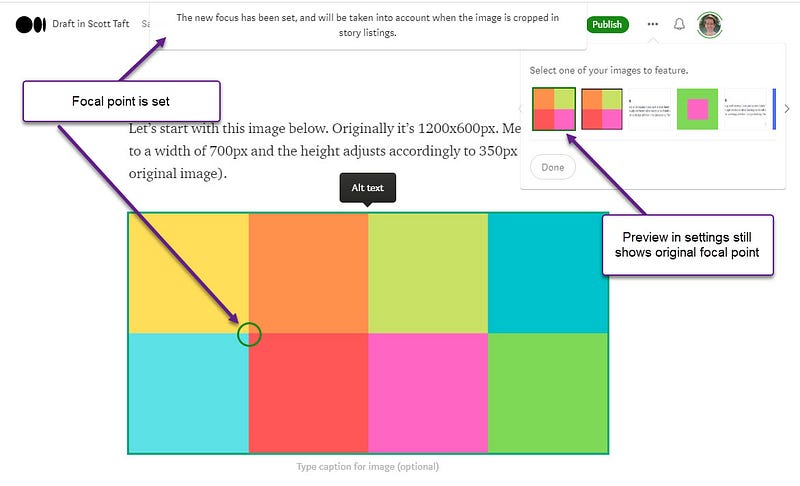
It worked! However, note that when you go to settings to “Change your featured image” the preview will still be the original focal point of the images.
When you publish and view it in the post preview, it works!
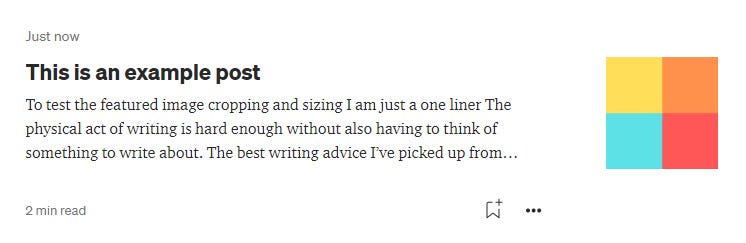
Conclusion
Well I learned a lot today. I hope you did too.
- Images are first scaled to a width of 112px and then by default they are cropped to a height of 112px at the vertical center
- If you want to customize the “focal point” of your featured image you can do so by holding “alt” and clicking on the image.
- Any size image is fine for a Medium post, but to make the most of the featured image, make sure there is a part of your image that looks good if cropped to a square.


