
How Does Midjourney’s V6 image & text quality change with increasing stylize factor?
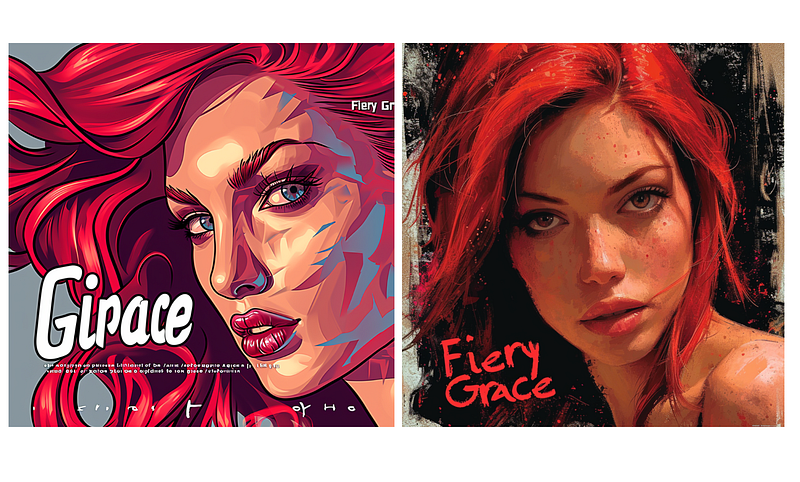
I tested the same prompt from — s 10 to — s 1000!
Midjourney recently had a big update with the following improvements:
“V6 Changelist
- Upscales are now 2x faster (and use up 2x fewer GPU minutes)
- Improved aesthetics, coherence, prompt adherence, and image quality
- Improved text rendering (you must put text inside “quotations” in your prompt)
- Improved performance at high
--stylizevalues
(in terms of image quality, aesthetics, text rendering, and prompt accuracy)”
(Source: Midjourney’s Discord server)
Testing Midjourney V6 updated version
I had an idea to test the same prompt for an image with text with different stylize factors from -s 10 up to -s 1000.
Prompt: A close-up of a beautiful woman’s face with vibrant red hair, her eyes captivating with a serene expression. The words “Fiery Grace” are subtly integrated into the background in a sleek, modern font. Art Style: Pop Art; Technique: Digital illustration. — s 10 — ar 1:1 — v 6.0
Midjourney V6 -s 10
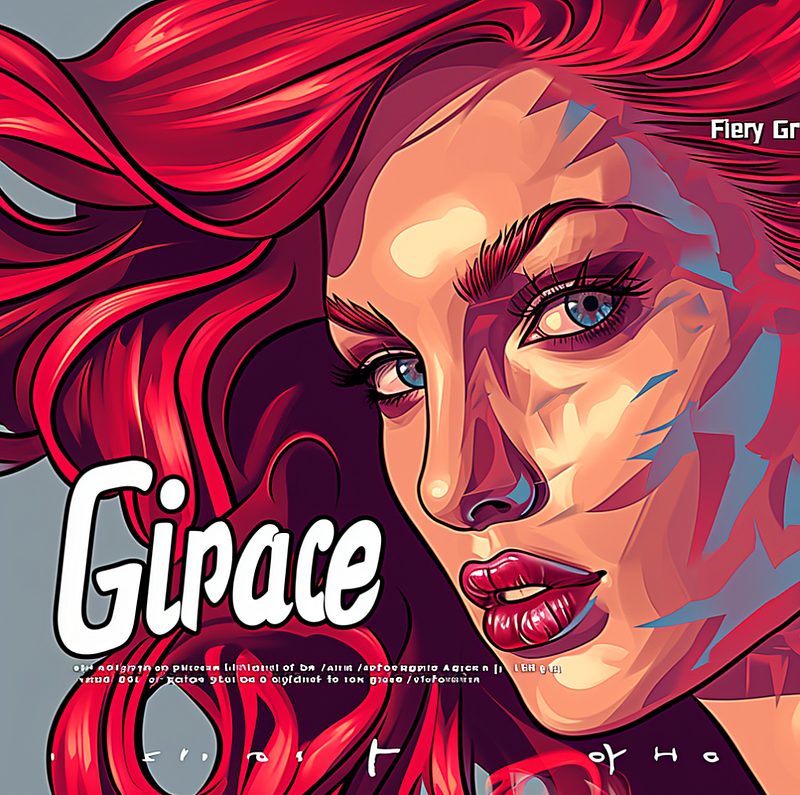
Midjourney V6 -s 100
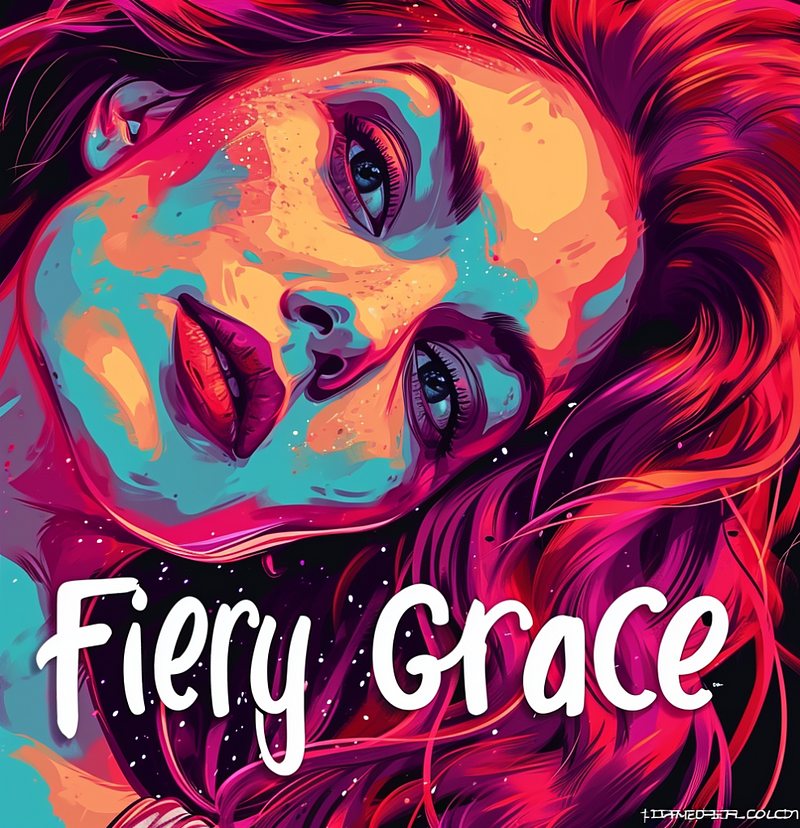
Midjourney V6 -s 200
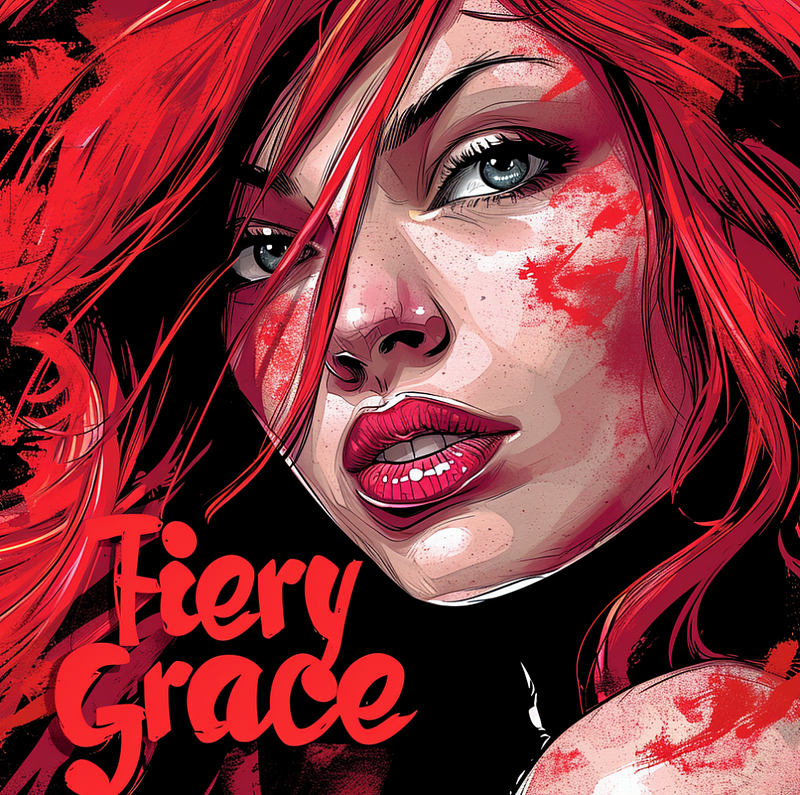
Midjourney V6 -s 300
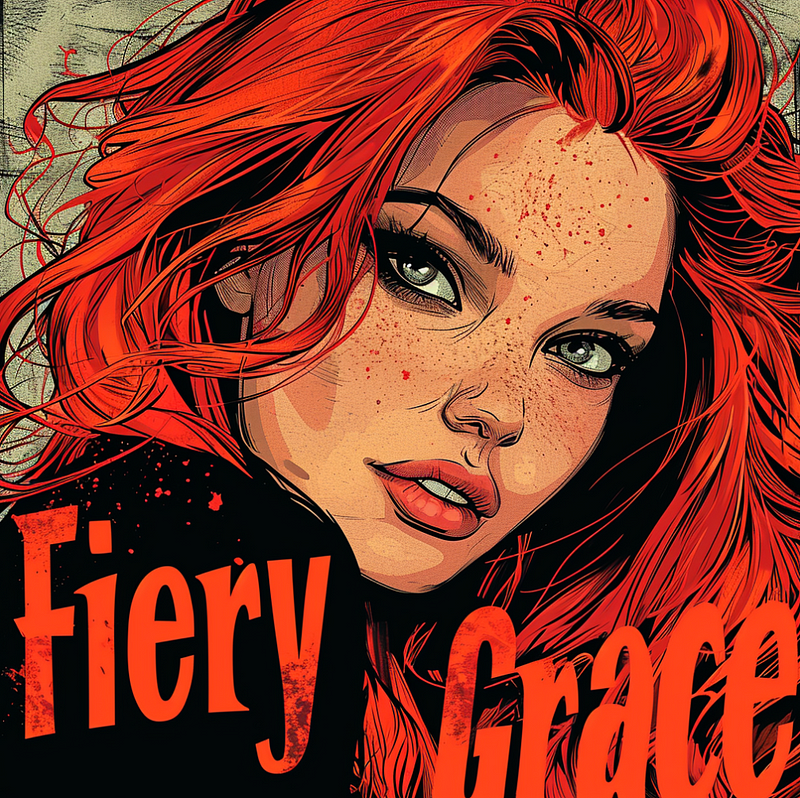
Want to learn, how to make money with your AI art? Apply here for my new AI Business Mastermind:
Midjourney V6 -s 400
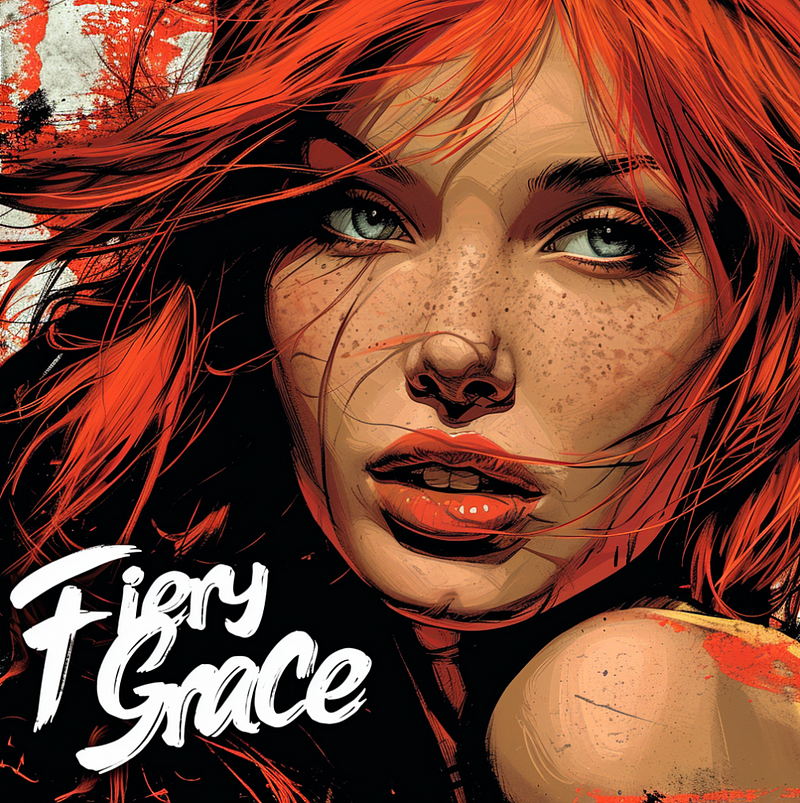
Midjourney V6 -s 500
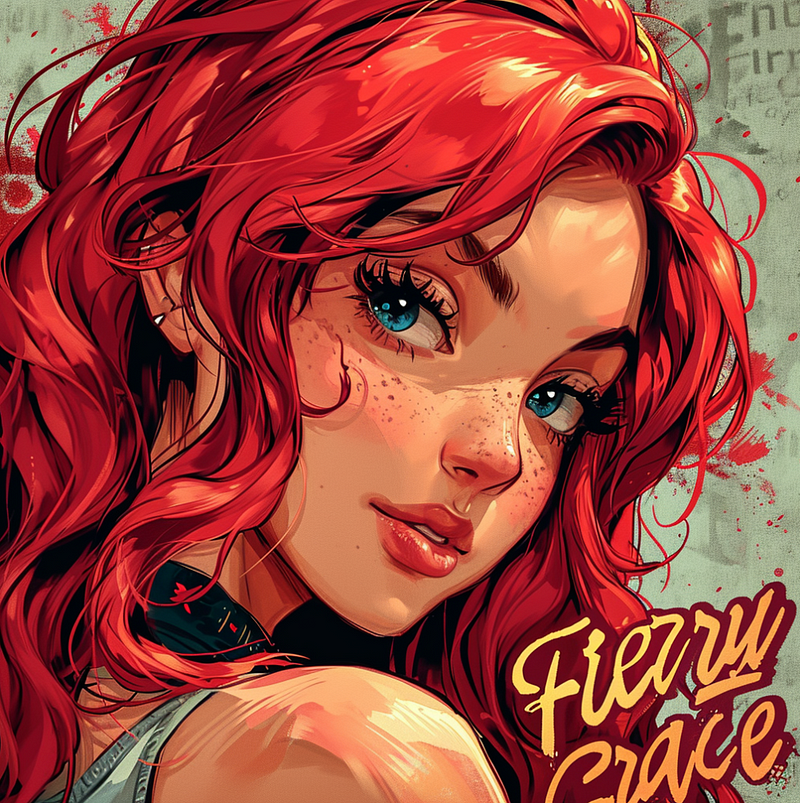
Midjourney V6 -s 600
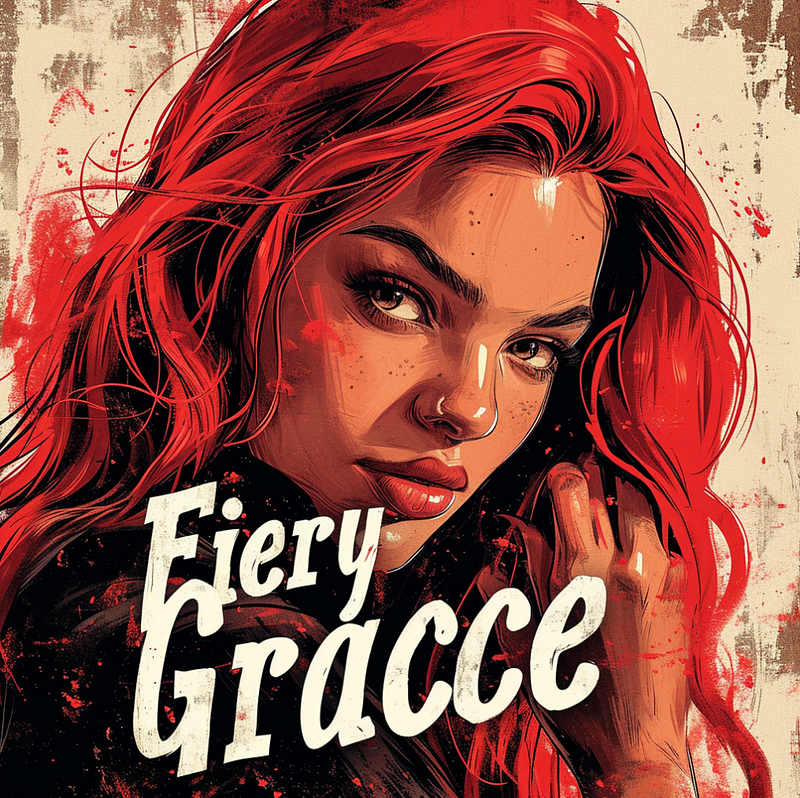
Midjourney V6 -s 700
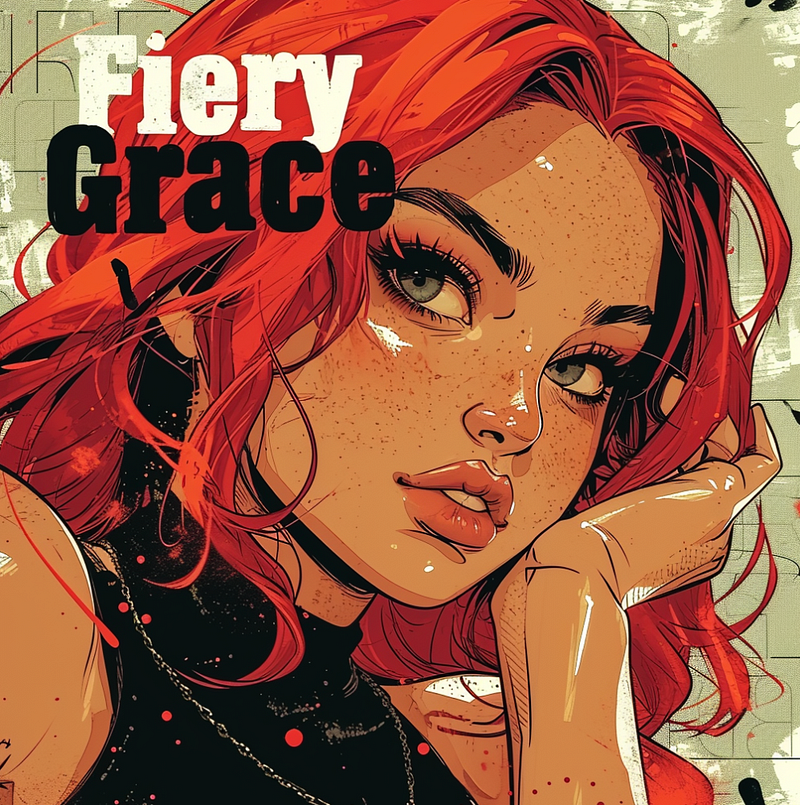
Midjourney V6 -s 800
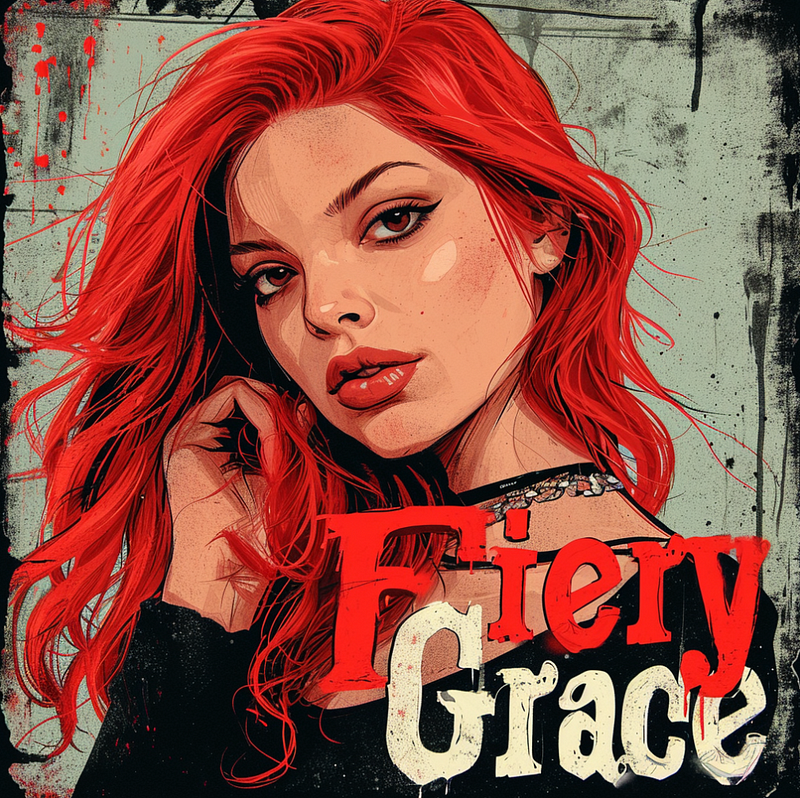
Midjourney V6 -s 900
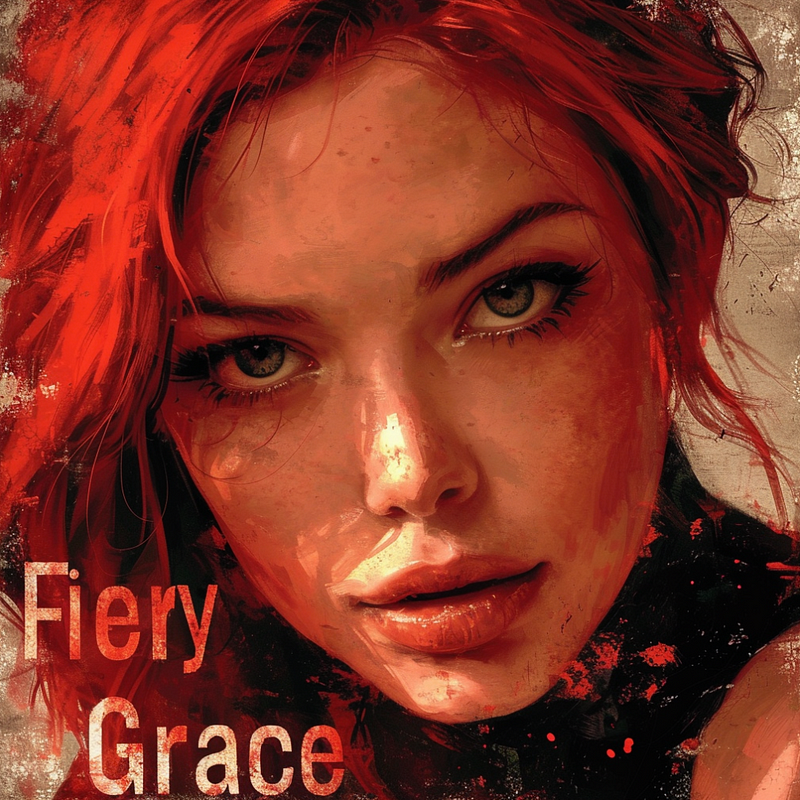
Midjourney V6 -s 1000
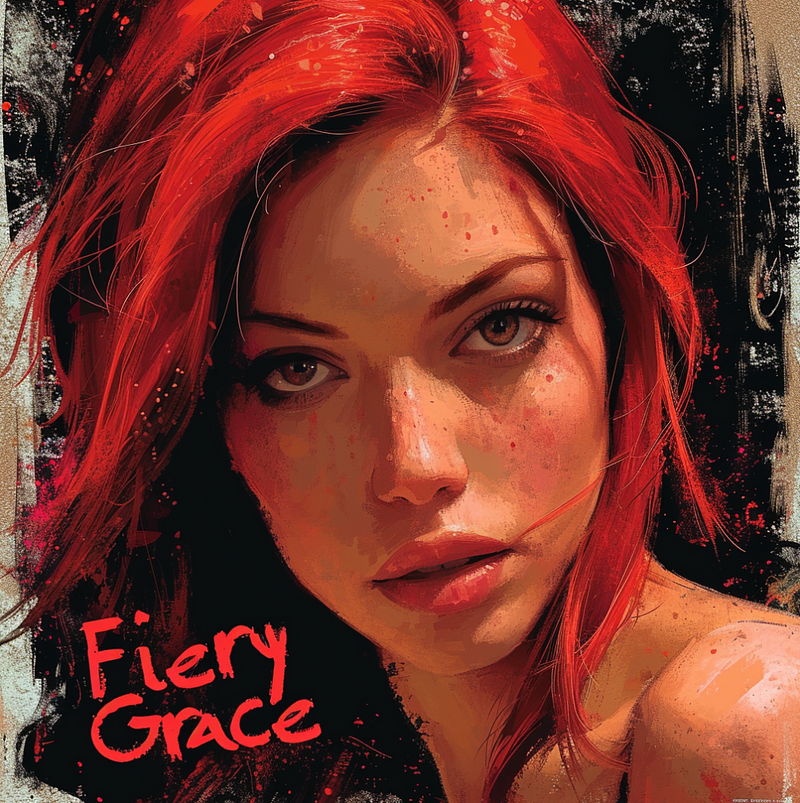
My personal favorites are images with -s 400 and -s 900; let me know in the comments what your favorite is.
In the previous Midjourney V6 version, right after the release, the text generation was much better with lower stylize factors. After the latest update, we can now use all s factors to create images with text. This is exciting news for everybody who likes to use higher stylize factors to add more Midjourney’s specific image aesthetics.
If you enjoyed this story:
Clap 50 times and follow me
Subscribe to my Newsletter
Follow AI Art and Business publication
Much love,
Stella Sky


