
Hosting websites inside AKS with Cloudflare and Let’s Encrypt
In this article, I will show how we can host websites inside AKS clubbed with Cloudflare and Lets Encrypt. This has been written based on the assumption that you have already provisioned Kubernetes Cluster like AKS and a Load Balancer provisioned to redirect the traffic to websites. If you want to refer in spinning up a new Kubernetes Cluster, please refer my previous article here. So lets get started..
Pre-requisites
- AKS Cluster
- Website Hosting Domain — GoDaddy
- CDN — Cloudflare
- External SSL Certificate — Lets Encrypt
1. Finding a Domain
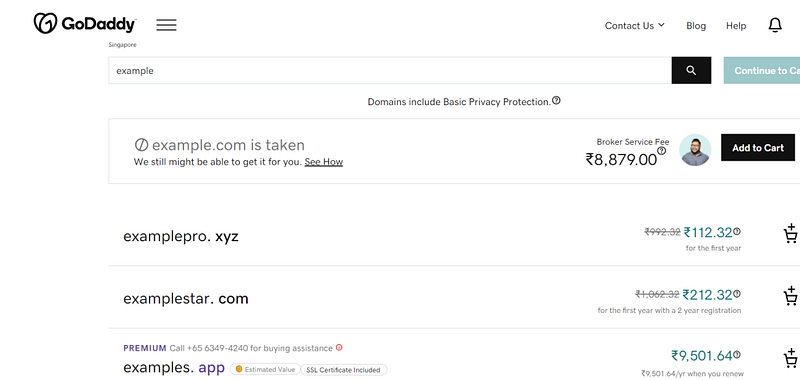
As a first step, we have to buy a domain from web hosting provider. I am having a GoDaddy account and bought a domain already, this will be used in the example. You may search in the site and buy a domain, so can register your website later on.
2. Cloudflare Setup
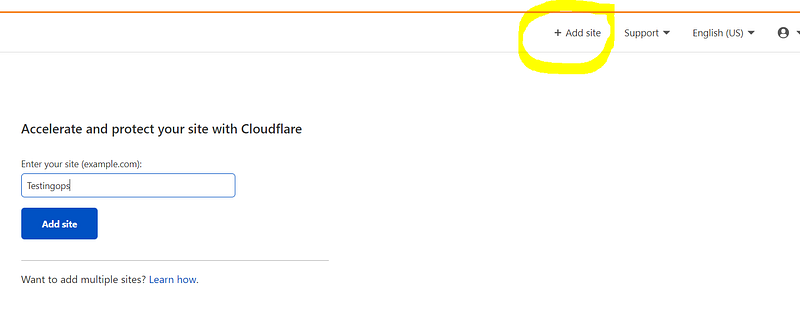
Next is to create a Cloudflare account and add an entry against the new domain that was purchased.
a. Enter your domain name
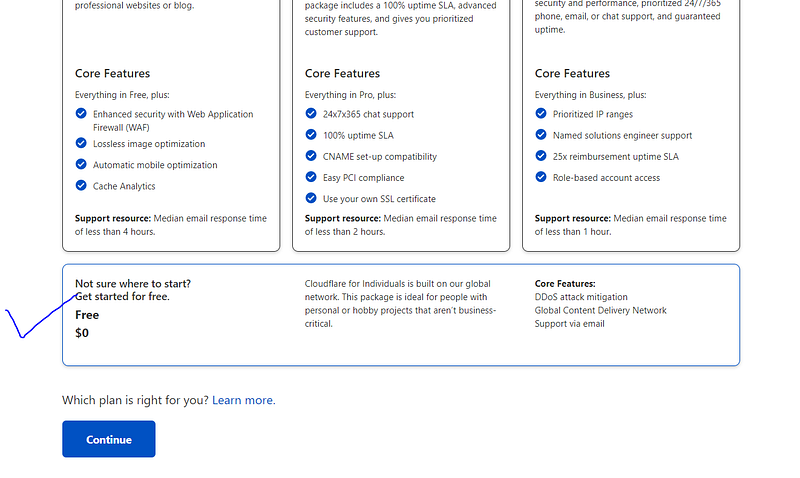
b. Click the free version, continue and wait for retrieving the DNS configurations
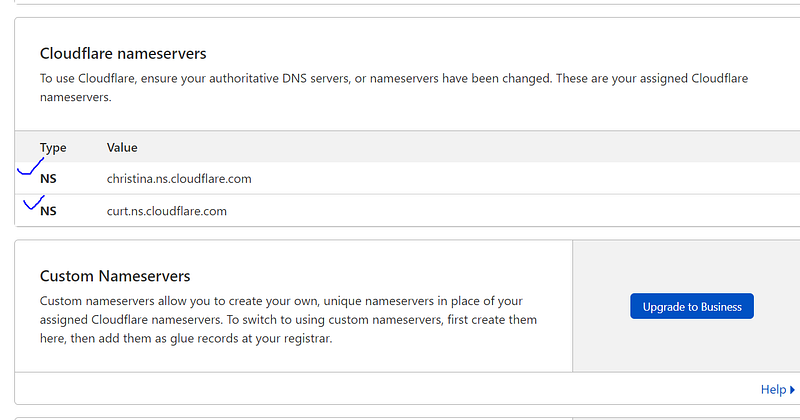
c. Copy the namespace servers provided by Cloudflare. This will be used in GoDaddy account, which will replace existing default name servers provided by GoDaddy
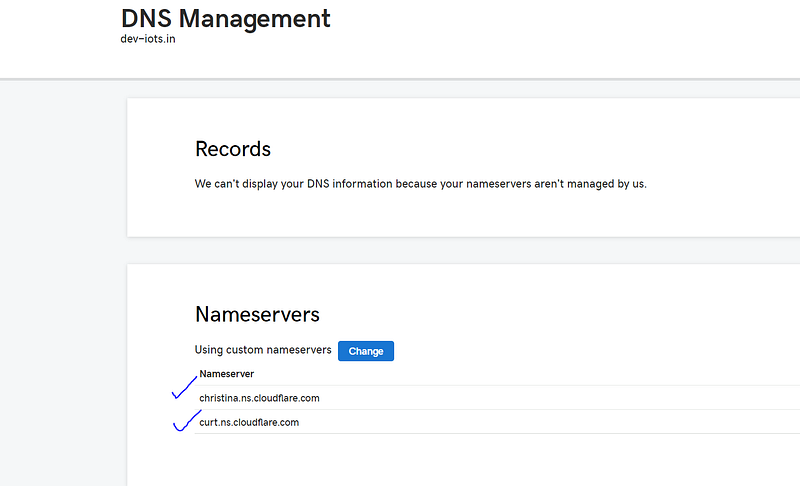
d. Go to GoDaddy DNS Management setting and replace the default nameservers with the Cloudflare servers
3. Deploying to AKS
Now we have to configure AKS cluster and deploy website. I will be deploying charts using Helm Package Manager, so it has to be installed on your local machine. After you install helm, next step is to install a NGINX ingress controller and Certmanager for Lets Encrypt certificate. The following script will help you to install the necessary components.
The above script will install the NGINX ingress controller, which will provision a Public LoadBalancer in Azure. Please note to give the public IP a DNS name for the Load Balancer Provisioned.
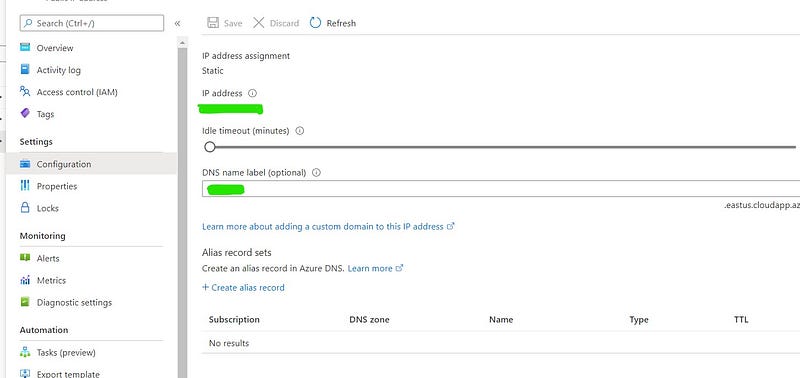
It will also install the Cert manager for managing SSL certs as well. Next , we will apply ClusterIssuer manifest for Lets Encrypt and this will generate SSL cert. You need to replace the EmailID with yours.
Once above things are done, lets deploy the app. One key thing to notice is that about the ingress manifest in the chart. We have to change the hostname to the domain we bought from GoDaddy. You may refer below ingress manifest and replace hostName with the domain name
For running the app, clone the repo and apply helm
https://github.com/mysticrenji/flask-mysql-k3s.git
cd flask-mysql-k3s
helm install python-flask -n flask . --values values.yaml
4. Mapping the domain
This is final step to configure the DNS in Cloudflare by adding A record and CNAME.
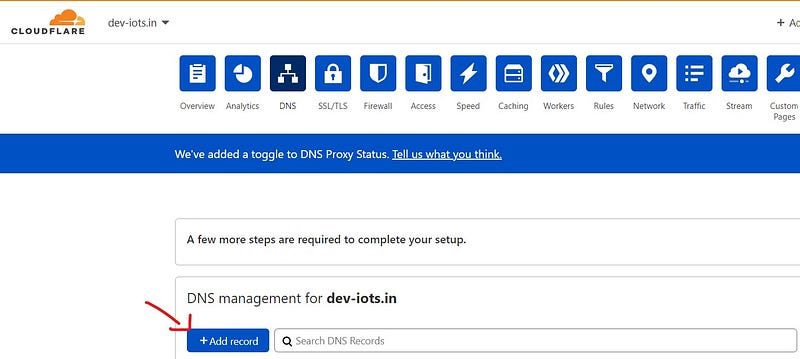
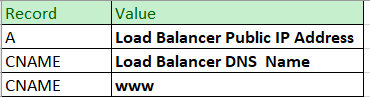
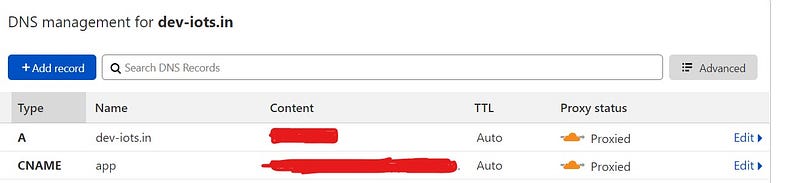
Pro tip — If you wanted to have a subdomain, just add subdomain value in CNAME and map it to LB DNS Name. Please don’t forget to give the subdomain address in the app Ingress manifest as well.
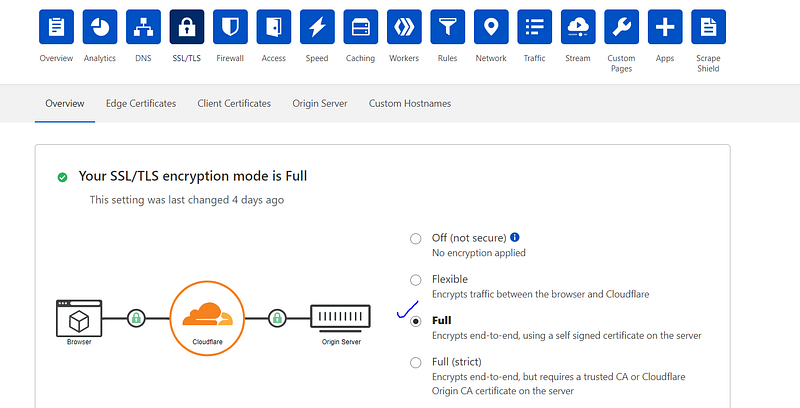
Please also make sure that SSL/TLS encryption mode is Full in Cloudflare. This will provide secure connection from the browser till the AKS LoadBalancer.
That’s it. You made your website sure with SSL/TLS. Let me know your feedback on this.
References Github Cloudflare CertManager LetsEncrypt


