
HeadlessUI: Popover
Part 4: Adding overlay

To add an overlay when open the popover, we can add
<Popover.ButtonclassName="group inline-flex items-center rounded-md bg-orange-700 px-3 py-2 text-base font-medium text-white hover:text-opacity-100 focus:outline-none focus-visible:ring-2 focus-visible:ring-white focus-visible:ring-opacity-75"><Popover.Overlay className="fixed inset-0 bg-black opacity-30" /><span>Solutions</span>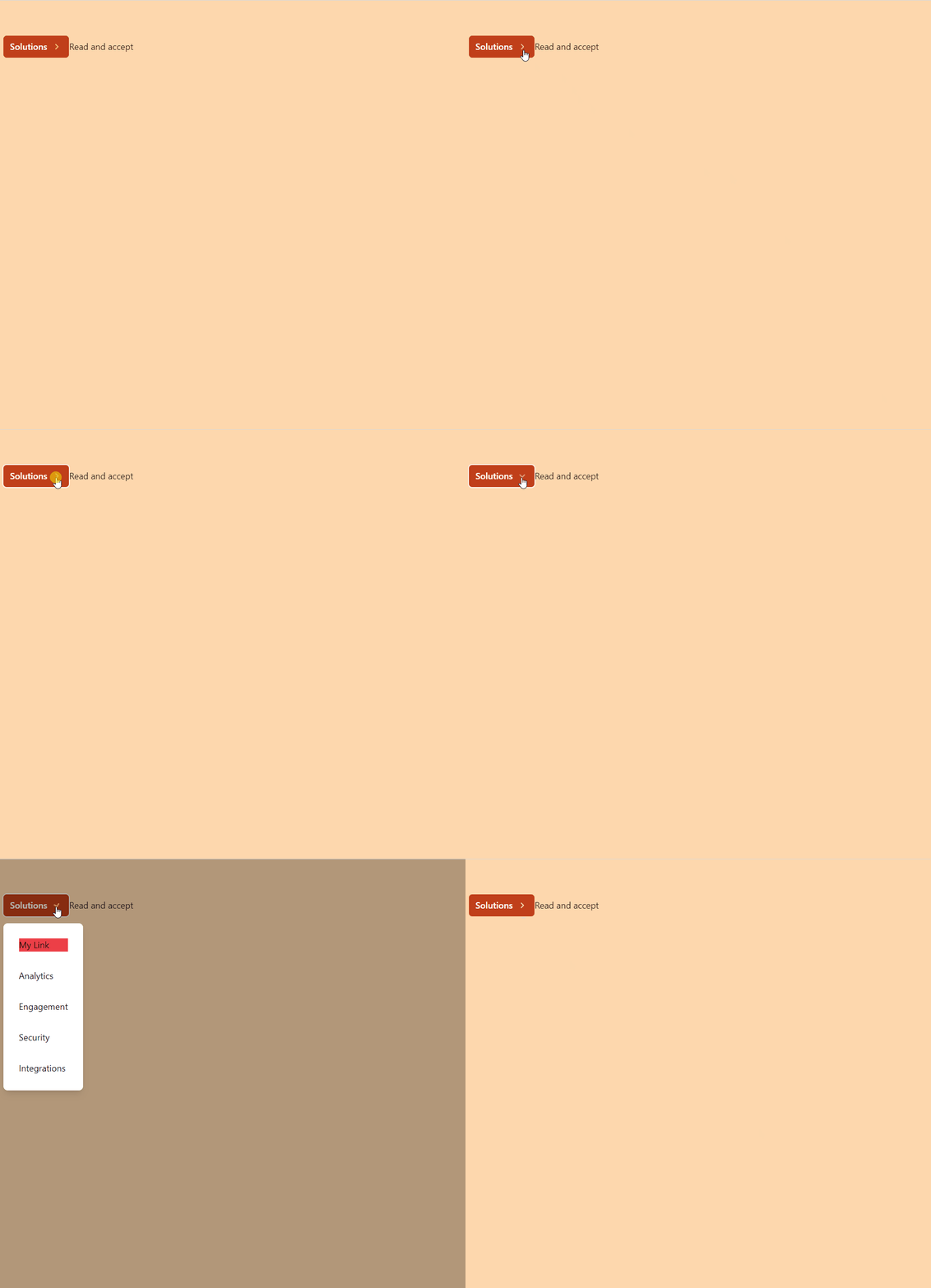
full code
import React, { useState } from 'react'import { Popover } from '@headlessui/react'import { ChevronRightIcon } from '@heroicons/react/solid'import MyLink from './MyLink'const MyPopover = () => {const [todos, setTodos] = useState([])return (<div className="fixed top-16 w-full max-w-sm px-4"><Popover className="relative">{({ open, close }) => (<><Popover.ButtonclassName="group inline-flex items-center rounded-md bg-orange-700 px-3 py-2 text-base font-medium text-white hover:text-opacity-100 focus:outline-none focus-visible:ring-2 focus-visible:ring-white focus-visible:ring-opacity-75"><Popover.Overlay className="fixed inset-0 bg-black opacity-30" /><span>Solutions</span><ChevronRightIcon
className={`${open ? 'rotate-90 transform' : ''}ml-2 h-5 w-5 text-orange-300 transition duration-150 ease-in-out group-hover:text-opacity-80`}
/></Popover.Button><buttononClick={async () => {const data = await fetch('https://jsonplaceholder.typicode.com/todos')const todos = await data.json()setTodos(todos)close()}}
>Read and accept</button><Popover.Panel className="absolute z-10 mt-3"><div className="overflow-hidden rounded-lg shadow-lg ring-1 ring-black ring-opacity-5"><div className="relative grid gap-8 bg-white p-7 "><Popover.Button as={MyLink} href="/insights">Insights</Popover.Button><a href="/analytics">Analytics</a><a href="/engagement">Engagement</a><a href="/security">Security</a><a href="/integrations">Integrations</a></div></div></Popover.Panel></>)}
</Popover>{todos.length > 0 && todos.map(todo => <li key={todo.id}>{todo.title}</li>)}</div>)
}
export default MyPopoverIf you liked this story, you might also like a Medium membership. It’s only $5 a month (a price of a cup of coffee!) but it will give you unlimited access to stories while supporting your favorite writers. If you sign up using this link, I’ll earn a small commission. Thanks!
Follow us: YouTube, Medium, Udemy, Linkedin, Twitter, Instagram, Gumroad, Quora, Telegram
More content at PlainEnglish.io. Sign up for our free weekly newsletter. Follow us on Twitter, LinkedIn, YouTube, and Discord. Interested in Growth Hacking? Check out Circuit.


