
Have Medium read to you!
Are you too busy to read my articles? Well, have Medium read them to you!
(Thank you for viewing this article. Please go ahead & scroll down to the very bottom of this article, so Medium can give me credit for you reading this article. Afterwards come back to the top and enjoy the rest of this article. Thanks for helping me out with this. It’s much appreciated!)
Sometimes, I get so buys I don’t even have a few minutes to stop & read the articles that I want to read…BUMMER!
I noticed that Medium has a way for me to get the information without having to stop & read. They have this cool little “Listen” button at the top of each story (I call them articles).
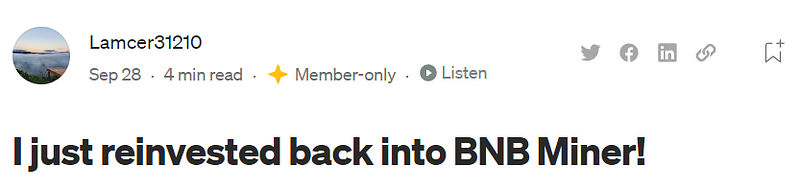
(By the way, you can read/listen to the article above by clicking here.)
If you press this little listen button, then it will read to you. It sounds monotone & robotic (kind of annoying) but it works.
Now, let’s suppose that you want to read an article I wrote but can’t hold the phone (walking, cooking, etc.). Now you can listen to them while doing all those cool things.
This would be great with earbuds or headphones!
But wait there’s more…
If you are part of the Medium Partnership Program then the listening time goes towards your Medium earnings as well!
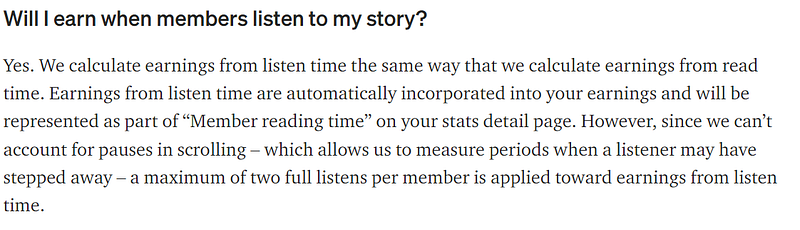
You can find more info here:
Listen in moderation
The only down side is that they will only calculate “a maximum of two full listens per member”, which is not very much in the grand scheme of things.
So read if you can…or listen if you can’t.
Hopefully, this will help some of ya’ll (yes, I’m from the south…).
Anyways, thanks again for reading, or listening!
Now following anybody that interacts with my articles…
God Speed!


