Harnessing the Power of Midjourney: A Deep Dive into the AI Image Generator
I’ve dived into the complex universe of AI image generators, but none has been as fascinating and unique as Midjourney. It’s like the Rolls Royce of AI generators, handling complex creations effortlessly — even the challenging task of reproducing hands, a real hiccup for many AIs.
However, the path to access Midjourney’s magic isn’t as conventional as you’d expect. While other generators such as Stable Diffusion and DALL·E 2 come with their own platforms, Midjourney charts a course of its own: Discord. That’s right, this groundbreaking tool is nestled in your favourite chat app. Sounds unconventional? Let’s navigate this.
Your Quick Guide to Midjourney on Discord 1. Enroll on Discord. 2. Register on Midjourney and accept its Discord channel invitation. 3. Dive into a #newbies channel and type /subscribe. 4. Choose your Midjourney package. 5. Bounce back to Discord and start the image creation magic. 6. Refine, upscale, and get those masterpieces downloaded.
Journey into Discord Predominantly a gamer’s haven, Discord emerged as a chat app to strategize multiplayer online games like League of Legends. Now it’s also the playground of several arts and hobby enthusiasts. And therein lies Midjourney’s reasoning for its peculiar platform choice.
Before you tap into Midjourney’s prowess, you’ll need a Discord account. It’s straightforward and free.
Embarking on Midjourney With Discord in your arsenal, the next step is to navigate to the Midjourney site and opt for “Join the Beta”. An invite to Midjourney’s Discord channel will greet you. Accept it and the gateway opens.
As of March 2023, a brief pause was observed in the free trials due to misuse, but hope remains for their return with newer versions. In the interim, the journey to Midjourney’s plans requires a stop at newcomer rooms (like #newbies-14). Here, you utilize the slash command /subscribe which unveils the paid plan options. Prices range from the Basic Plan at $10/month for ~200 creations to the Mega plan at $120/month, accommodating enthusiasts and professionals alike.
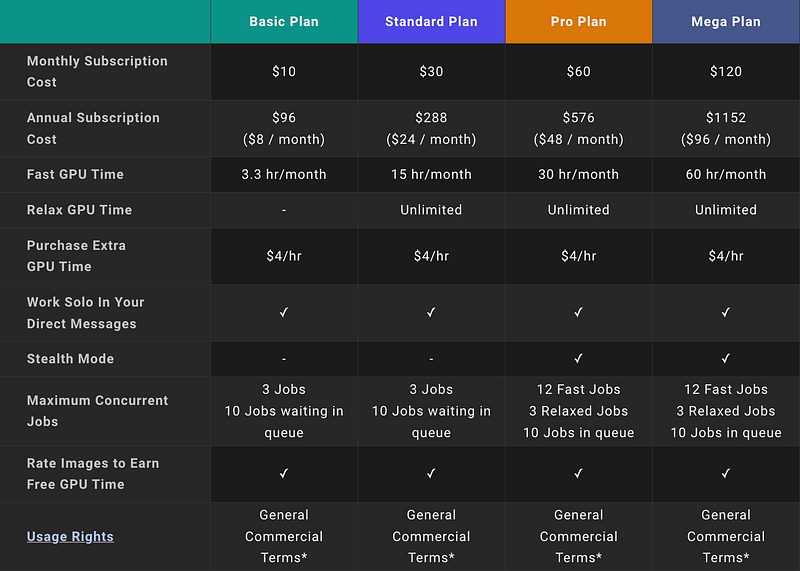
Ignite Your Creativity The Midjourney space, especially the #newbies channels, is vibrant and bustling. While it mirrors an artist’s studio, it can be overwhelming. Don’t worry; direct messages are your sanctuary. But remember, for utmost privacy, consider the Pro or Mega plans.
For those exploring the #newbies realm, continue there, but paid users craving tranquility can directly message the Midjourney Bot.
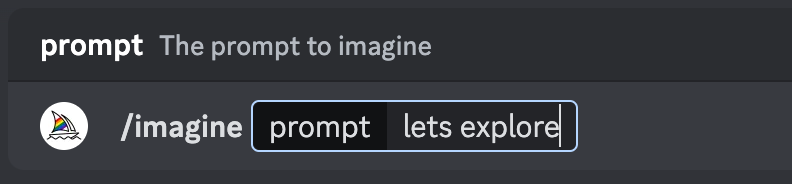
Typing /imagine starts the process. Pen down your creative desires and watch as they transform into digital masterpieces.
From the “Canadian man traversing a maple forest atop a moose in an impressionist style”,
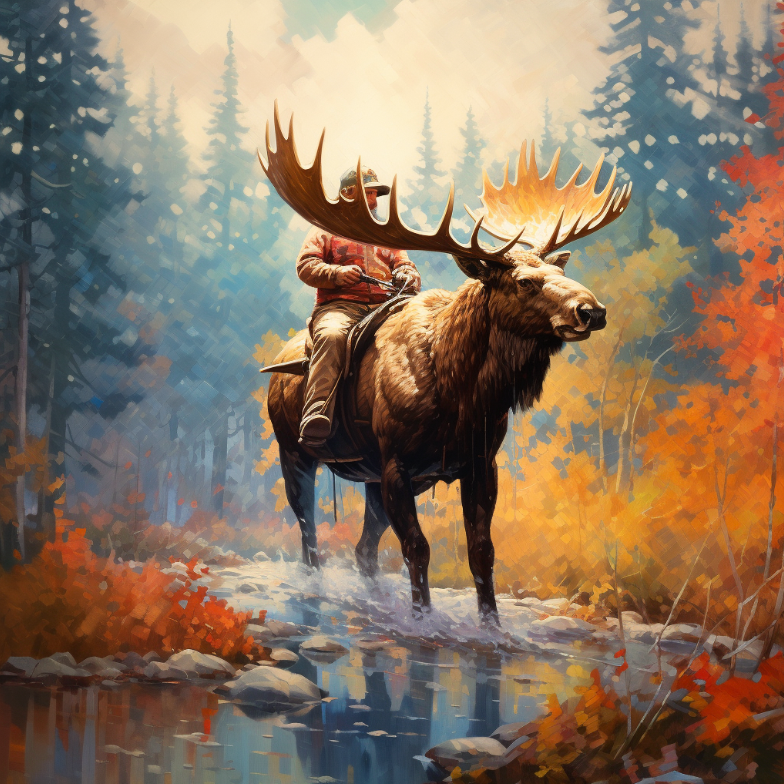
to the surreal “beautiful mermaid gliding, surrounded by a school of fish”, the possibilities are limitless.
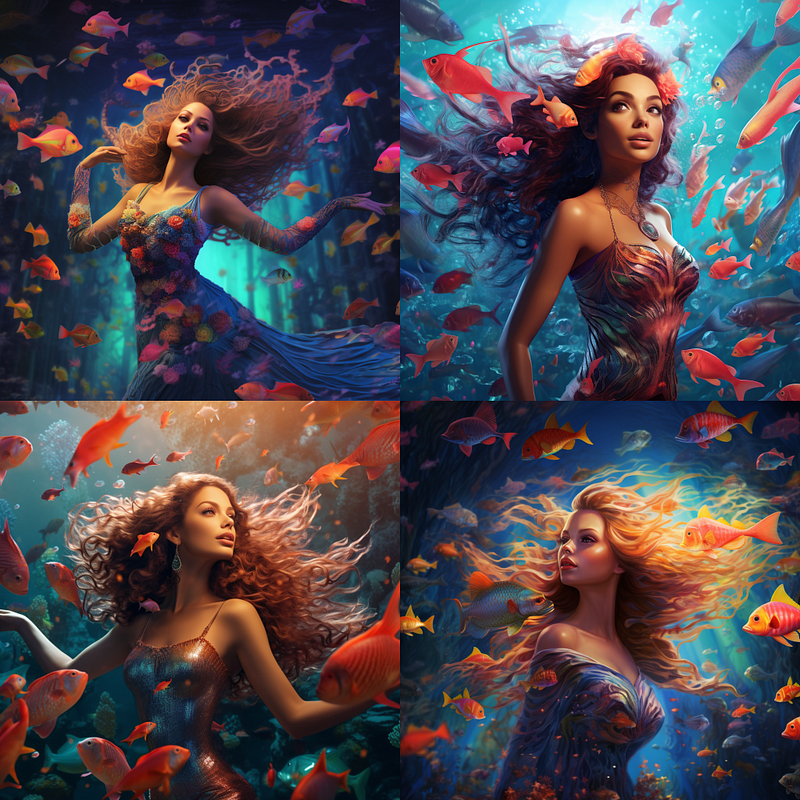
Midjourney will present you with four variations of your vision. And if my experience with Midjourney is any indicator, they won’t disappoint.
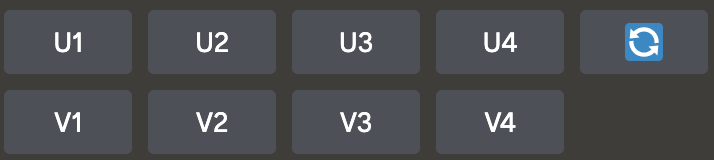
Refinement Tools at Your Fingertips Midjourney doesn’t just stop at creating. Under each image set, tools await: the U buttons for upscaling and the V buttons for variations. You can also re-roll your entire prompt for a fresh perspective.
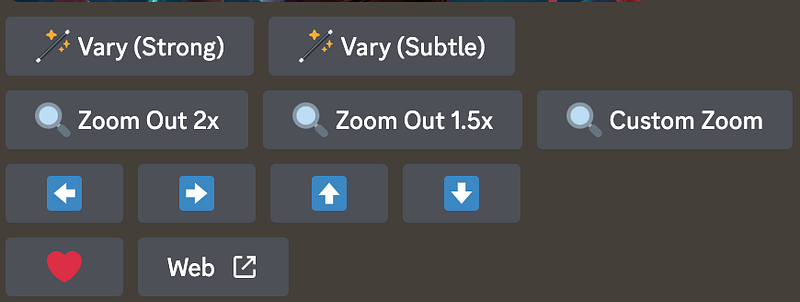
For in-depth alterations, Midjourney offers varied options, from “Zoom Out” for broader perspectives to “Pan” for image expansion. Tinker around, and you’ll find a canvas of opportunities.
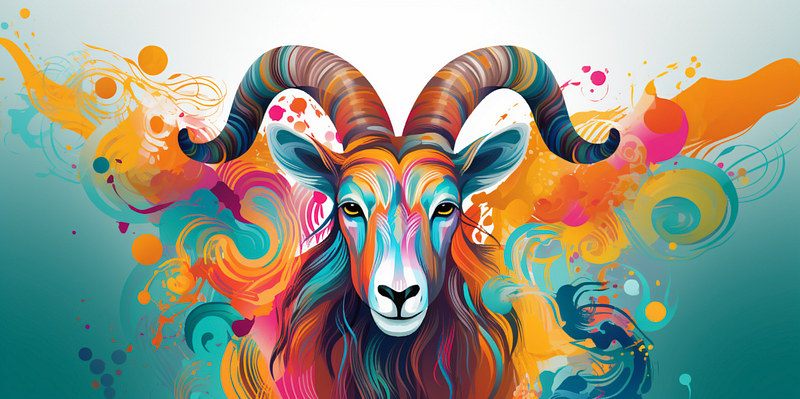
Mastering Midjourney’s Language Your prompts are your paintbrush. And Midjourney, in its artistic essence, outdoes its counterparts like DALL·E 2. While “a ram” can be rendered beautifully, specificity enhances the output. “A whimsical representation of gigantic mice relishing a cheese mansion” resonates better than a generic description.
Midjourney also welcomes images as part of prompts. You can easily integrate a URL, letting the AI craft something based on your uploaded images.
To embed an image in a prompt, start by typing /imagine. Once the prompt dialog shows up, either drag the desired image file into it to insert the image’s URL or use a right-click to paste the URL directly inside the prompt box.
Experimentation is Key Besides worded prompts, Midjourney understands parameters, offering a canvas of possibilities from excluding certain elements with the “No” parameter to embracing eccentricity with “Weird”. Dive deep into the parameters, mold them, and watch your imagination appear.
Lastly, the /shorten command is your guru, guiding you through the essence of prompt-writing. It’s a learning curve, making every creation with Midjourney a transformative experience.
In the end, Midjourney isn’t just an AI image generator; it’s a powerful tool for creativity, wrapped in the cozy confines of Discord. Dive in and let your imagination roam free.
If you’ve enjoyed this article, please follow me 🙂