AI ART
Getting Your Job_ID from MidJourney and Discord
An important tool in retrieving the images you create with the AI Image Generator MidJourney is the job_id.
An important tool in your kit while dealing with MidJourney and Discord is the lowly job_id. The first question you may ask is, “what is a job_id?” And then you may ask, “why do I need it?” Or you could ask them in the opposite order. Doesn’t matter.
What is a JOB_ID?
A job_id is a unique identifier for a job you have run in MidJourney, whether it is through the /imagine command or by up-scaling, remixing, or re-rolling. It’s the identifier for a result that produces an image or grid of images. The job_id of a MidJourney image is a thirty-two-digit hexadecimal integer in the format of:
FORMAT:
XXXXXXXX-XXXX-XXXX-XXXX-XXXXXXXX
examples from my generated images include:
  98c76744-0909-419b-b4c7-61f784dae845
  68e6c1b9–7ddf-4eec-9c49–9cbfbc5e09f1
Once you have the job_id, what can you do with it?
Why do I need the JOB_ID?
You need this little piece of information to tell MidJourney to re-display the results of your jobs in Discord using the /show command.
/show <jobid>after recovering the ID of a job in your gallery, you can summon that job again in the chat, producing the resulting image and upscale+variation buttons. This allows you to essentially revive any job you generated yourself, bringing it into any bot channel to generate upscales and variations there, even if you have lost access to the original message.
There are various reasons you might want to re-display in another channel (or even the same channel). Off the top of my head, these include:
- to show someone on a different server your work,
- you created it in a public MidJourney channel, and you would like to work with it again without scrolling through miles and miles of Discord chat,
- it’s an older job, and you would like to work with it again without scrolling through miles and miles of Discord chat,
- MidJourney has shadow banned this job, and you want to work with it more easily than the default method. (Shadow banning is a topic of an upcoming article, so stay tuned.)
- I’m sure there are other uses, but these will do for now.
How do I retrieve my JOB_ID?
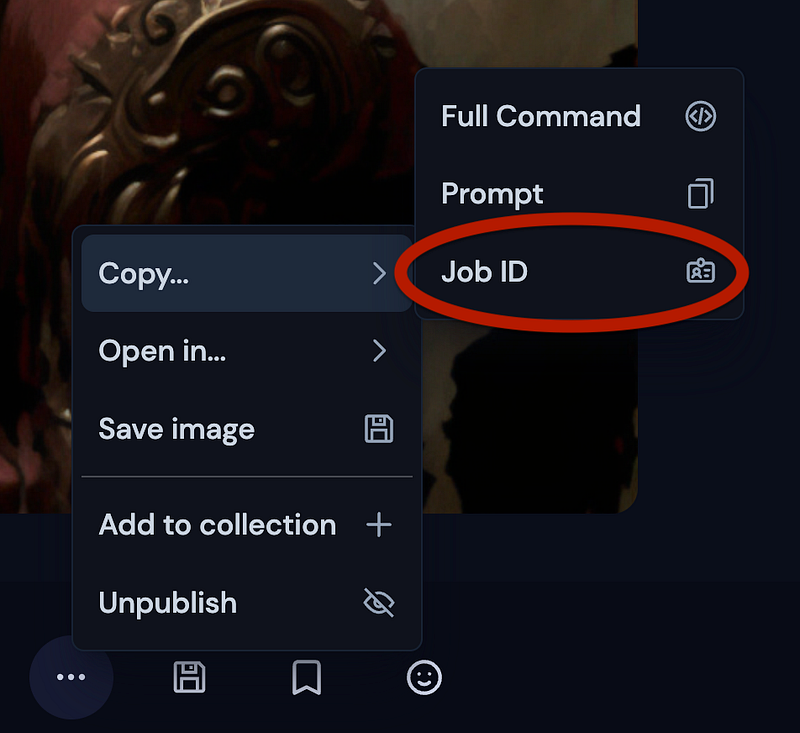
There are a few ways to retrieve the job_id. The easiest way is to view the image on your profile page, open it, and select Copy… Job ID from the menu.
The next way to retrieve it is to open the image in your browser and copy it from the filename, either when you download it locally or view it remotely.
user_PartOfPrompt_5059561d-7509-42bf-bee8-58f07a5d02ed.png
Simply copy the portion of the filename which is the job_id. Ensure you copy it all, and no more (i.e., no .png on the end) since MidJourney is exacting with their job_ids.
Another way to retrieve the job is to use the envelope reaction on the Discord message, and the MidJourney bot will DM (direct message) you with the prompt, the job_id, and the image seed and the image (or the grid of images, separated into individual images)
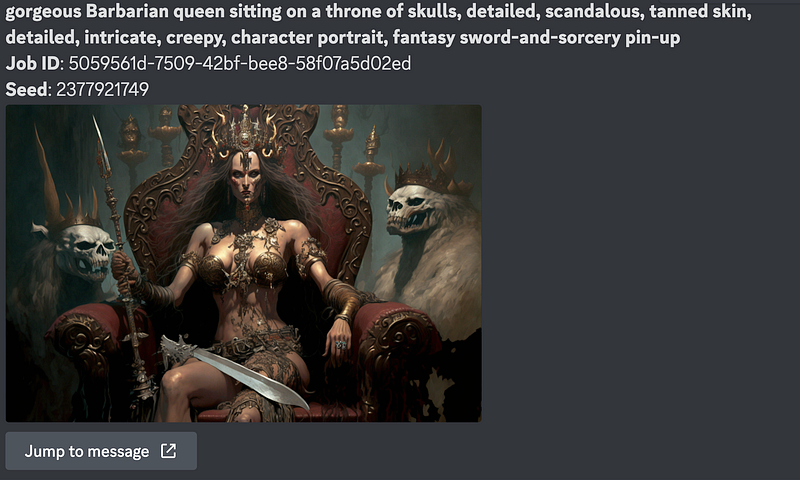
How to use it
As long as the job_id is for a job you generated, the /show command is all you need. Simply type it into a Discord channel with MidJourney enabled, and it will appear.

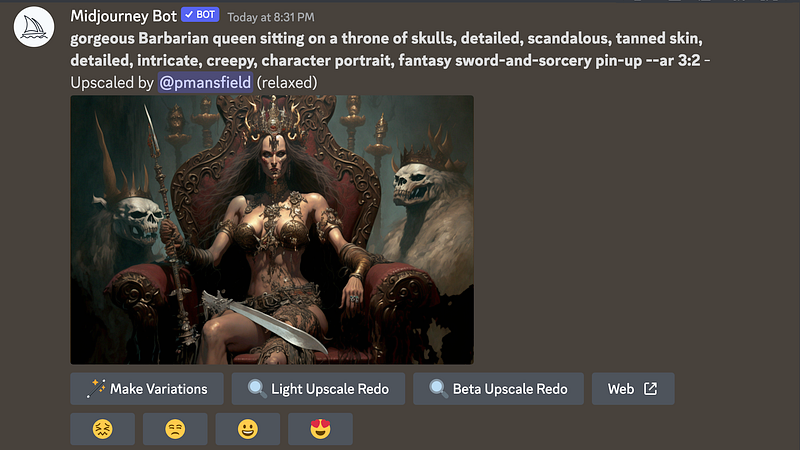
If you’re new to MidJourney, don’t worry about job_ids yet, but if you continue to work with this system, they will become handy tools.
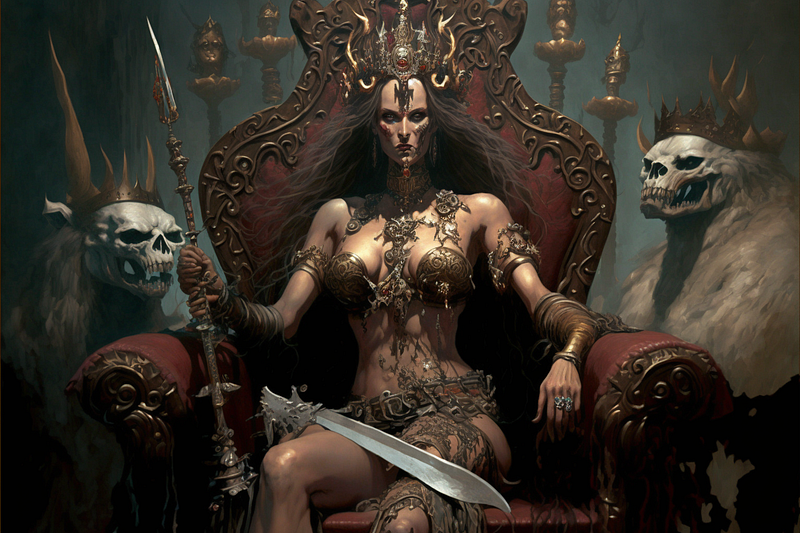
If you’re interested, the image that I used as a reference.
/imagine gorgeous Barbarian queen sitting on a throne of skulls, detailed, scandalous, tanned skin, detailed, intricate, creepy, character portrait, fantasy sword-and-sorcery pin-up — ar 3:2 — v 4
Paul Mansfield is a writer, a photographer, a guitar player, and a philosopher — some he does well, some not so well, but he still tries them all. You can follow him on Twitter @pmansfield.
Another story by Paul.