
From Imagination to Implementation: Midjourney’s Search Image Feature Redefines Prompt Development.
Utilizing the public gallery for textual creativity
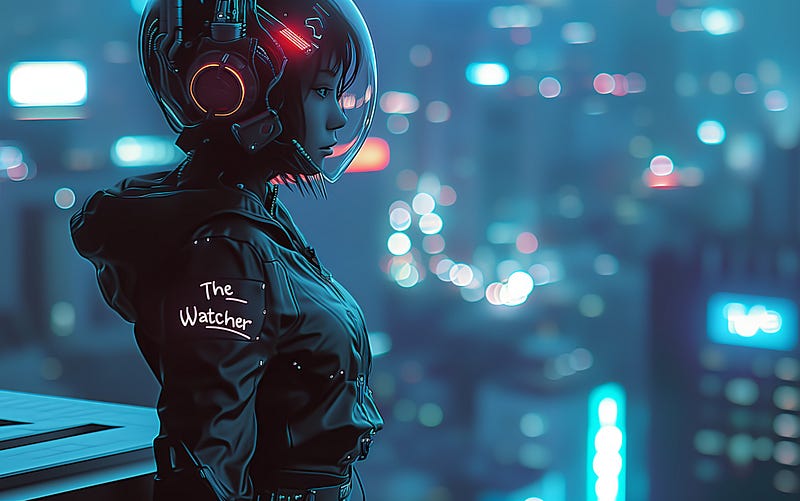
One of the biggest mistakes I see in the public Gallery of Midjourney is people copying other people’s prompts or, worse still, using chatbots to create prompts. This approach is trying to get machines or others to do the creative work rather than doing it yourself and is doomed to failure.
Midjourney is a random image generator, so whatever prompt you shove in, it can randomly produce an engaging and aesthetically pleasing result. This can fool you into thinking everything in your prompt is important or necessary.
Note, search image is available on the alpha website which is slowly rolling out to everyone but beginners may not have access yet.
Research and careful prompt building can give you greater control over your results. You can now compare and contrast prompts across the gallery using the search image feature. I will run an example where I build a prompt from the bottom up using the Image search feature as an assistant.
Note on settings :style raw s 100
First Prompt:
Female cyborg
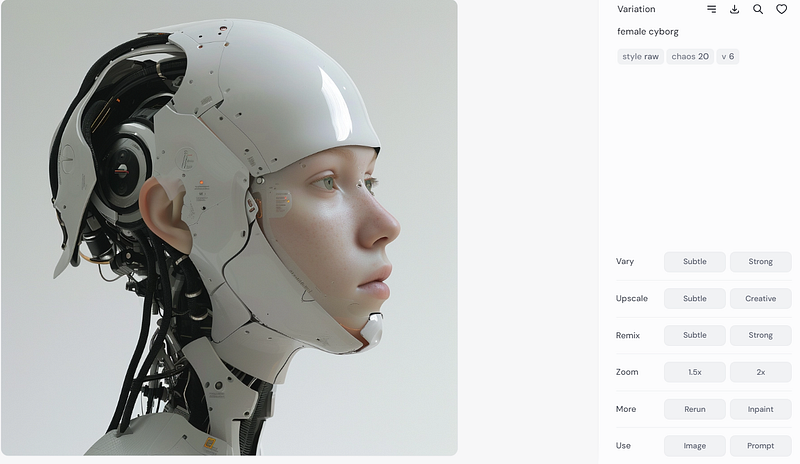
You click the Magnifying glass search button to get alternative ideas for a prompt. This should give you a number of similar examples.
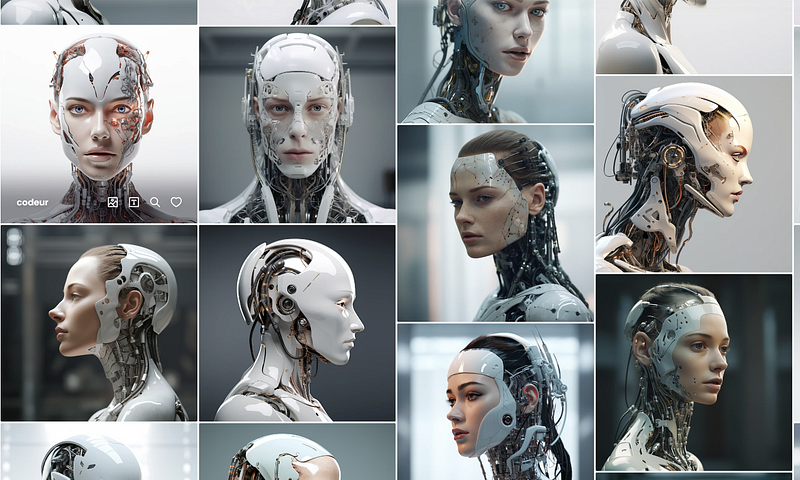
You can now examine the prompt for each of these examples. They all produce largely the same type of image.
The shortest was:
AI robot
The longest:
extreme close up 8k very photorealistic giant resolution large resolution high definition extremely hyperrealistic hyperreal sharp focus on surreal futuristic extremely cute futuristic glossy transparent quantum simulated holographic etherial glowing high tech toy naoto hattori naotto hatori in the form surrealist the gay male robot’s head is white with pink ears, in the style of charming characters, daz3d, skottie young, shiny, toy-like proportions, rounded, glass as material smiling gently on soft grey background of the the ultimate cute toy for play for every age and gender amazing unusual surrealist cute in the style of pusheen cat Japanese cute toys aesthetic fluffy glowing tentacles coming out of his head 3d cute holographic primary colors smart design multiple purposes learning game in just one object cute glowing containing all the knowledge in the universe
What I Learnt:
There was no substantial difference between the two images. The trouble with the long prompt is that you no longer know which words affect the outcome.
Maybe try it yourself. Start with a simple two-word prompt and perform the image search. Examine each image and prompt and try to find one word that might be making a difference. Add that one word to your prompt and see if it makes any difference.
The one that caught my eye was this, which had a French prompt.
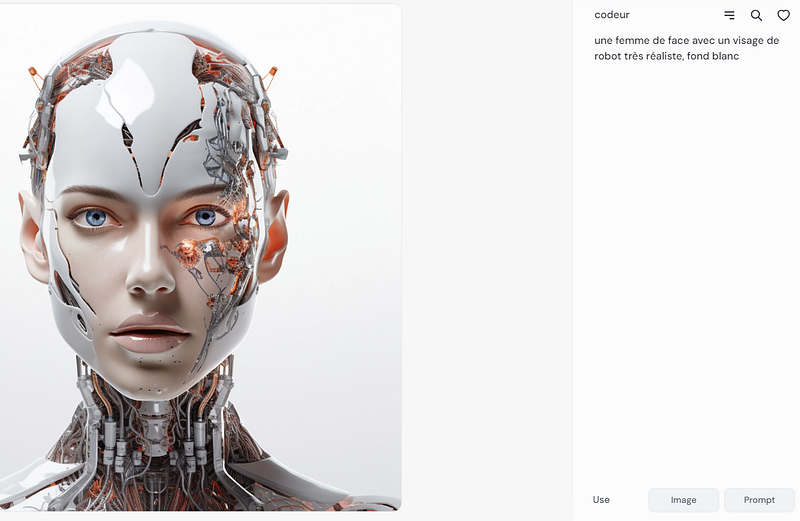
Translated: a woman full face with a very realistic robot face, white background
Note that it is a very simple factual prompt which lets Midjourney do all the work. No style, lighting or camera directions and none of those junk filler words or secret codewords.
I ran this prompt
AI robot incorporating a woman’s realistic face
and ran another search
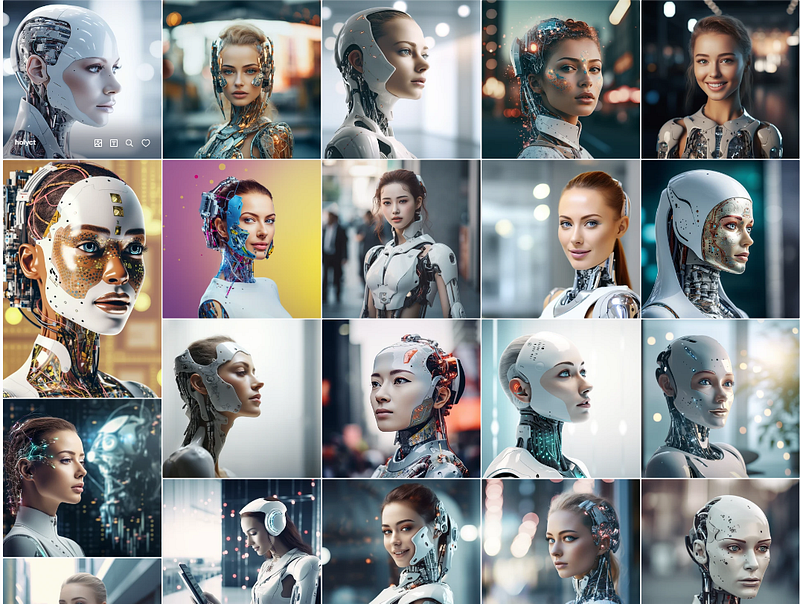
Noticeable here was the massive variety of approaches to prompting all producing largely similar images. Heres a sample
Interviewing an artificial intelligence chatbot about humanity —
This artifact is a futuristic robot that looks like a human, but has extraordinary strength and intelligence, and can complete all kinds of difficult tasks, soft focus photography, romanticism, 4K, hyper quality —
a smiling young Central European woman together with artificial intelligence —
Bright Vibrant Alcohol Ink and Watercolor Cyanotype Close Up Portrait of a Cybernetic Humanoid printed words Prince by Kansinsky —
A high-tech intelligent robot that can learn and perform tasks autonomously, abstract photography, Arabic, 64K, HDR —
What will ai look like in the next 50 years
From all of this, I had a 3 word prompt, which produced fairly consistent results.
female AI robot
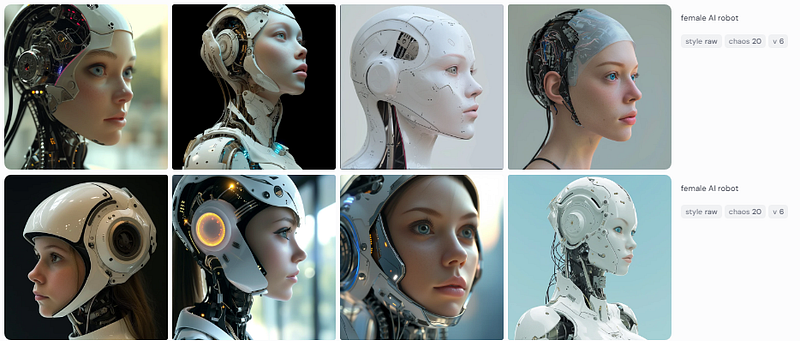
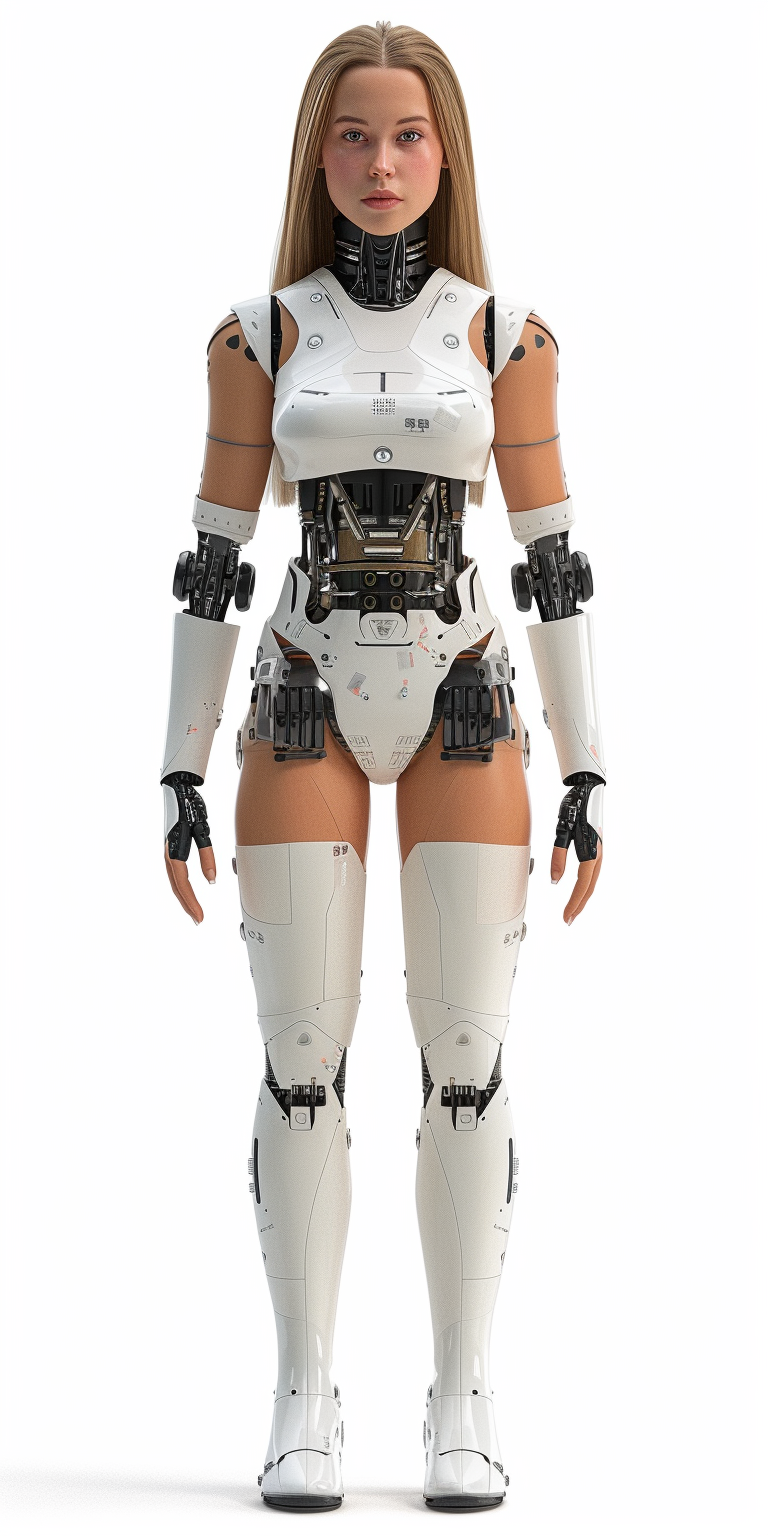
To translate this to a full body image, I prompted:
full body female AI robot
Note on settings — ar 1:2
My first image was a bit bland, so I went searching for a bit more style, and after looking at example prompts, I added the word “Punk” at the end.
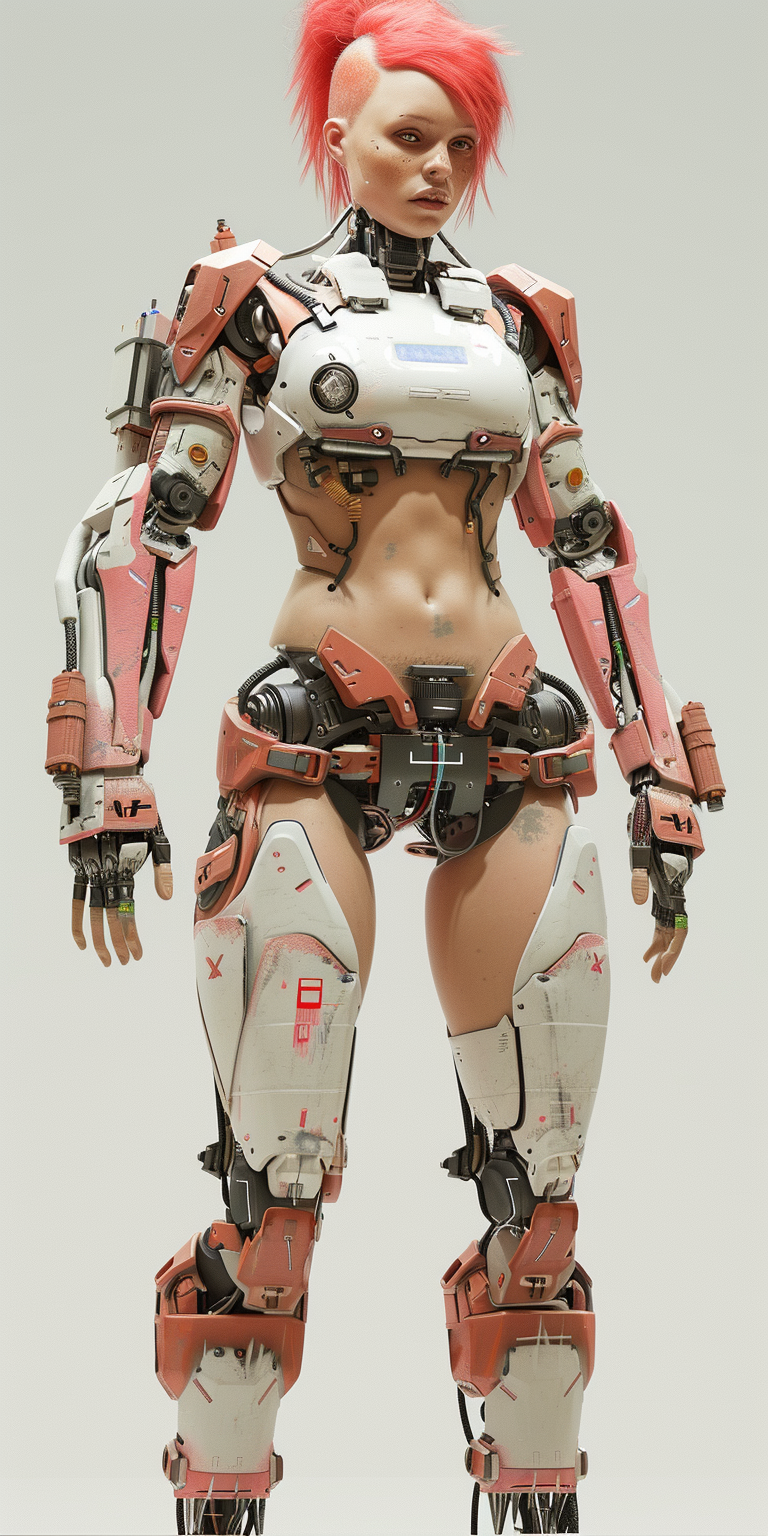
I now want to expand the idea and give it a setting. I started with
full body female AI robot, punk, Urban dystopia
This gave very varied results. I searched one of the resulting images and explored these prompts.
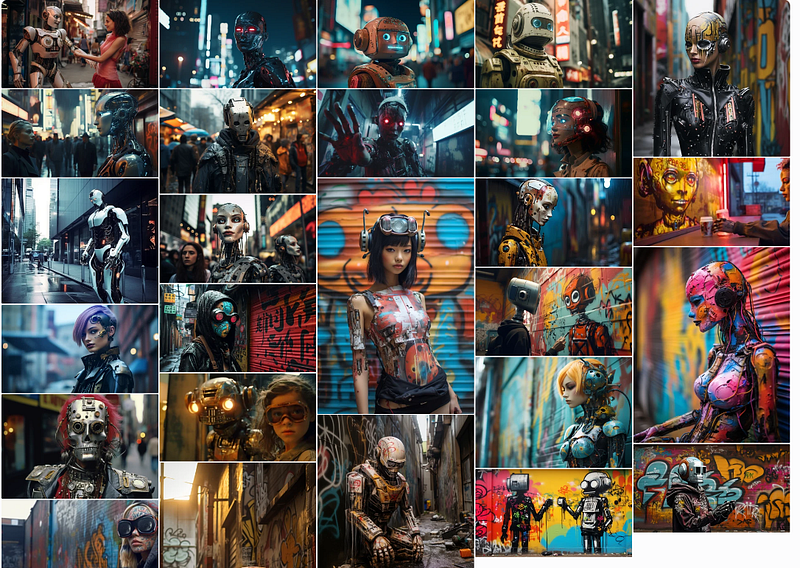
I tried adding in graffiti, abandoned, city, futuristic, and finally settled on :
full body female AI robot, punk, On a city rooftop
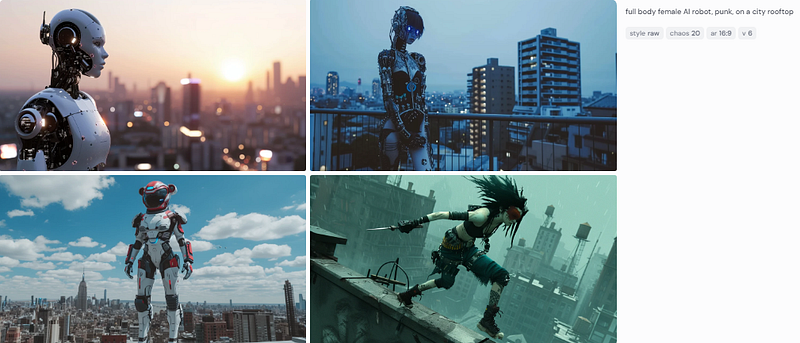
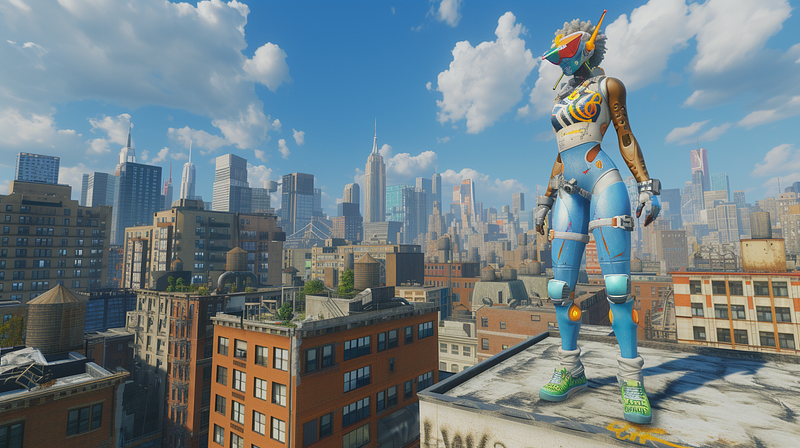
This started morphing into the concept of a robot on a city rooftop being a “watcher” or the mobile eyes of AI
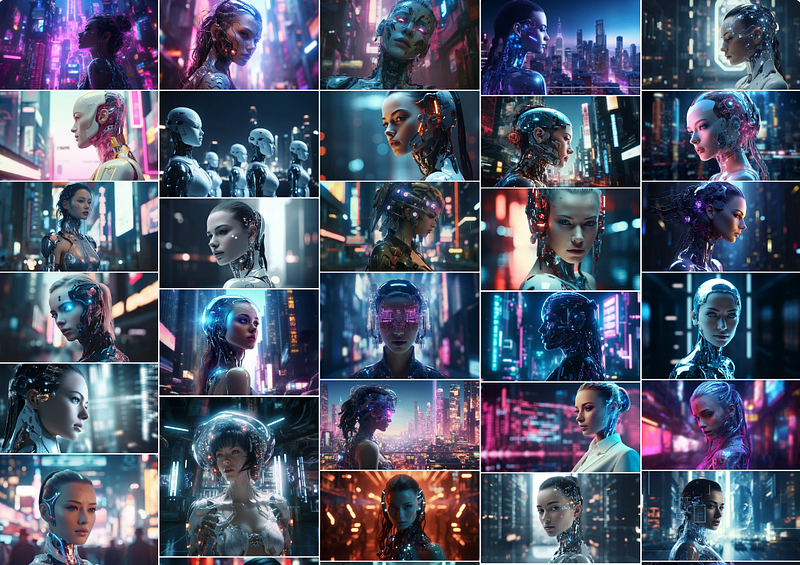
From this point, I had a clear concept, and I started refining the image using the same prompt.
full body female AI robot, punk, on a city rooftop, the words “The Watcher” illuminated on body
The great thing about incorporating text is that the content of the text influences the feel of the scene.
My workflow is that I get to this point with a short but fairly detailed prompt and I stick with that text because the subtleties of style and detail can be dealt with better using, variations, remixes panning and zooming, inpainting and recycling the images you create into new prompts.
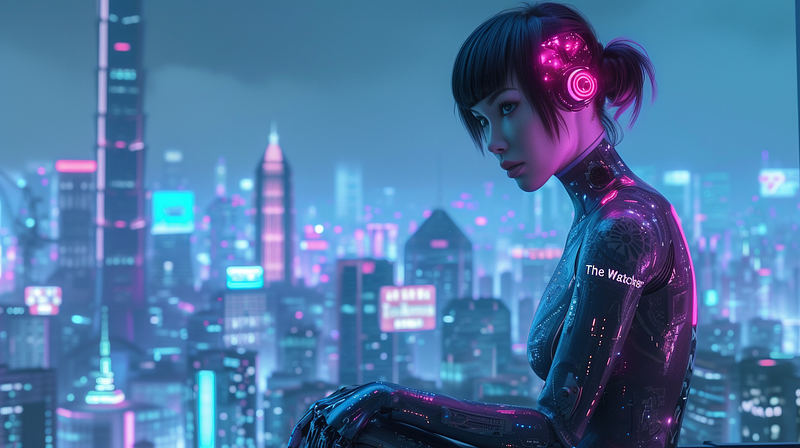
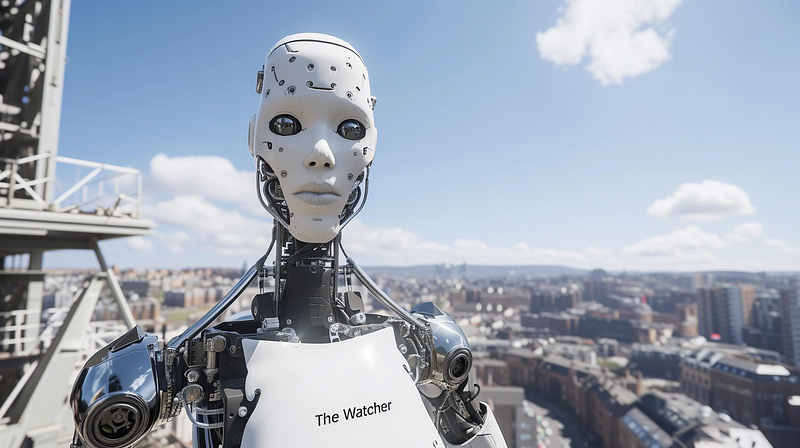
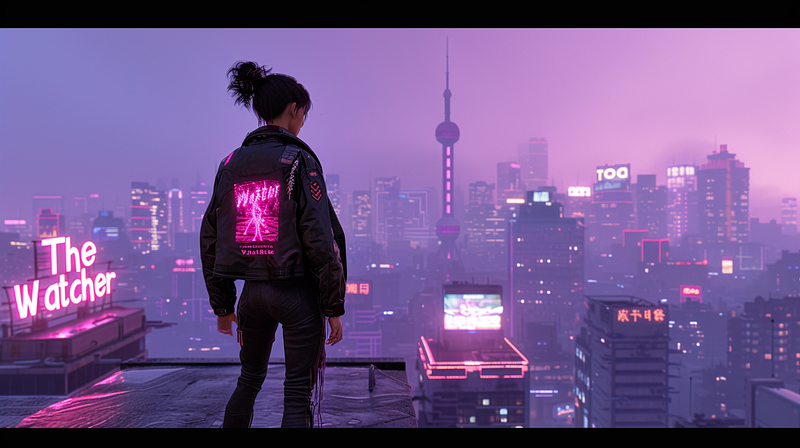
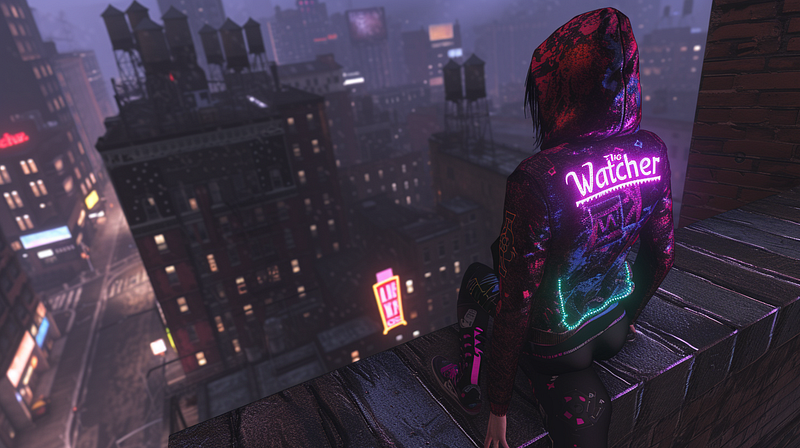
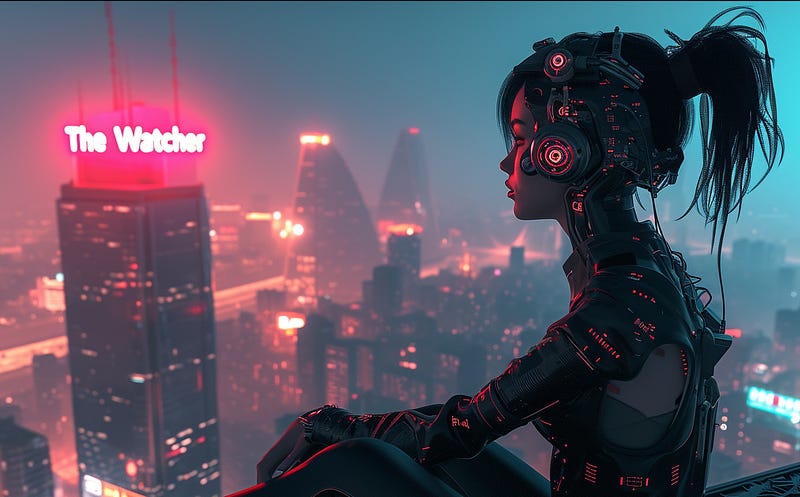
Prompt building workflow
- Prompt using two or three words to describe the subject
- Image search on one of these
- Prompt choosing an extra word or two from these prompts for similar images
- Image search on one of these
- Rinse and repeat
In this repeating process you might add in style direction like “photo of” or “comic illustration” I would coach you to keep it really simple because stylistic directions can bring in unwanted artefacts. I avoid artists names altogether for this reason. You not only get their painting style but you get their signature motifs and all sorts of other clutter.
I would also suggest that in V6 it is no longer helpful or necessary to say things like “ she is in meditative mood contemplating her navel and worried by the troubling atmosphere coming from the city” you could replace all that with a single word like “moody” “alert” or “contemplative”
moody alert full body female AI robot, humanoid face , punk, on a city rooftop, the words “The Watcher” illuminated
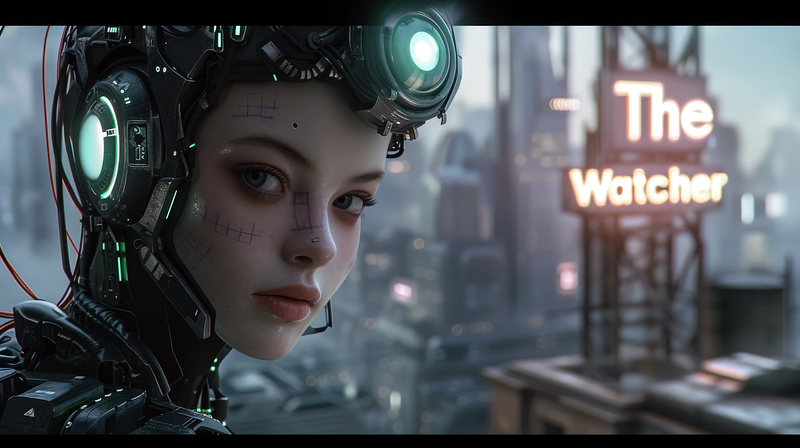
My process from this point on is to move shuffle and replace prompt words until I get closer to usable images. Adding in more words sends MJ off into more random universes rather than focusing it down to the ultimate goal.
Note these images bear no relation to the Netflix series of the same name. Word choice is coincidental.
Thanks for reading to the end. Feel free to clap, follow, subscribe, highlight and respond. All actions help motivate me to write more.