Summary
The web content provides a user's guide to navigating the registration process on a freelancing platform, detailing the steps to select writing subcategories and explore job postings.
Abstract
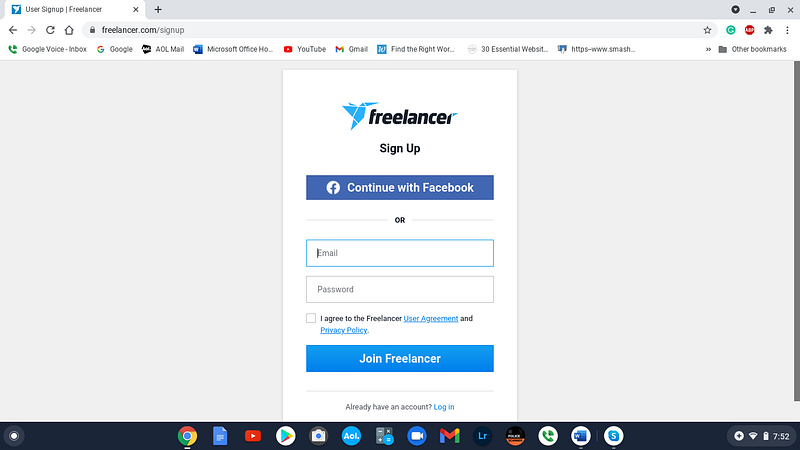
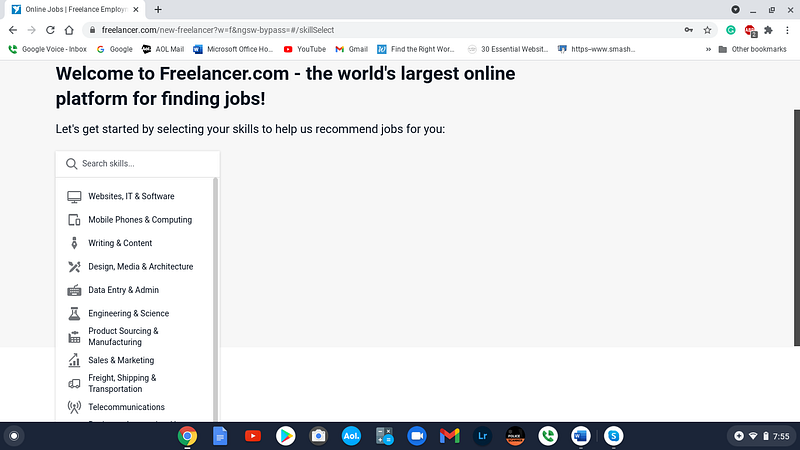
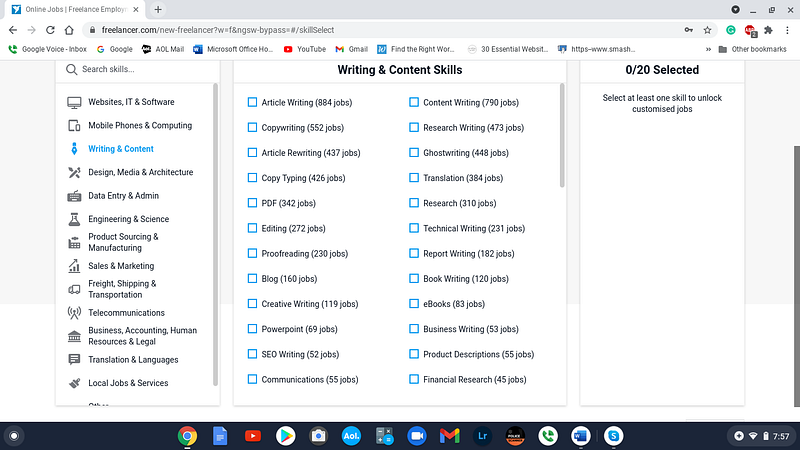
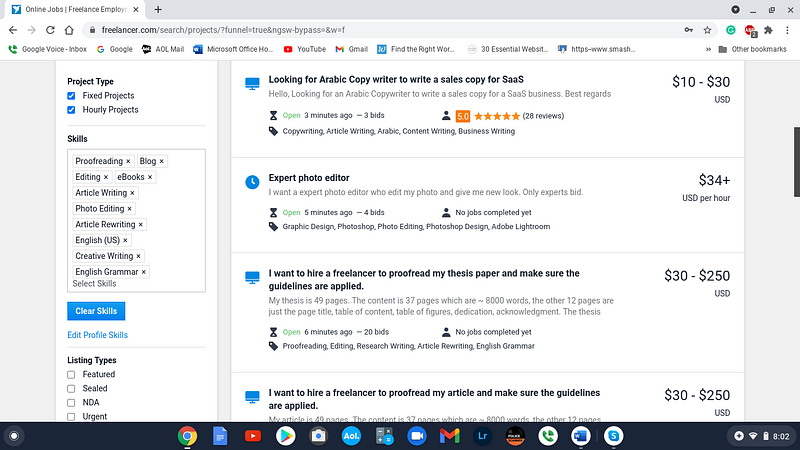
The article titled "Freelancer" outlines the straightforward approach to getting started on a freelancing website. It describes the initial registration process, which can be simplified by using Facebook, and the subsequent steps to refine job searches. The user is guided through selecting writing as a service category, choosing subsets with a reasonable number of job postings, and setting up a profile with the option to skip some steps initially. The article concludes with the user having access to over 20 job positions to consider later, emphasizing the author's effort to facilitate the job search process for the reader.
Opinions
- The author appreciates the no-frills approach of the freelancing platform, noting the absence of unnecessary features like dinner or dancing, and instead focusing on the practical aspects of job searching.
- The registration process is seen as user-friendly, especially with the option to use Facebook for a quicker start.
- The platform's interface is described as helpful, providing a subset of writing categories and indicating the number of available positions, which is perceived as useful for narrowing down job options.
- The author seems satisfied with the ease of setting up a profile, mentioning the convenience of the "Skip for Now" feature.
- The author takes pride in doing the legwork to make the job search easier for the reader, suggesting a commitment to providing value through their guidance.