
Forget all the productivity tools for MacOS. All you really need is Raycast
To be honest: I didn’t understand Raycast at first. An app that replaces Spotlight on MacOS? Why? Spotlight works after all. But after using Raycast for a few days, I can no longer imagine a Mac without this app. Here’s why.
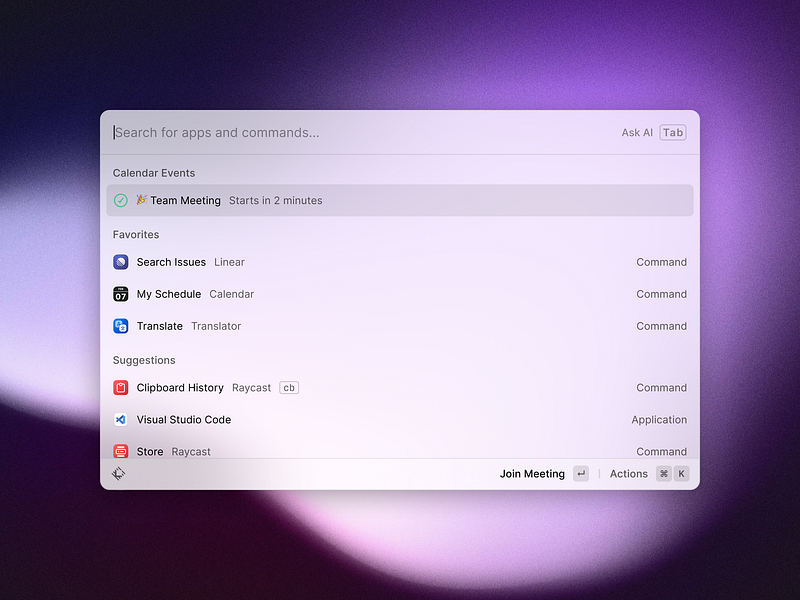
First of all: What is Raycast anyway? The question is not so easy to answer. Yes, Raycast replaces the Spotlight function on your Mac after installation. But Raycast is so much more than just an alternative to Spotlight.
The developers’ short description sums it up quite well:
Raycast is a blazingly fast, totally extendable launcher. It lets you complete tasks, calculate, share common links, and much more.
The slogan on the Raycast website sums it up even better:
Supercharged productivity
What does that mean exactly? You use Raycast just like Spotlight by pressing the key combination “COMMAND” and “SPACE”. An unspectacular search form appears, which opens up countless possibilities:
- Search for apps and files.
- Favorite frequently used files for faster access (let’s be honest; how much of your life have you spent clicking through to the PowerPoint template in Finder?).
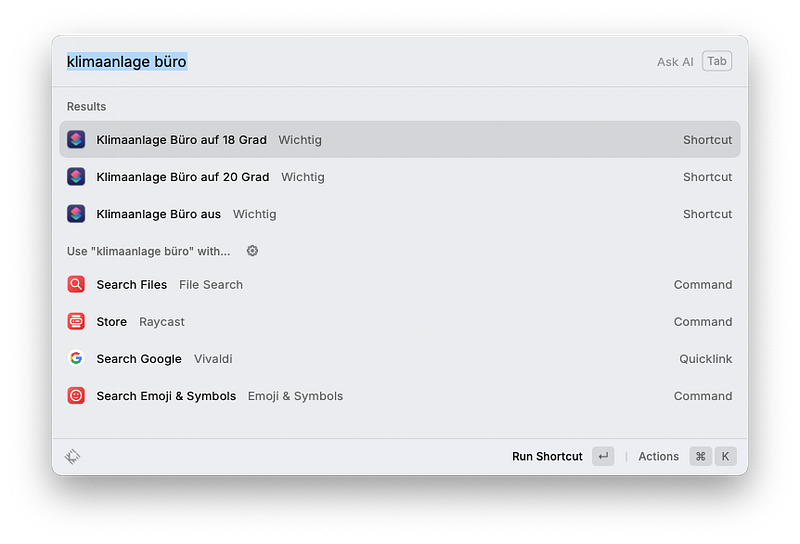
- Search and execute MacOS shortcuts (HomeKit users love this trick).
- View your upcoming appointments including the ability to jump to the next video conference with one click.
- An extended clipboard history.
- Text snippets including placeholders that can be filled with text from the clipboard, for example.
- Window management to easily get a grip on the window chaos of MacOS.
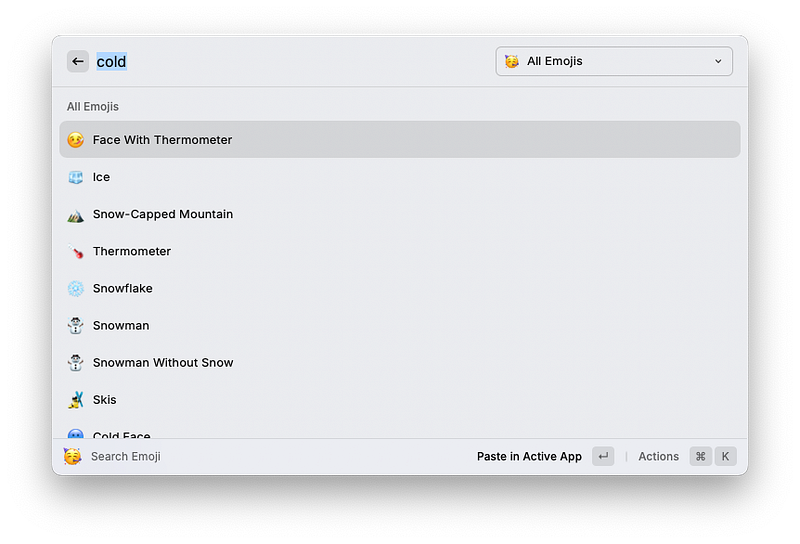
- Emoji Search. Seriously, there’s no faster way to find your favourite emoji.
Still not convinced? There’s more. Much more. Namely extensions. And AI. Yes, I know: everyone has AI now. But with Raycast, AI is just a keystroke away.
Let’s start with the extensions, with which you can massively expand the range of functions of Raycast. The small “mini-apps” are provided in their own app store, which you can access directly from within Raycast or on the developer’s website.
Let’s take a look at some examples of what you can do with the extensions:
- Control Spotify or Apple Music
- Add notes to the Apple Reminders. Yes, there is also an extension for Todoist.
- A colour picker to easily find out the HEX code of a colour.
- Search and create Notion Pages.
- Create, access, and modify Jira issues and sprints.
Dozens of other extensions for all kinds of programmes are available in the App Store.
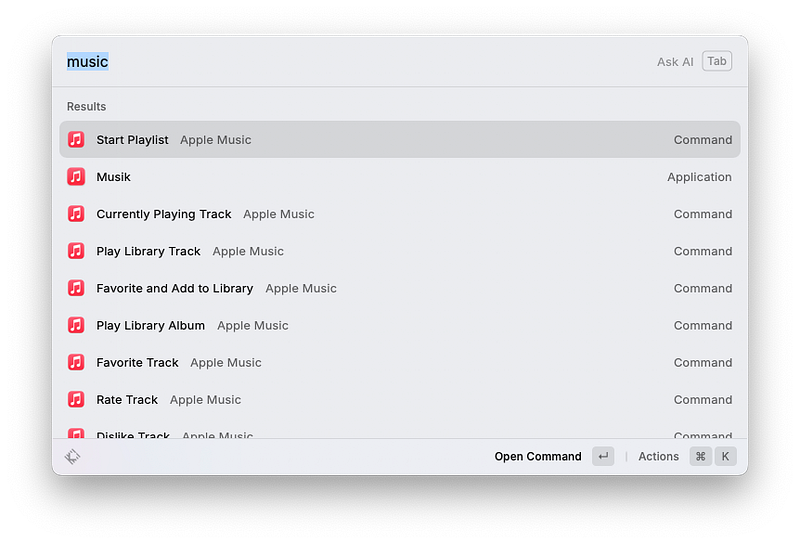
You can access all extensions at lightning speed using the search function or freely definable shortcuts.
I have already mentioned above that Raycast also comes with AI. You can actually access the AI assistant (i.e. ChatGPT) by pressing “COMMAND” and “SPACE” and simply start typing. If you then press TAB, you pass the text to ChatGPT and receive the answer a few seconds later. The AI assistant can also access the text from your clipboard to summarise it, for example.
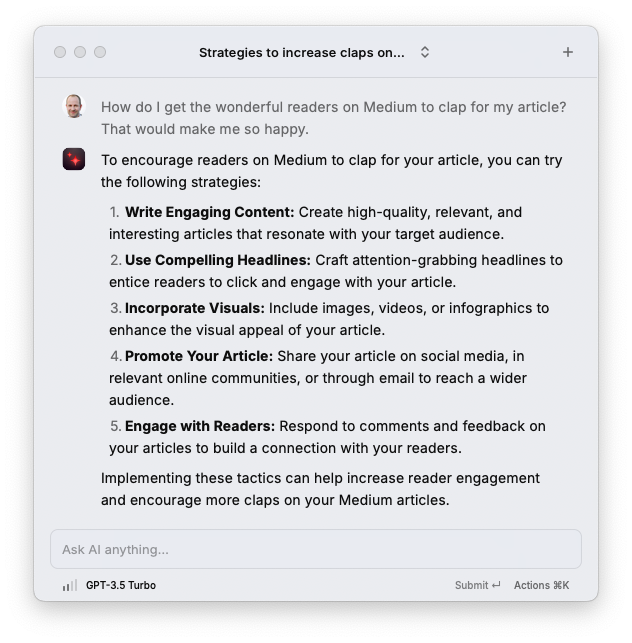
It feels like Apple has integrated an AI into MacOS. Which of course will happen sooner or later (probably sooner), but until then I’m happy to be able to access ChatGPT so quickly with Raycast.
What does the fun cost? You can download Raycast for free and use it without restrictions. For the AI feature and the ability to synchronise your settings across multiple Macs, you’ll need the Pro plan, which costs $8 per month.
P.S.: You can use one of these affiliate links to try Raycast Pro free for one month. Please note that each code can only be redeemed once — first come, first served 😊


