
Flutter for iOS-Themes
Lets theme the the application, make it look good, do it in a maintainable way that can be easily rebranded.
I started by adding a ‘light’ theme in its own file:
import 'package:flutter/cupertino.dart';

const CupertinoThemeData cupertinoLight = CupertinoThemeData(
  brightness: Brightness.light,
  primaryColor: CupertinoColors.activeBlue
);
And using it in the main.dart file:
return CupertinoApp(
  ...
  theme: cupertinoLight,
  ...
);
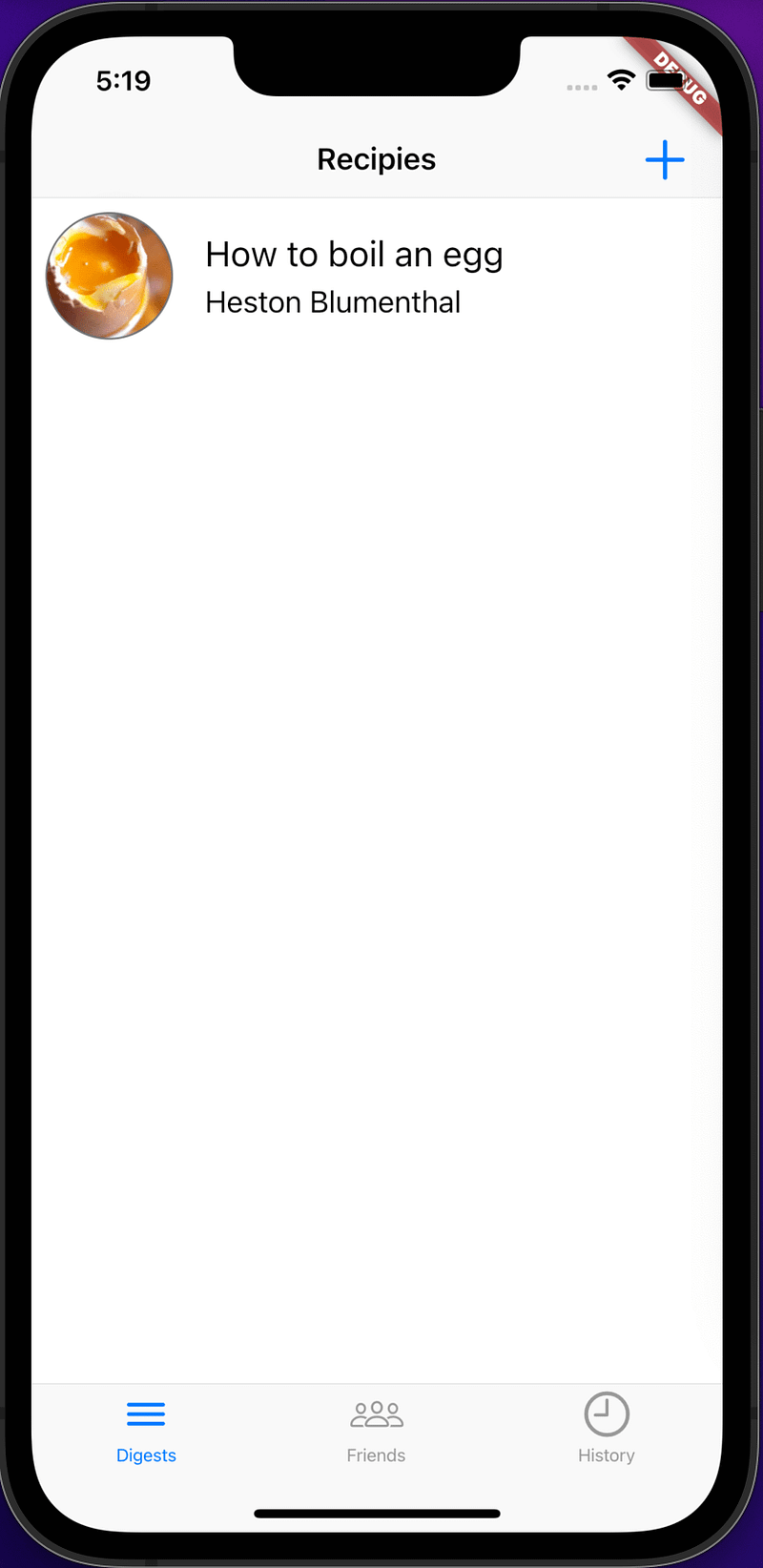
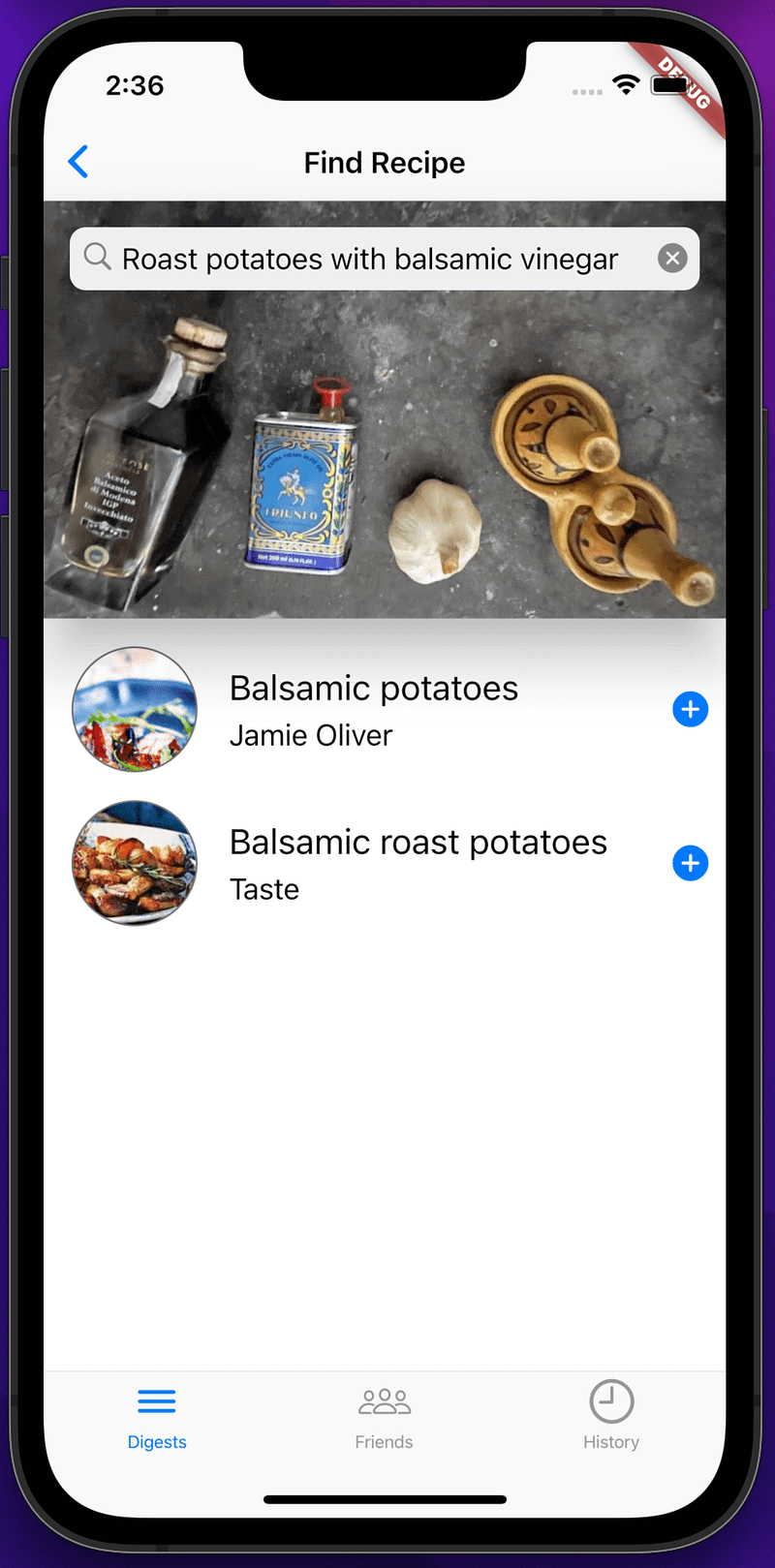
We can then remove the colour settings that were added to get the initial green background for the tab.
Ok, what about a dark theme ?
import 'package:flutter/cupertino.dart';

const CupertinoThemeData cupertinoLight = CupertinoThemeData(
  brightness: Brightness.dark,
  primaryColor: CupertinoColors.activeGreen
);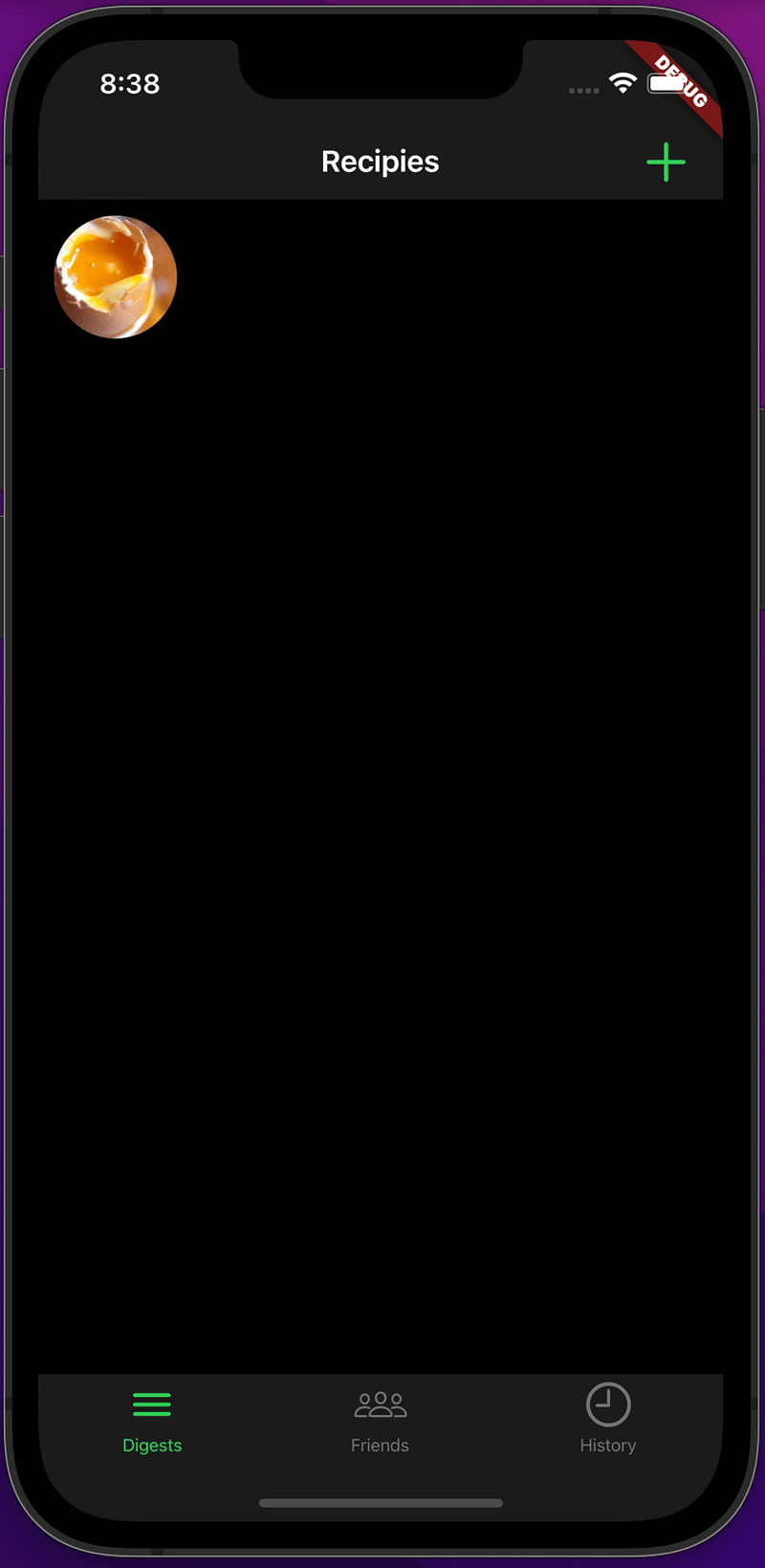
Black text on a black background a little disappointing.
To fix this I created the text styles needed and added a switch(bool) to the application state file ‘DigestableMeState’ to control the switching between the light and dark modes.
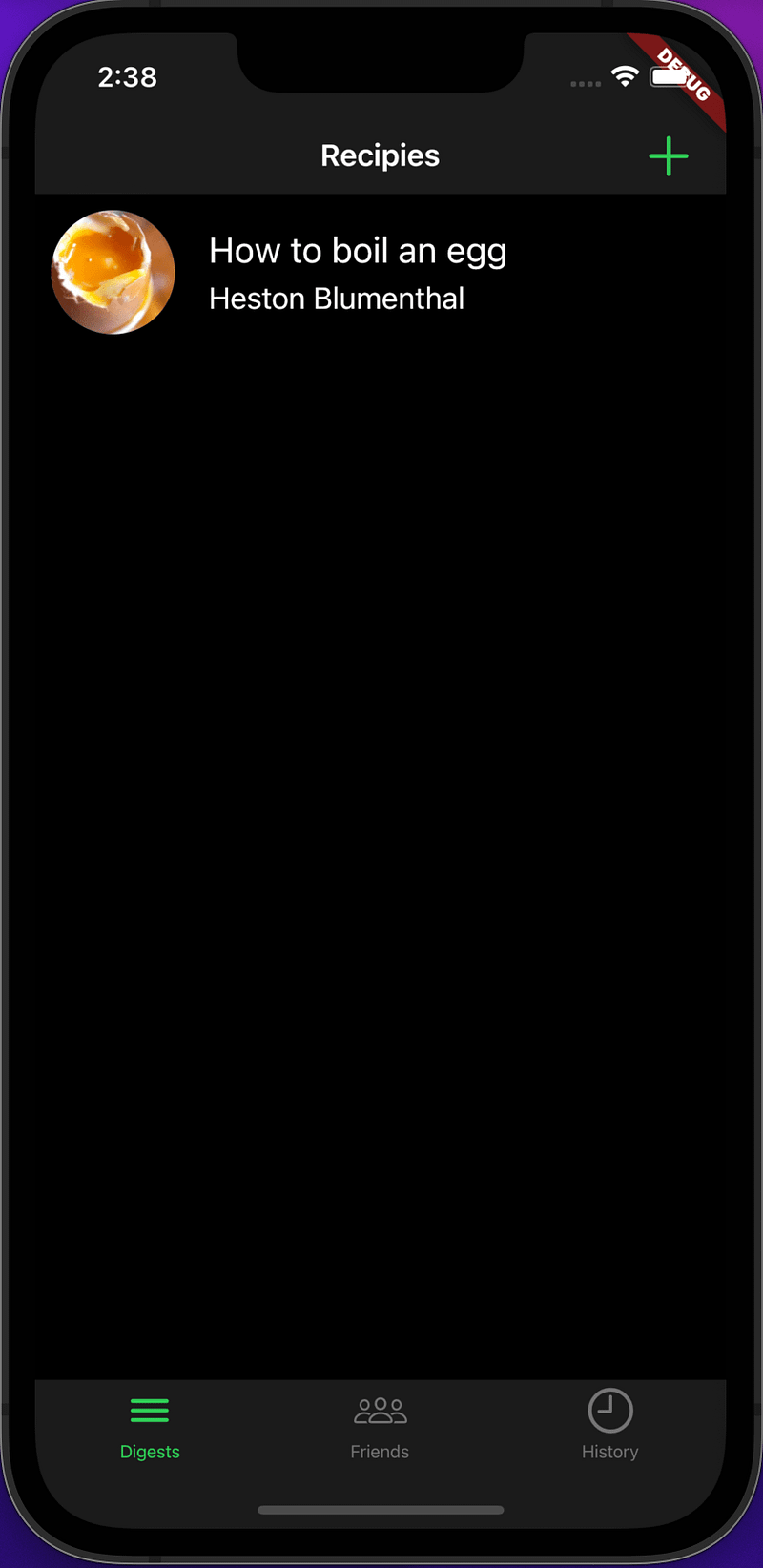
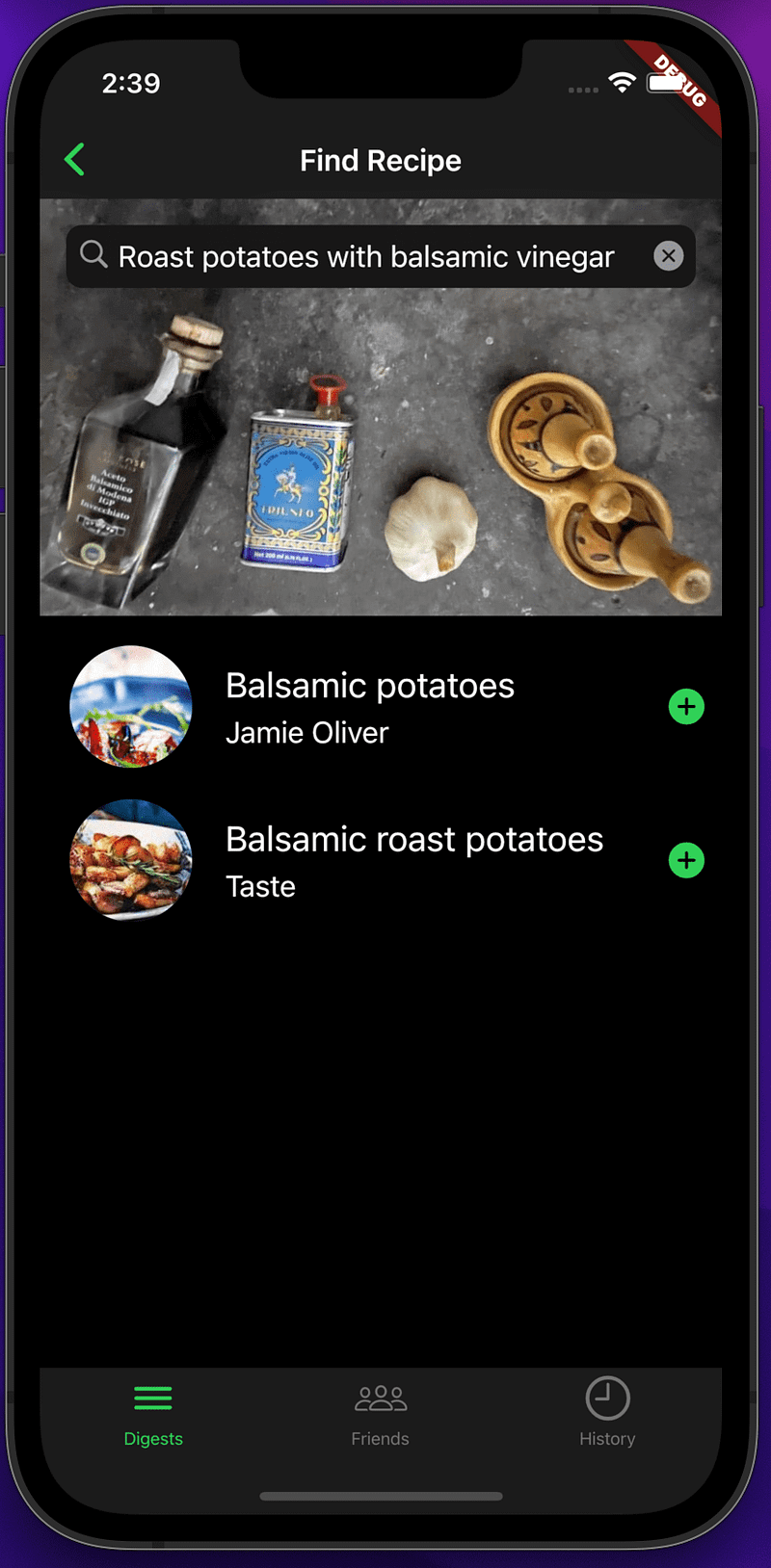
Ok, now we look like some of Apple’s iOS applications, but what if we want to rebrand our application for EE ?
In mobile applications you don’t usual need to include the logo in the application screens as its identity is the app you install, so we can just concentrate of a swatch of colours and the typography.
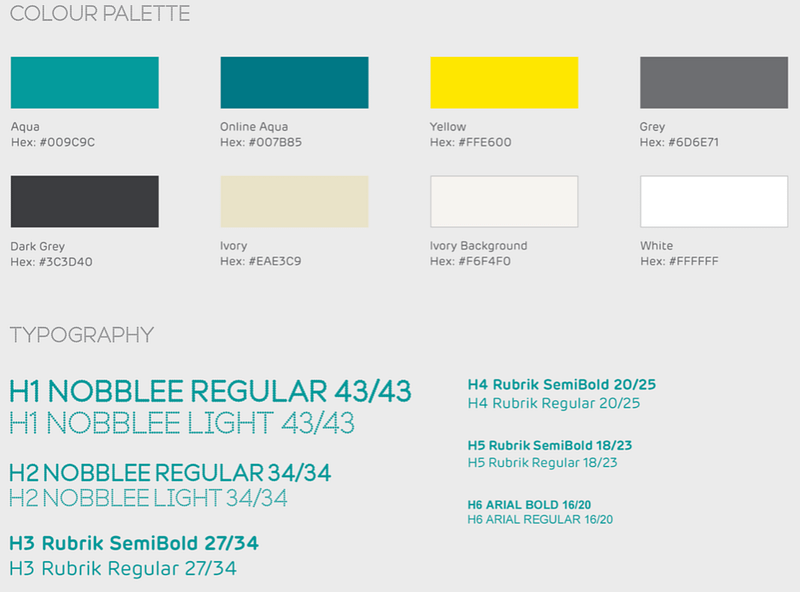
A few more files and constants later…
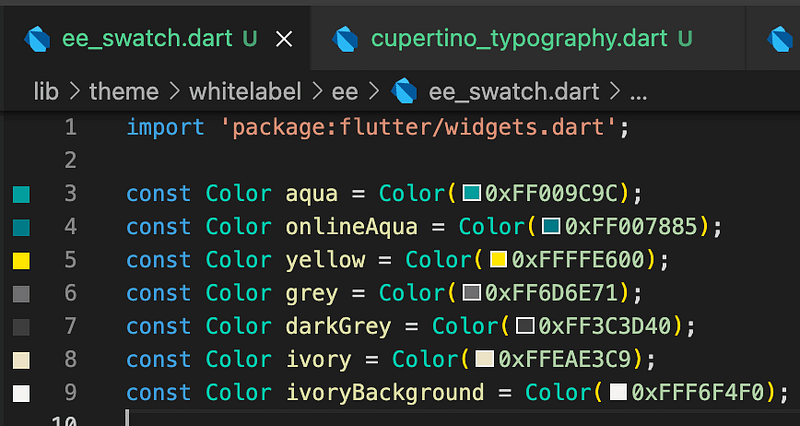
Provider(
	create: (context) => DigestableMeState(
    	brightness: Brightness.dark,
        whiteLabel: WhiteLabel.ee
    ),
),
and we launch as EE in evening dark mode.
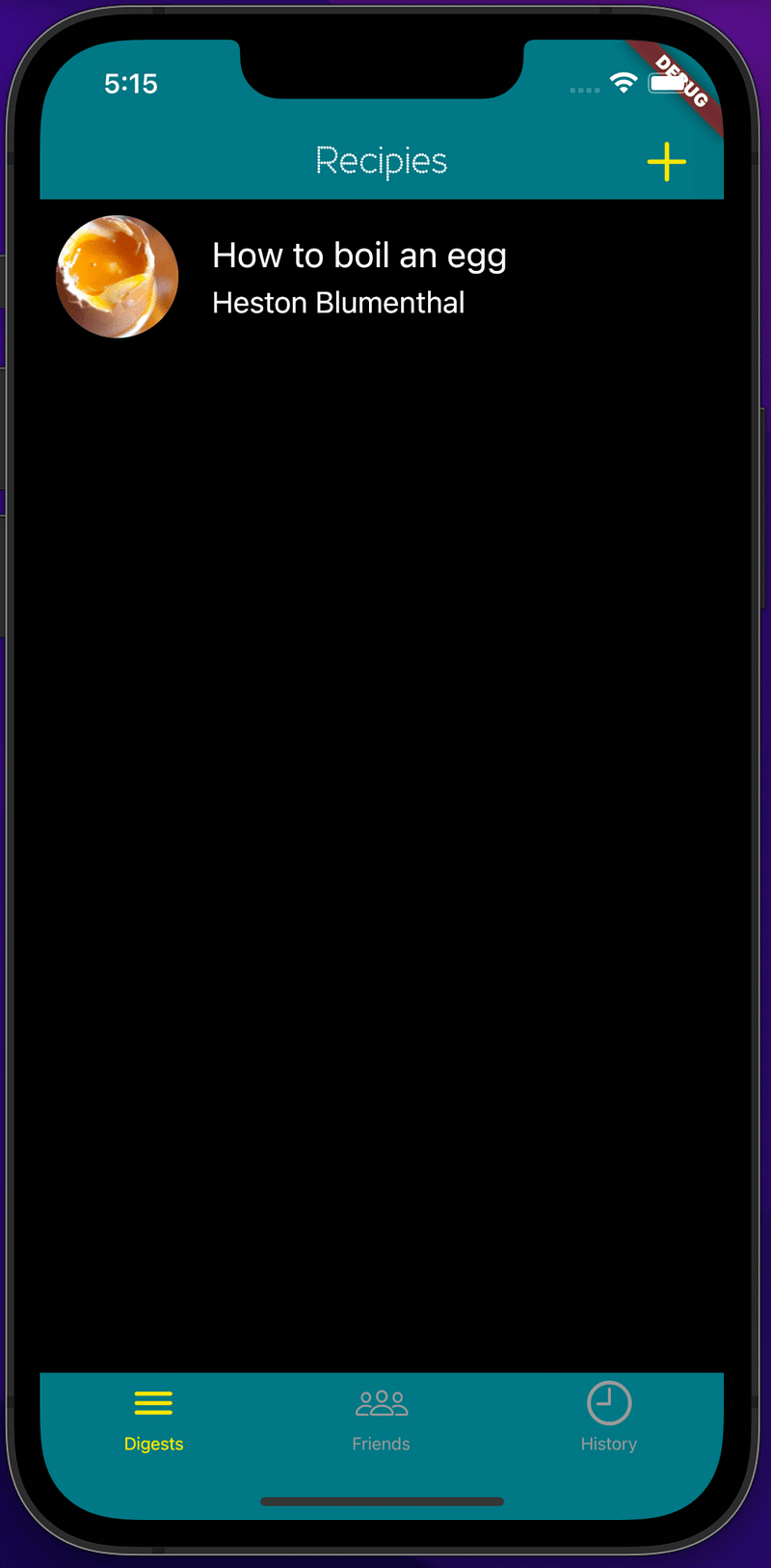
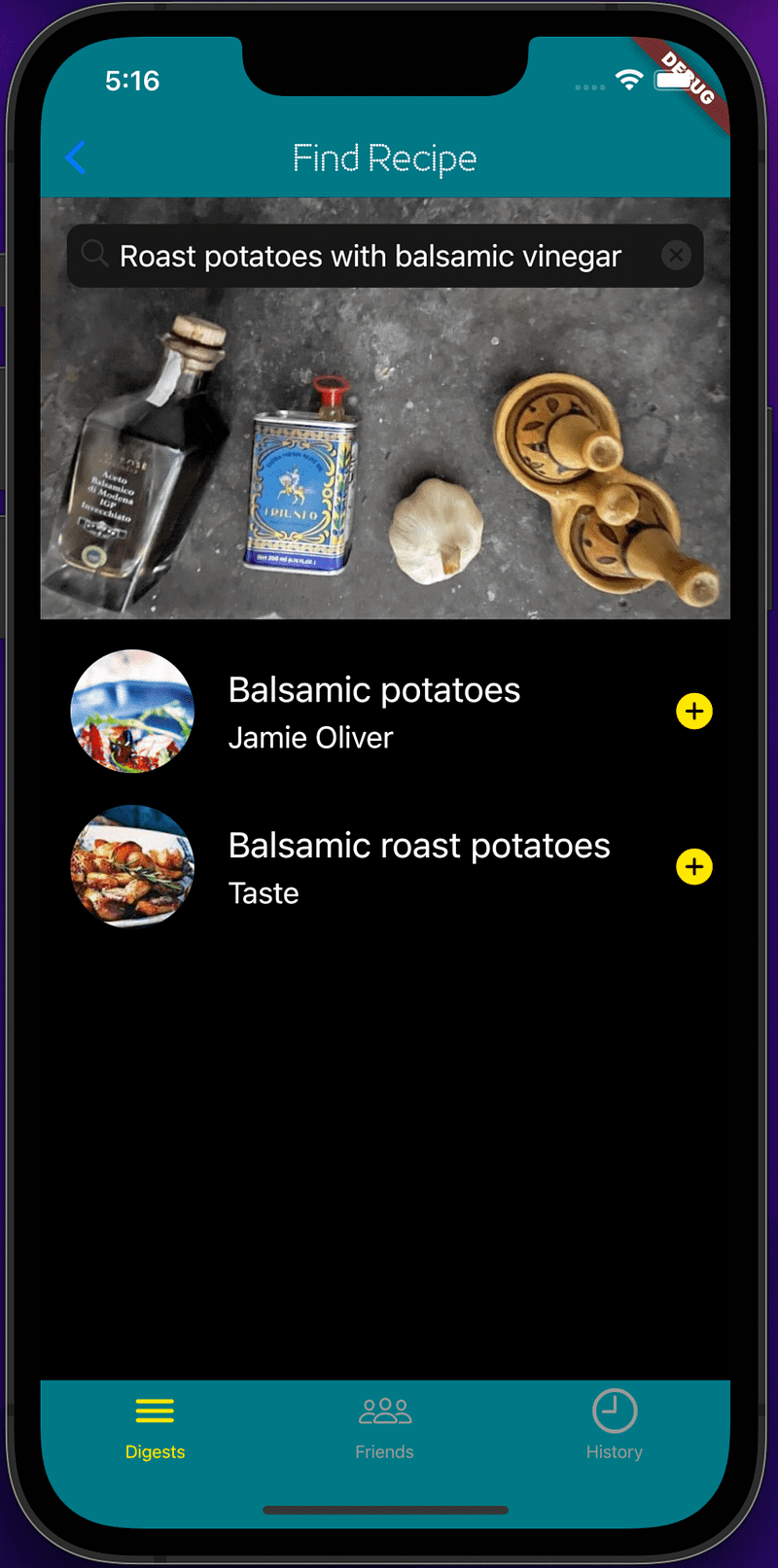
It is really about being flexible to change styles at the application level without having too may specific styles in the widgets themselves.
BackBurner
- Automatically toggling between light and dark mode based on the current device setting.
- Handling themes across platform to include Android or the web.
- Custom widgets themes for custom widgets, not even sure if they are necessary at this point so something to come back to. A custom widget theme would allow you to target the custom widgets with styles i.e. we could target the all ListItem widgets to add border, padding or other styles as the application level.
XP
Getting the dark theme to work required more effort than just having a top level theme.
I had to remove the Card from the ListItem widget and go back to simple Rows, Columns, which is really what I should have used in the first place.
I replaced text styles that I had specified in the widgets
style: const TextStyle(
	color: Colors.black87,
    fontSize: 14,
),
With text styles that I created to support the Apple Typography guidelines:
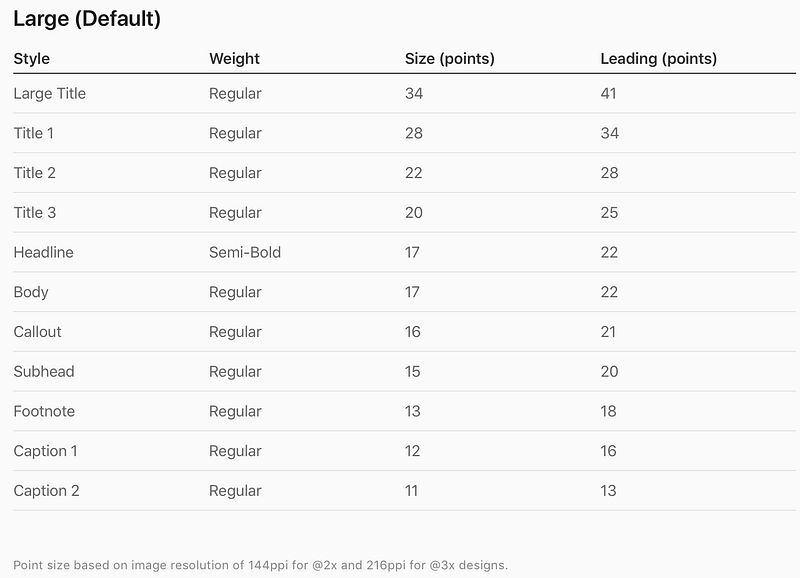
Injection:
Provider(
	create: (context) => DigestableMeState(
    	brightness: Brightness.light,
    ),
)
Construction:
DigestableMeState({Brightness? brightness}) {
    if (brightness != null) {
      this.brightness = brightness;
    }
    _cupertinoTypography = CupertinoTypography(this.brightness);
...
Definition:
CupertinoTypography(this.brightness);

TextStyle bodyLight = const TextStyle(
  color: CupertinoColors.black,
  fontSize: 17,
);

TextStyle bodyDark = const TextStyle(
  color: CupertinoColors.white,
  fontSize: 17,
);
TextStyle get body {
  return brightness == Brightness.dark ? bodyDark : bodyLight;
}
...
Usage:
var appState = Provider.of<DigestableMeState>(context);
Text(item.title, style: appState.cupertinoTypography.title3)
Links
- The code for this article
- Flutter White Label Apps Made Simple: What You Need to Know
- Use themes to share colors and font styles
- Theming a Flutter App: Getting Started
- How to check if dark mode is enabled on iOS/Android using Flutter?
- How To Use Themes in Flutter
- One Text Theme To Rule Them All
- Material Design — Typography
- Theming in Flutter
- Use a custom font
Sound & Vision
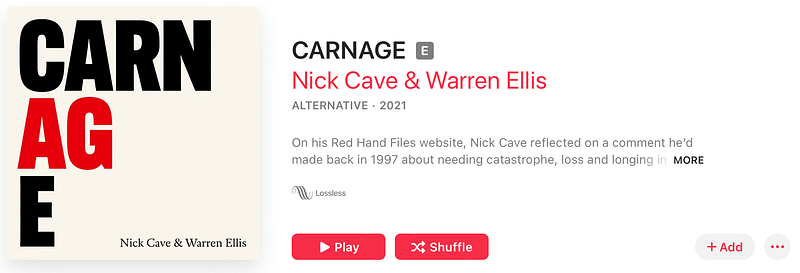
It’s only love with a little be of rain…
One more thing
“Older people sit down and ask, ‘What is it?’ but the boy asks, ‘What can I do with it?’”
Steve Jobs_ on showing a 9-year-old a Mac
Great quote, reminds me to play with new tech, make mistakes, learn, rather than try to define or control it.


