
Flutter 2: How to extend ThemeData
Update in 2022: With the release of Flutter 3.0, we have a better solution:
Problem
The way to extend ThemeData in Flutter has been a frequently asked question on StackOverflow: Is it possible “extend” ThemeData in Flutter.
There are even issues created in the Flutter official repository:
With dart 2.7, this is finally possible by using Extension methods.
Note
- It’s possible to extend
ThemeDataobject, but most of us only need a custom color palette. For simplicity, I would instead extend theColorSchemeobject in the following example. - Flutter team is moving the color dependencies of Material components from
ThemeData to ColorScheme, let’s work with this future-proof solution.
Solution
Let’s make a bootstrap flavored color scheme:
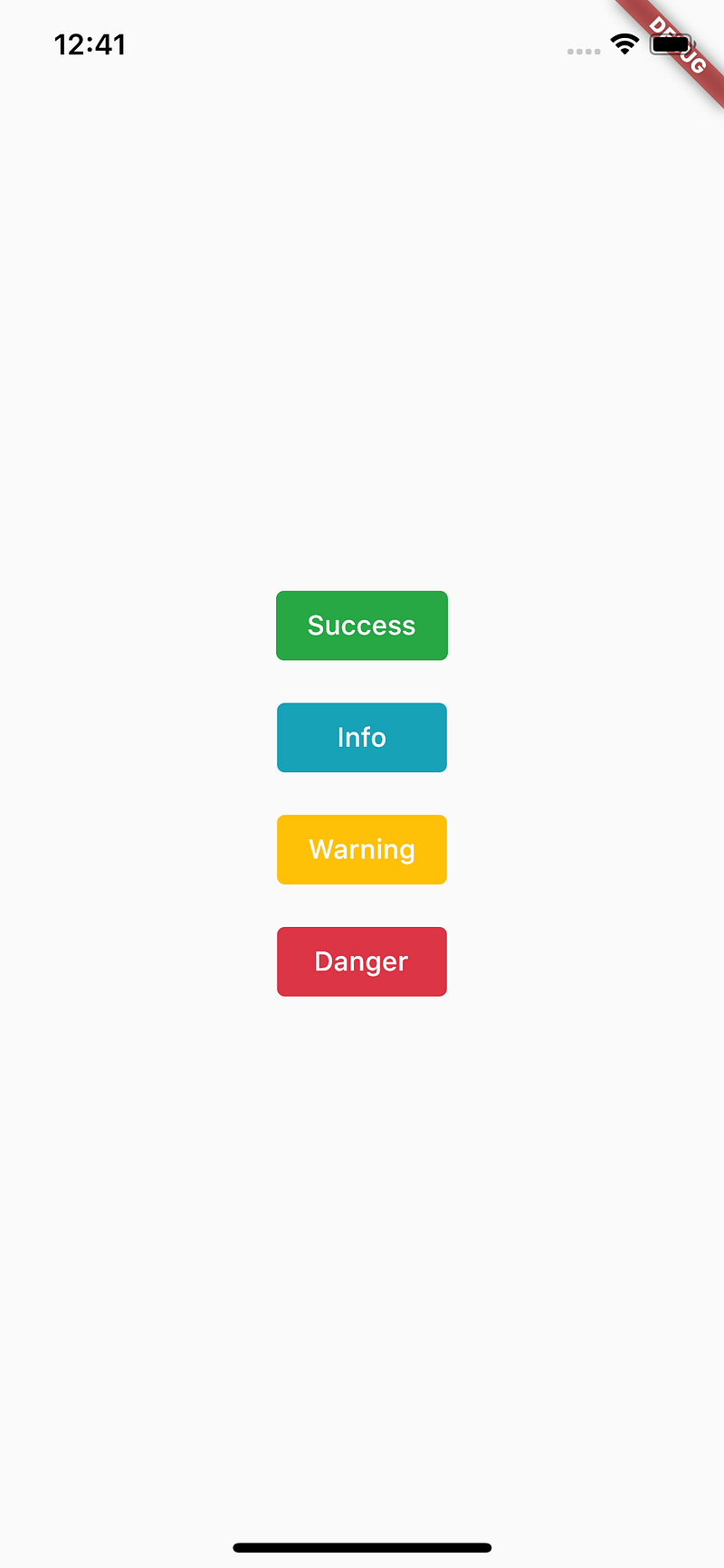
First of all, create a file custom_color_scheme.dart:
import 'package:flutter/material.dart';extension CustomColorScheme on ColorScheme {
Color get success => const Color(0xFF28a745);
Color get info => const Color(0xFF17a2b8);
Color get warning => const Color(0xFFffc107);
Color get danger => const Color(0xFFdc3545);
}Then in your components, import this file. You will be able to use those colors instantly.
import 'custom_color_scheme.dart';FlatButton(
color: Theme.of(context).colorScheme.success,
textColor: Colors.white,
child: const Text('Success'),
onPressed: () {},
)Visit this repository to see the full example.
Drawbacks
- Extension methods don’t allow us to declare instance properties. Therefore it is not possible to have a different colored scheme for another
ThemeData(e.g. light vs dark theme). [See Updates section below for solution.] - You can’t create variations of the
ColorScheme(e.g. A differentsuccesscolor in some components) by using.copyWith()function. So it is very similar to this method before dart 2.7, just a little more elegant.
Updates
As Pablo Pasqualino suggests, we can actually work with light/dark brightness like this:
Thanks Pablo!
Do you know you can clap up to 50 times for an article? Go give it a try!


