Free AI web copilot to create summaries, insights and extended knowledge, download it at here
2144
Abstract
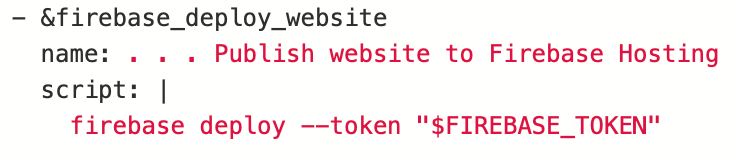
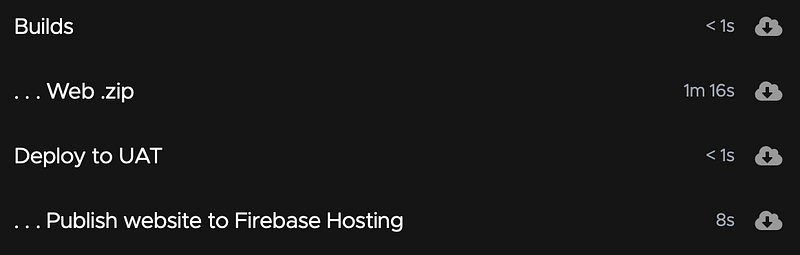
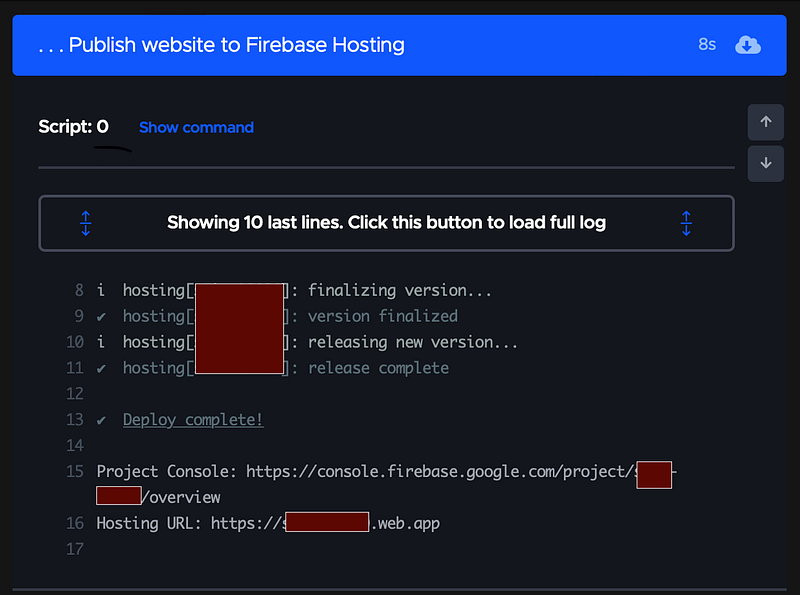
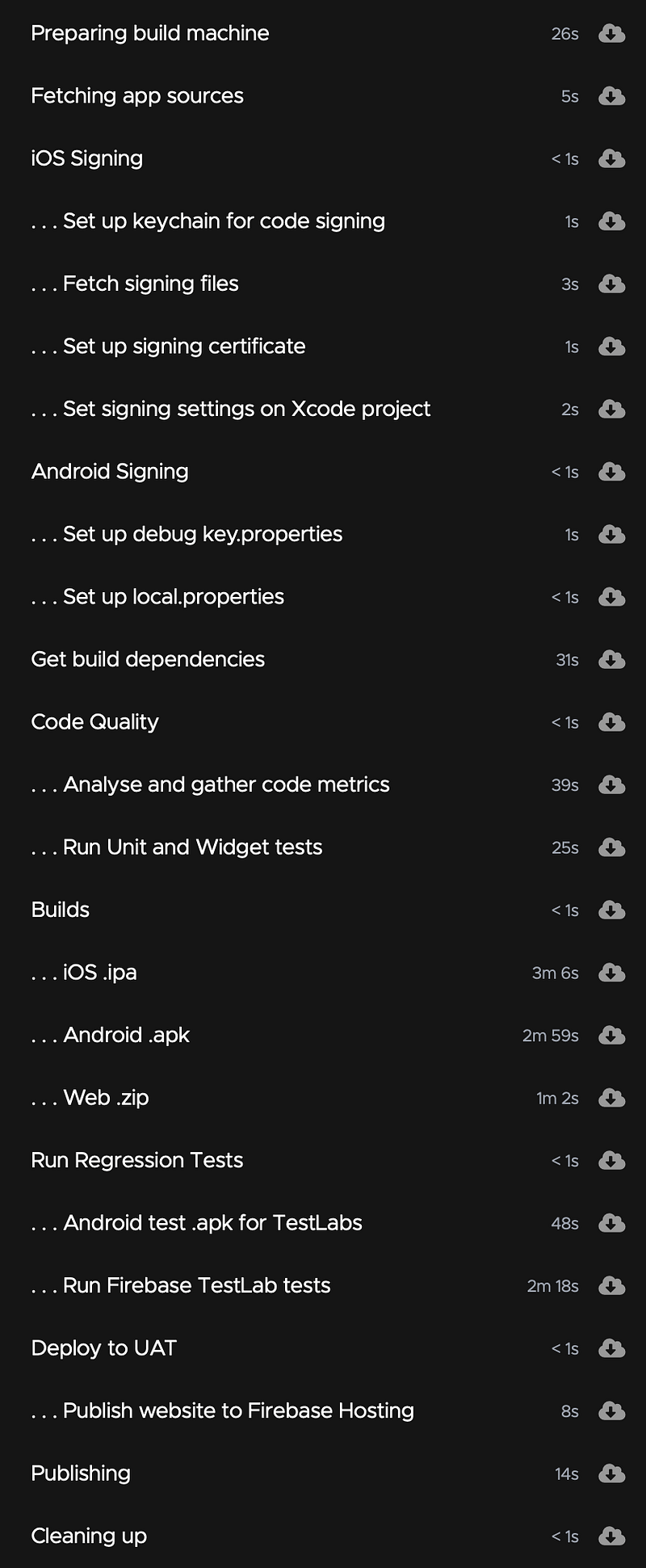
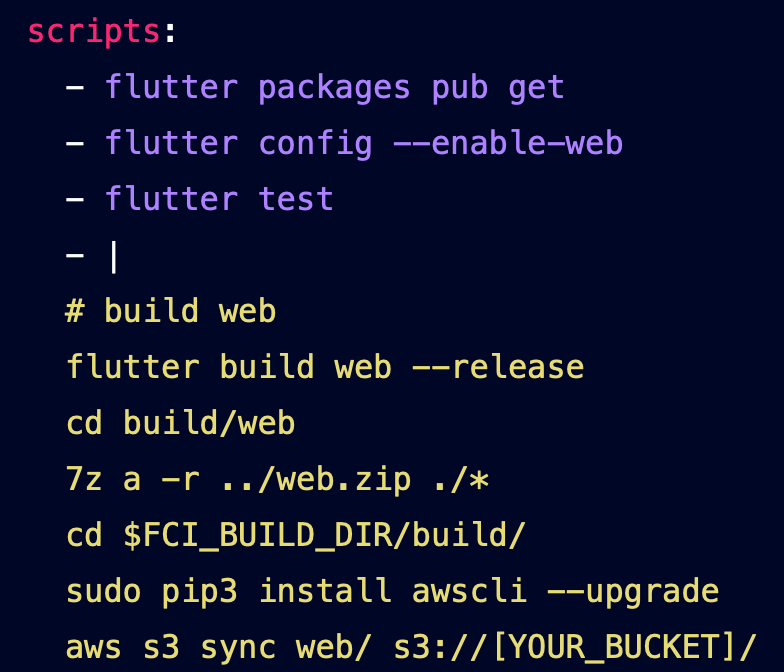
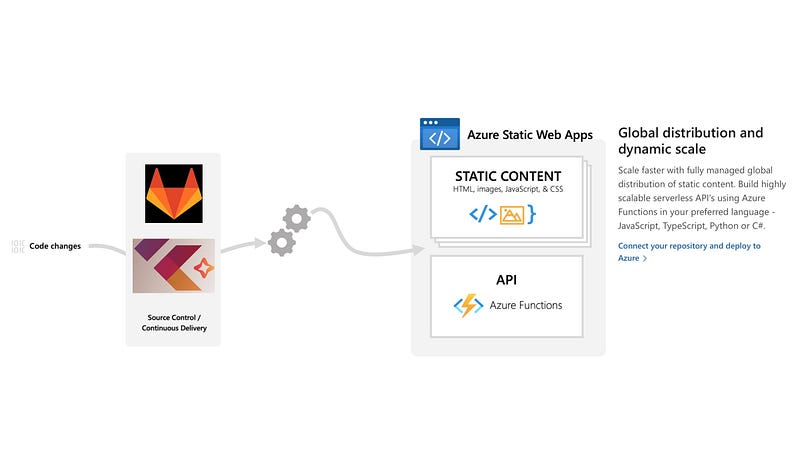
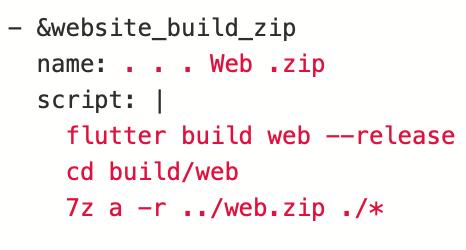
l Integration workflow.</p><figure id="7b18"><img src="https://cdn-images-1.readmedium.com/v2/resize:fit:800/1*Q_h_zG5KrGYK7qE2FCfDPA.png"><figcaption>Results from the codemagic integration build.</figcaption></figure><h2 id="abbd">Other Cloud Services</h2><p id="f851">Codemagic can easily integrate with other cloud services, if the build agents are missing service CLI’s you can use the <code>pip</code> command to add them to the agent as part of the build and then run the commands needed to deploy the build.</p><h2 id="2844">AWS</h2><p id="e110">Just follow the guide ‘<a href="https://blog.codemagic.io/cicd-with-flutter-and-aws/">CI/CD with Flutter, Codemagic, and AWS S3</a>’ on the Codemagic site.</p><figure id="0f80"><img src="https://cdn-images-1.readmedium.com/v2/resize:fit:800/1*iFE1frH2Squv_G1GJX0Fnw.png"><figcaption>Codemagic.yaml task to deploy to AWS</figcaption></figure><h2 id="0d18">Azure</h2><figure id="f17d"><img src="https://cdn-images-1.readmedium.com/v2/resize:fit:800/1*Wa19R6xC9ieIJ3jlTvFKWA.jpeg"><figcaption>Show an overview of the process to deploy a website from Codemagic to Azure static web pages.</figcaption></figure><p id="cc28">You can install the Azure CLI as part of your build workflow, then issue commands to login and deploy the website build files.</p><div id="2f73"><pre>pip install azure-cli
az login <span class="hljs-attr">--service-principal</span> -u <app-id> -<span class="hljs-selector-tag">p</span> <span class="hljs-variable">AZURE_CERT</span> <span class="hljs-attr">--tenant</span> <span class="hljs-variable">AZURE_TENANT</span>
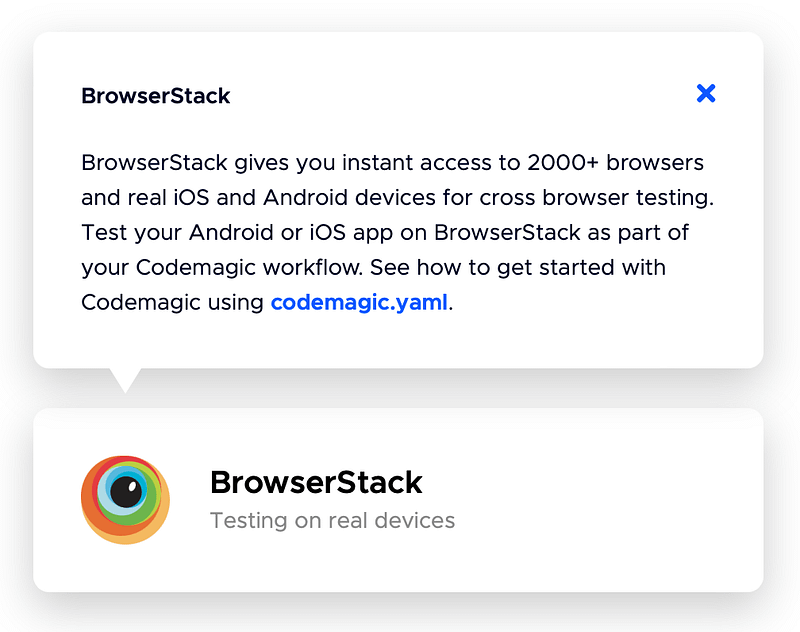
az storage blob upload-batch <span class="hljs-attr">--account-name</span> simbuapp123 -s ./builds/web -d <span class="hljs-string">'$AZURE_WEBSITE_ID'</span></pre></div><ul><li>The URL or name associated with the service principal</li><li>The service principal password, or the X509 certificate used to create the service principal in PEM format</li><li>The tenant associated with the service principal, as either an .onmicrosoft.com domain or Azure object ID</li></ul><h2 id="ff56">BackBurner</h2><figure id="6aba"><img src="https://cdn-ima
Options
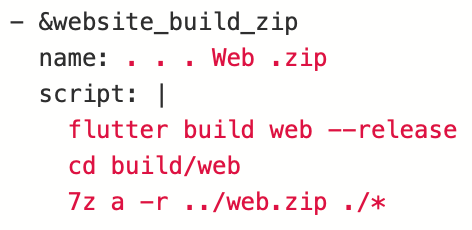
ges-1.readmedium.com/v2/resize:fit:800/1*RW-deCc2YjG-DeIA50zhOg.png"><figcaption>Shows that BrowserStack integrates with codemagic</figcaption></figure><p id="0526"><a href="https://docs.codemagic.io/integrations/browserstack-integration/">Browserstack integration</a> will be covered in another post.</p><p id="1ac1">It will look at how to use it for both multiple browser and multiple device testing.</p><h2 id="2e6c">XP</h2><p id="4250">Just one thing of importance to note this time, the website gets built to the ‘build\web’ directory on the agent.</p><figure id="a7e1"><img src="https://cdn-images-1.readmedium.com/v2/resize:fit:800/1*Vgzkw4ShbReqXAFuTQeEzg.png"><figcaption>Shows the path that the website build is saved to.</figcaption></figure><h2 id="0f14">Sound & Vision</h2><figure id="496a"><img src="https://cdn-images-1.readmedium.com/v2/resize:fit:800/1*kw5Lszil6ZmweIUj1nqpLw.png"><figcaption>Link to Adele’s new album 30</figcaption></figure><h2 id="4d93">Links</h2><ul><li><a href="https://blog.codemagic.io/cicd-with-flutter-and-aws/">CI/CD with Flutter, Codemagic, and AWS S3</a></li><li><a href="https://azure.microsoft.com/en-us/services/app-service/static/#features">Azure Static Web Apps</a></li><li><a href="https://www.davepaquette.com/archive/2020/05/10/deploying-a-static-site-to-azure-using-the-az-cli.aspx">Deploying a Static Site to Azure Using the az CLI</a></li><li><a href="https://docs.codemagic.io/yaml-publishing/distribution/#publishing-web-applications-to-firebase-hosting">Publishing web applications to Firebase Hosting</a></li><li><a href="https://docs.microsoft.com/en-us/cli/azure/authenticate-azure-cli">Sign in with Azure CLI</a></li></ul><h1 id="5e43">Other posts in the series</h1><p id="7b3e">Development</p><ul><li><a href="/@simbu/flutter-layout-aca3bbe4714d">Layout</a></li><li><a href="/@simbu/709f87b6a244?source=your_stories_page-m">Lists</a></li></ul><p id="b232">DevOps:</p><ul><li><a href="/@simbu/flutter-ci-workflow-460a00eb782e">Continuous Integration — Workflow</a></li><li><a href="/@simbu/flutter-ci-web-8d081bcbec5">Continuous Integration — Web</a></li></ul></article></body>