
Five amazing things of iOS hardly 0.1% of people know
You’ve seen them before, you just didn’t realise
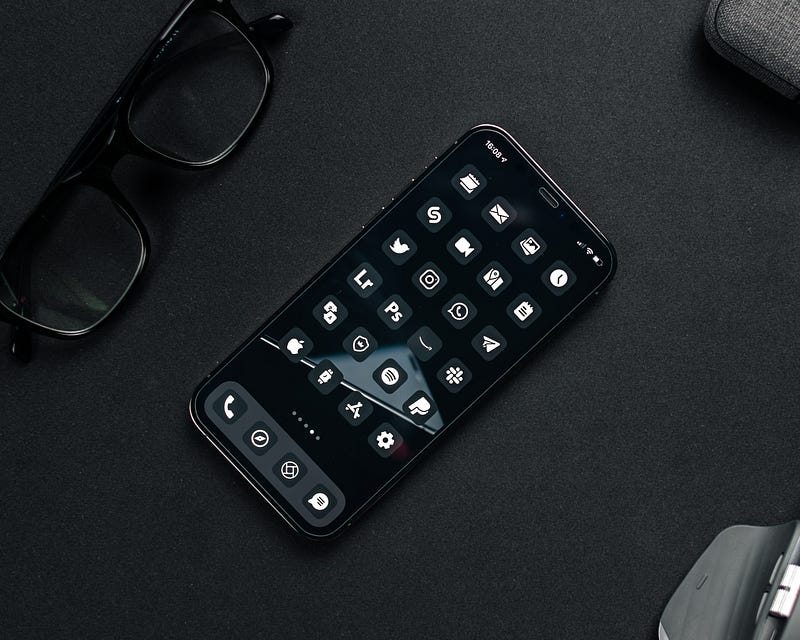
Apple UI designers are so clever they hide surprise easter eggs randomly inside the Apple software, which are fun to discover and know about.
No, not those eggs you gift on Easter. In the tech world, an ‘Easter egg’ means an undocumented hidden feature included as a joke.
Example: Ask google to ‘do a barrel roll’ and see what happens.
Now, I’ll tell you five of such easter eggs hidden in iOS, and I’m sure they’ll surprise you.
#1. The secret behind the Voice Memos icon
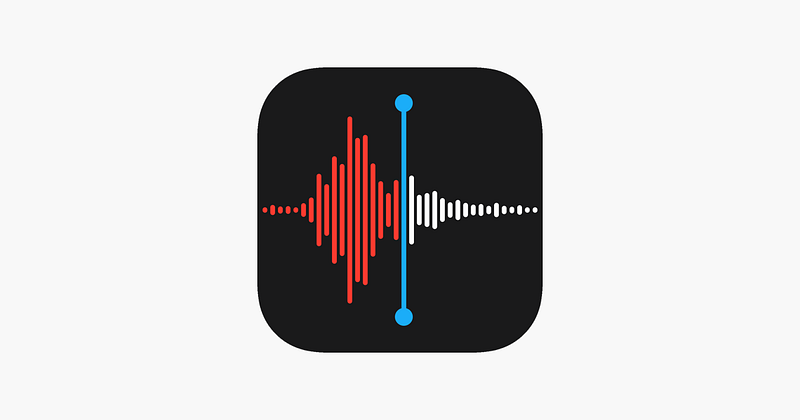
You’ve been using the classic Voice Memos app for a while now. But have you ever thought of knowing what the icon depicts?
It’s the waveform that comes when you record the word “Apple”.
Don’t believe? Try it for yourself!
#2. The Clock app icon is a real clock
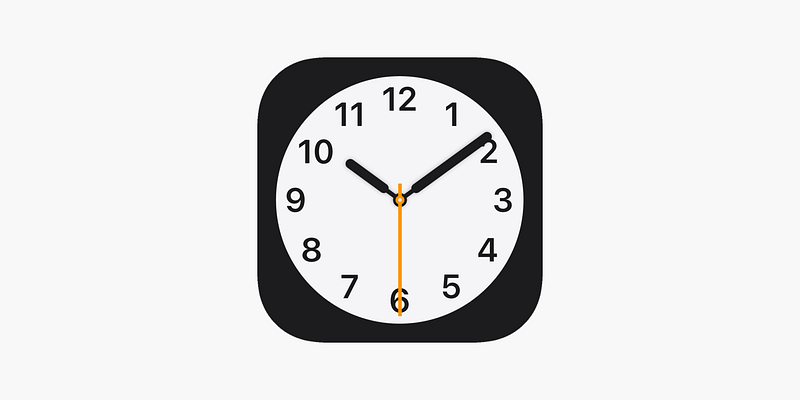
I’ve always thought icons are supposed to be static. But my belief’s been dispelled by the classic Clock app’s icon.
I’ve been so busy I never noticed the hands moving, but the icon’s actually a working clock that shows the right time — hours, minutes, and seconds.
Go see it now!
#3. The flashlight button is dynamic too
I’m sure you have the flashlight shortcut in your Control Centre, and have used for over a hundred, if not thousand, times now.
But, have you ever noticed the tiny switch on the flashlight moves up and down when you turn it on or off?
Observe:
When it’s off,

When it’s on,

Bravo UI designer! You put in time for such a minor detail.
Bonus feature
- Say, “Hey Siri! Lumos”, and notice the flashlight turns on.
- Now say, “Hey Siri! Nox”, and notice the flashlight turns off.
‘Lumos’ and ‘Nox’ are magical wand-lighting and wand-extinguishing spells respectively in Harry Potter.
Siri mist have watched the movie. What do you think?
#4. What’s written on the open book emoji?
While I was casually swiping through the emoji directory, I came across the open book emoji 📖. I thought why don’t I zoom in and see what’s written on it.
I headed over to Settings ⚙️ < Accessibility 🚹 < Display & Text Size < Larger Text , turned it on, fully amplified the text, screenshotted the emoji, and fully zoomed it in.
The emoji is now gigantic:
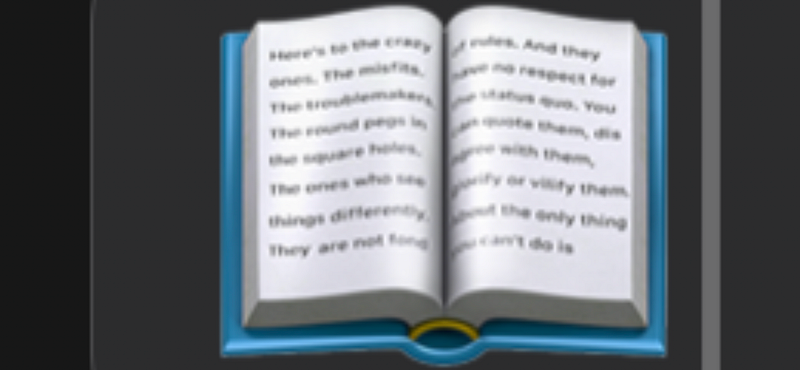
Can you notice something’s written on the book, though it’s blur? But what’s it?
I’ve googled for this, and I knew the answer.
The emoji features text from “The Crazy Ones”, a part of Apple’s “Think Different” ad campaign between 1997–2002. It says:
“Here’s to the crazy ones. The misfits. The rebels. The troublemakers. The round pegs in the square holes.The ones who see things differently. They’re not fond of rules. And they have no respect for the status quo. You can quote them, disagree with them, glorify or vilify them. About the only thing you can’t do is…”
Amazing, but what’s “the only thing you can’t do?”
If you’re left hanging, let me extend it: “About the only thing you can’t do is ignore them. Because they change things. Take care, John Appleseed.”
I thought they’re just plain lines for the sake of a simple emoji, not some old text overly compressed to fit inside a tiny emoji.
#5. A tribute to Steve Jobs

If you’re reading an insightful self-help article on Safari, and your spouse calls you, you’ll likely save it to your reading list.
When you do this, you’ll see a little icon of a pair of glasses. These aren’t any regular glasses tho. They’re actually the depiction of Steve Jobs’s iconic round pair.
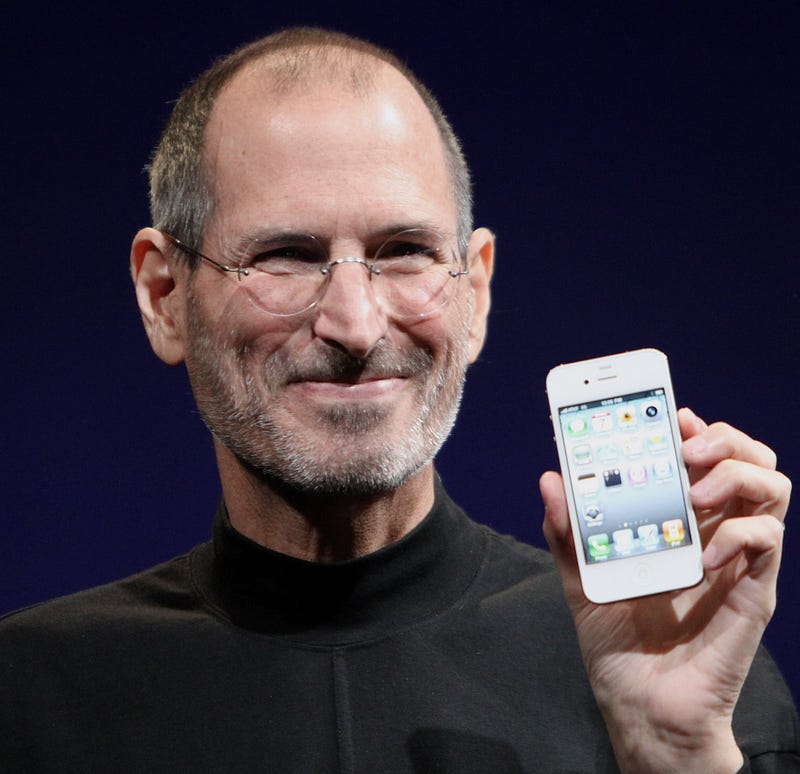
Amazing, right?
I always admire Apple’s efforts not only in marketing their new iPhones and software, but also in forging such minor details hardly 0.1% people will ever notice.
If you liked this story, you might also like these:
Hey! If you enjoyed this story, sign up for Medium as a member using my referral link! It’s just $5, and you get access to all of Medium.
Also, you can join 70+ others to get notified whenever I publish. Grab a free copy of my ebook “A Tech Blogger’s Guide” to write tech better!


.jpg)