
Film Sim Follow Up | Ricoh GRiii X
Additional comparisons and review of the Ricoh Recipes app
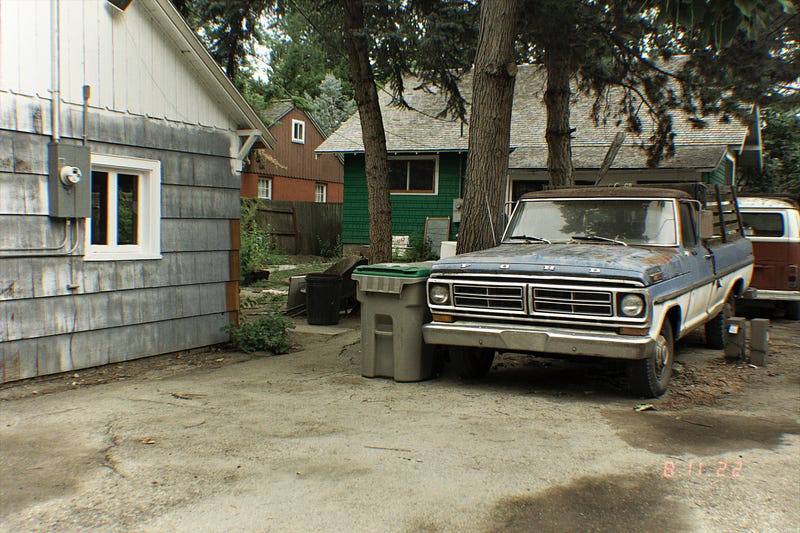
This article exists as a follow up companion article to my previous write-up “Film Simulation Americana | Ricoh GRiii X” . Read that first for additional context, although this should work as a standalone posting as well. Cheers!
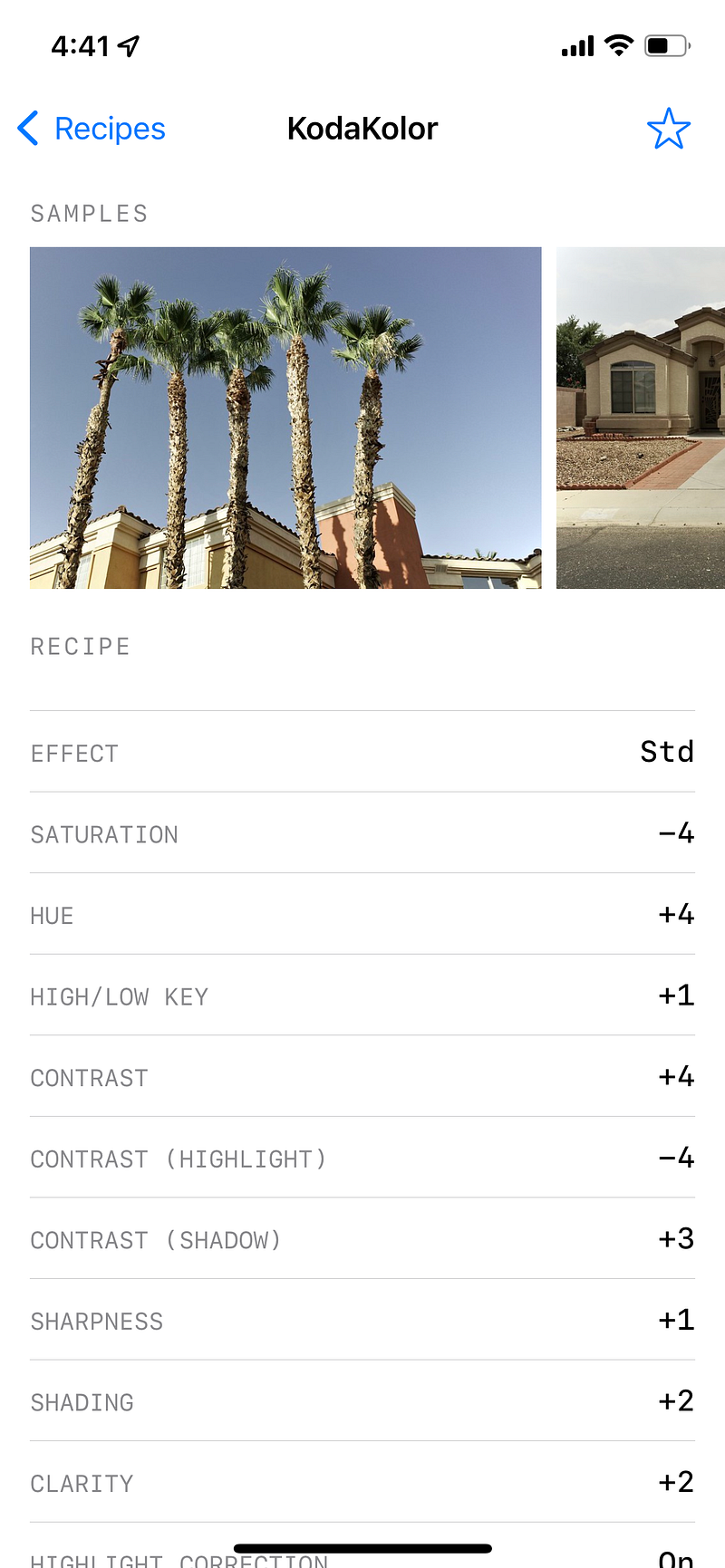
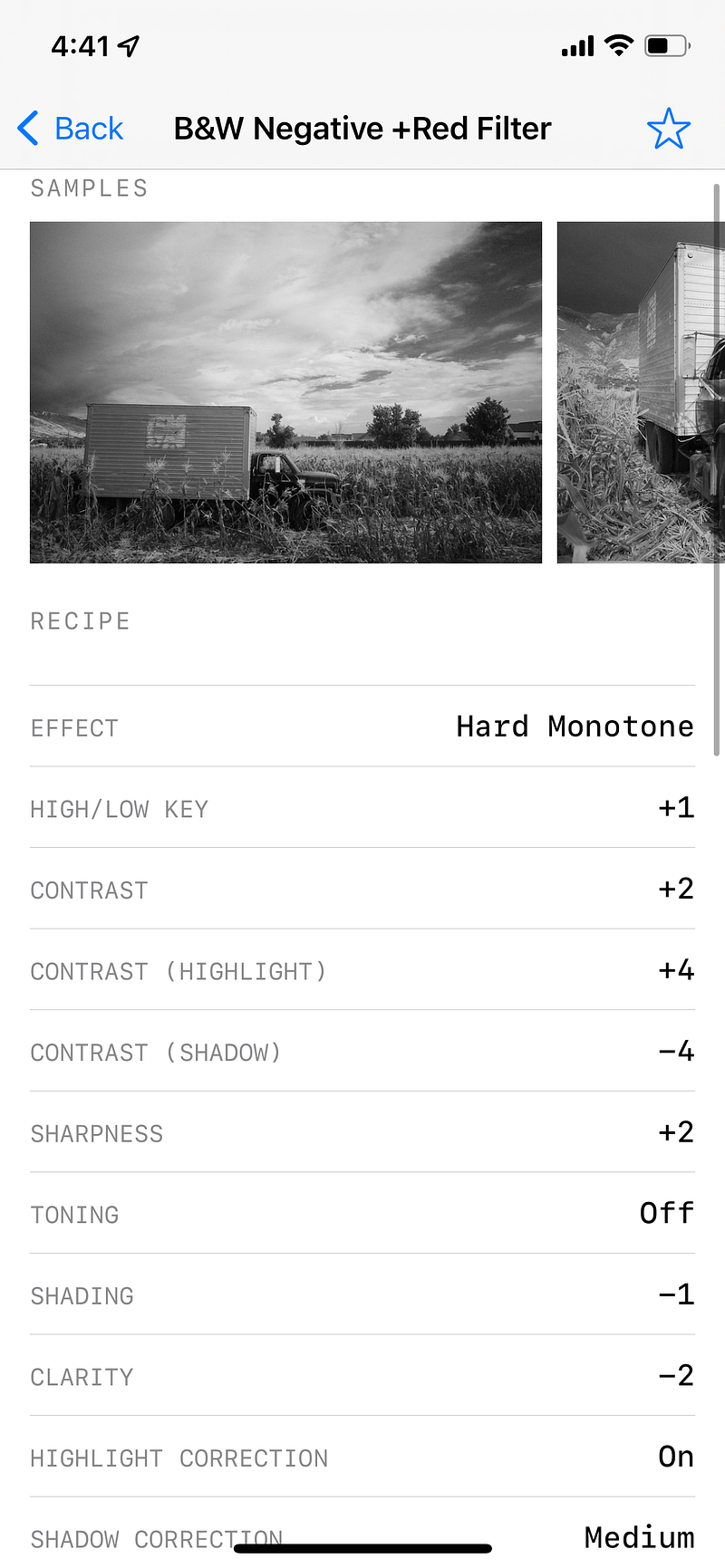
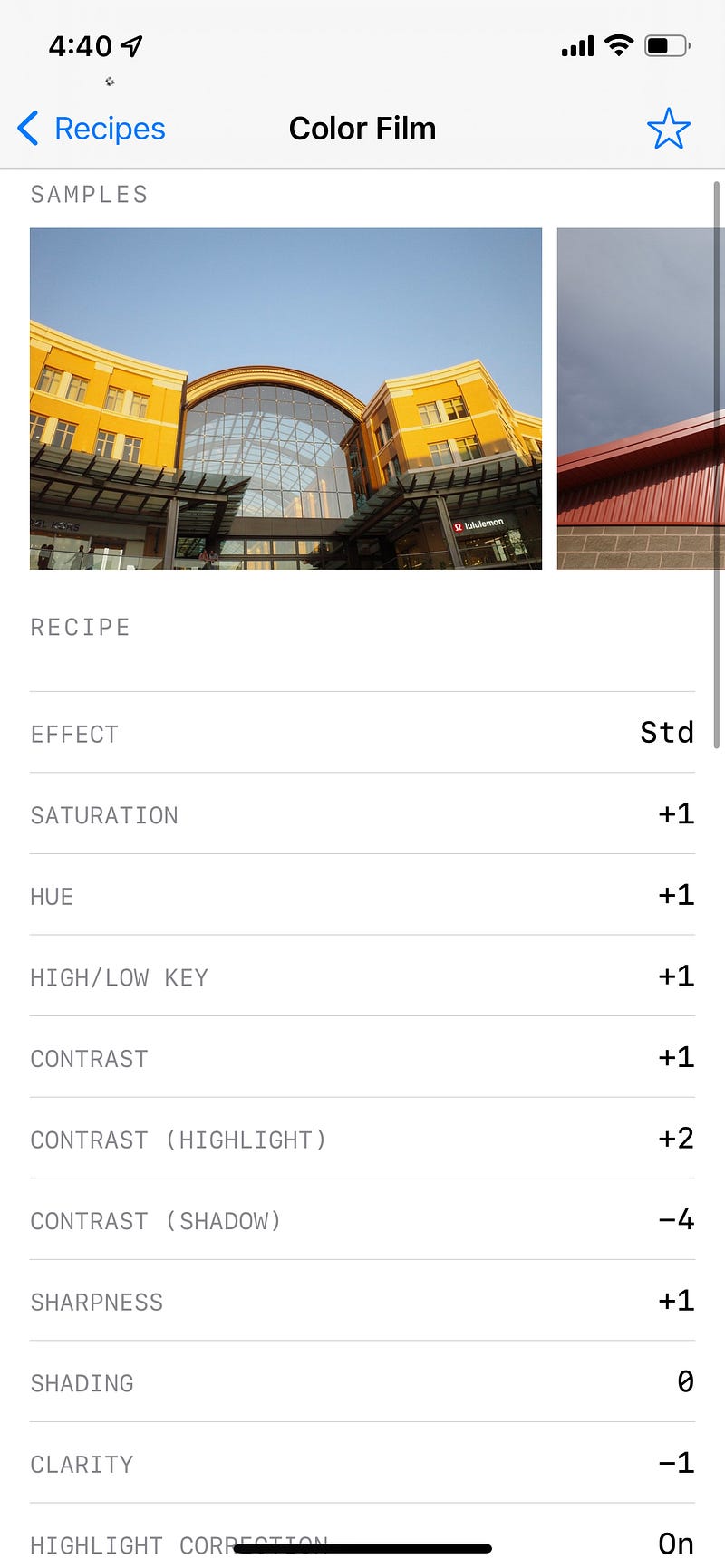
Last time on the “Ricoh Files” (ugh, I cringed at that too):
“More importantly, the Ricohs produce amazing raw files that often rival my professional Canon cameras, and also produce unique “film simulation” jpegs. Some fans of Fujifilm may be familiar with their film simulations, and I *admit* that Fujifilm probably produces a better “out of the box” film simulation experience.
Fujifilm gives you expertly designed and researched in-camera film presets that are honestly pretty awesome. Ricoh goes the more creative route and gives you some barebones building blocks, but those blocks are optimized to be combined into creative formulas or “recipes” to emulate an almost infinite amount of film simulations if you can be creativeLuckily, for those who don’t want to be so creative, Ricoh also has a free app called Ricoh Recipes which you can use to just plug-and-play those recipes and get your desired look.”
Today I will be breifly sharing my thoughts/photos from using 3 previously mentioed Ricoh Recipes. These include the basic “Color Film”, vintage “KodaKolor”, and “B&W Negative +Red Filter”.
Also, some of you have asked how I put the time/date stamp on my photos.
This is done very simply with an app called DazeCam on the iOS store. I haven’t checked if it’s on the other platforms as well. Regardless, its my favorite time stamp app (I’ve tried out like 6 or 7 now). It also has some quick to use and quick to disable (my common route) vintage film effects. I mostly use it for the date stamp.
In this comparison today I turned all of the other film effects off to keep the shots consistent.
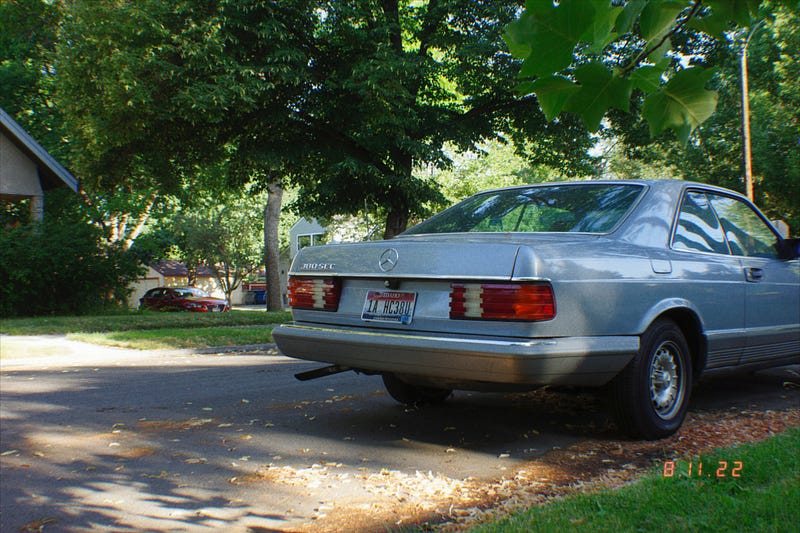
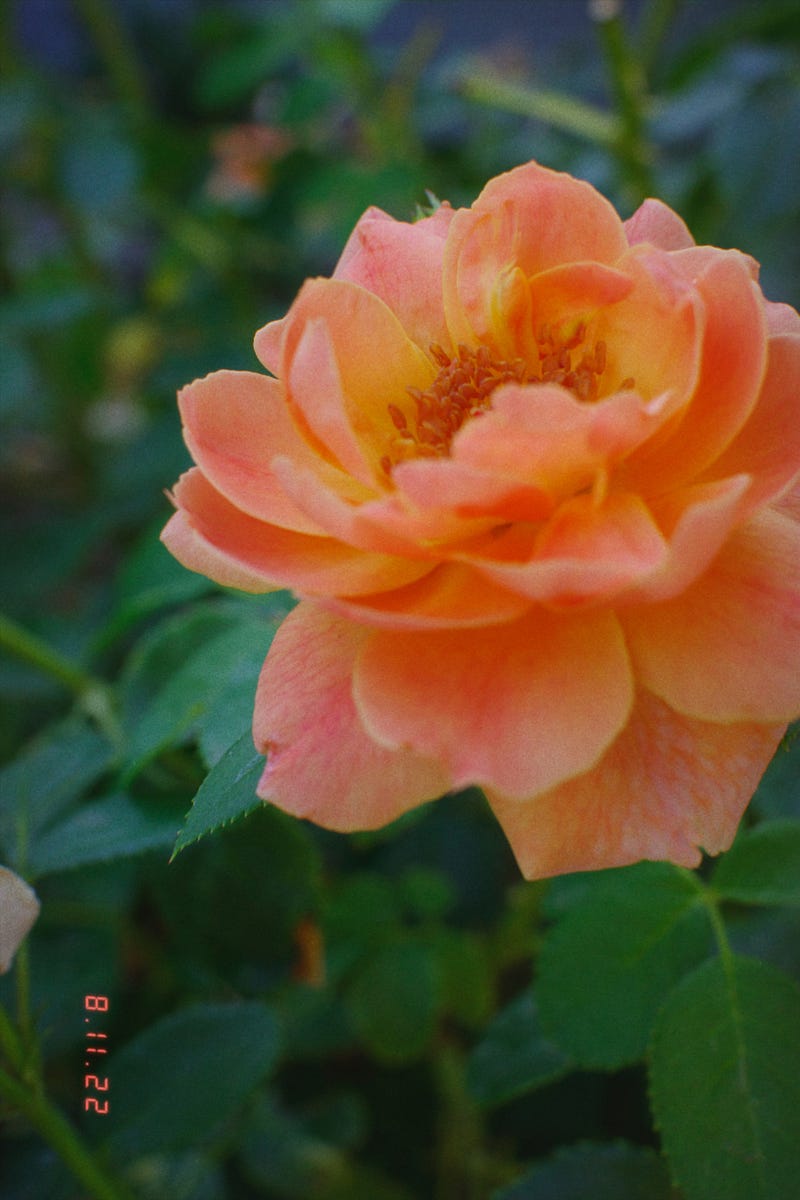
Color Film (CF)
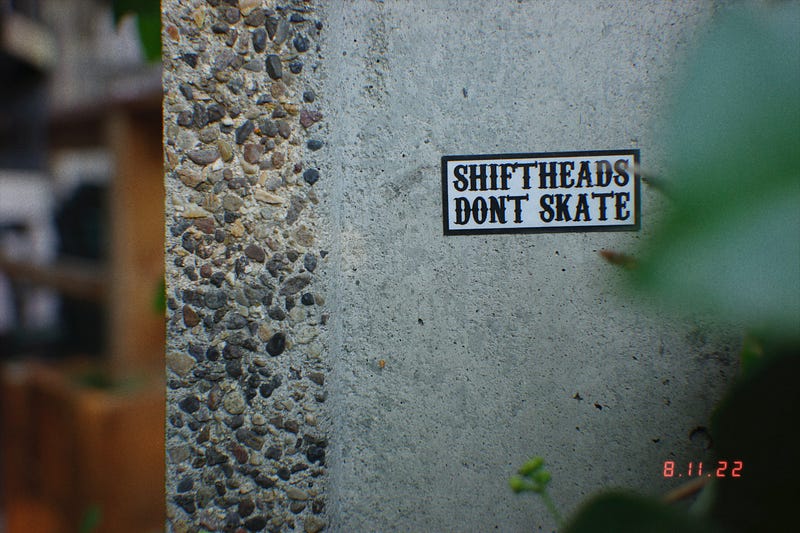
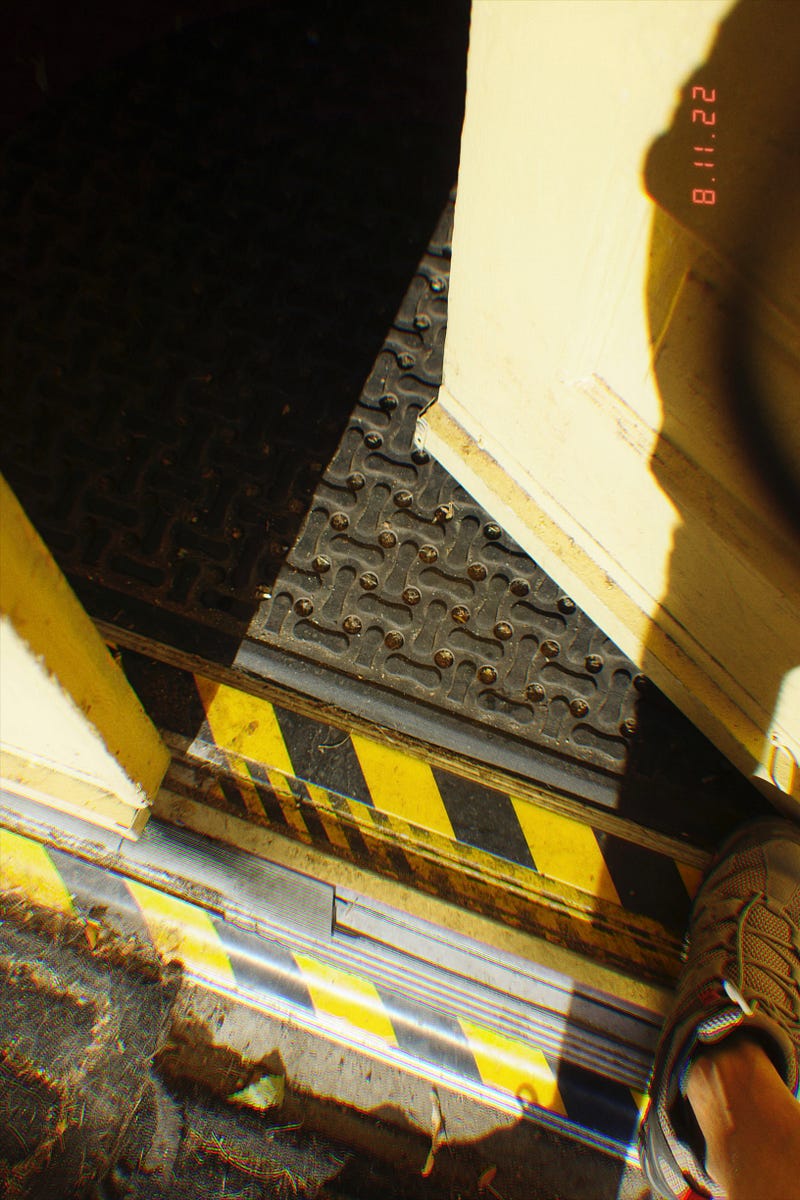
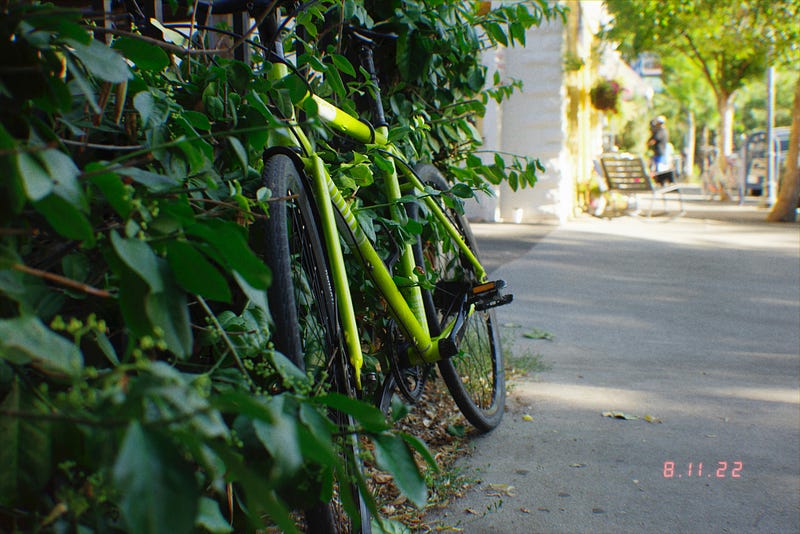
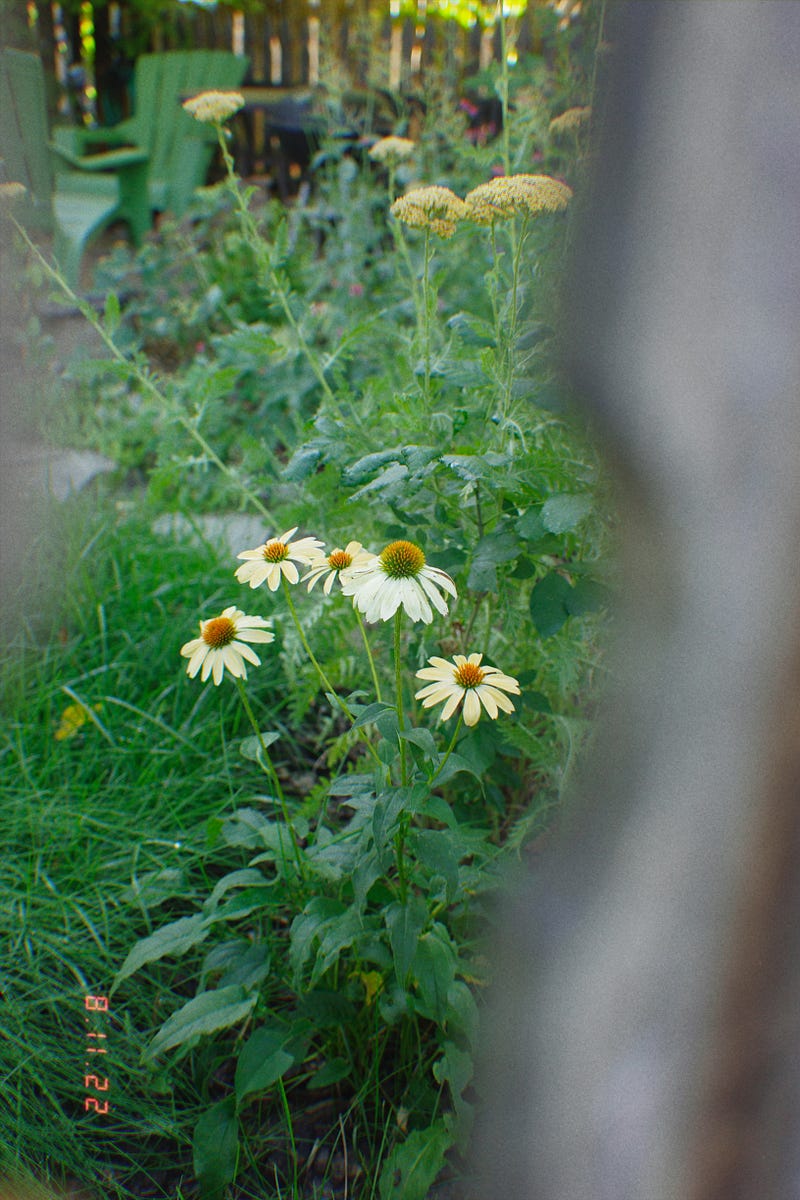
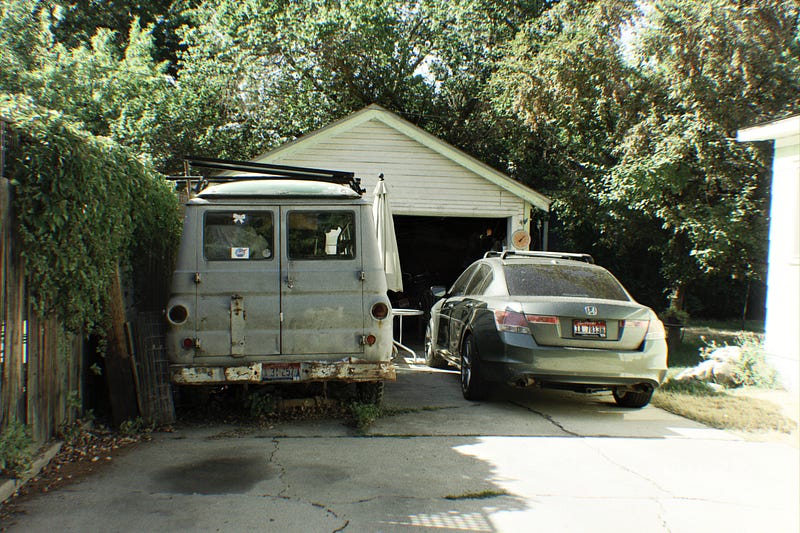
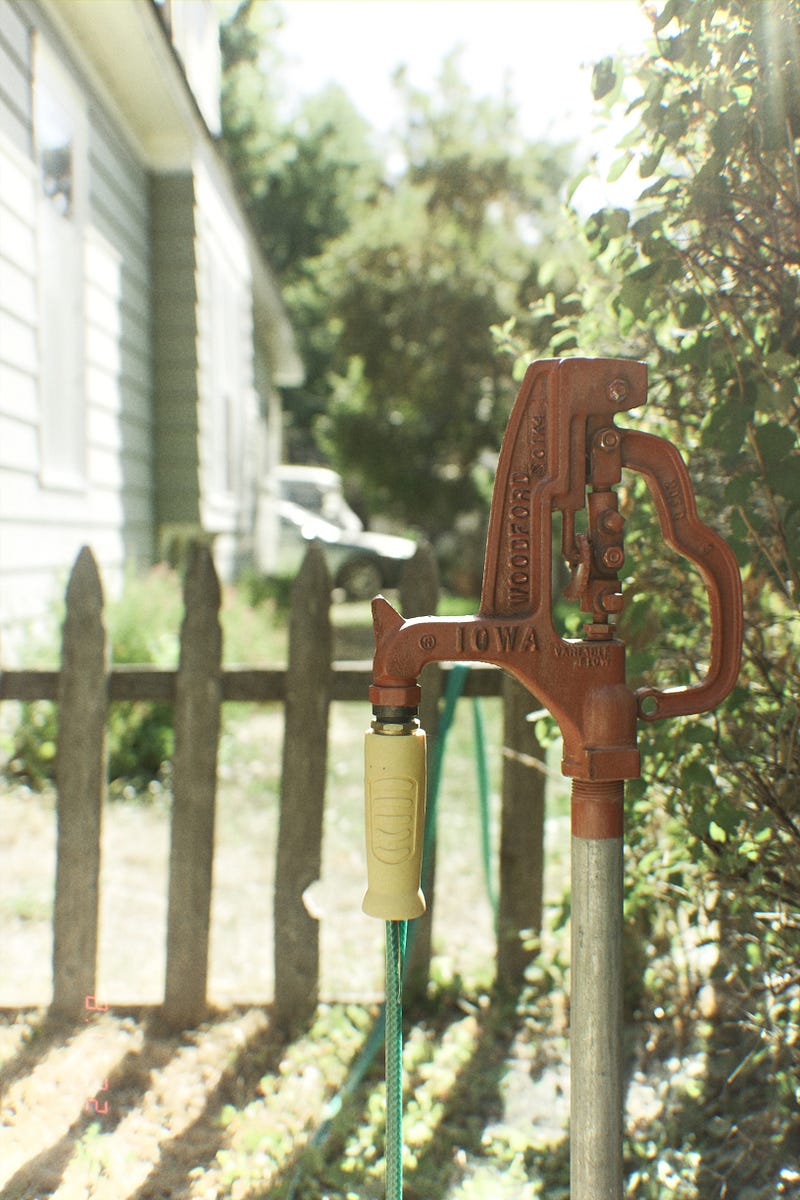
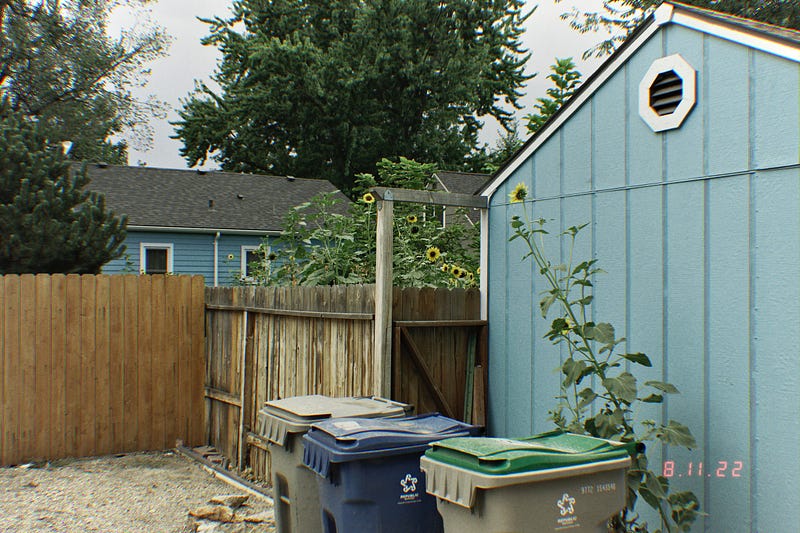
For all basic purposes the color film sim performed the best. It was consistent in quality and giving me the shot I wanted, while still seeming a bit vintage-ish. However, it was also the most boring. I like most of my shots I take with it, but I sorta expect to. There’s not really a wow factor. I will probably still use this setting though as a basic starting point.
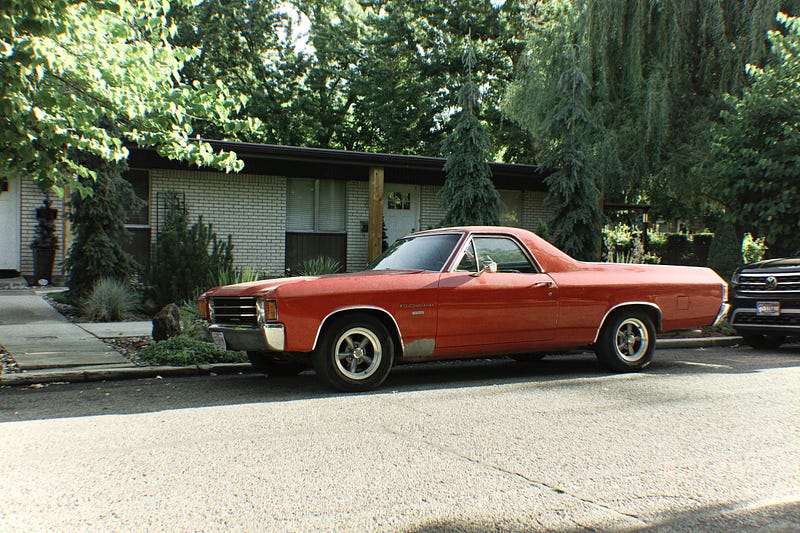
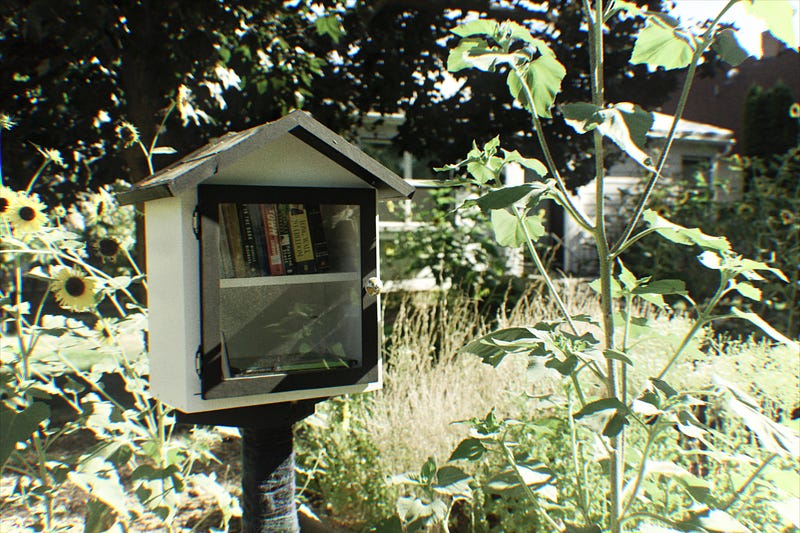
KodaKolor (KK)
This recipe seems to get the vintage vibe across a little bit better than the basic Color Film recipe, but it also runs into the same warm/green shift issue that the Americana recipe did. I think I might end up tweaking this one to give me more of a cooler shift, or at least numb the green pea puke vibes. Also, highlights seem to get absolutely obliterated with this recipe.
B&W Negative +Red Filter (Mono)
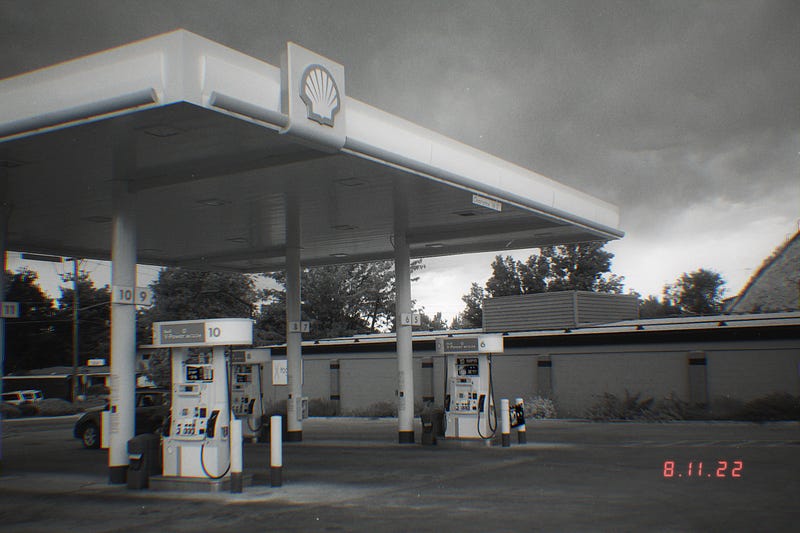
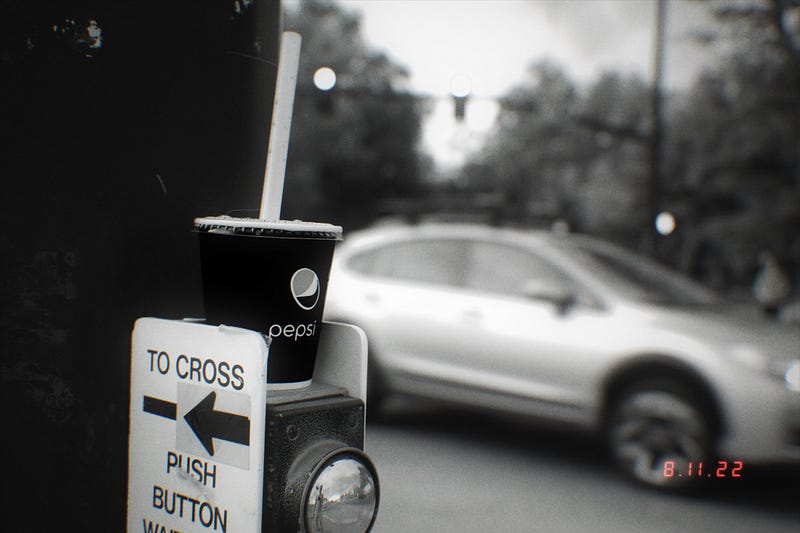
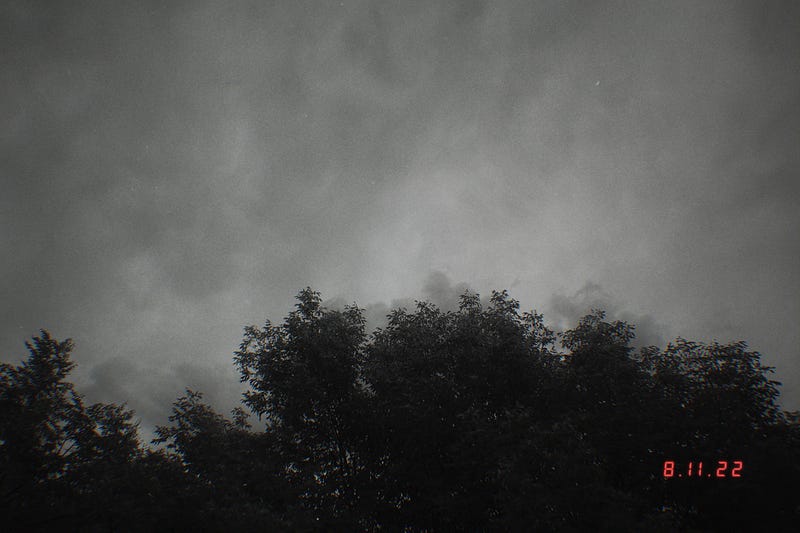
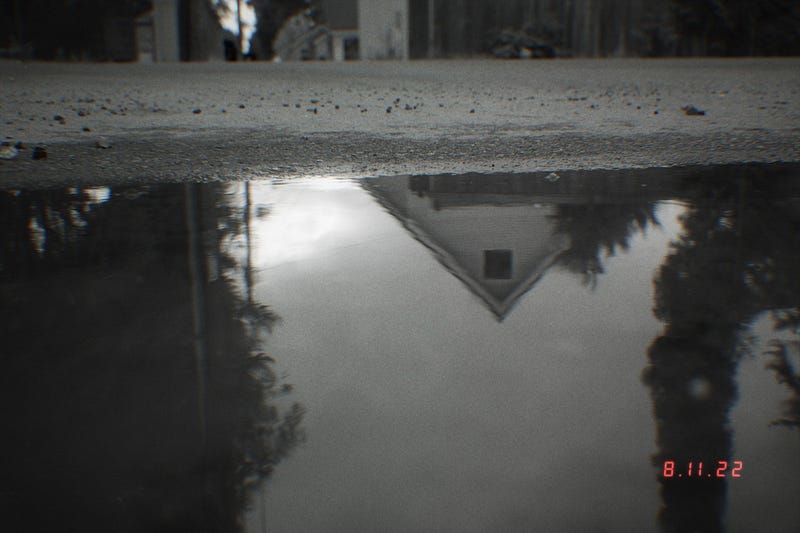
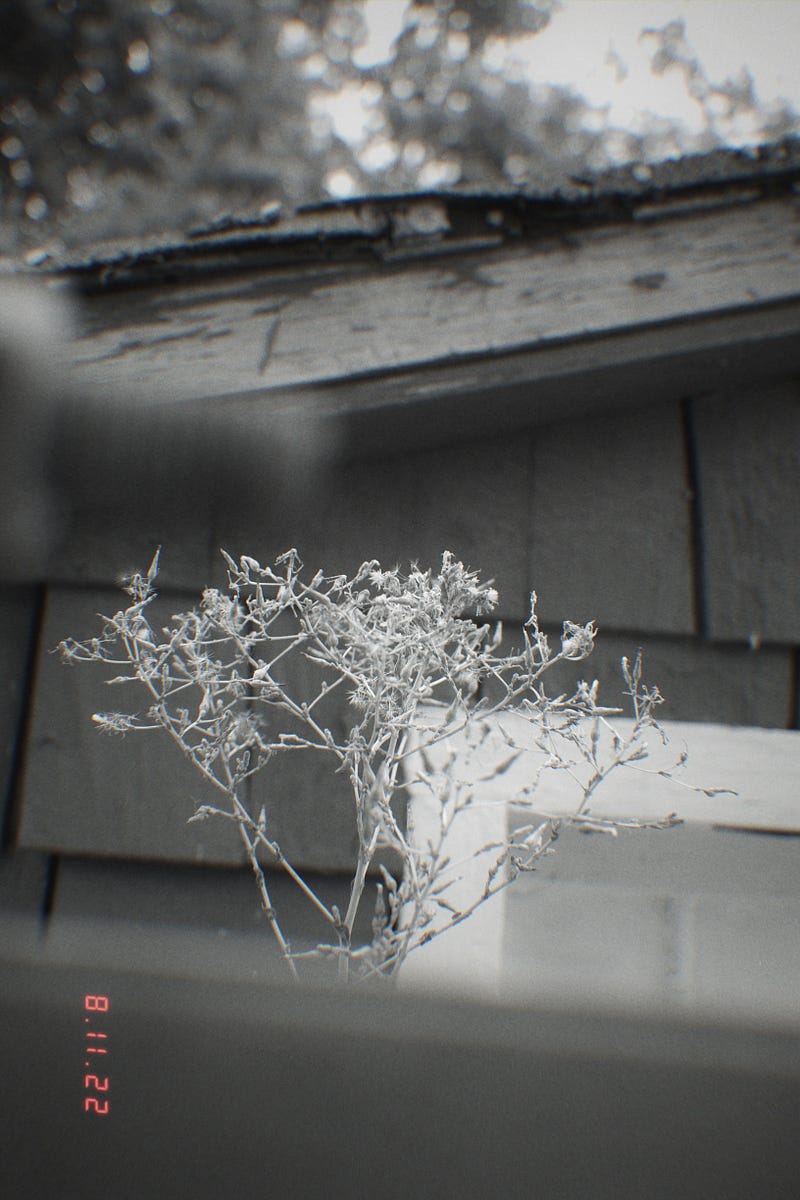
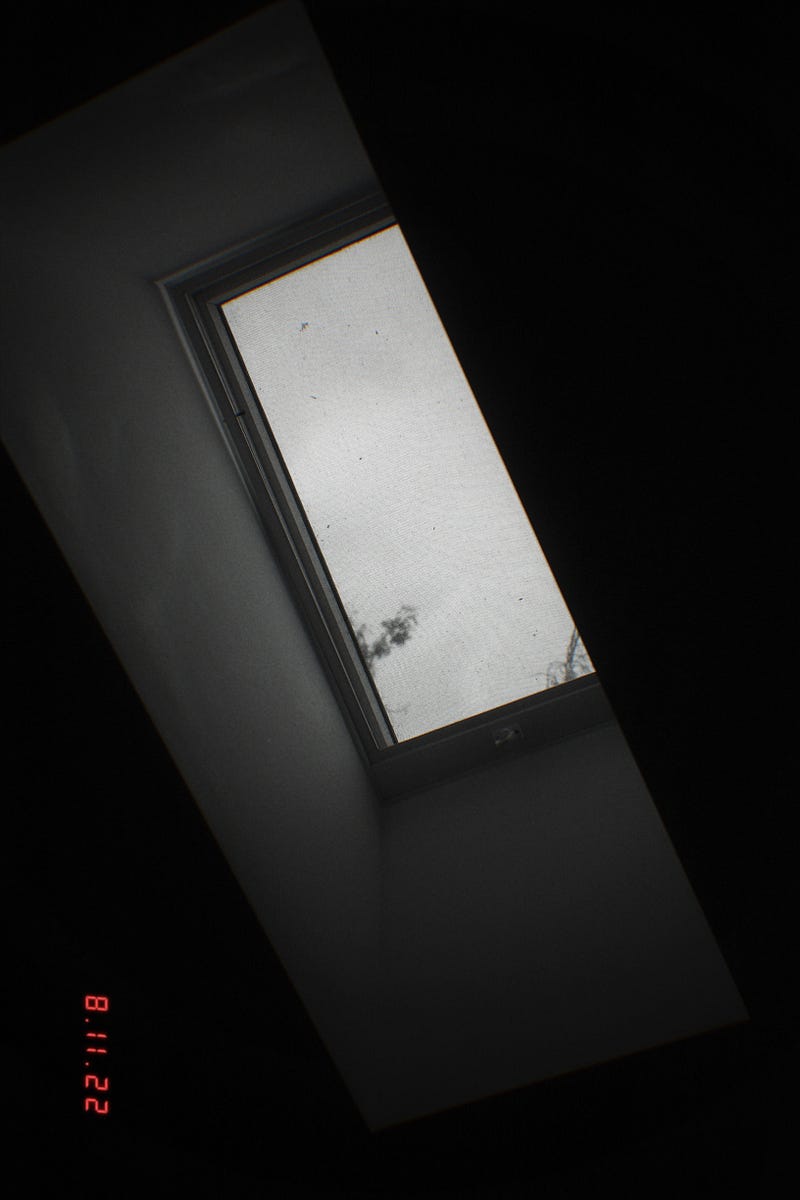
This one I really need to play with a bit more. The “red filter” effect isn’t exactly emphasized as much as I thought it would be. It still felt a lot like a basic monochrome photo filter. However, when exposing the composition to include the storm clouds, I started to fall in love with this recipe. I shot every photo an entire stop underexposed , but the photos still came out a bit bright too me. Again, more experiments needed.
Conclusion
- I will keep the CF as my standard U1 mode.
- I will replace KK with something else
- I will teak the Mono to be more like a typical red filter monochrome AND tweak the exposure settings to bring it darker a bit.
I am still searching for a retro/vintage film recipe that doesn’t ruin my greens or seem too overbearing. My girlfriend recently told me I was impossible to please when it came to cameras, maybe she’s right. I’ll keep trying a few more film sim recipes though before I admit that to her.
Check out my previous article: Photographer Interview | Eric Murray
Thank you for reading; follow me and clap a couple of times (it’s free).
Sign up to be a Medium member here, I promise it’s better than Instagram.
If you sign up using my link, I’ll receive a small commission when you sign up AND when you read (at no extra cost to you). This also supports other writers on the platform whenever you read their stories too!
Cheers!
Other platforms: Instagram: IG@elijahmakesphotos Pinterest : PT@elijahmakesphotos


