
What are Figma widgets, and why are they useful?
Let’s take a look at this cool feature
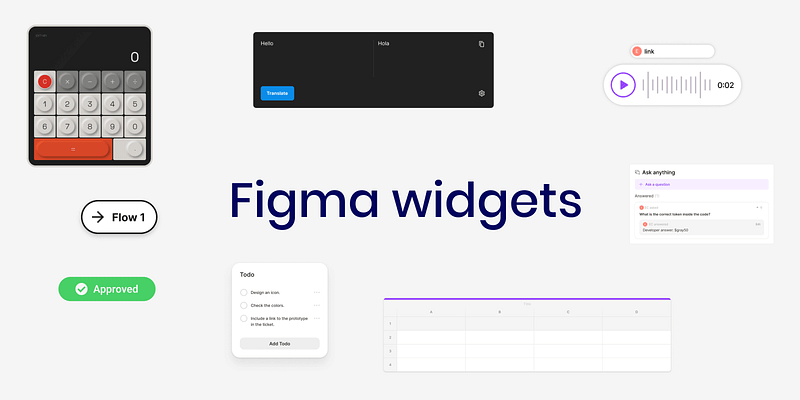
In June 2022, Figma added the option to add widgets to our files.
Figmjam had this option, and now Figma does, but what are Figma widgets? How do they differ from plugins? Where can you find them? How do you create them? and What can you do with them?
Here’s everything
What are Figma widgets?
A widget is like a small piece of app or a small tool inside Figma that lets you add some extra features to your file.
What are the differences between widgets and plugins?
- Widgets work inside the page, unlike plugins that work from a modal.
- When you add them to one page, you have to add them to the other page, unlike plugins that you can launch from anywhere.
- You don’t have to install the widgets; add them directly to the file.
- The widgets seem to have limited functionality than plugins, but that’s not always the case since plugins can also have limitations.
How to add a widget in Figma?
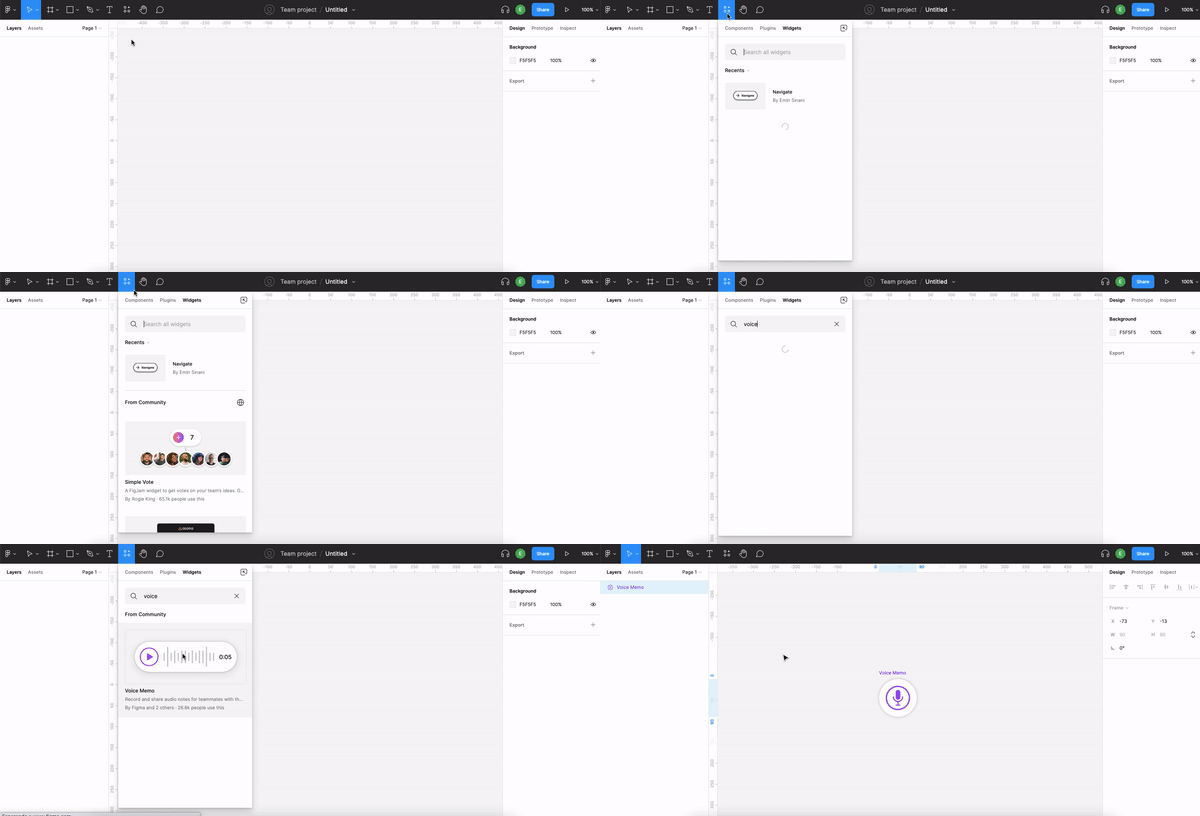
Add widgets to your Figma file by clicking the resources icon (command + I) and clicking on the widgets tab. Then search for the widget you want and click add.
What are the benefits of using widgets?
You can work directly from the widget instead of going to another tool; some work instead of plugins.
For example, you can use the Calculator widget by Mirko Santangelo to calculate things on the page without leaving Figma.
How to create a custom widget?
You can make widgets for Figma, Figjam, or both and publish the widgets to the community. It can be useful for teams that want to develop any widget to their specific need or a designer that wants to contribute to the Figma community.
One good thing is that you can test the widget during the development on a Figjam board.
Check out the Figma developer docs or watch the video by Figma for more info on widget creation.
Interesting widgets to discover
Here are some interesting widgets I found on the Figma community.
Answers & Questions (Q&A)
Creators: Elynn Lee, Emily Lin, and Khalil Cader
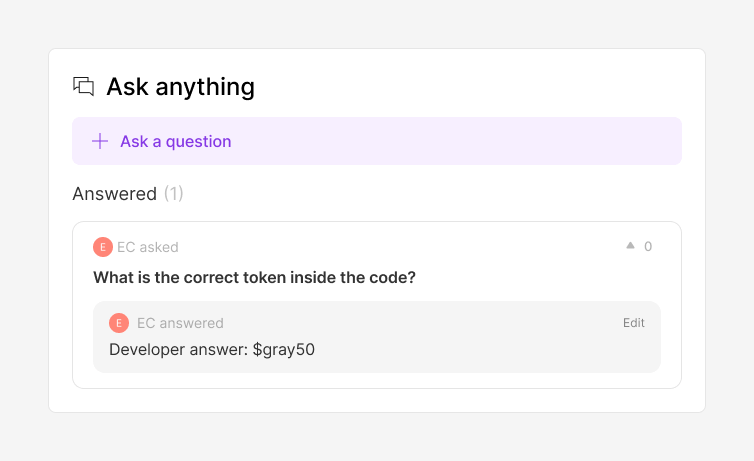
The widget allows you to add questions and answers. When you design something and have questions for the developers or PM, you can annotate them on the widget and ask them afterward. This way, you’ll be able to explain your design decisions based on the information you collect.
Translate
Creator: Yury Zeliankouski
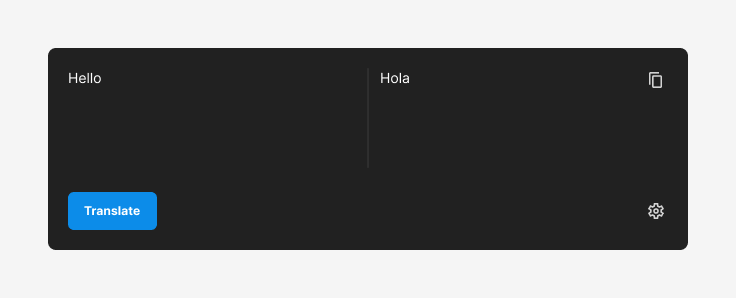
It’s a translator that supports 125 languages. It’s a great tool if you want to translate some things without leaving Figma.
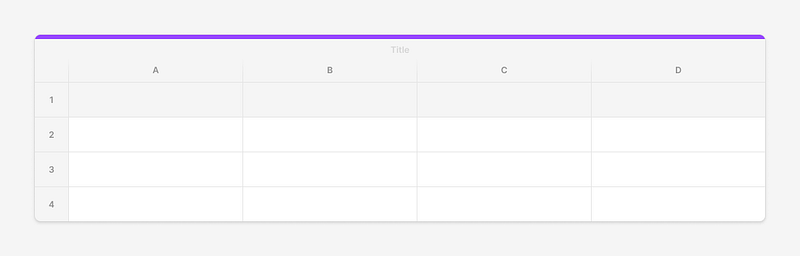
Table
Creator: Gavin McFarland
The spreadsheet inside Figma lets you add, import, and export data in columns and rows.
This can be helpful if you need to tell the developers about the microcopy or any other text you want to translate.
Approve
Creators: Andra Putra and Dian Farra
Here’s a simple widget that explains the status of things in Figma. For example, you could put the statue of the flow you work on.

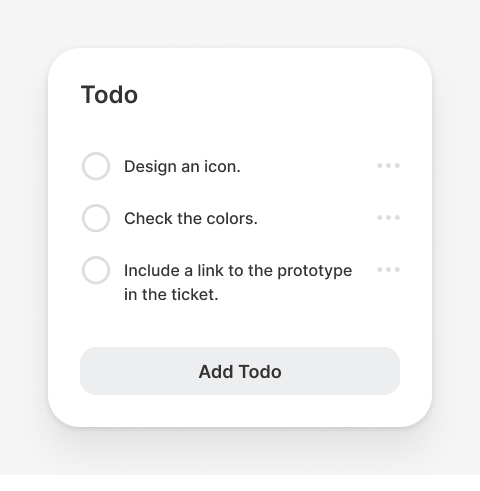
lil todo
Creator: Jordan Singer
You can use a simple list to note information while designing. For example, You can add a note that you need to create an icon, review the flow with the developers, etc
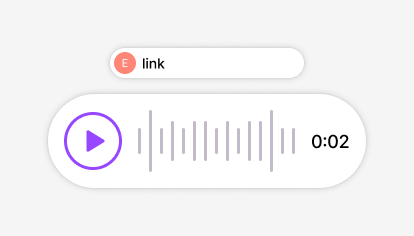
Voice Memo
Creators: Figma, Max McKinney, and Rohit Chouhan
The widget gives you the option to add a voice note inside Figma. If you work on a design file, leaving a note for the developers for the handoff process is a good idea.
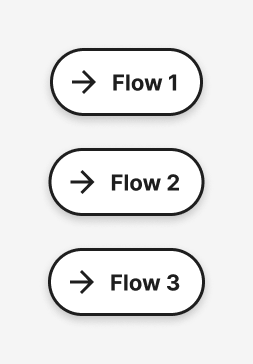
Navigate
Creator: Emin Sinani A small and helpful widget that helps you navigate inside the page. You can create a quick flow without making a complete prototype. In addition, it can help developers find information on the page when they develop your design.
To summary
Figma Widgets are small interactive objects you can add to your Figma or Figjam file to add additional functionality or to perform quick actions.
It’s easy to add them directly from the Figma file, and you don’t have to install them.
You can also create and publish widgets since Figma allows everyone to do it.
Why are you waiting? Try one widget I shared and this article. :)
Want to take your Figma skills to the next level?
Get one-on-one tutoring with me! Whether you’re a beginner or looking to refine your skills, I’ll work with you to help you gain confidence and improve your Figma skills. Ready to take the first step? Click here, and let’s get started!
Thank you for reading the article. I hope this article helped you understand what Figma widgets are and how they can help you. Please feel free to share it with your friends or team members, and if you have any questions, please let me know.
If you enjoyed my article, I suggest you follow me and subscribe so you’ll receive an email whenever I post.


