
Install React with Vite (with Typescript)
Why should we care about running React without a framework like Next.js, Remix, and so on? When you want to test something or you are learning something, Next.js can be overhead, so you may choose only React.
Since create-react-app is not recommended, we need to do it another way. We can do it with Vite. Is it hard? Nope, it’s easy. I will show you.

Be sure you have Node.js ≥v18 installed on your machine, and then run this command:
npm create vite@latest
After that, it will ask you some questions, such as which library you want to choose or if you want to choose React. I chose React and TypeScript.
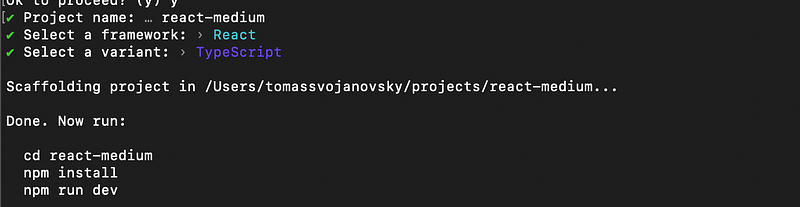
After that, you need to run command below (as the installation process suggests).
npm i
npm run dev
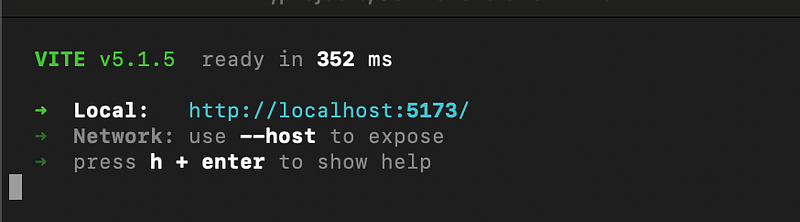
After that, it will show you on which URL your app is running. Mine is on http://localhost:5173/.
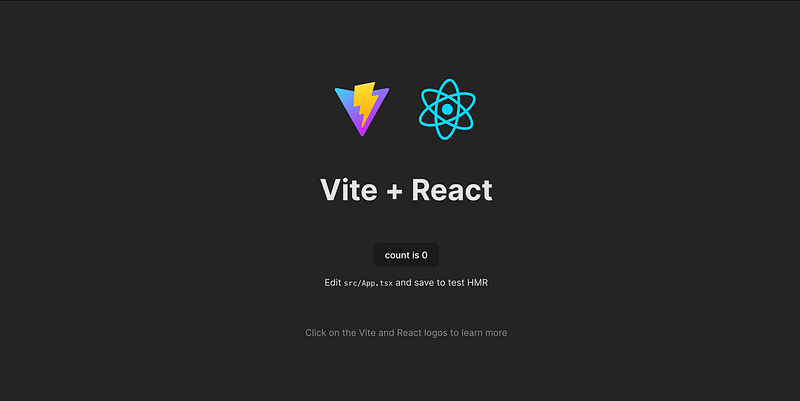
As a result, you should see the introduction page with a simple counter.
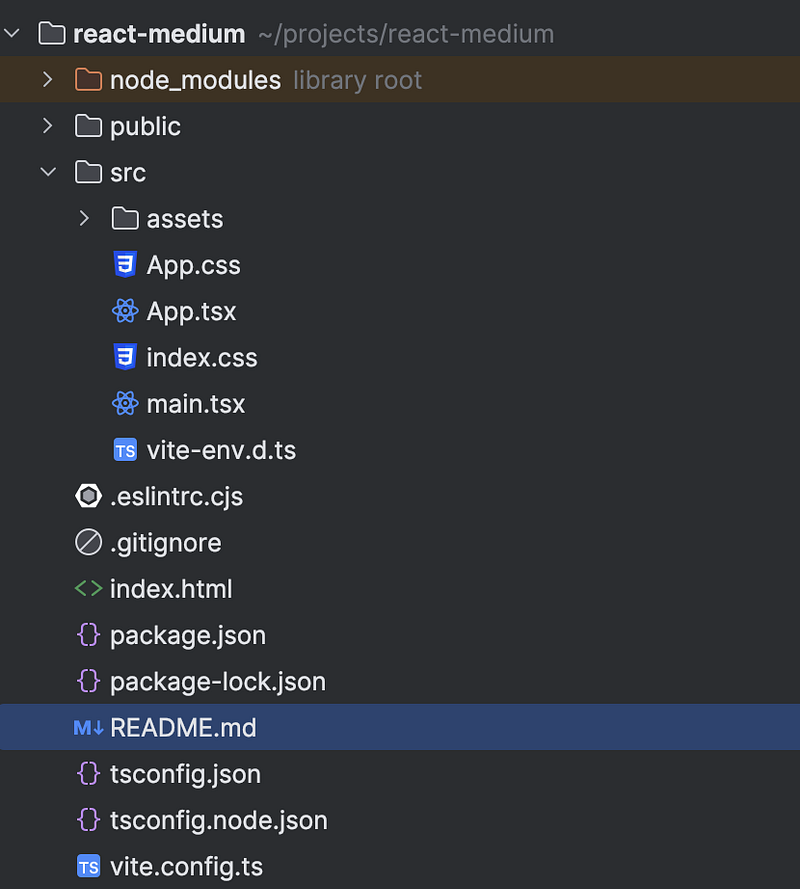
Let’s check how our folders look.
Wasn’t it easy? And it should be. We aim to start as quickly as possible without spending hours setting up a project
If you enjoyed the read and want to be part of our growing community, hit the follow button, and let’s embark on a knowledge journey together.
Your feedback and comments are always welcome, so don’t hold back!


