
Extract YouTube data to CSV using YouTube API
Web scraping is extracting data from websites. It is a form of copying, in which specific data is gathered and copied from the web into a central local database or spreadsheet for later analysis or retrieval.
Since YouTube is the biggest video sharing website in the internet, extracting data from it can be very helpful, you can find the most popular channels, keeping track on the popularity of channels, recording likes, dislikes and views on videos and much more.
In this tutorial, you will learn how to extract data from YouTube videos using YouTube Data API v3 by google. Github.
Step 1: Activate the API key from Google Developer Console
The first thing you need to do is to extract the API key from Google Developer Console. In order to do so, you will need to activate your account for GDC with the following steps.
Create a New Project:
- Login to Google with your account credentials.
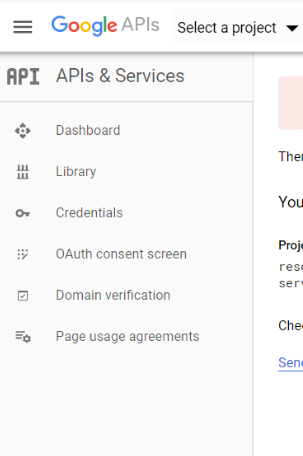
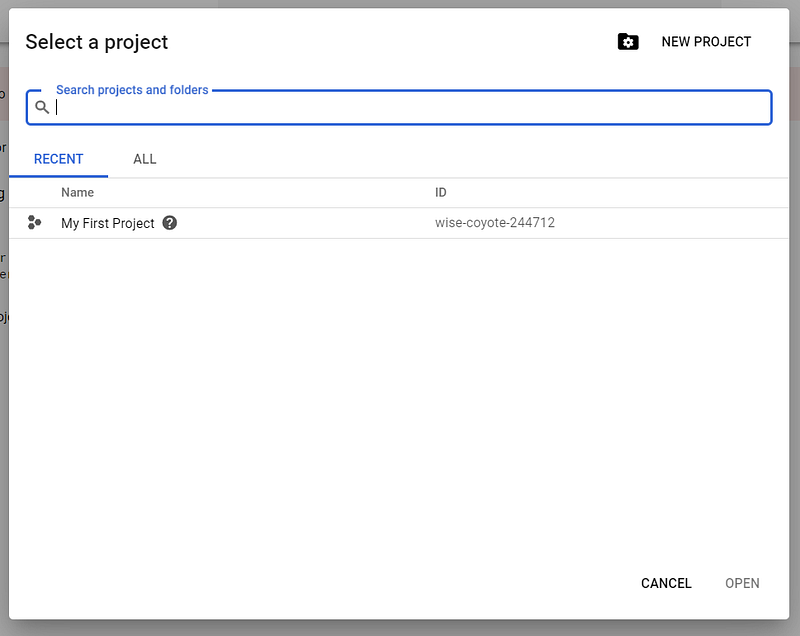
- Visit the Google developer dashboard, create a new project from the top of the page as in below image, click “Select a project”:
Now Click on “New Project” as shown below and proceed.
After this, you will be automatically redirected to the Google APIs dashboard.
- The next step is to activation of YouTube API, so for that navigate to the API & Services from the side panel.
- Then click on Enable API & Services from the top of the page.
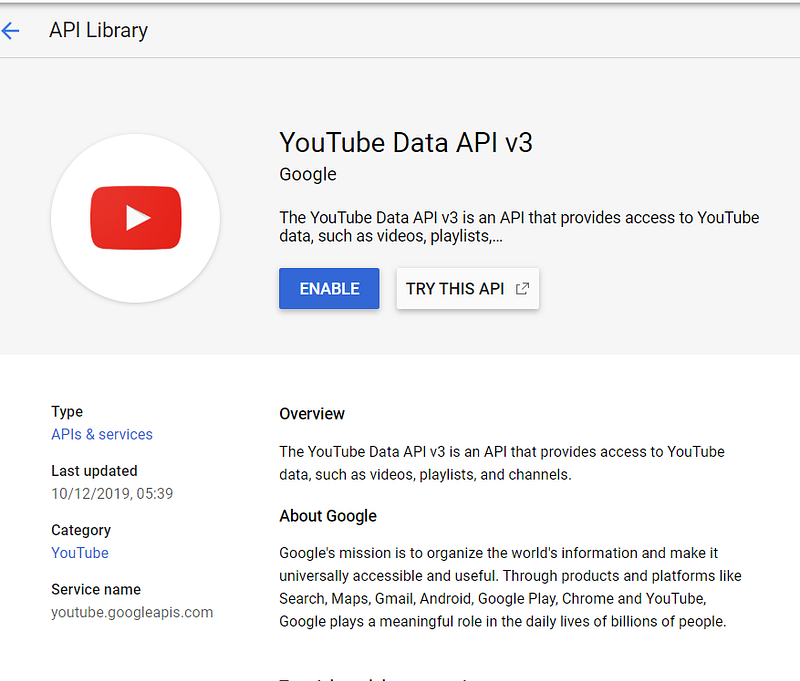
- Search for Youtube and then select YouTube Data API v3.
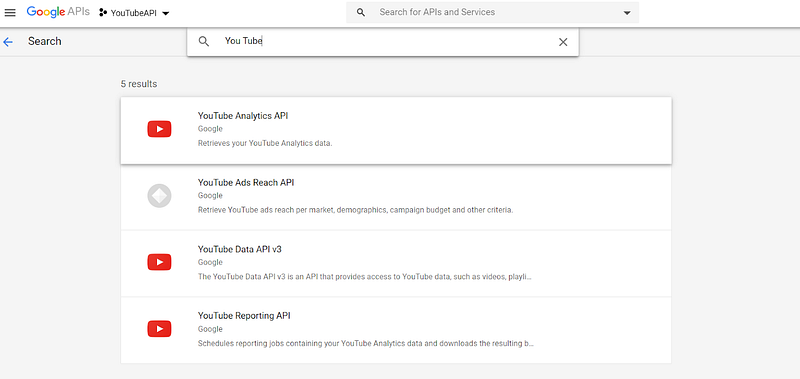
After that Enable the API by clicking on the Enable as shown in the below figure.
Now again click on the API & Services and select credentials. Navigate to the Create Credentials from the top of the page in that select API key.
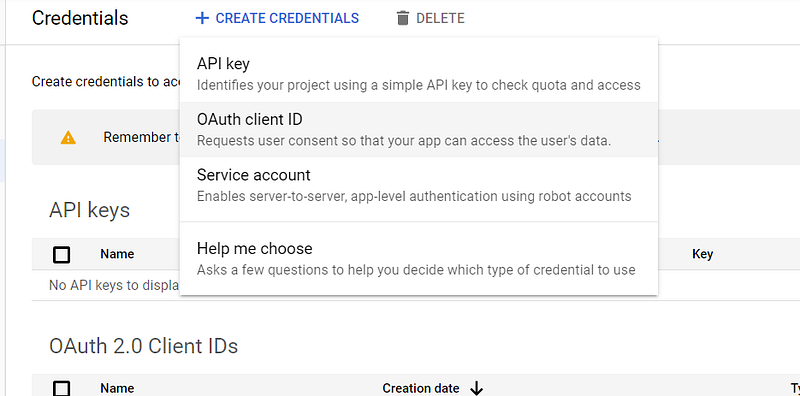
Credentials Page
- Once clicked after some time a pop up will come with the message API key created from there you will get our API key as alphanumeric. Copy that and keep it safe for further use.
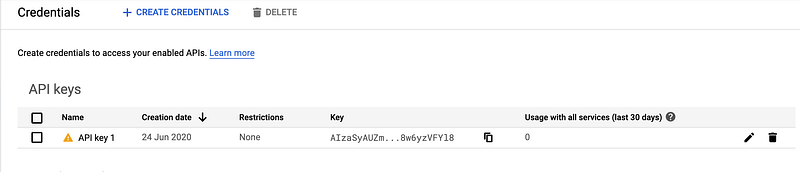
API key created. Keep the API handy, as you need to paste it the python code.
Step 2 — Extraction of Data from YouTube Channels
Install and import relevant libraries in Python
from apiclient.discovery import build #pip install google-api-python-client
from apiclient.errors import HttpError #pip install google-api-python-client
from oauth2client.tools import argparser #pip install oauth2client
import pandas as pd #pip install pandas
Step 3 — Set YouTube Search parameters
youTubeApiKey="AIzaSyAT7mKPxpkp66glGvzxnpryy0rOFT3r7XM" #Input your youTubeApiKeyyoutube=build('youtube','v3',developerKey=youTubeApiKey)channelId='UCt4t-jeY85JegMlZ-E5UWtA' #Input the channelID of Youtube that you want to extract dataThe below snippet will convert each differently stored variable in the data frame.
snippetdata=youtube.channels().list(part='snippet',id=channelId).execute()snippetdataAnd finally using the function to save the data frame to CSV file.
Once you have the data in CSV files, you can easily perform the different analyses as per project requirements.
Enjoy Scrapping!


