
Everything You Need to Know About Using — seed Commands in Midjourney
For those who want to control their AI Art bot.

This article has arisen from a discussion online about exerting some sort of control over the results you get from your prompts in Midjourney. I have been aware of seeds and how some people use them, but to be honest, I have not been that interested in using them myself. I embrace the randomness of the results I get from MJ and use that as part of my creative process. It always seemed like using a seed number was reducing MJ to a predictable, controllable tool. As a jazz musician, it would be like replacing my bass player and drummer with a rhythm box, or computerised midi-controlled thingy. I would gain predictability and reliability, but I would lose spontaneity and any feeling of exchange, connection with the process, or excitement. I would be bored within minutes, pack up my piano, and run away to join the circus.
All that aside, lets launch into it and see what they do.
Everything you need to know about seeds.
If you quote a seed number in your prompt you can be sure that if you created the same prompt with the same seed number you would get, almost, the same result every time you ran it.
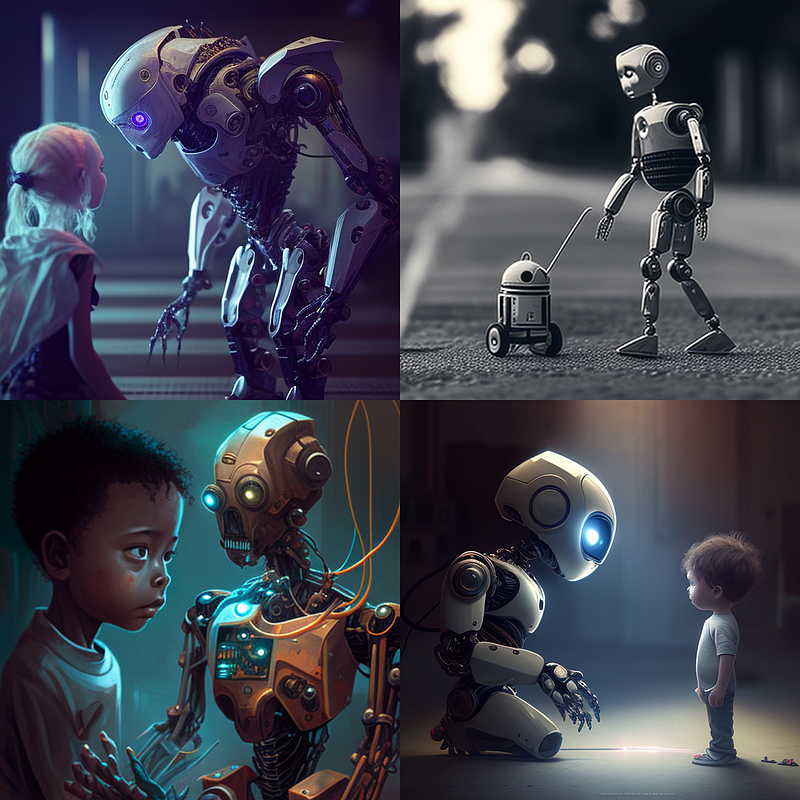
a bot being controlled by a human --seed 100 --v 4
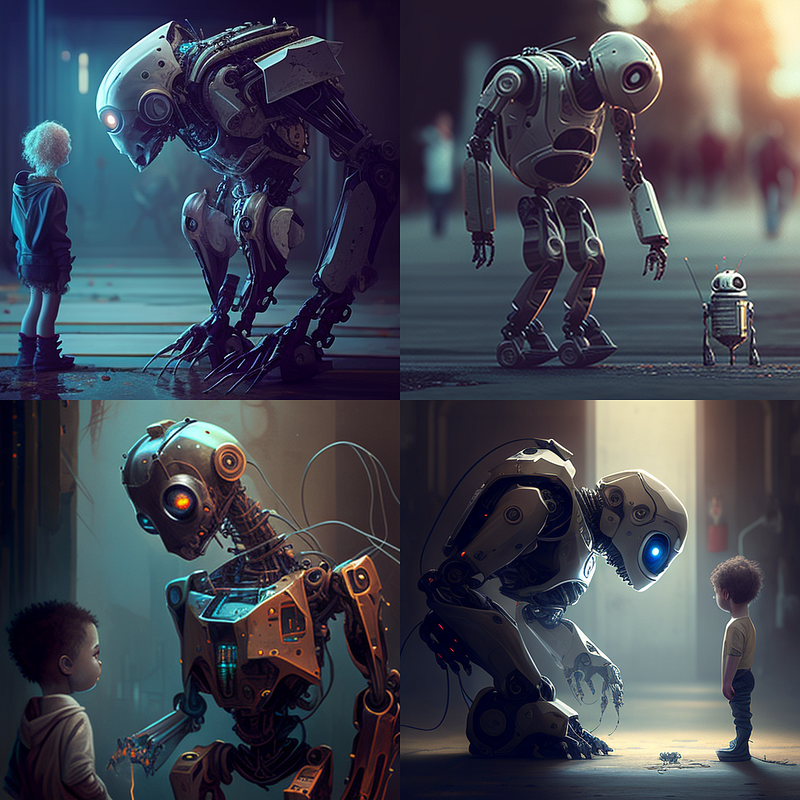
Go on, try it! You should get exactly the same four pictures. Please let me know if you don’t. Of course, it has to be exactly and precisely the same prompt. Leave out one letter or word, add in any punctuation, and you will get something completely different.
If you have been wanting to copy your heroes and merrily ripped off their prompts, I am sure you have had the disappointing experience of finding your result limp and flaccid in comparison to the vibrant stunning image you were trying to emulate. The only way to get the exact same image is to ask them for the seed number for their initial 4 grid. Put in precisely the same prompt with the seed number, and you will get exactly the same four starter images.
Of course, you may still be disappointed because you don’t know what upscaling and remixing they have done with those initial images. We all have our process for using the raw material from the initial prompt, and sometimes it involves going out to a third-party editor. As one of those film spies said, “If I told you that, I would have to kill you.”
How to find the seed number for an image
On my phone, I hold the image. On PC you click the emoji in the top right corner
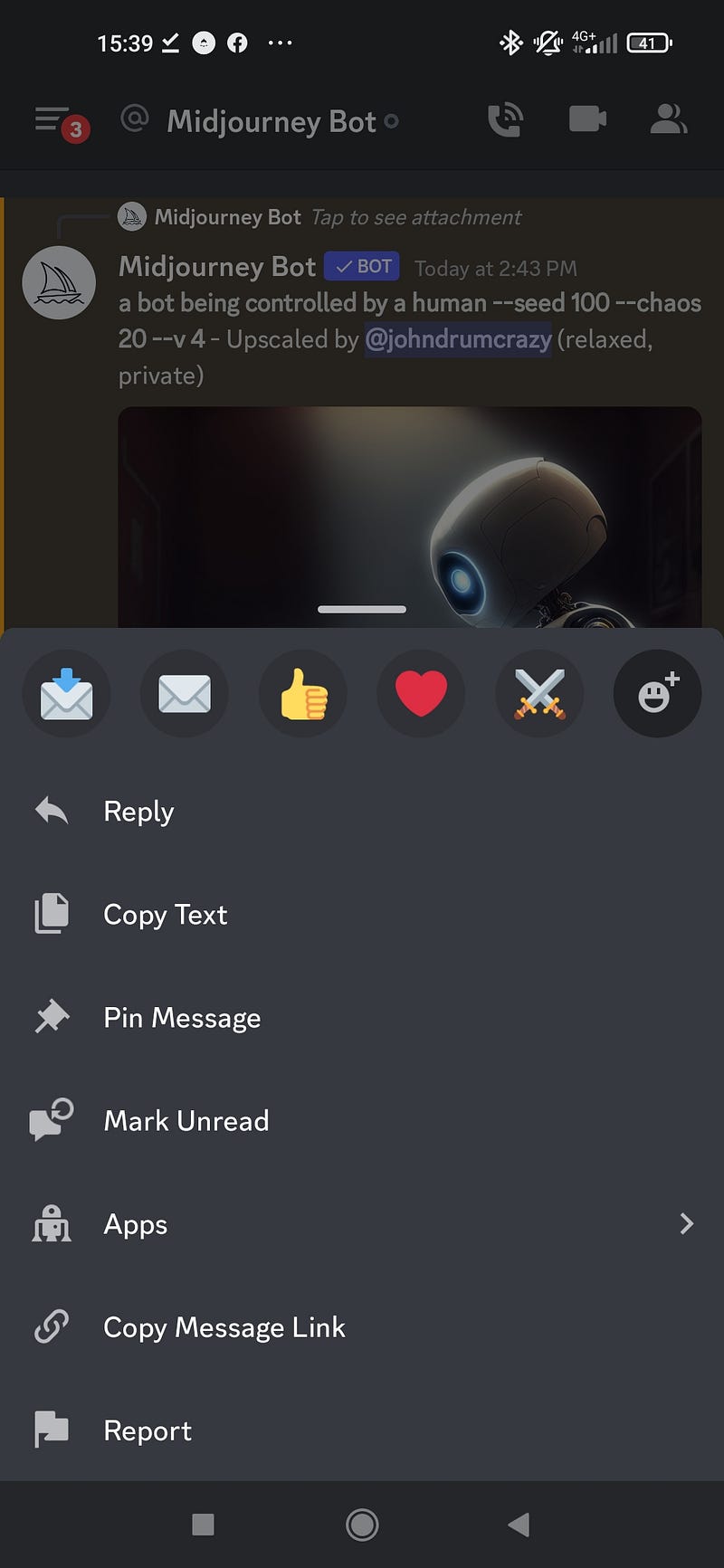
You then click on the plain envelope emoji, and MJ sends you a message. Mine looked like this:
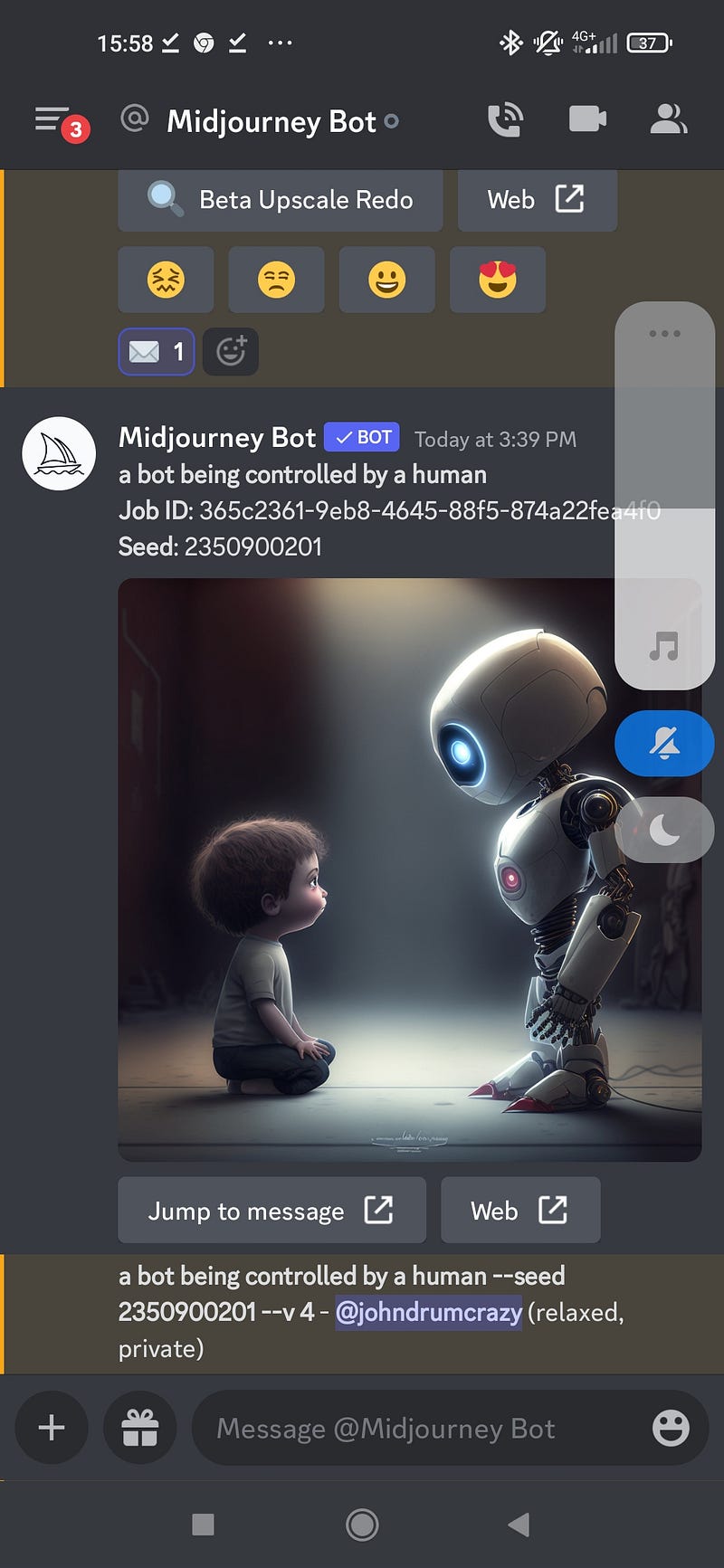
As you can see I inserted the seed number it gave me into my prompt hoping for the exact same image …

More disappointment. That’s not how it works. You have to use the seed number of the initial 4 grid and then you will get that exact same grid, and you can mess around from there. If you have done any upscaling or remixing, then the seed number won’t give you access to any of that.
A little rule: seed numbers only work in reproducing the initial 4 grid
Maybe you can see some use there. You’ve been messing around with some images from a grid, and you’ve gone down a rabbit hole and it’s dark and fetid and all you want is some fresh air. You go back to the initial grid, which was so promising and you find its seed number, and you start all over again.
Adding chaos to your seeds
I actually found a little bit of excitement for seeds when I used it alongside the chaos control. I found that rerolling a grid went in completely different directions and the same with remixing.
However if I added — chaos to a prompt I got small variations. This is how I finally arrived at the title image
a bot being controlled by a human --seed 100 — chaos 40 --v 4
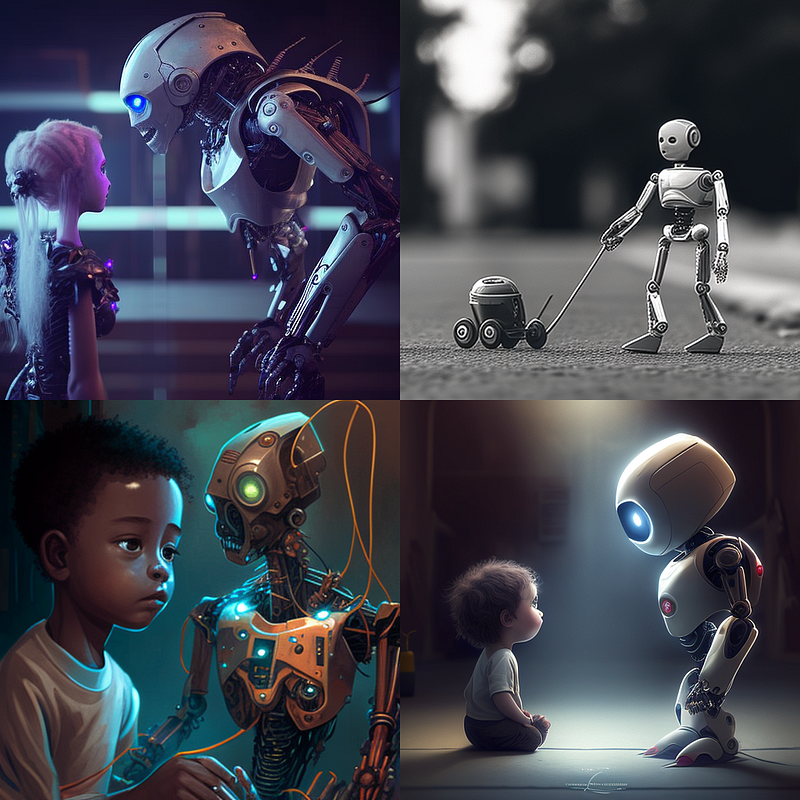
I think you can put in any number up to 100 but I haven’t tested that. I went from 0 to 60 and each grid was similar to the initial grid but with subtle variations. This was very useful. I had already chosen v4 on the initial grid as my title image but by adding in degrees of chaos I could refine it a little. Here are some grids with added chaos in no particular order. [sorry i’m writing this on my phone and all the cutting and pasting has got a bit complicated]. If you use the exact prompt with — seed 100 — chaos 0 to 60, you should be able to get the same images.
Thanks for reading to the end. I hope you feel you have learnt everything you need to know about seeds. You can probably learn more by messing around with it yourself. Thanks to the people that have been banging on about it on social media. Combined with chaos I have actually found a reasonable use for it.
Before you go do remember to like things, clap, comment, subscribe, join up etc etc. Have fun


