Eureka Server in Spring Boot configuration (microservices)
In this article, we will focus on the “Eureka Server.”

First, let’s discuss what Eureka is and why it is used.
General information about Eureka
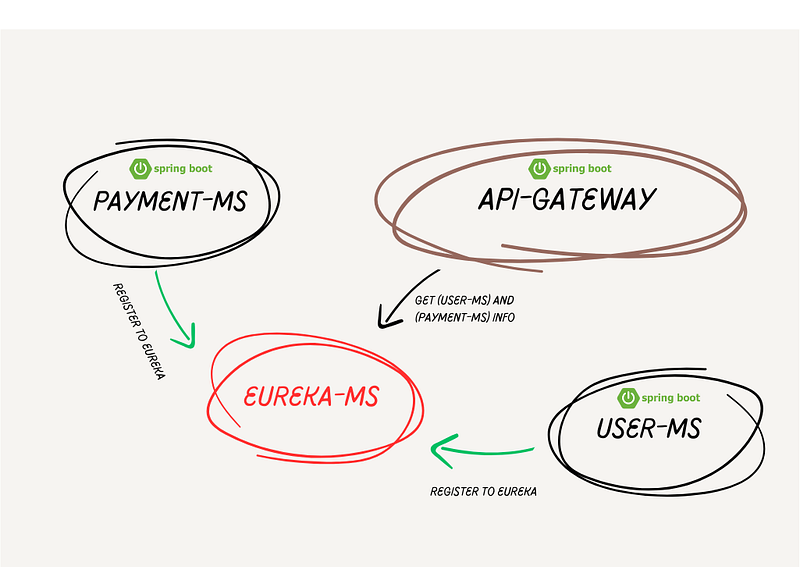
Eureka is a service discovery and registration system that records information about a service and provides access to this information for other services that want to establish relationships.
In situations like microservices architectures, Eureka provides advantages in the configurations of small microservices and is often used in service recognition by API gateways.
However, one might ask:
“Why don’t we add service information to the API gateway instead of using the Eureka Server?”
We can answer this question as follows: Services are often associated with IP addresses and other connection information. However, when a service crashes or restarts, IP and other information can change. In such cases, using a pre-determined tool like the Eureka Server, i.e., not updating and keeping track of this information each time, is preferred.
This explanation emphasizes that in situations where services can dynamically change, Eureka provides a flexible and automatic discovery solution. Using a service discovery mechanism like Eureka to keep the information about services up-to-date and accurate can be a reliable choice in microservices architectures.
Eureka Implementation in Spring Boot (EUREKA-MS)
Let’s assume that there is API gateway, Payment-ms, and User-ms in the project. Here, API-Gateway, Payment-ms, and User-ms are each small Spring Boot modules. All of these services will act in the role of a (CLIENT), meaning they will be registered with the Eureka service.
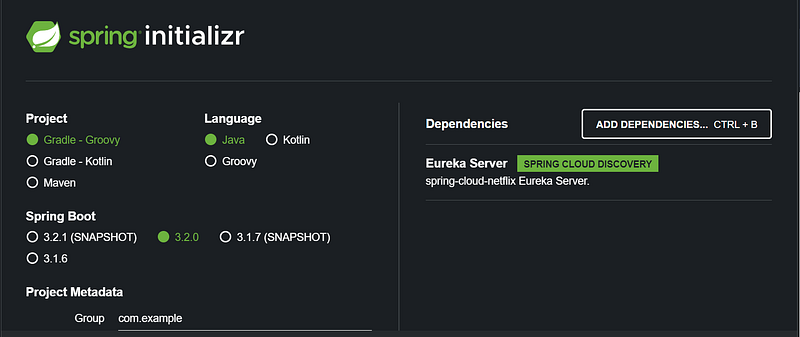
- First, let’s create the Eureka service. The Eureka service will be like the other services, a Spring Boot project.
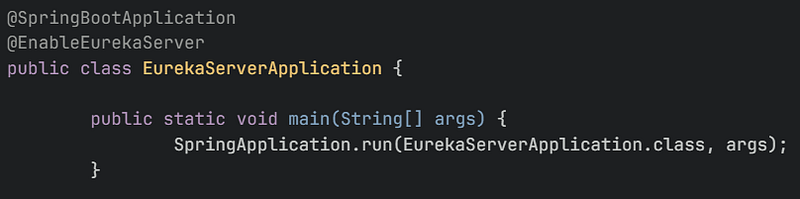
2. Next, you need to set the `@EnableEurekaServer` annotation.
3. After adding the annotations, you only need to add this configuration to either the `application.yaml` file.
server:
  port: 8761
eureka:
  client:
    fetch-registry: false
    register-with-eureka: false
4. !With this, the Eureka service is ready; now, all that’s left is to configure the other services.
“Now, let’s create the API Gateway project.” (API-Gateway MS)
- “First, let’s create the Spring project.”
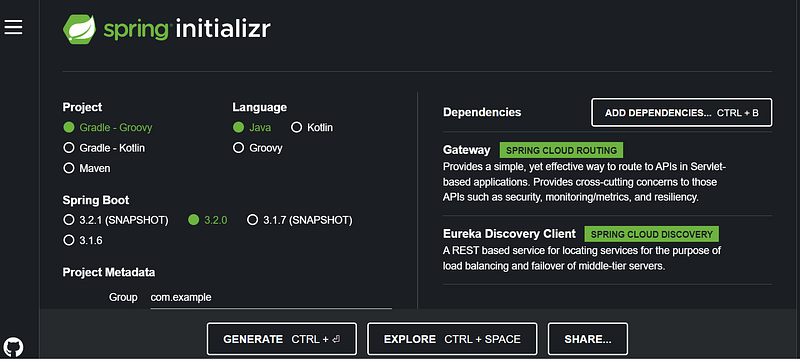
2. “Then, add this configuration to the application.yaml file.”
eureka:
  client:
    serviceUrl:
      defaultZone: http://localhost:8761/eureka
3. And finally, you need to add `@EnableDiscoveryClient` to the Main (run) class for the other services.
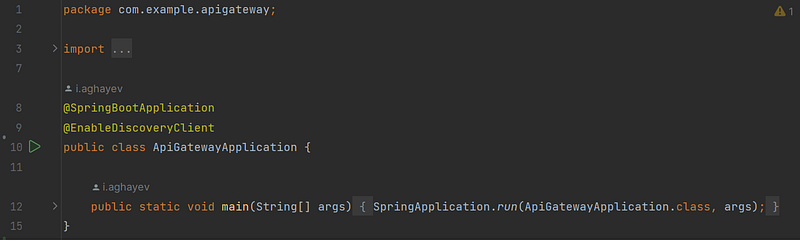
4. “The configurations are only this much. Now, before running the API Gateway, let’s start your Eureka service.”
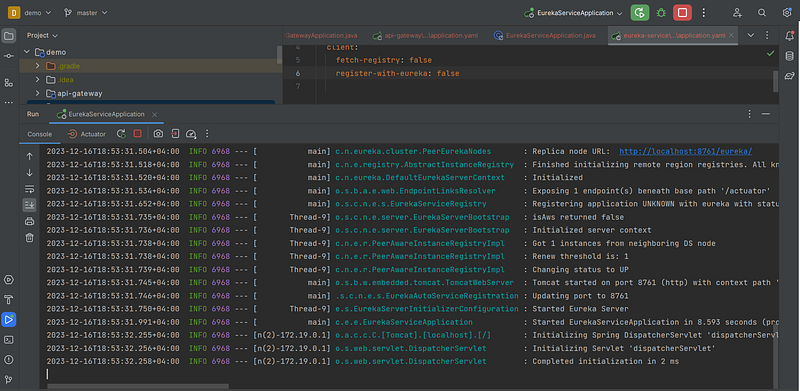
5. “And let’s run our API Gateway service.”
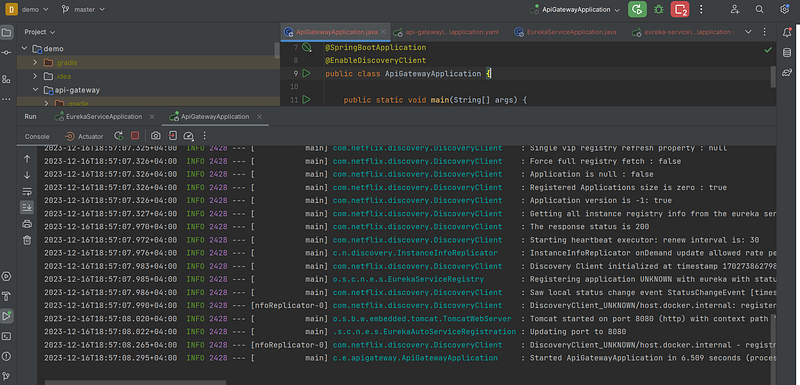
6. ”Now, let’s check whether it has registered or not.” (http://localhost:8761)
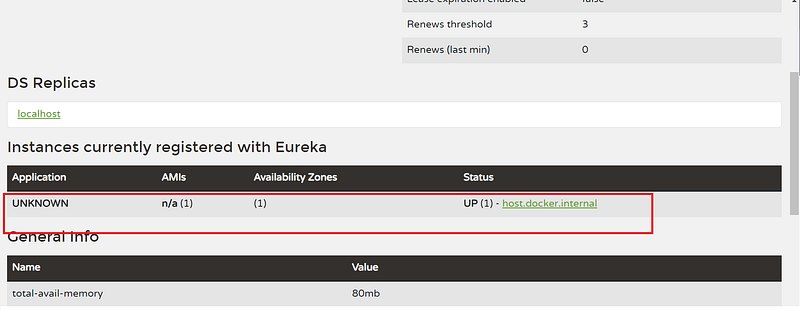
Friends, generally, that’s all about EUREKA. I won’t show these configurations again for PAYMENT-MS and USER-MS in this article because everything is the same with the API Gateway.
For payment and user services, just follow the steps for the gateway. The only difference is that we won’t be using the “implementation ”we use for the gateway in these services.


