
Enhance Your Google Dorking Skills with ChatGPT
Three Simple Steps to Tackle Complex Google Dork Queries Using ChatGPT
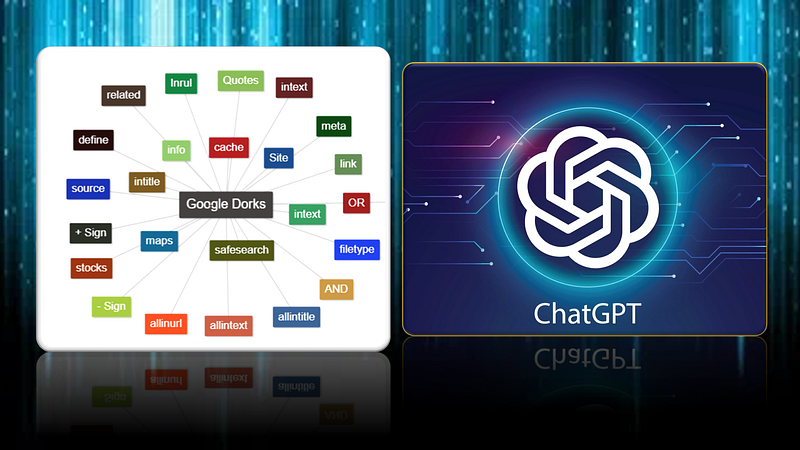
In this article, we will explore how to utilize AI tools like ChatGPT to address complex Google dork queries in just three steps.
If you are new to this topic, I recommend checking out my article on the Basics of Google Dorking for a solid introduction.
Let’s get started!
Problem definition
Imagine a scenario where you need to search for the keywords “email address” or “contact information” published on Tesla’s website before 2017, specifically within document formats such as xlsx, doc, docx, odt, pdf, rtf, sxw, psw, ppt, pptx, pps and csv.
The Google advance search query for this would look like:
site:tesla.com “email address” OR “contact information” filetype:xlsx | filetype:doc | filetype:docx | filetype:odt | filetype:pdf | filetype:rtf | filetype:sxw | filetype:psw | filetype:ppt | filetype:pptx | filetype:pps | filetype:csv before:2017
However, writing and memorizing such complex Google Dorks can be challenging and may disrupt the efficiency of OSINT investigations.
Solution using ChatGPT
STEP 1: Ask a Brief Question
Open ChatGPT and describe the scenario for Google search query request as shown below.
You can phrase your query differently, but make sure that your message includes all the necessary keywords.
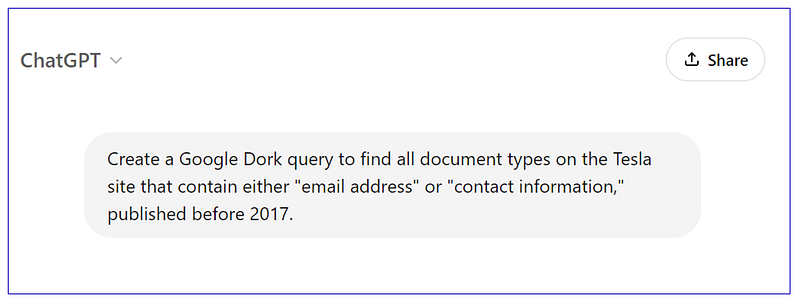
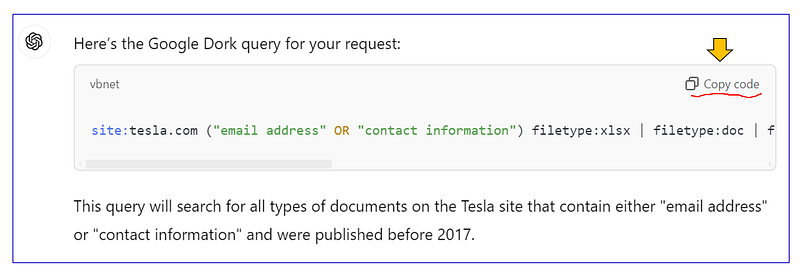
STEP 2: ChatGPT Response
Simply click on “Copy code” as shown.
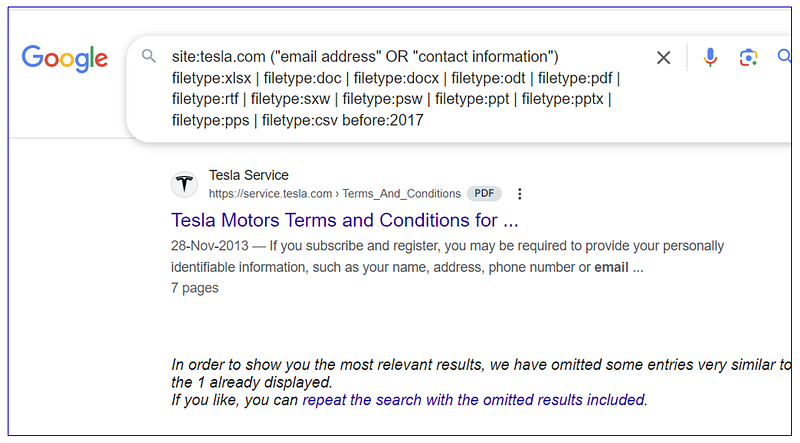
STEP 3: Google Search and Query Modification
Paste it into the Google search bar as shown below. You can further modify the Google dork query based on your particular requirements.
Google Dork Query Modification
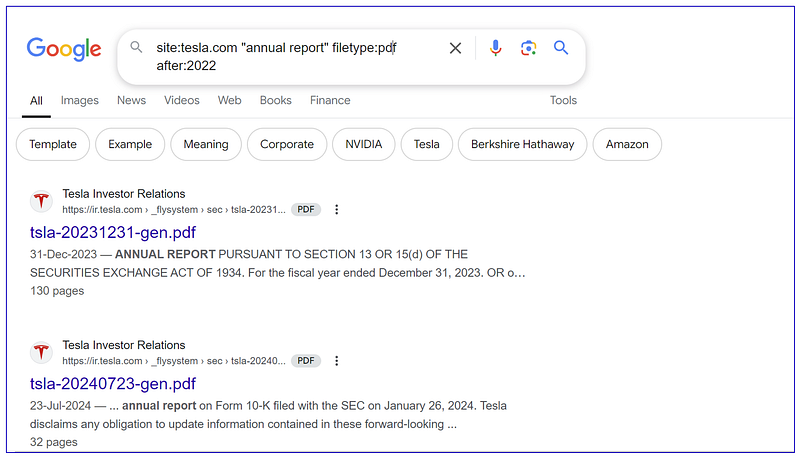
Let’s adjust the above Google query to find Tesla’s “annual report” in PDF format published after 2022.
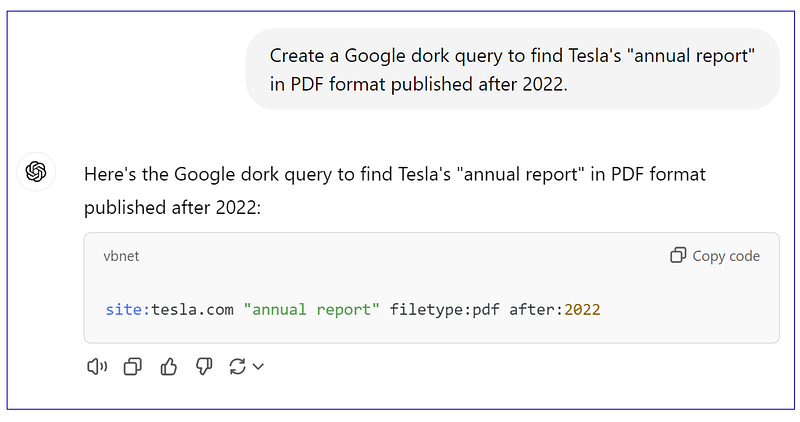
and here are the results.
No question is too silly, so feel free to ask things like:
I am looking for UK government reports on climate change that were published in 2019.
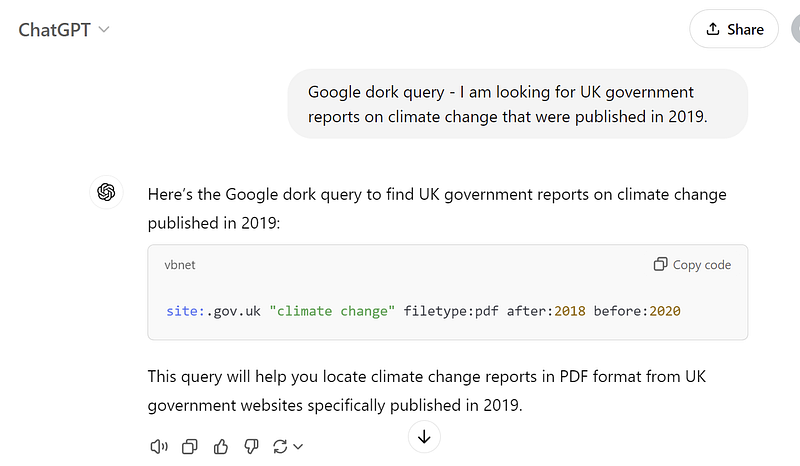
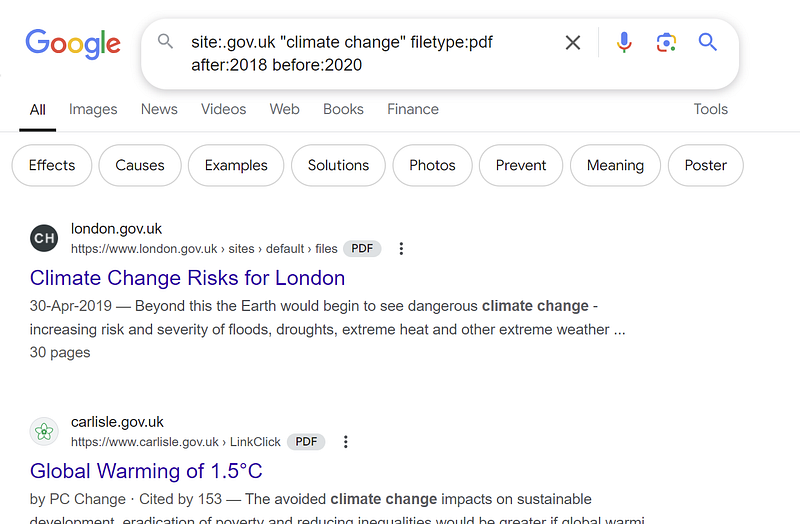
And here we are! The results are incredible.
That’s it! The best way to get good at Google dorking is through practice, whether you are doing it manually or utilizing AI tools like ChatGPT.


