
Embed 360 Degree Photos on Medium Using Kuula
Make your article pop with an embedded 360 degree photo
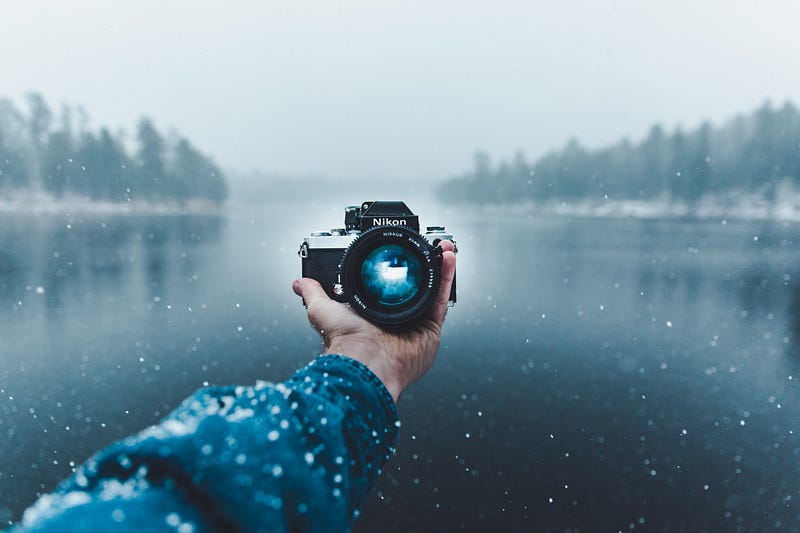
360 degree photos are a cool technological way to showcase a space. Maybe you went on an epic trip and want to show off what it was like in an ancient monastery, or the perfect view from a mountain top. Maybe you just want to show your parents what your apartment looks like. Regardless, Kuula gives you a way of doing that.
Here’s what an embedded 360 degree photo looks like using Kuula:
I don’t know exactly how 360 degree photos work, but Google Street View offers a way to make them with your phone. There are also other phone apps you can use. You can — of course — use a specialized 360 degree camera as well, and it also looks like you can make composites of them if you’re savvy enough. See the 360 degree space landing photo below:
It’s easy to get a 360 photo onto Kuula.
- Sign up for an account at Kuula.co.
- Upload your 360 photo. They allow you to upload 100 photos per month for free. After that you have to move up to one of their paid plans.
Then, to get the 360 degree photo into your Medium article, it takes two easy steps:
- Copy the photo link.
- Paste the link into your Medium post and hit “Enter”.
The 360 photo should automatically embed itself within a few seconds.
If not:
- an empty editor line gives you a “+” button on the left-hand side of the line.

- Click on the “+”, then click on the “<>” embed button.

- Paste the Kuula link to embed the formula into the article.

The embedded 360 photo should now show up in your editor.
You can upload your own photos or use the ones that exist on Kuula already. Their database isn’t the biggest, but you might find something that fits your needs if you take a peek.
Enjoy integrating 360 photos into your Medium writing workflow!


